Showing 290 slides
in Lists & Comparison

View full slide →
✓
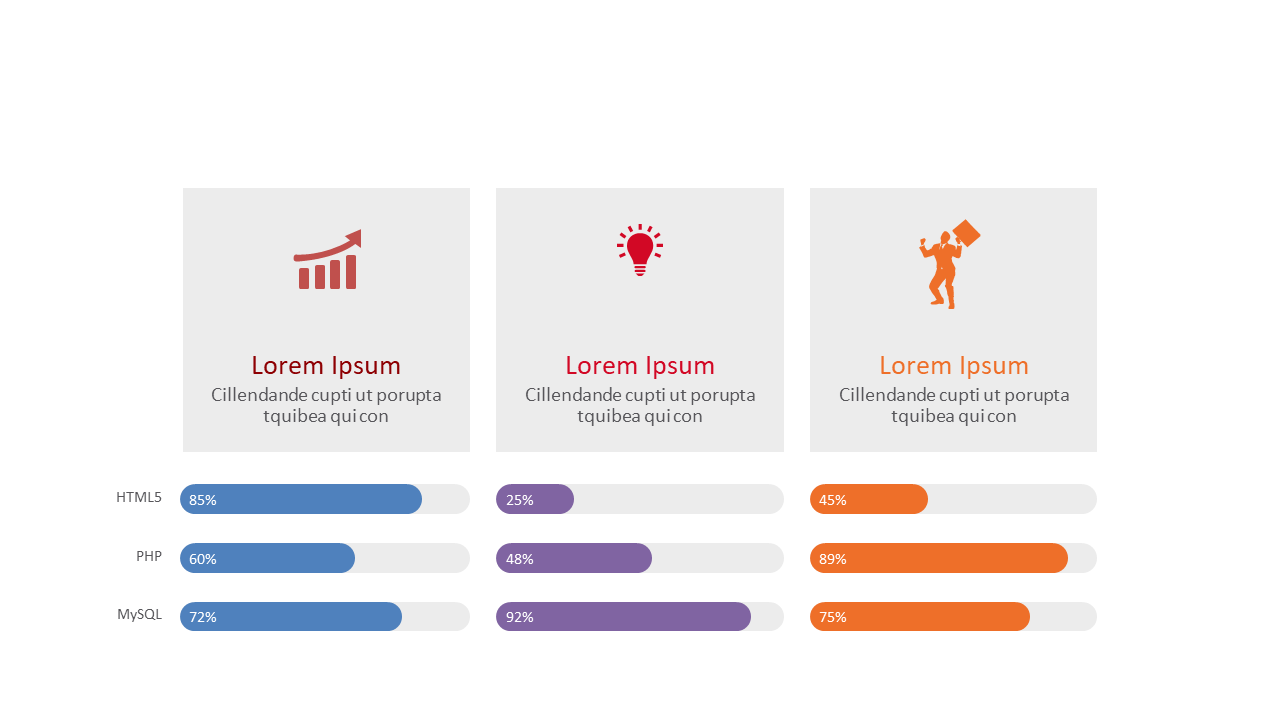
Showcase team skills effectively with this engaging comparison slide featuring icons and progress bars.
View full slide →
✓
Compare key points effectively with this engaging multi-box layout in PowerPoint and Google Slides.
View full slide →
✓
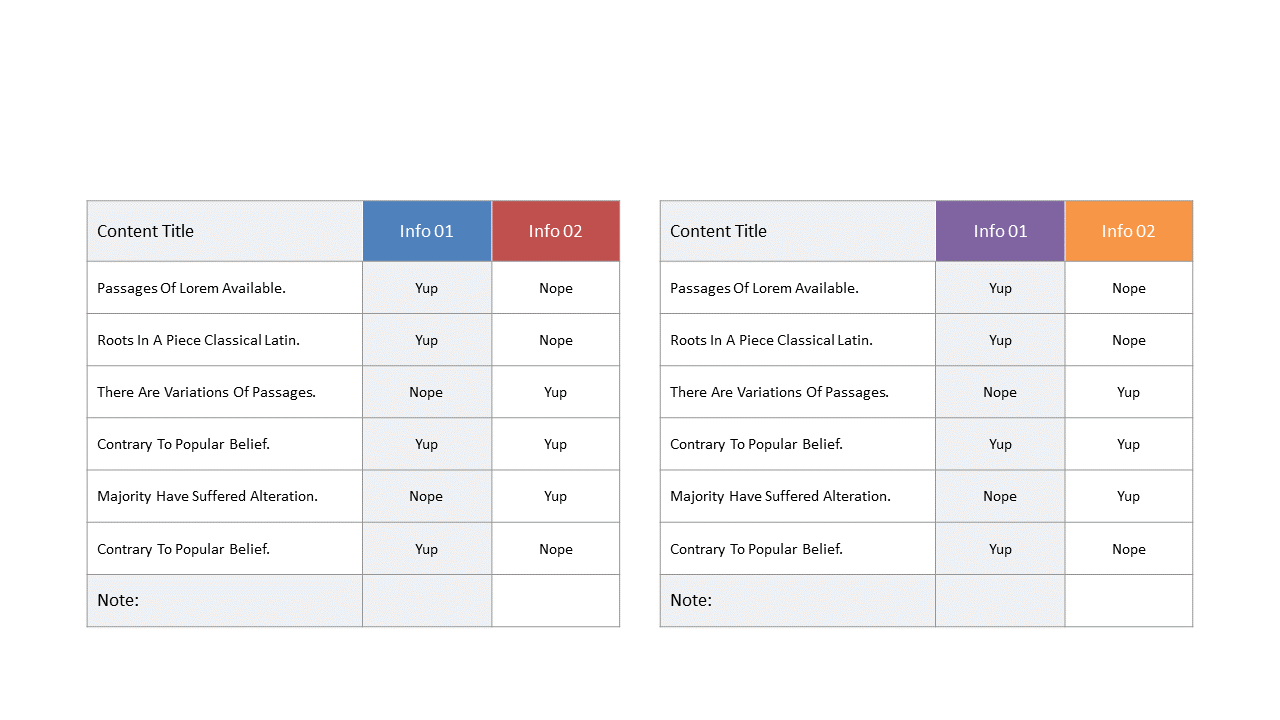
Present contrasting data points clearly with this editable side-by-side comparison table layout.
View full slide →
✓
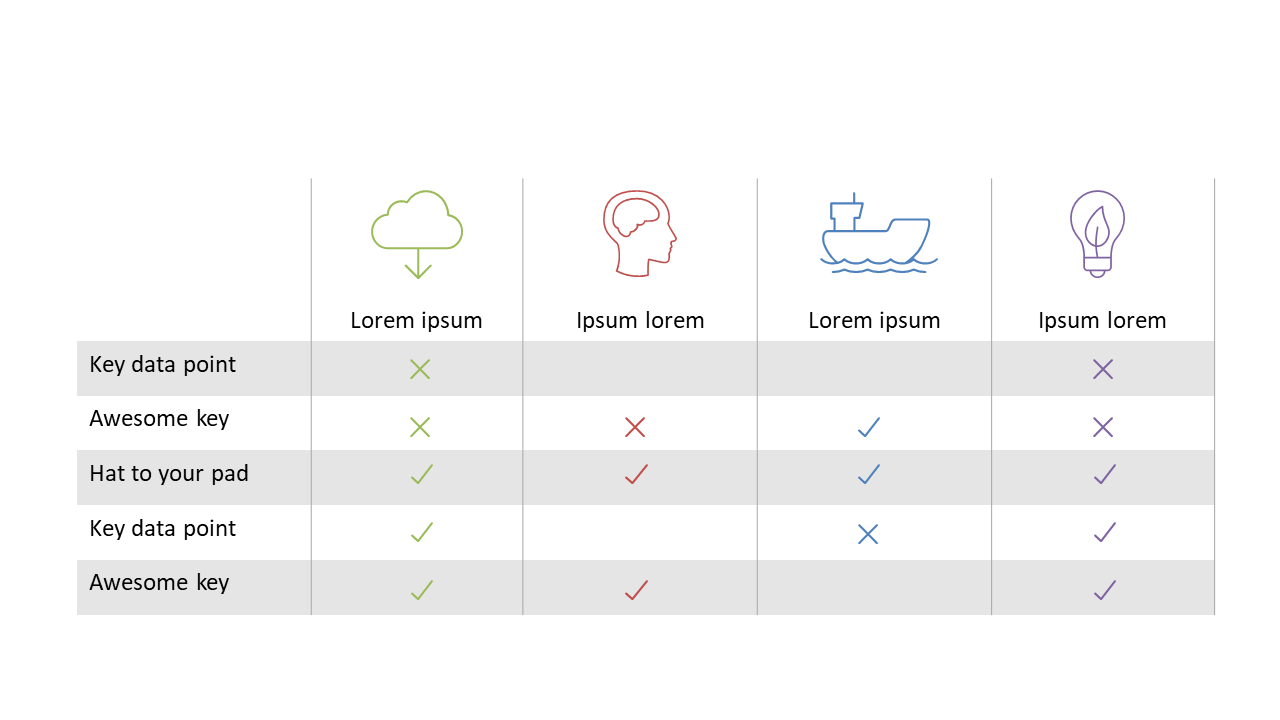
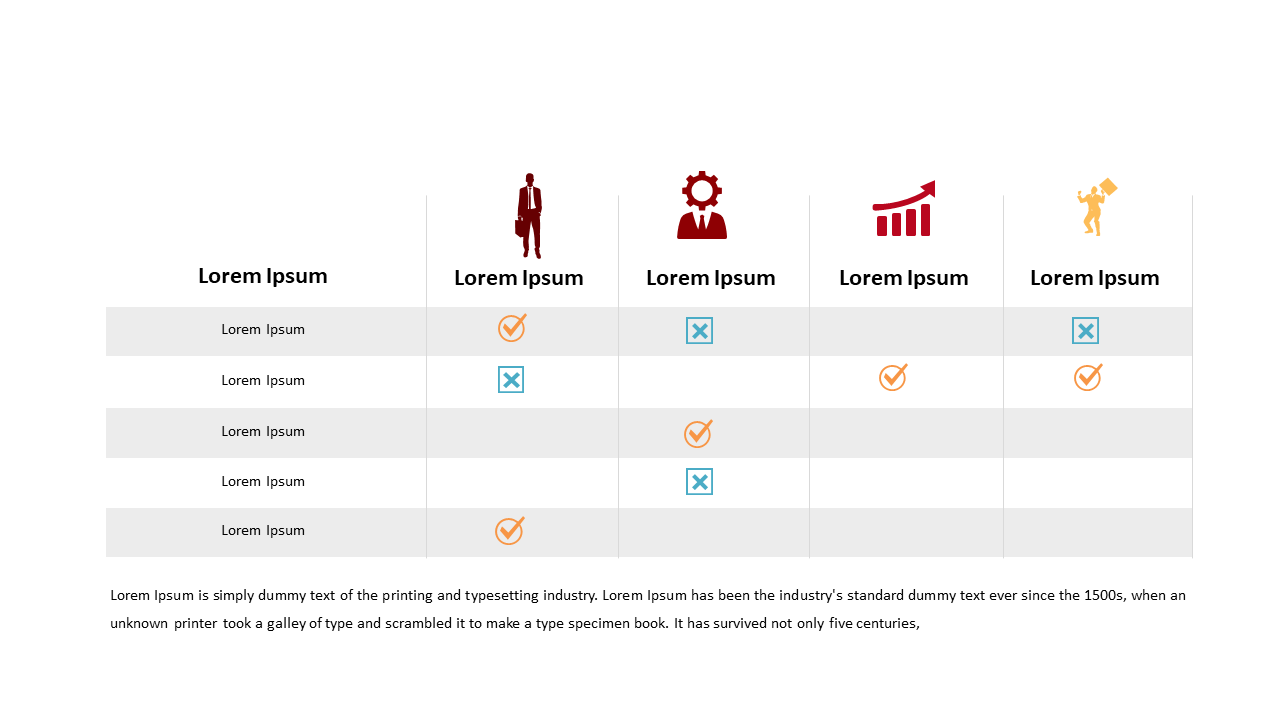
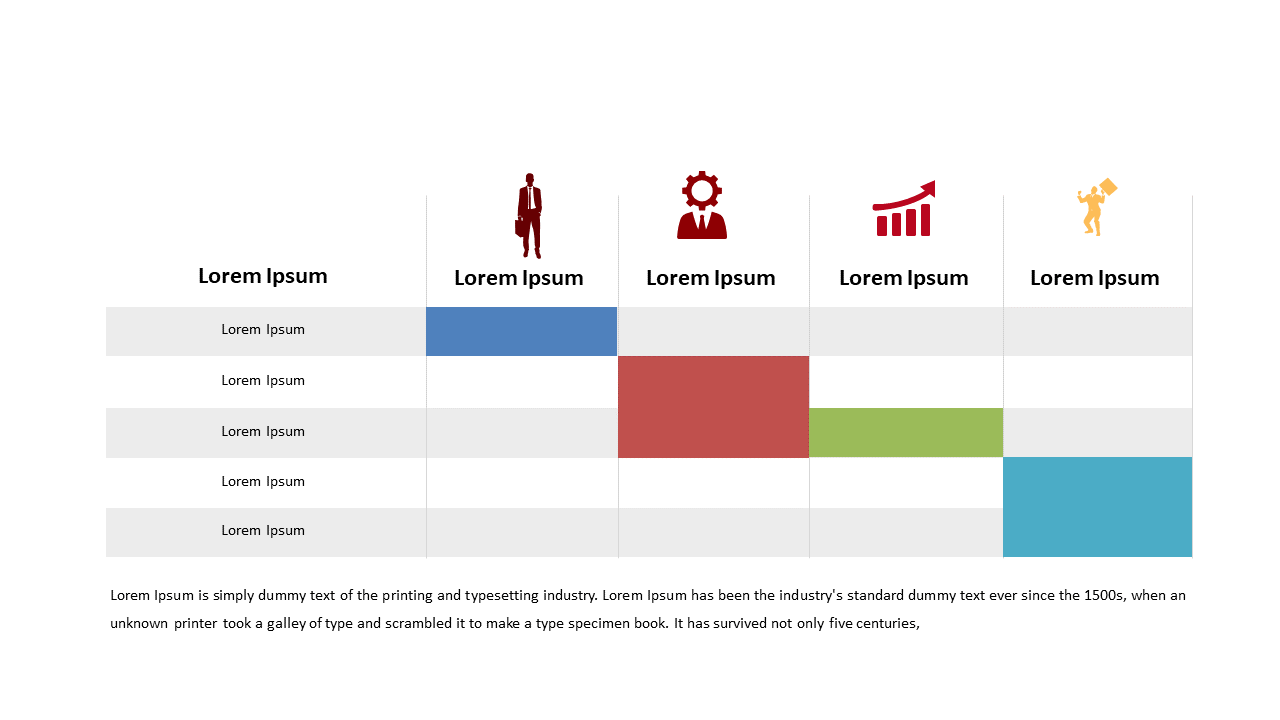
Engage your audience with this comparison table featuring icons and check marks for effective presentations.
View full slide →
✓
Visually compare attributes with this engaging comparison table featuring icons and check marks.
View full slide →
✓
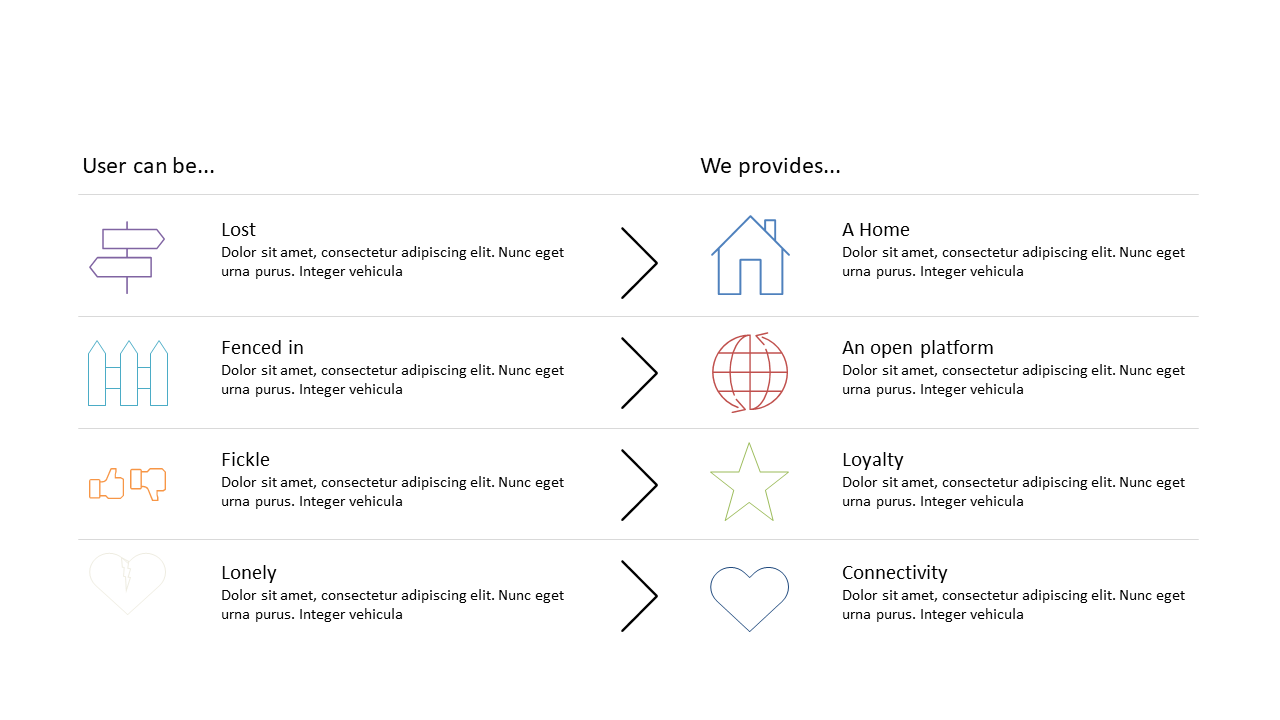
Showcase user needs alongside solutions in a clear comparative format.
View full slide →
✓
Use this layout to present feature comparisons effectively in your presentation.
View full slide →
✓
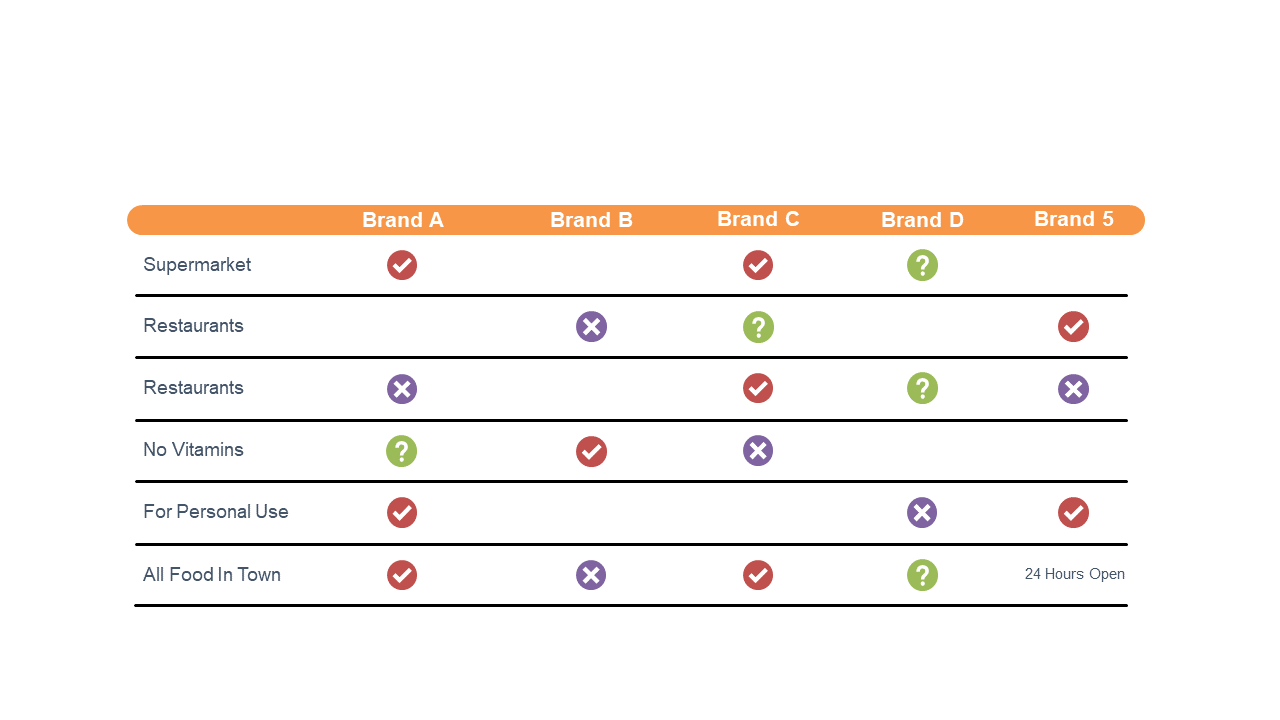
Use this table to effectively compare brand features for market analysis.
View full slide →
✓
Use this comparison table layout to effectively compare products or services.
View full slide →
✓
Highlight product features using this customizable 4-column comparison layout.
View full slide →
✓
Utilize this 4-column layout to effectively showcase product features.
View full slide →
✓
Use this 4-column features comparison for effective marketing presentations.
 SlideSwift