SlideSwift
By Category
💼Business 📊Infographics □Minimal 🕐Timelines ✨Neumorphic 🗑Diagrams 🔄Flow Charts ✨Glassmorphism 🎨Creative 🌍Abstract 🔄Cycle Diagrams 💎Isometric 🖼Illustrations 📱Social Media 🗺MapsBy Slide Type
🚀Pitch Deck 📌Roadmap 🔍SWOT Analysis 📅Timeline 📈Gantt Chart 🏢Org Chart 📋Funnel ⚖Comparison 📄Case Study 📋Agenda ⭐Icons & Lists 👏Thank You
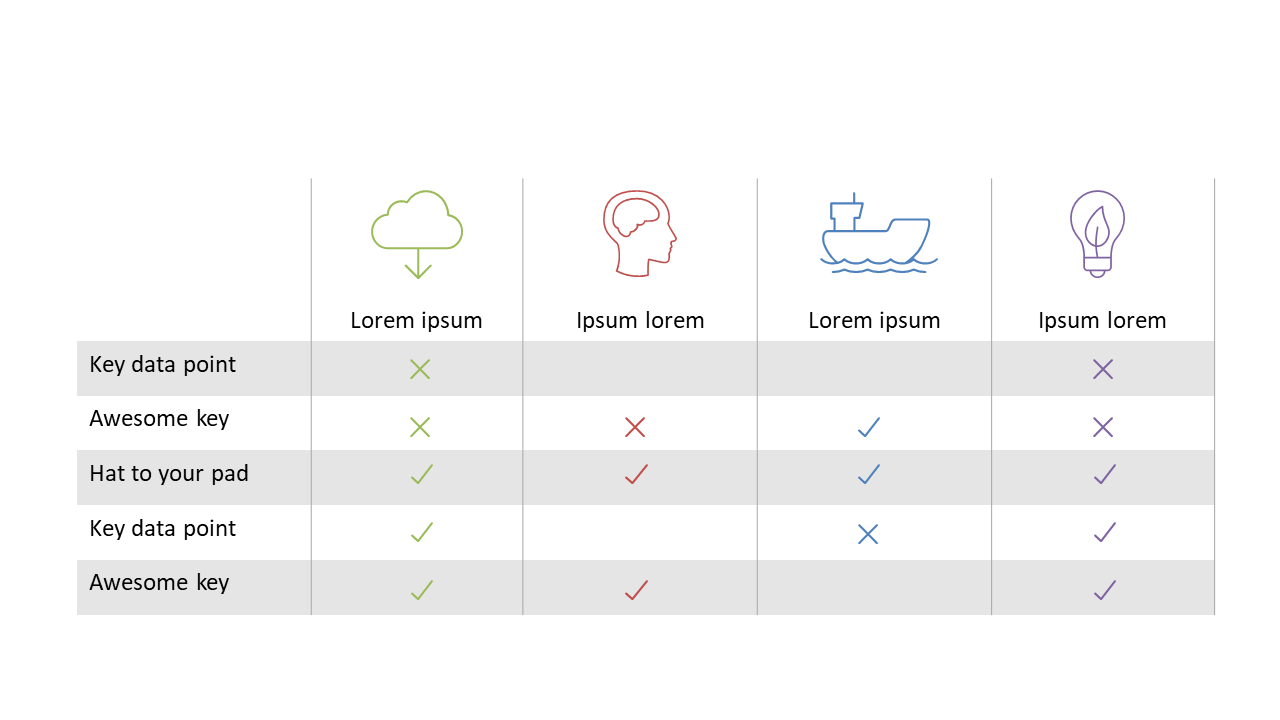
When presenting options, clarity is crucial. A crowded slide can make it hard for your audience to grasp key differences. This comparison table slide uses icons and check marks to simplify the information, allowing viewers to quickly see how various items stack up against each other. The layout is clean and organized, ensuring that your audience can focus on the content rather than getting lost in details. As a strategy manager, you can use this slide to compare different strategic initiatives, highlighting essential features and benefits for stakeholders. Analysts will find it useful for displaying data points side by side, making it easier to convey insights at a glance. Additionally, consultants can utilize this slide to showcase service comparisons, helping clients make informed decisions. The slide can easily be customized to fit your specific needs, whether you want to highlight different attributes or change the icons to match your branding. $0.99 — add this single slide to any deck from the SlideSwift Slide Library. No subscription needed. Mix slides from any category to build your perfect deck.
Add more from this category to your custom deck