SlideSwift
By Category
💼Business 📊Infographics □Minimal 🕐Timelines ✨Neumorphic 🗑Diagrams 🔄Flow Charts ✨Glassmorphism 🎨Creative 🌍Abstract 🔄Cycle Diagrams 💎Isometric 🖼Illustrations 📱Social Media 🗺MapsBy Slide Type
🚀Pitch Deck 📌Roadmap 🔍SWOT Analysis 📅Timeline 📈Gantt Chart 🏢Org Chart 📋Funnel ⚖Comparison 📄Case Study 📋Agenda ⭐Icons & Lists 👏Thank You
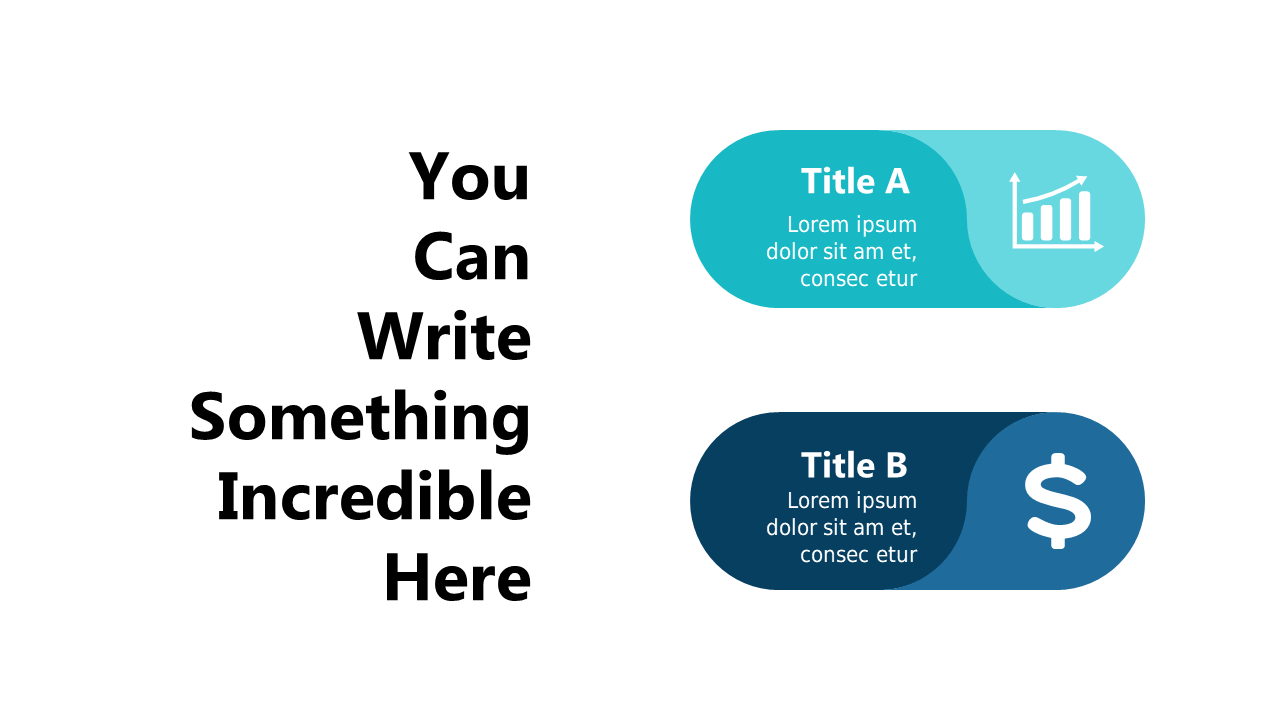
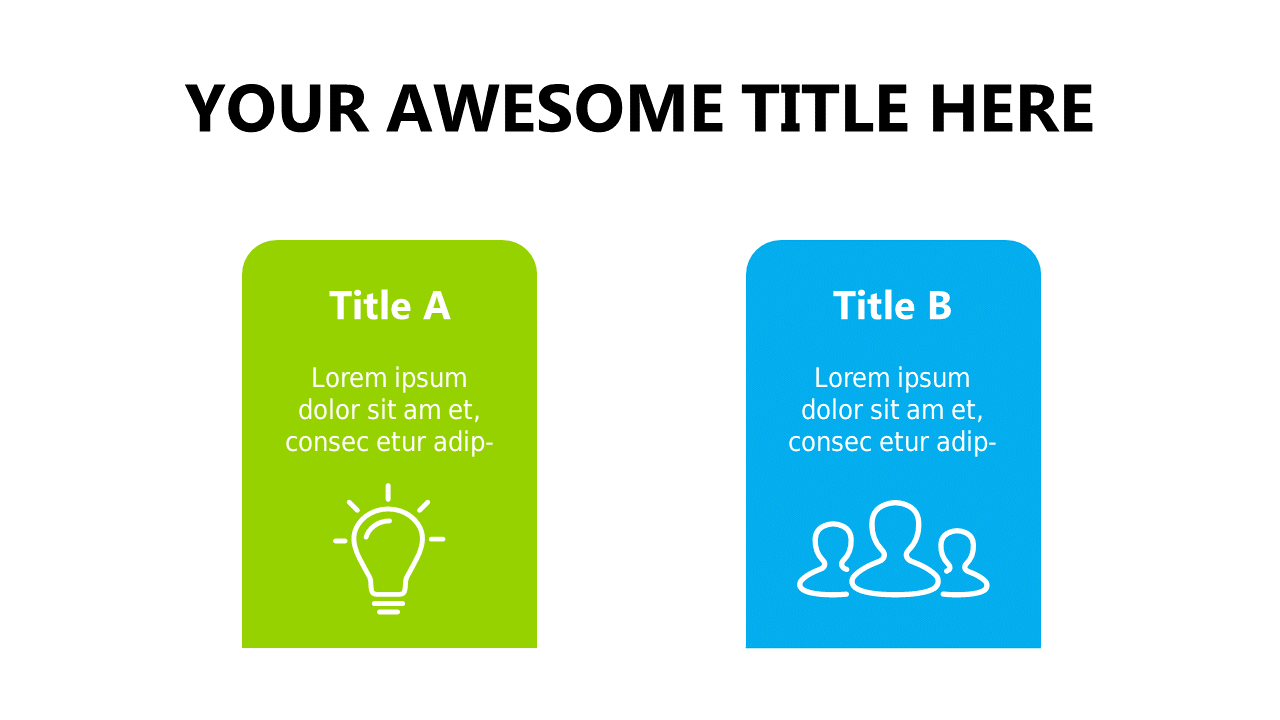
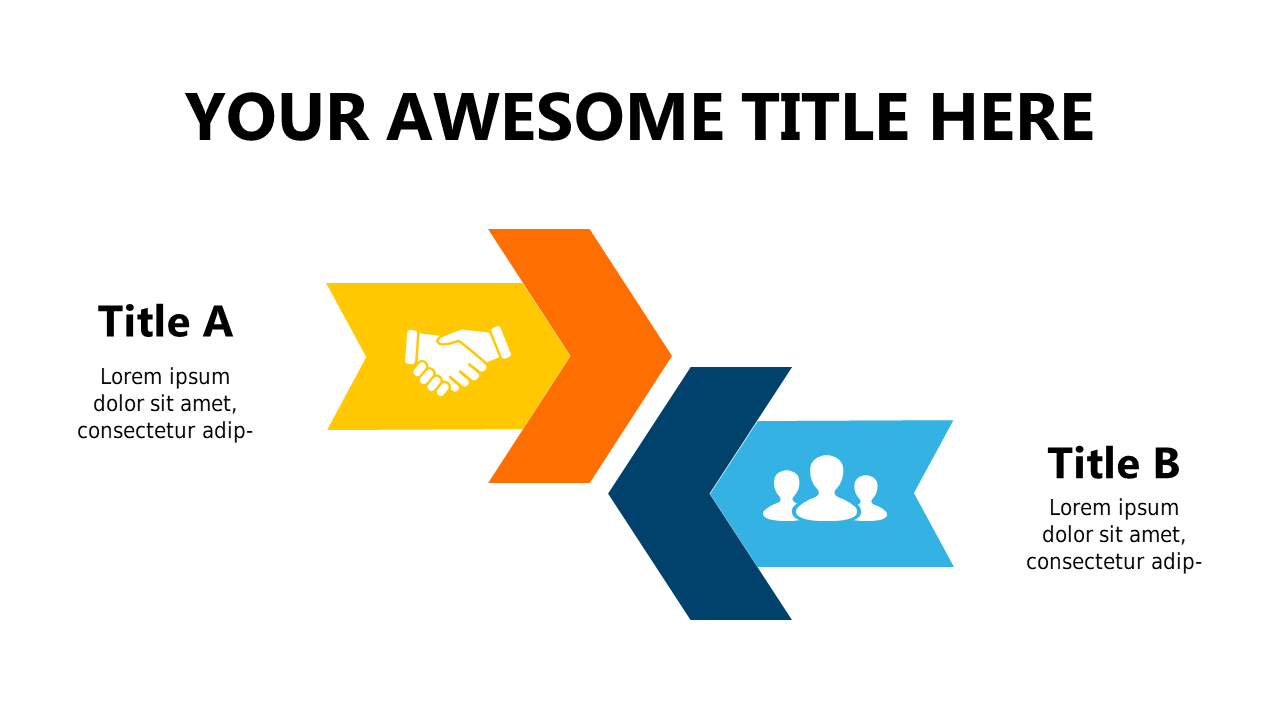
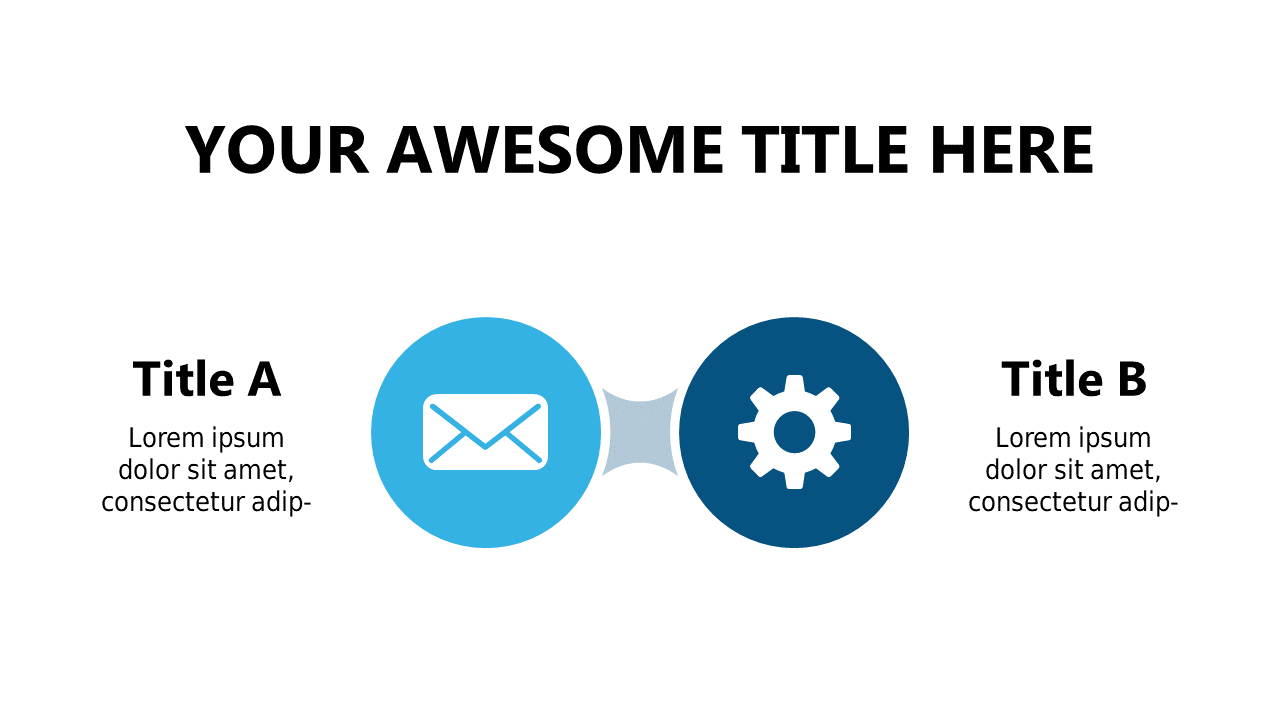
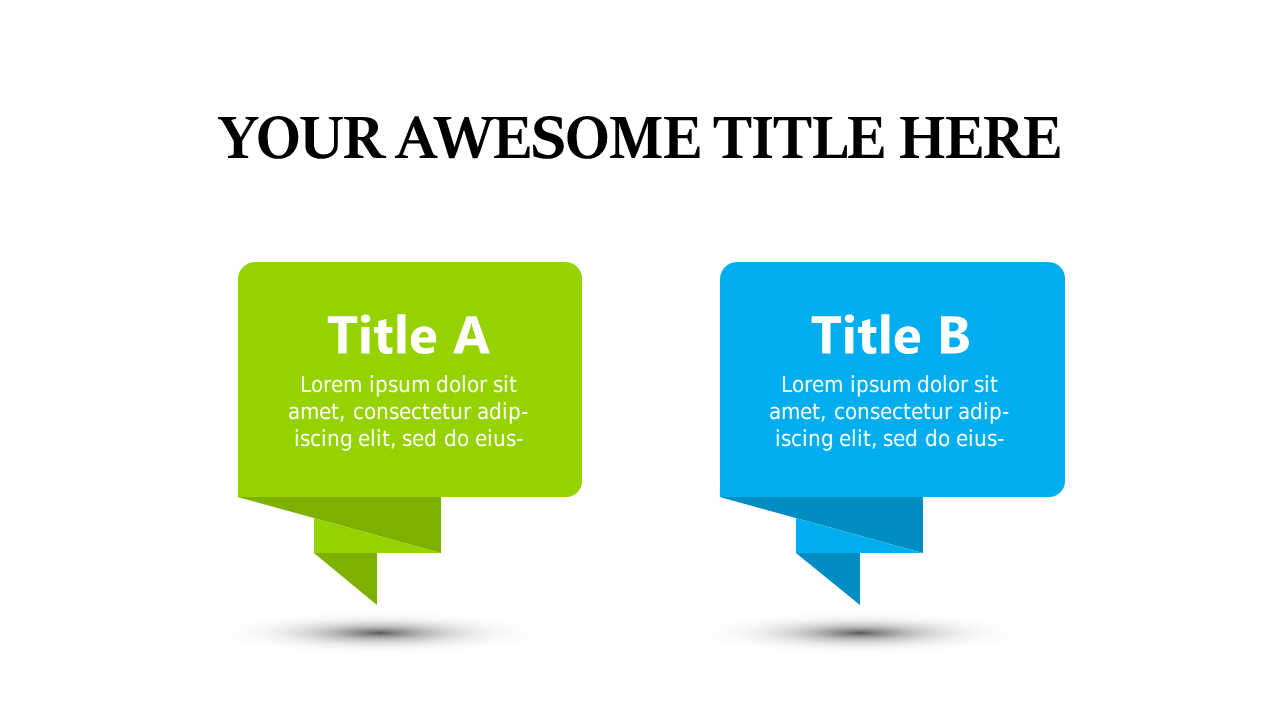
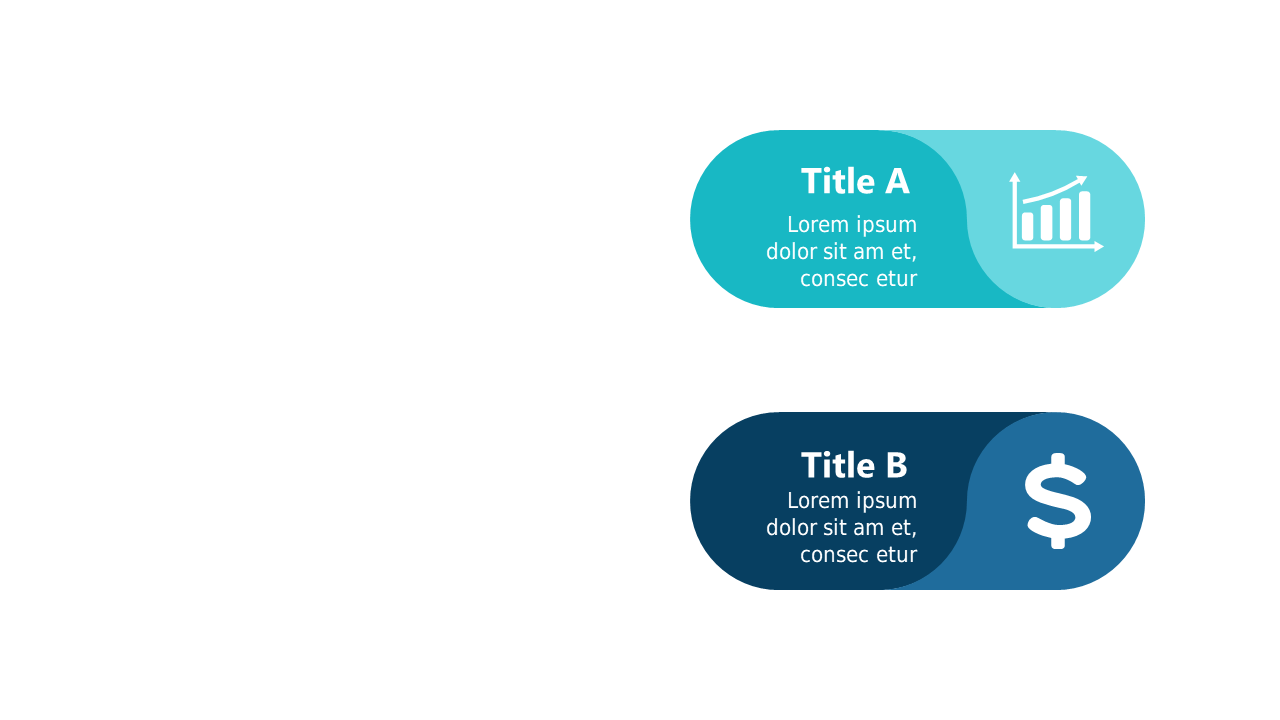
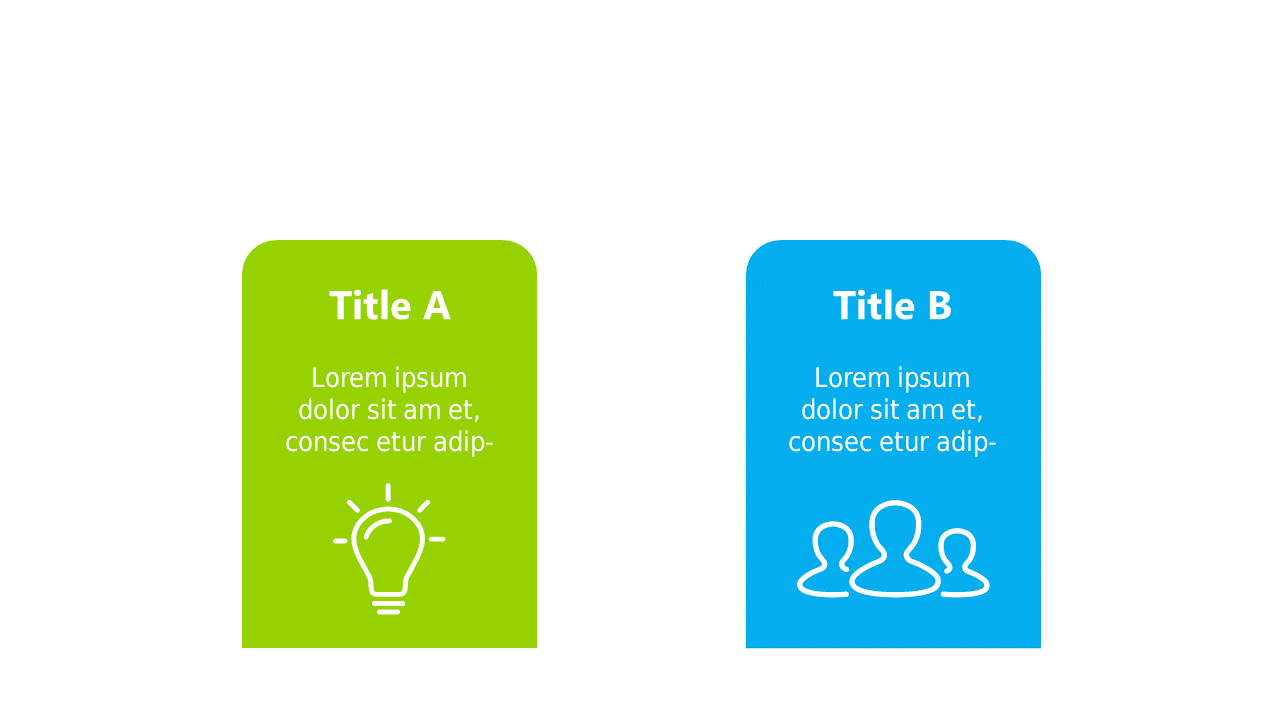
When you’re tasked with analyzing data or presenting options, clarity is key. A dual comparison slide can help you showcase contrasting information side by side, making it easier for your audience to grasp important distinctions. Visually, this slide includes two distinct sections highlighted with icons, ensuring that each point stands out. It’s not just about presenting facts; it’s about making them understandable. For analysts, this layout is ideal for comparing performance metrics or product features, helping you communicate complex information succinctly. As a consultant, you can use this slide to juxtapose different strategies or solutions, aiding your clients in making informed decisions. Sales leads can leverage this slide to highlight the advantages of their offerings over competitors, creating a compelling case for potential buyers. With fully editable text and colors, you can customize it to fit your needs. $0.99 — add this single slide to any deck from the SlideSwift Slide Library. No subscription needed. Mix slides from any category to build your perfect deck.
Add more from this category to your custom deck