Showing 290 slides
in Lists & Comparison

View full slide →
✓
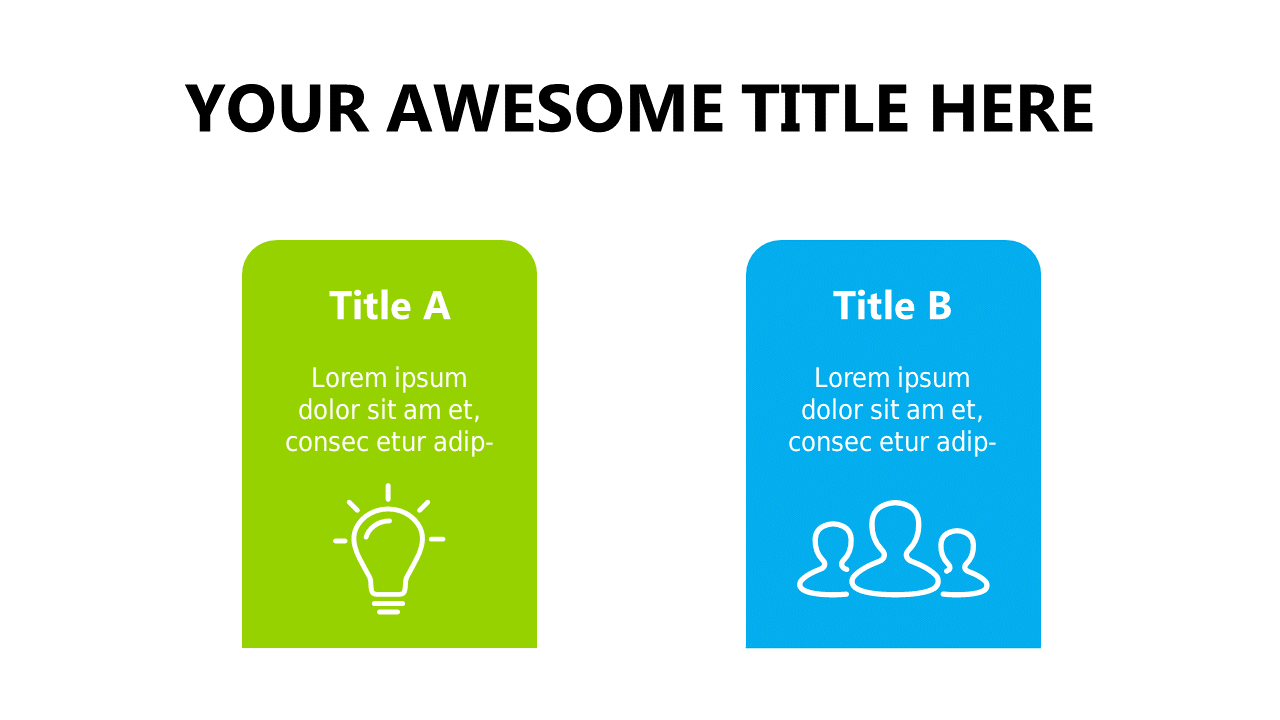
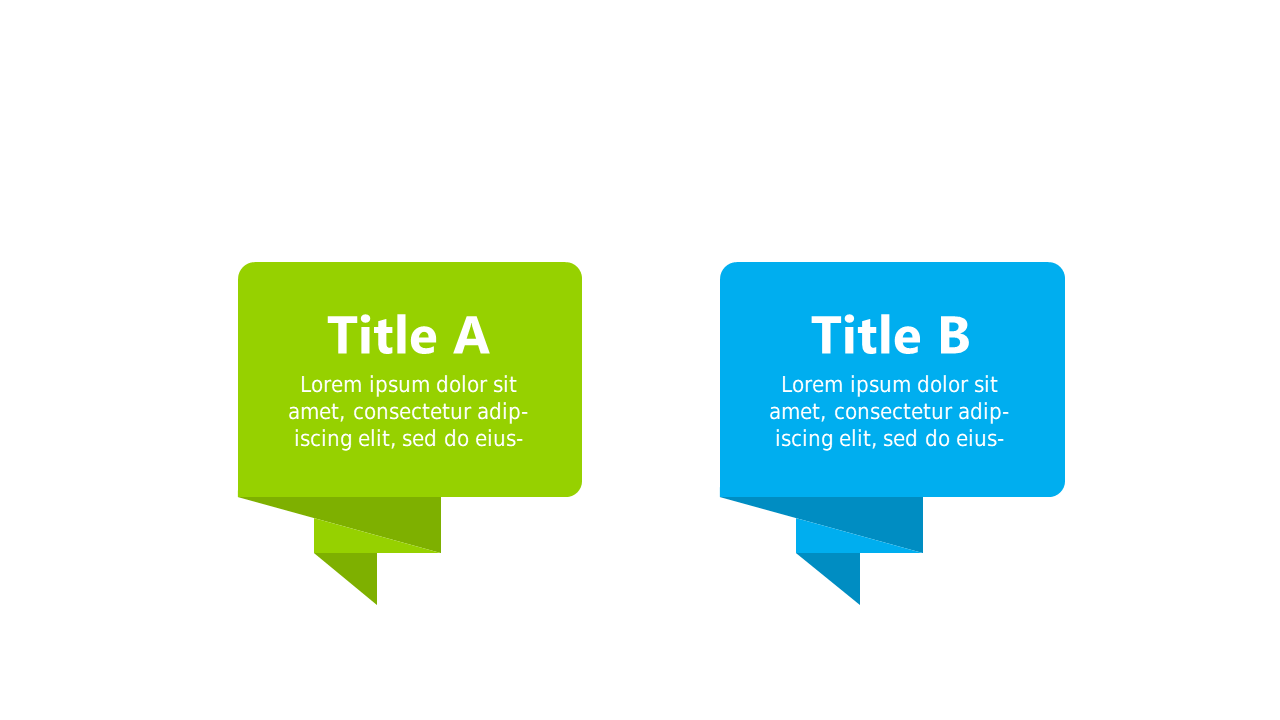
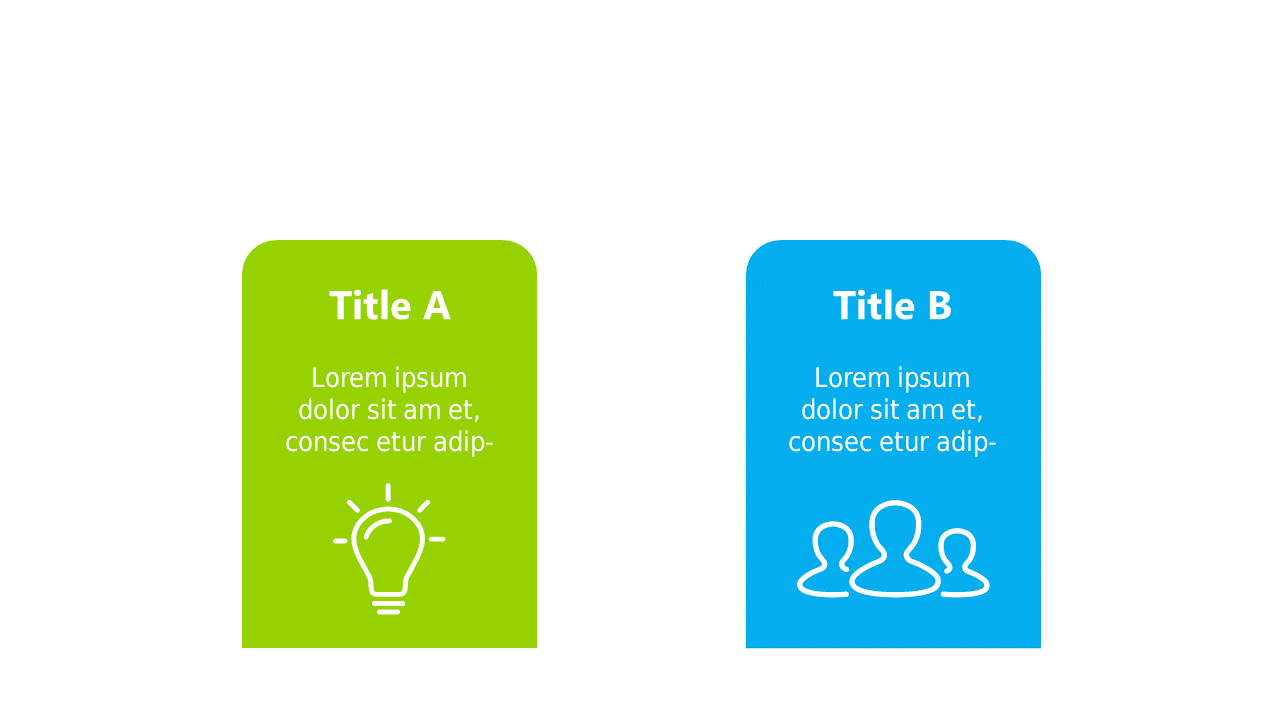
Compare concepts visually with these engaging colored boxes for presentations.
View full slide →
✓
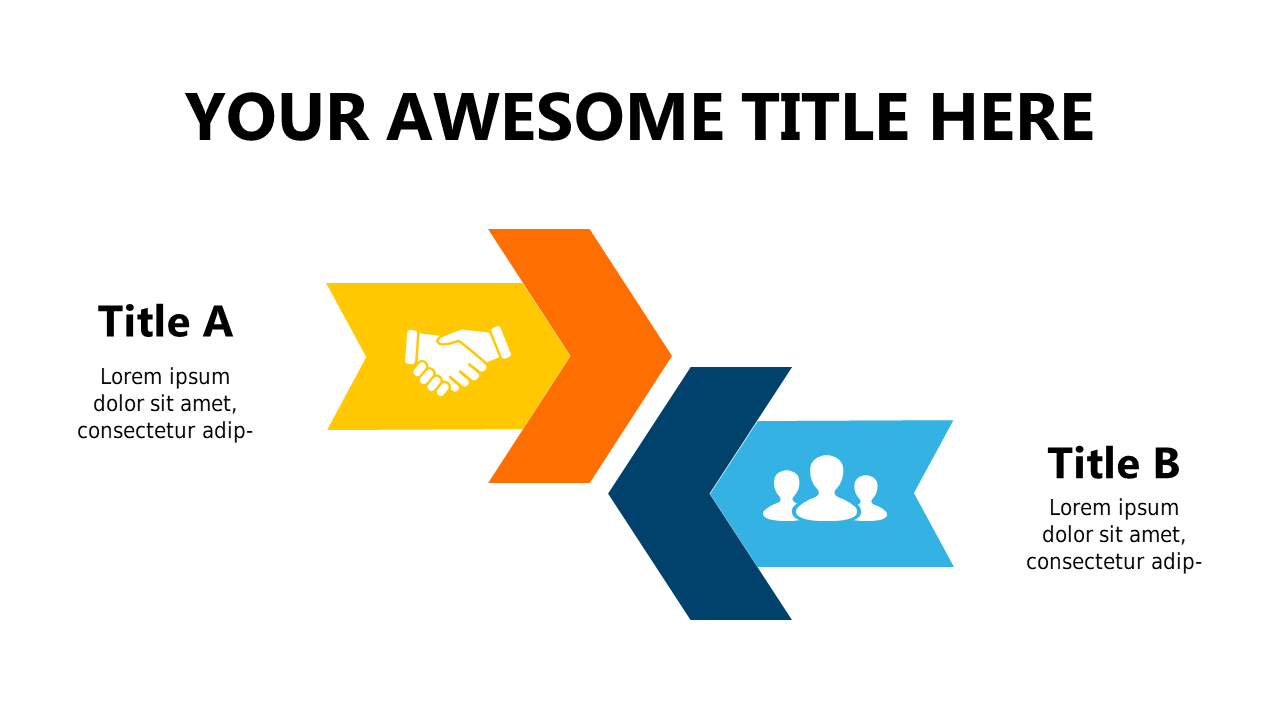
Present contrasting information clearly with this two-tier chevron design.
View full slide →
✓
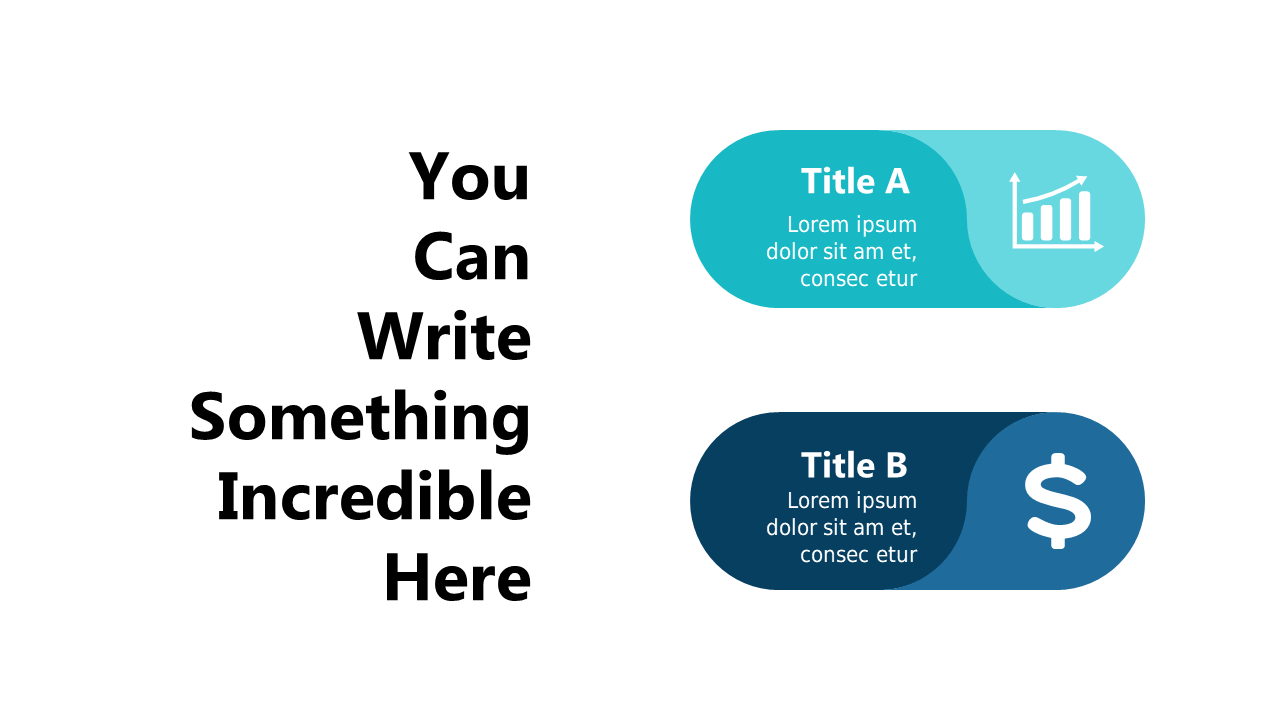
Showcase contrasting ideas effectively with this dual comparison layout.
View full slide →
✓
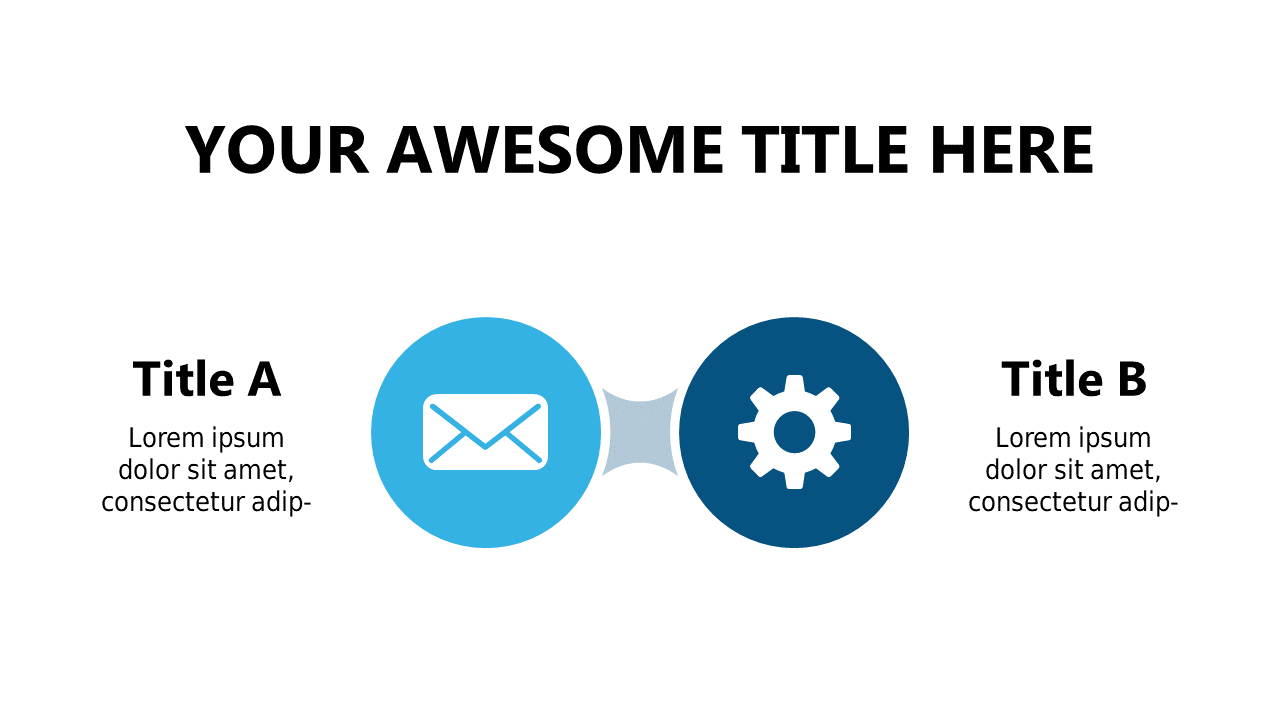
Compare two concepts effectively with this versatile two-column layout.
View full slide →
✓
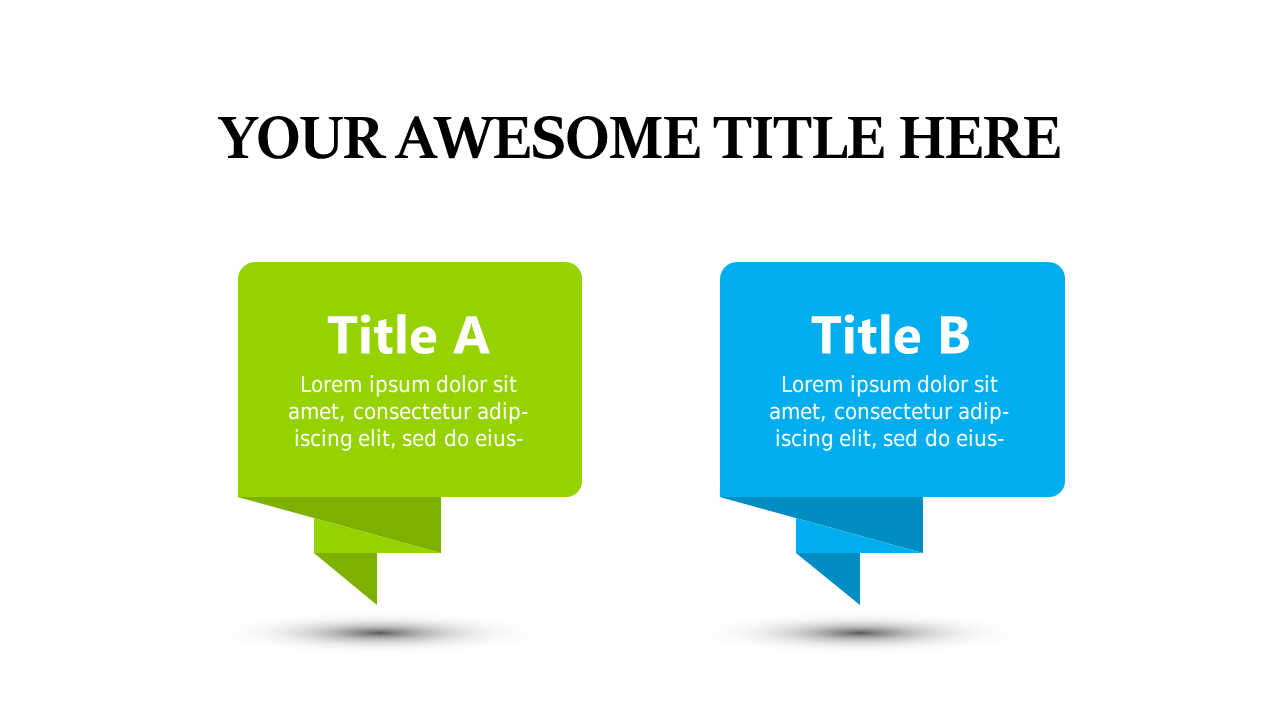
Highlight differences between two options using colorful speech bubbles in your presentations.
View full slide →
✓
Effectively compare two ideas with this editable speech bubble layout for presentations.
View full slide →
✓
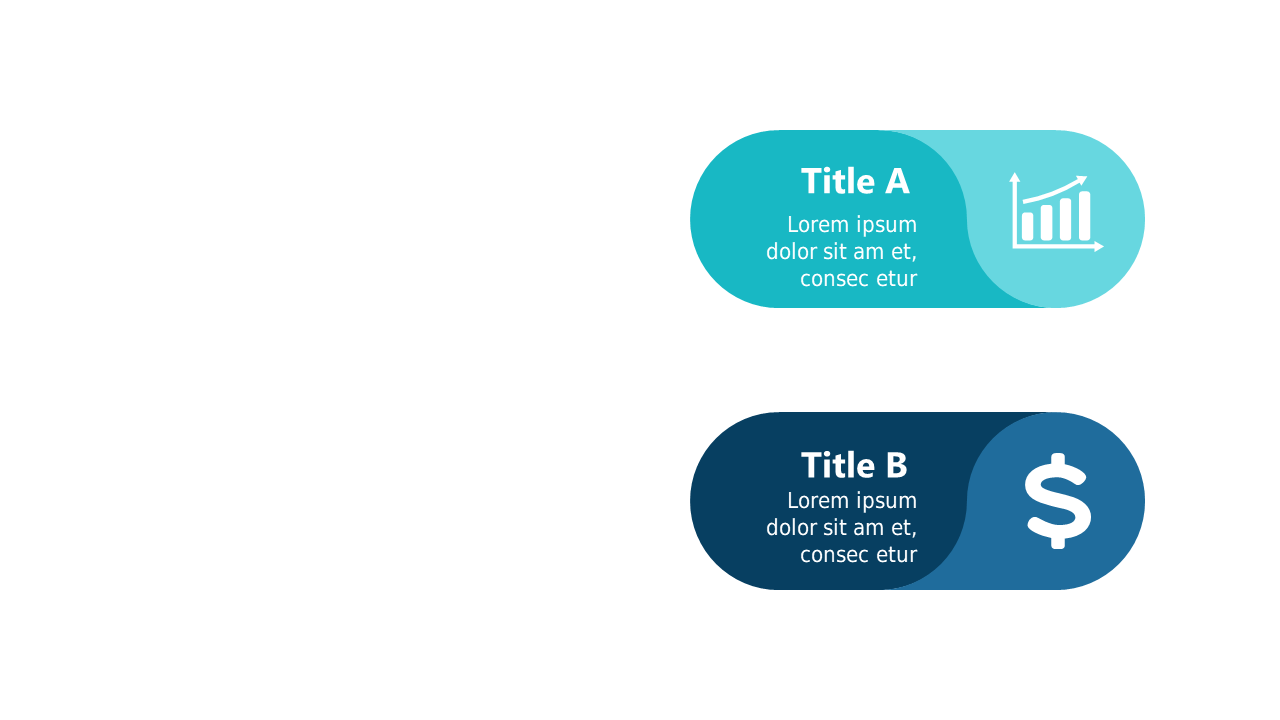
Visually compare key metrics using icons in this customizable PowerPoint slide layout.
View full slide →
✓
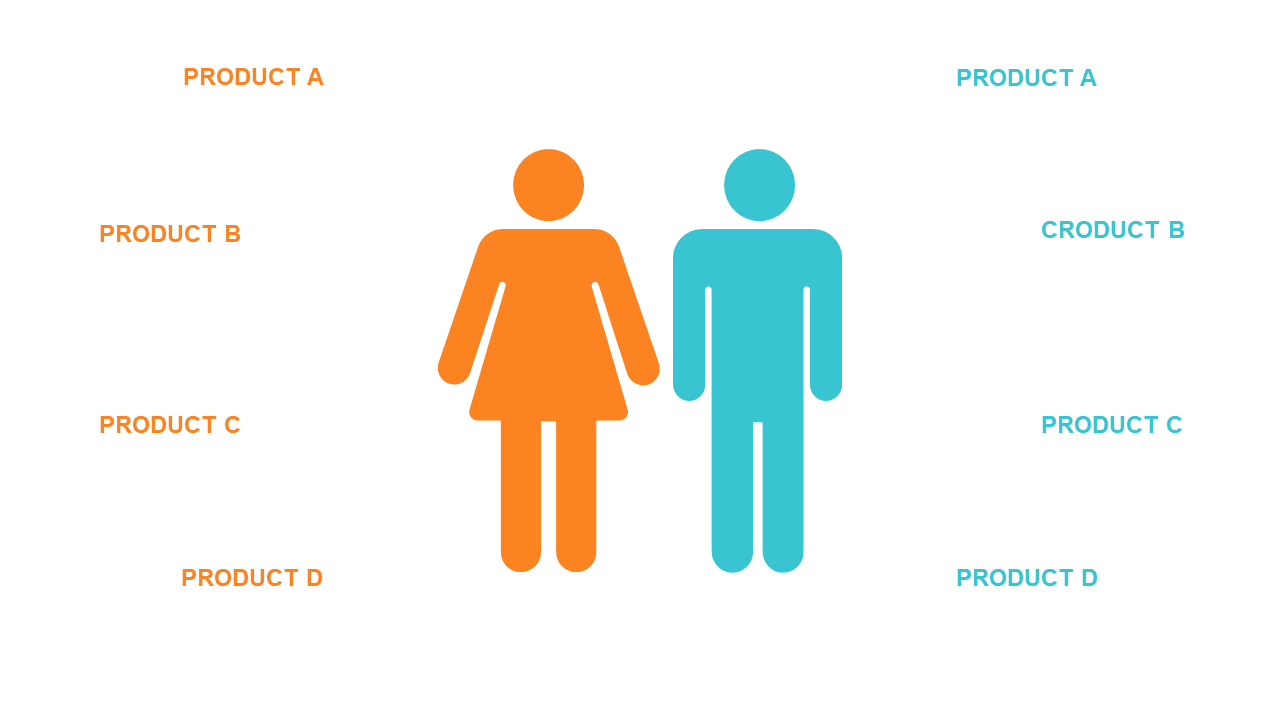
Highlight product differences with this side-by-side comparison layout.
View full slide →
✓
Effectively compare ideas with a clear two-column layout.
View full slide →
✓
Showcase progress with a clear Yesterday vs Today comparison layout.
View full slide →
✓
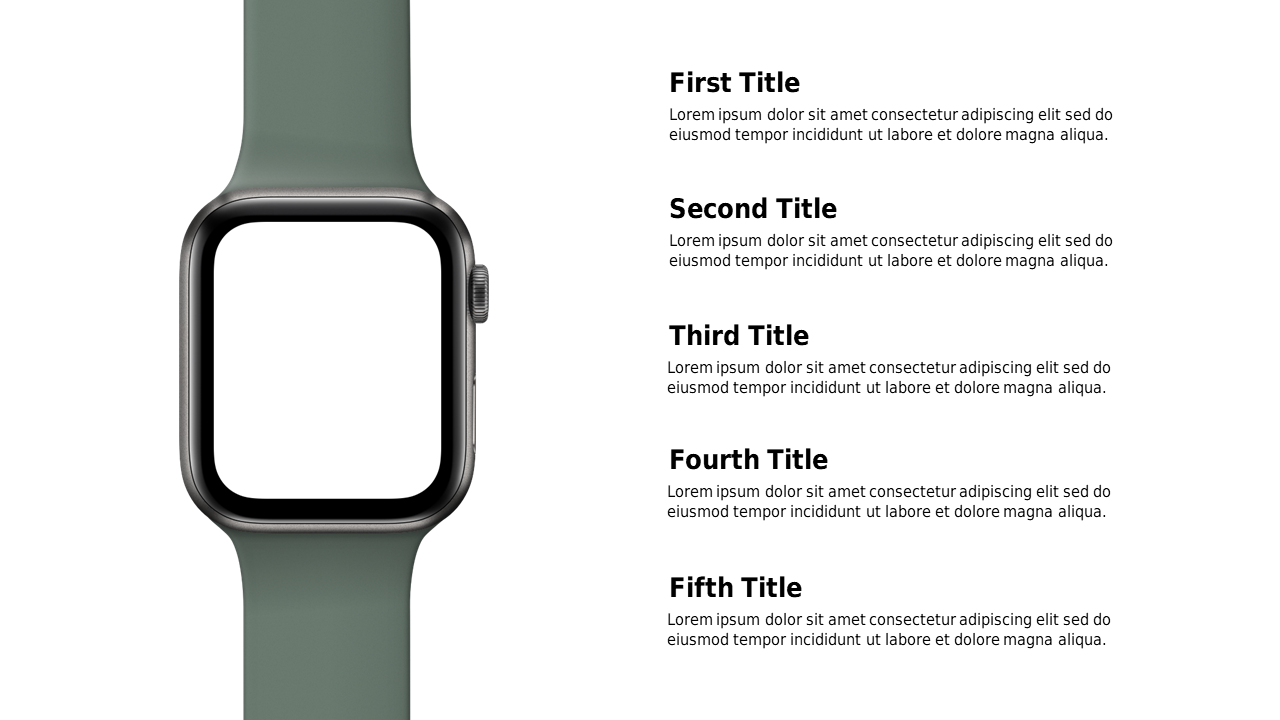
Easily compare watch features using this editable list layout.
View full slide →
✓
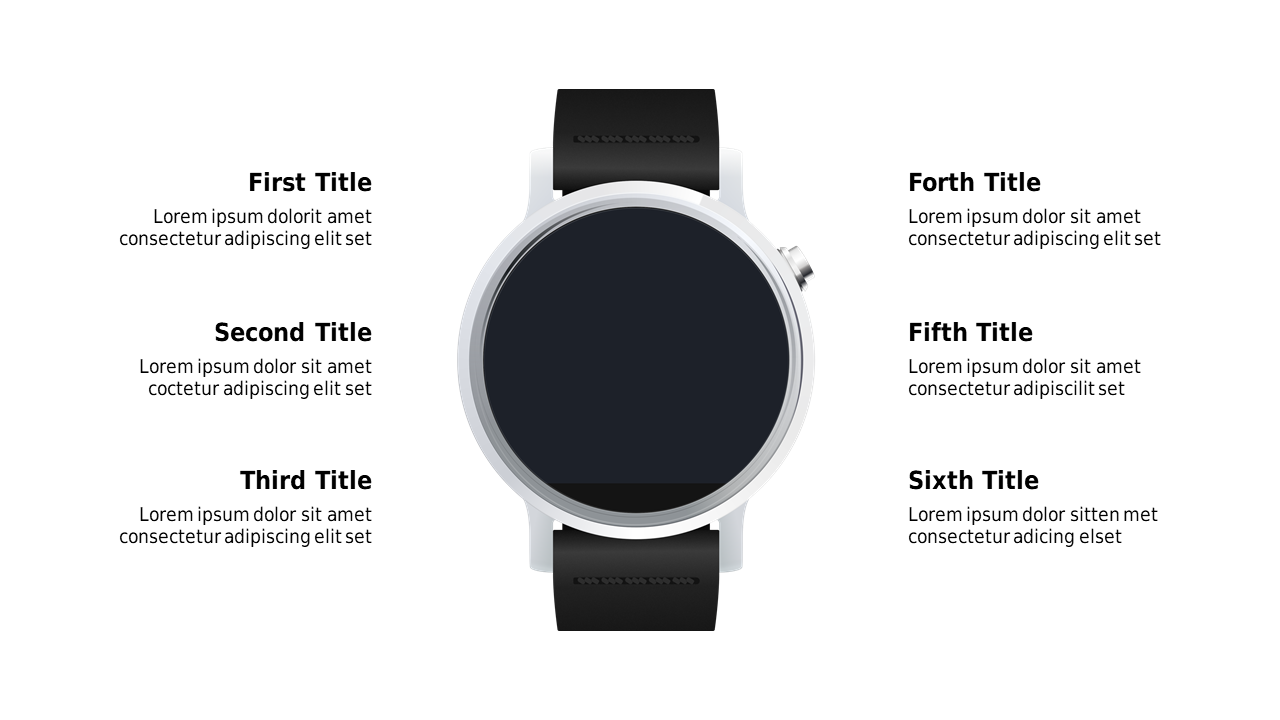
Use a circular layout to emphasize key product features effectively.
 SlideSwift