Showing 290 slides
in Lists & Comparison

View full slide →
✓
Visually compare metrics using an interactive dual comparison slider layout.
View full slide →
✓
Utilize this comparison layout for technology features in your presentations.
View full slide →
✓
Utilize this three-column comparison layout in PowerPoint or Google Slides for clear product insights.
View full slide →
✓
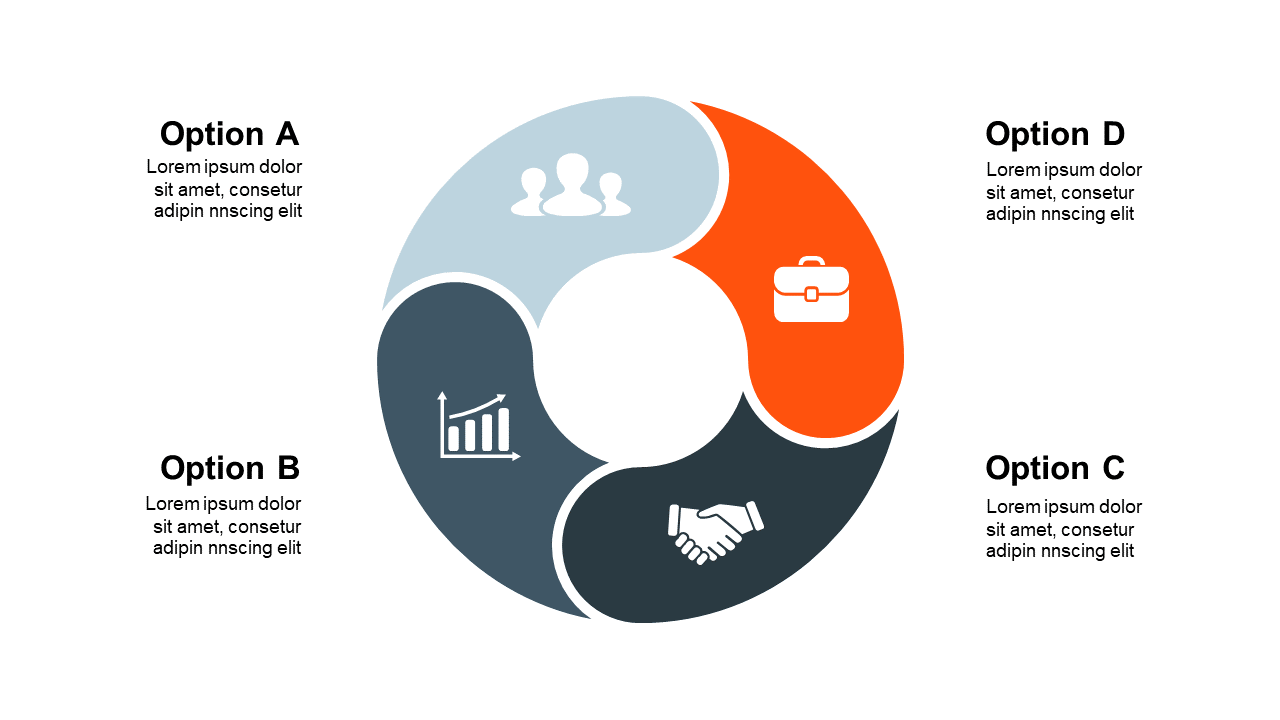
Engaging circular comparison layout for options, perfect for business presentations.
View full slide →
✓
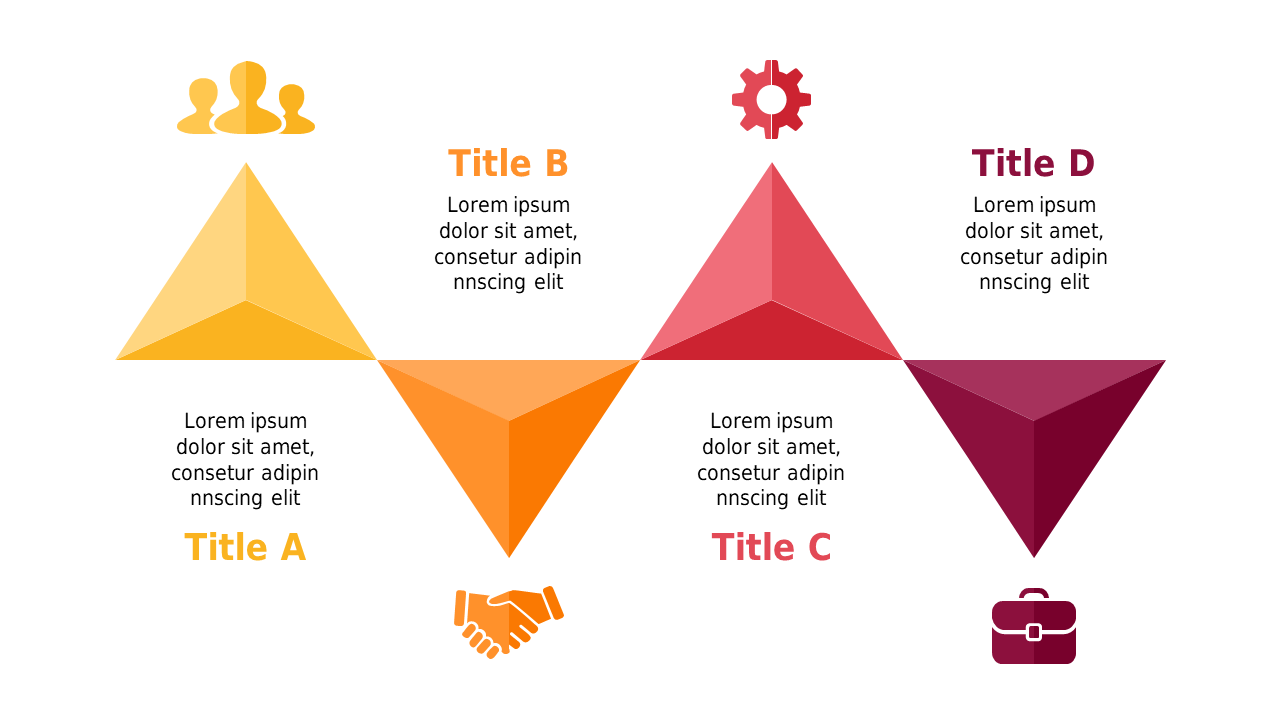
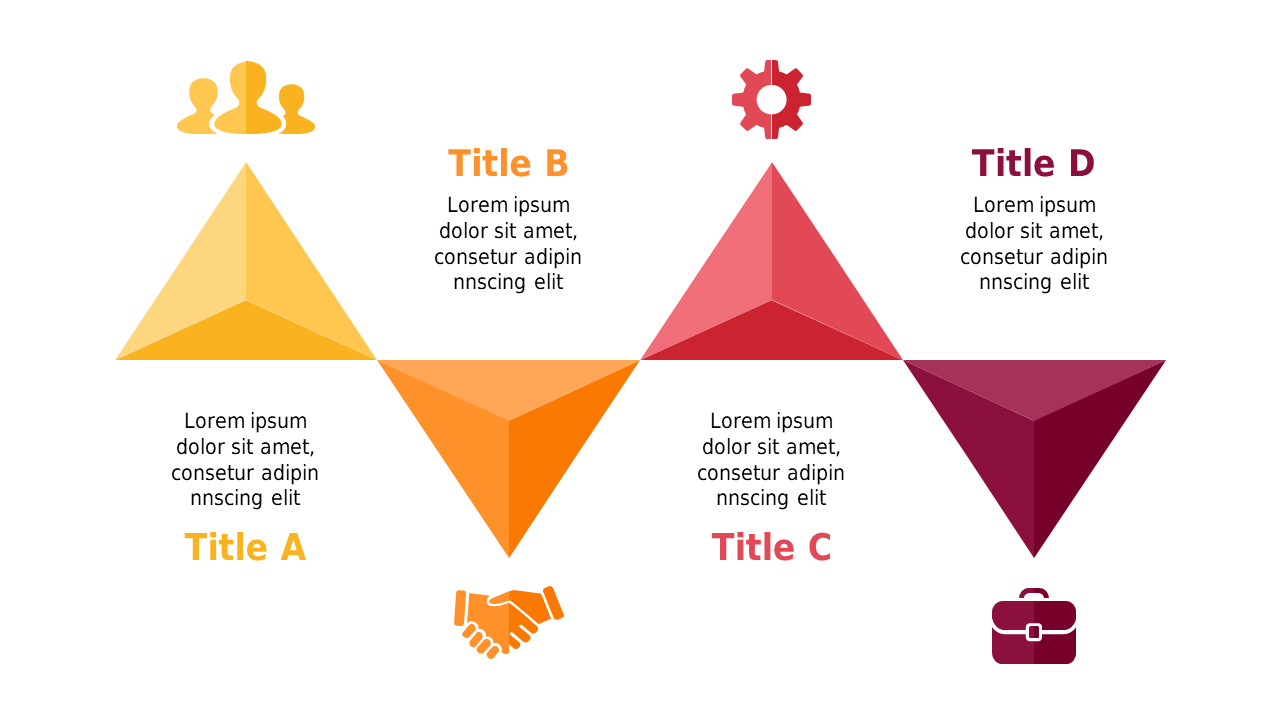
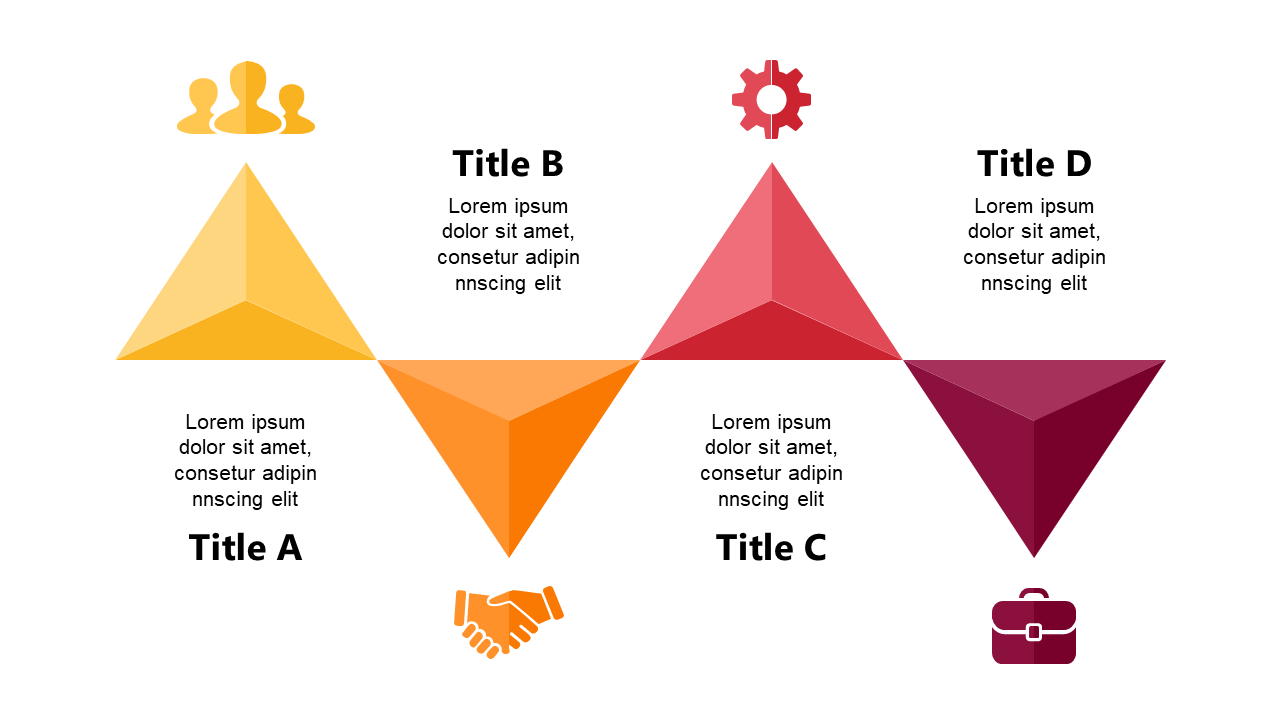
Use this triangular comparison layout to effectively showcase contrasts in PowerPoint.
View full slide →
✓
Engage your audience with this triangular comparison slide for effective presentations.
View full slide →
✓
Utilize this triangular comparison design to highlight differences in your presentations.
View full slide →
✓
Use this triangular step layout for effective comparisons in presentations.
View full slide →
✓
Triangular step comparison layout for showcasing benefits in PowerPoint.
View full slide →
✓
Triangular step comparison layout for presenting features in PowerPoint.
View full slide →
✓
Present clear comparisons in business with this three-column icon layout.
View full slide →
✓
Compare multiple ideas effectively with this quadrant speech bubble layout.
 SlideSwift