SlideSwift
By Category
💼Business 📊Infographics □Minimal 🕐Timelines ✨Neumorphic 🗑Diagrams 🔄Flow Charts ✨Glassmorphism 🎨Creative 🌍Abstract 🔄Cycle Diagrams 💎Isometric 🖼Illustrations 📱Social Media 🗺MapsBy Slide Type
🚀Pitch Deck 📌Roadmap 🔍SWOT Analysis 📅Timeline 📈Gantt Chart 🏢Org Chart 📋Funnel ⚖Comparison 📄Case Study 📋Agenda ⭐Icons & Lists 👏Thank You
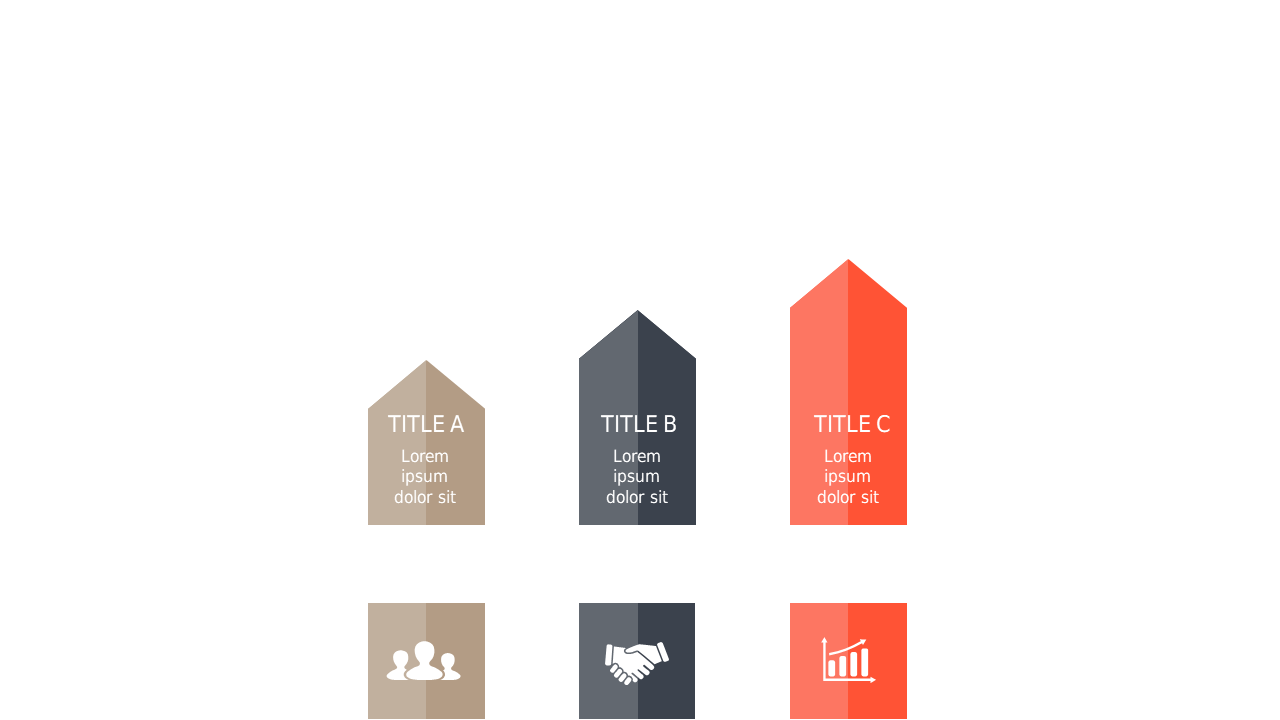
Navigating feature comparisons can be tough, especially when you want to make a strong impact. This triangular step layout offers a unique and visually engaging way to present information side-by-side. With distinctly shaped sections and relevant icons, viewers can quickly grasp the differences and advantages of each feature. Imagine using this slide in your next sales meeting, clearly showcasing how your product outshines the competition. A strategy manager can utilize this layout to outline key initiatives, demonstrating strategic choices effectively. Meanwhile, an analyst will appreciate the clarity this design brings when breaking down complex data for stakeholders. Plus, the slide is fully customizable, allowing you to adapt the colors and icons to align with your branding. $0.99 — add this single slide to any deck from the SlideSwift Slide Library. No subscription needed. Mix slides from any category to build your perfect deck. Fully compatible with Microsoft PowerPoint and Google Slides — swap colors, fonts, icons, and text in minutes to match your brand guidelines or corporate deck theme without any design experience.
Add more from this category to your custom deck