Showing 290 slides
in Lists & Comparison

View full slide →
✓
Engaging layout for lists with central text, perfect for business presentations.
View full slide →
✓
Engaging step-based icon list for highlighting key points in presentations.
View full slide →
✓
Engaging circular icon list layout for effective presentation of key ideas.
View full slide →
✓
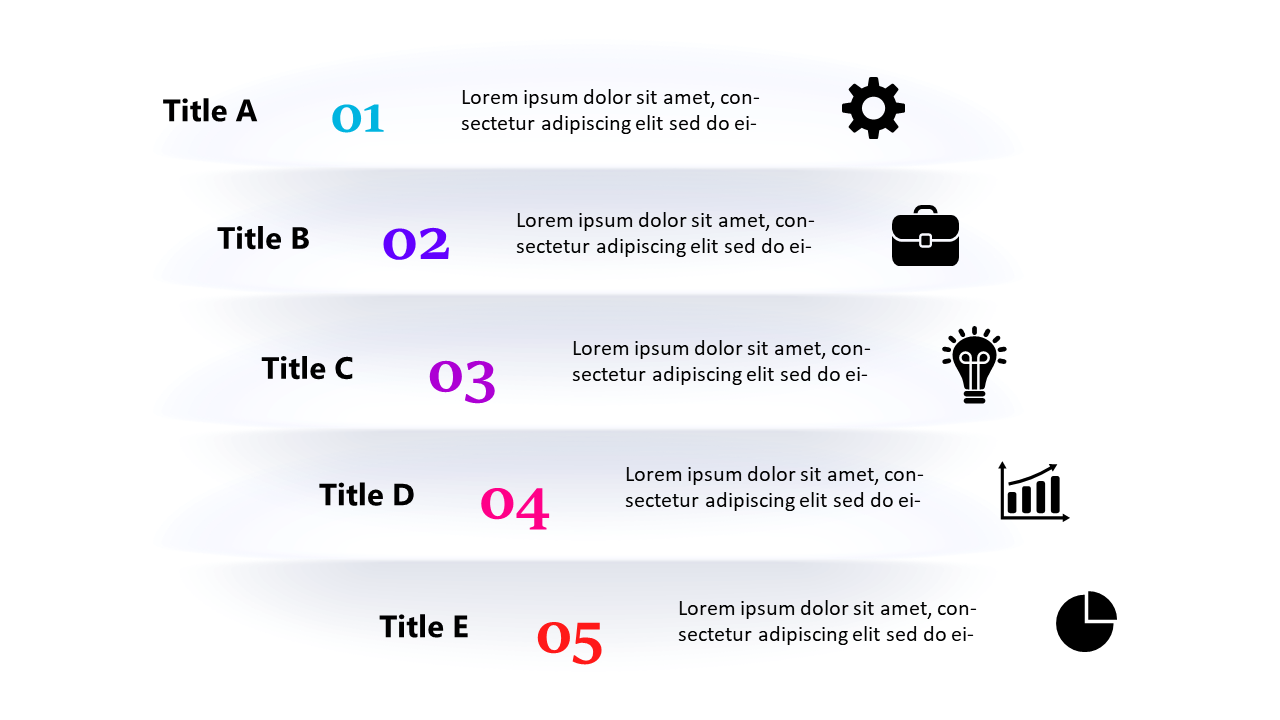
Communicate complex ideas succinctly with this editable numbered list template for PowerPoint and Google Slides.
View full slide →
✓
Structured numbered list layout for presenting key points in PowerPoint.
View full slide →
✓
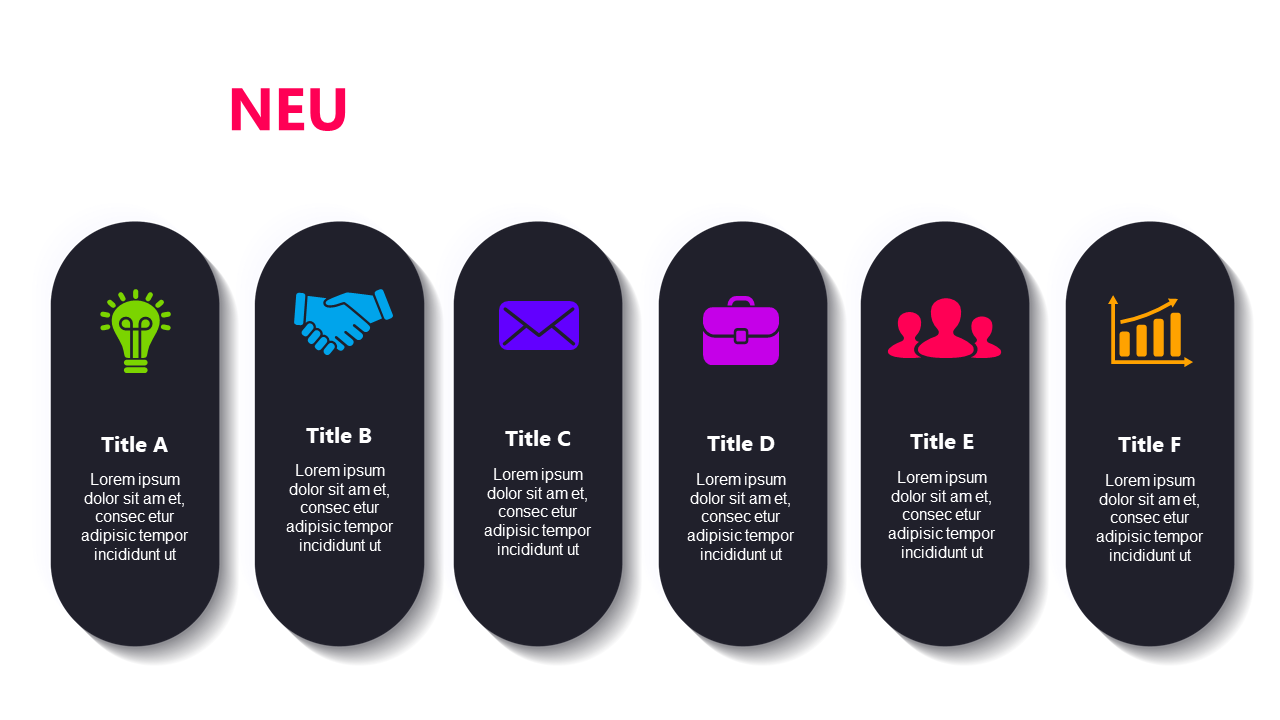
Highlight key features or benefits with an engaging horizontal icon list.
View full slide →
✓
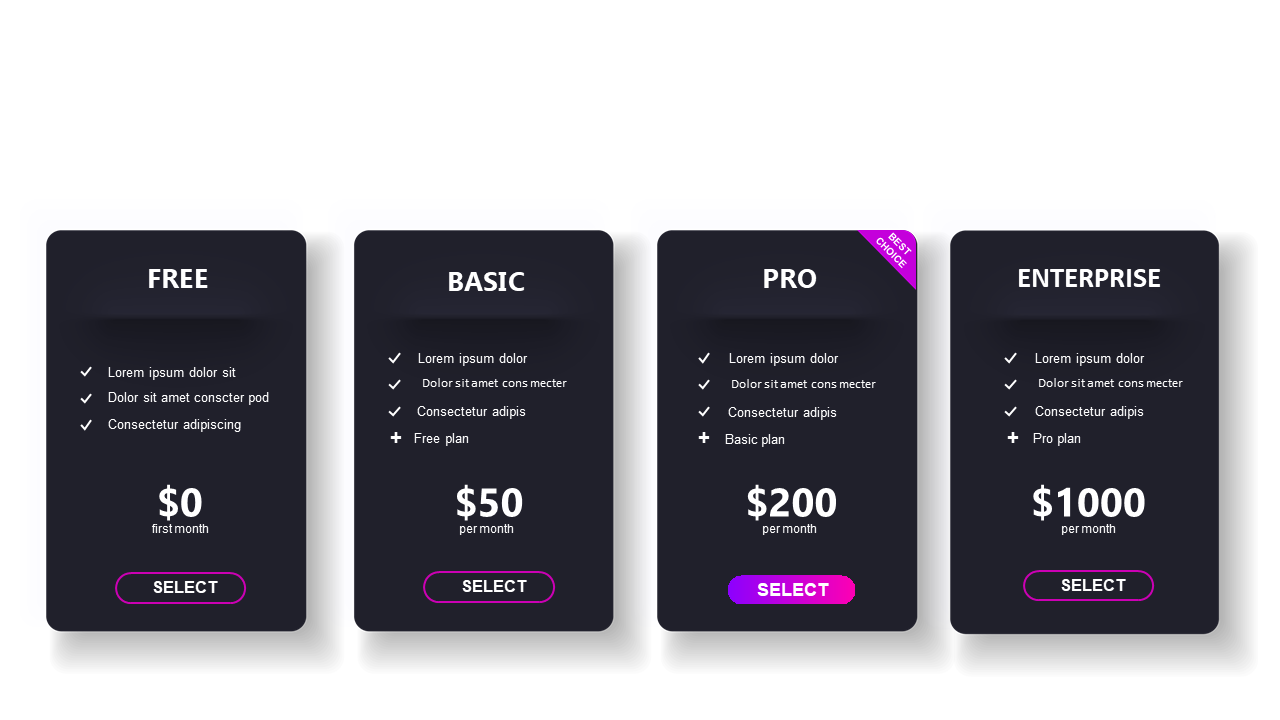
Compare subscription pricing plans with this modern dark theme slide.
View full slide →
✓
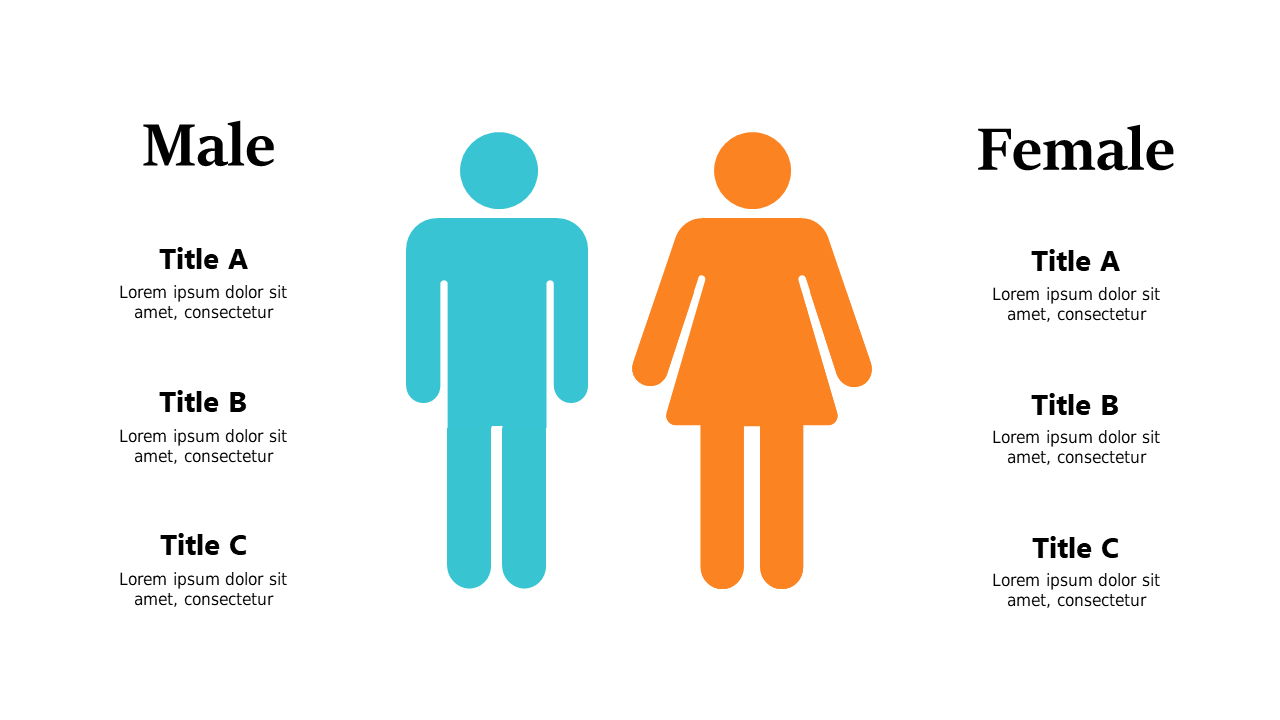
Engage audiences with gender comparison visuals for HR discussions.
View full slide →
✓
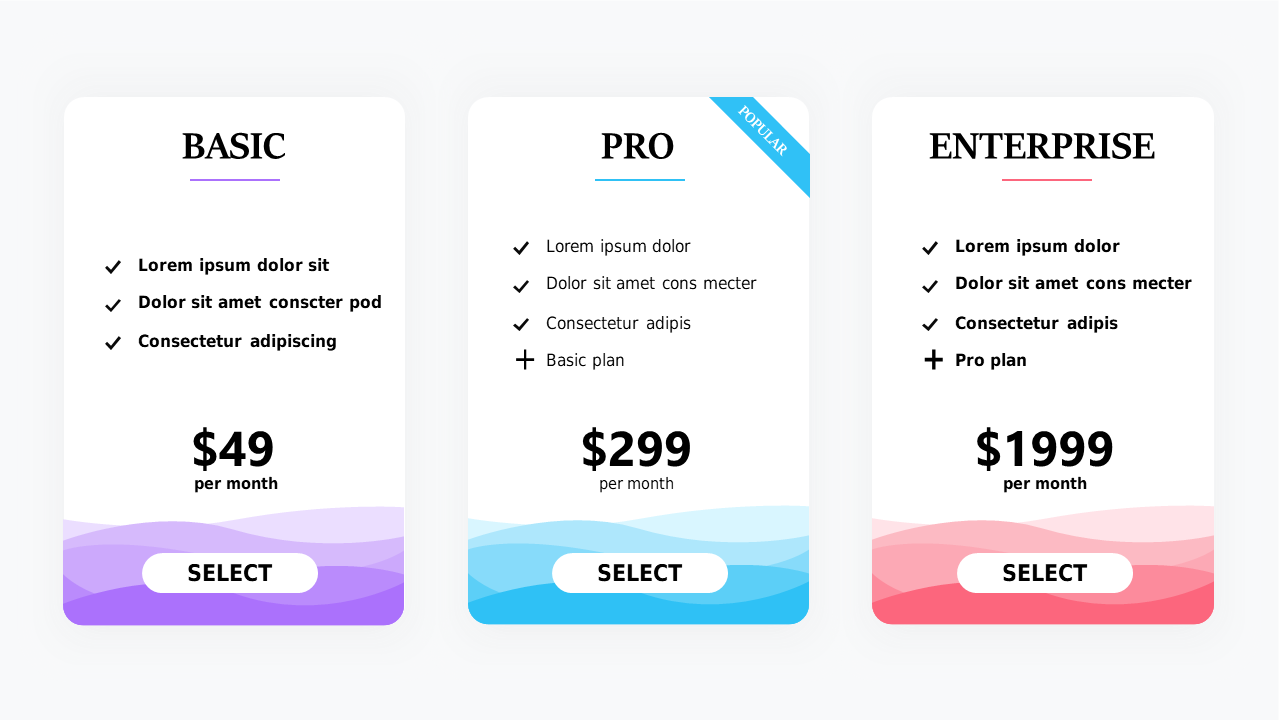
Explore pricing plan comparisons with clear features and calls to action in PowerPoint and Google Slides.
View full slide →
✓
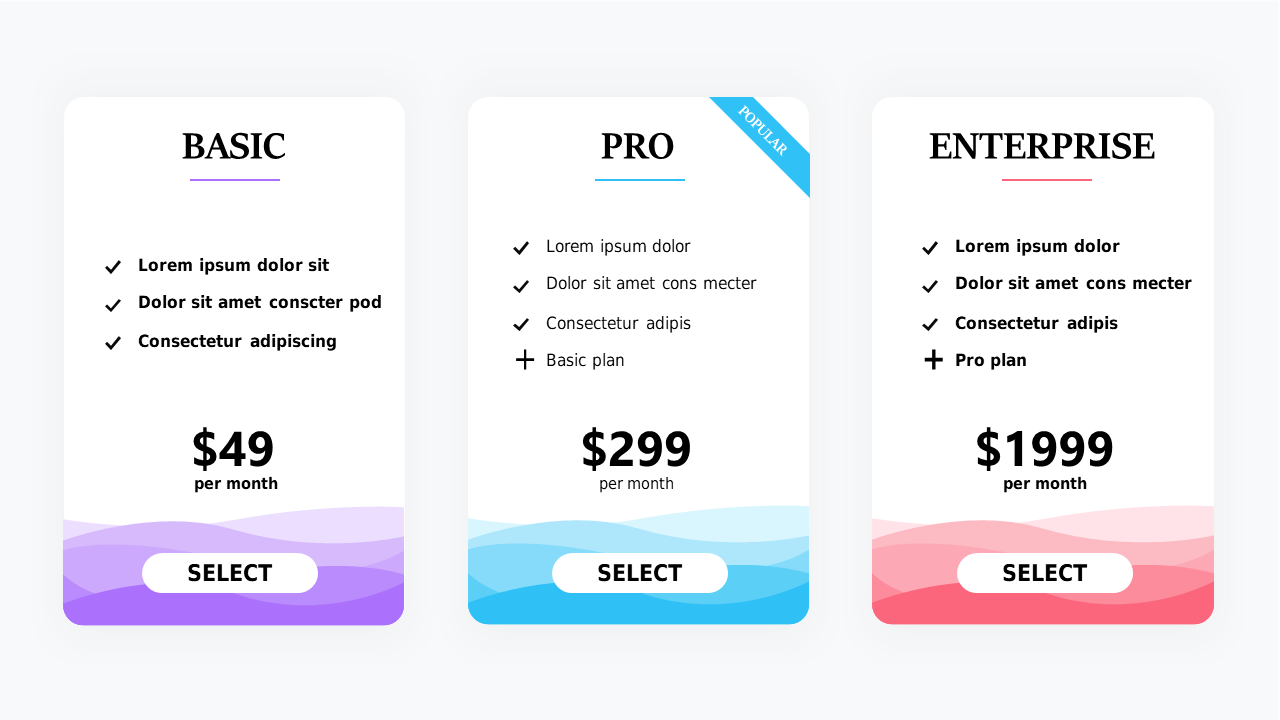
Present tiered pricing comparisons effectively with this layout for PowerPoint and Google Slides.
View full slide →
✓
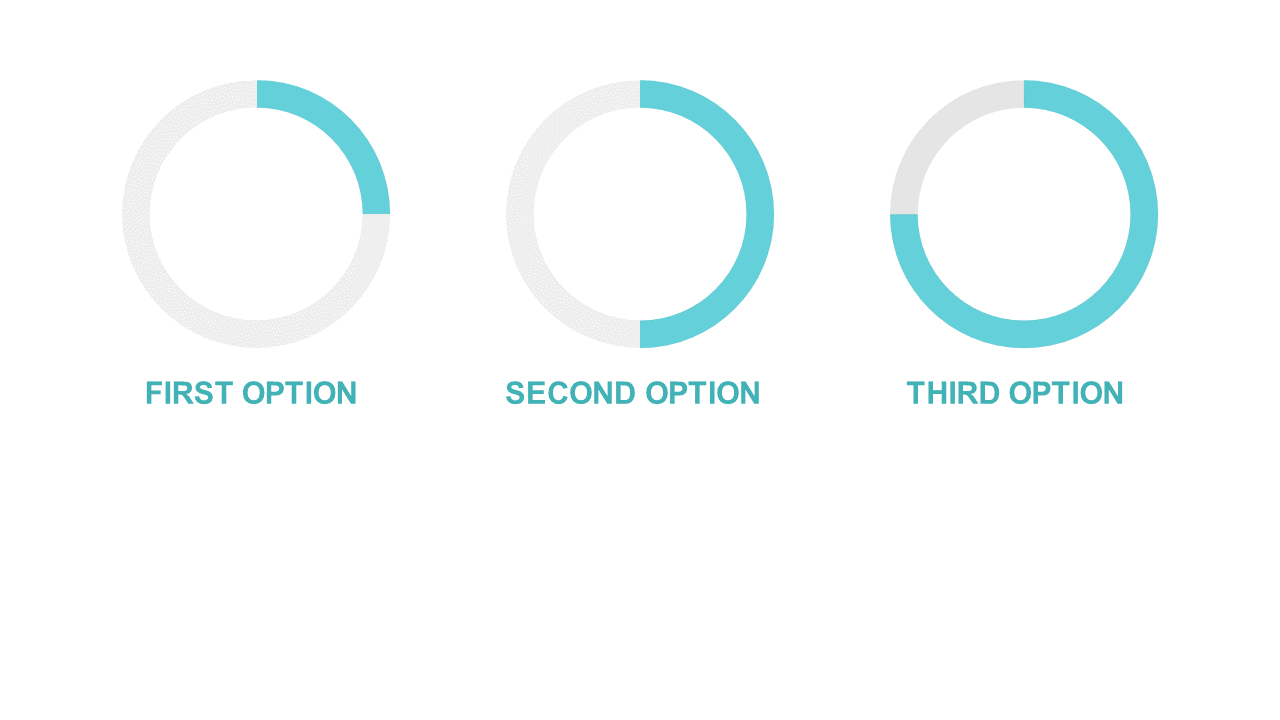
Use circular progress indicators to visually compare different options in presentations.
View full slide →
✓
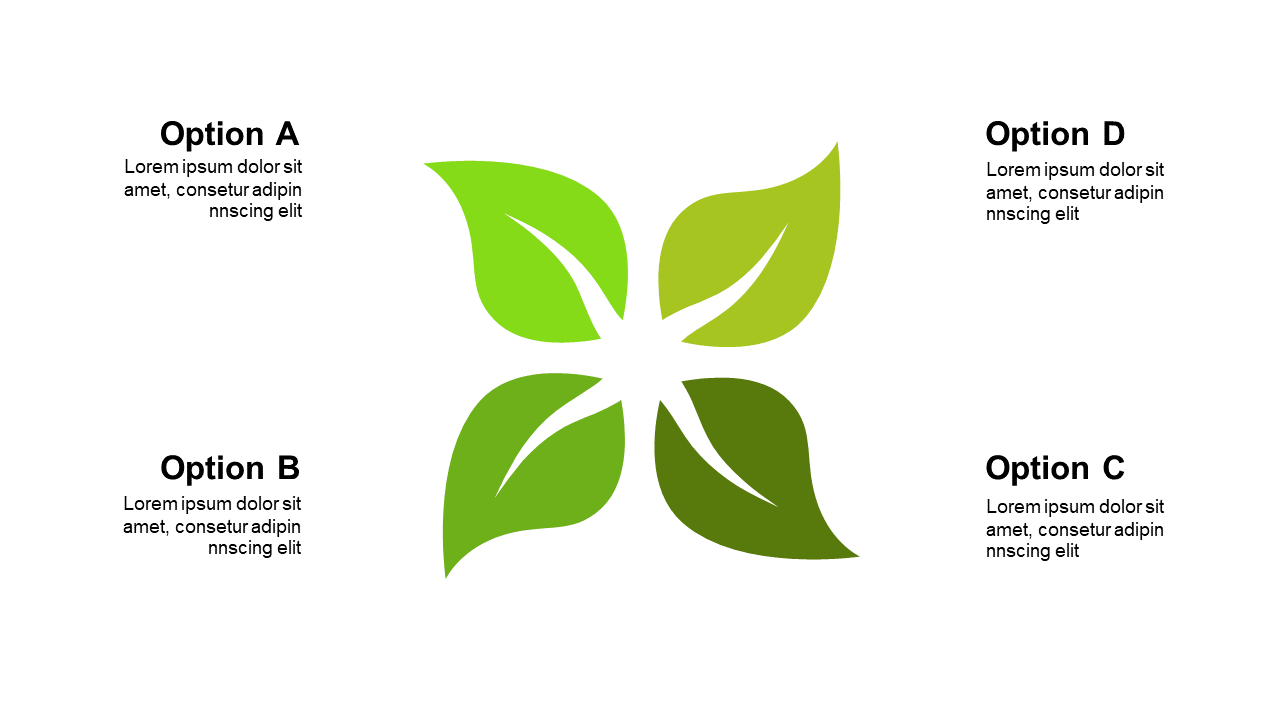
Use this quadrant layout to compare strategies or products in PowerPoint.
 SlideSwift