✦ Slide Picker: Pick individual slides from 7,486+ designs — $0.99/slide. No subscription. Mix any category. Explore → | ✏ Edit Online After Purchase — No software needed
Home›Lists & Comparison›Organize Key Points with Central Highlighted List

Organize Key Points with Central Highlighted List

✨ Slide Library 🛡 7-Day Money-Back Guarantee ✏️ Edit in Slide Editor 🔒 Available after purchase PowerPoint Google Slides

Product Description

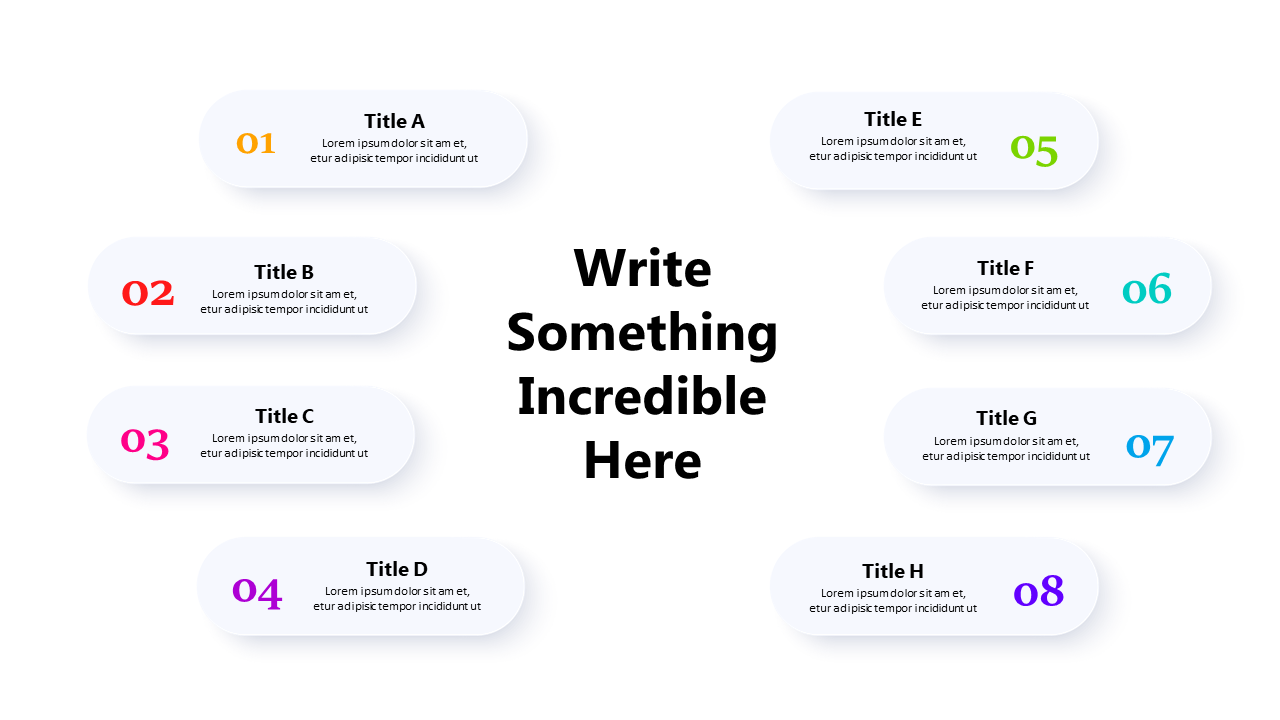
This layout features a central highlighted text area surrounded by a numbered list of items. Ideal for US business professionals who want to present key points or features in a clear and organized manner. The shapes and text can be easily edited for customization. Compatible with both PowerPoint and Google Slides.

✅ Instant delivery ✅ Fully editable ✅ PowerPoint & Google Slides
Category:
$0.99
Per slide · No minimum · Pay only for what you pick
Checkout →
✓ $0.99/slide No minimum order
✓ Mix any category No subscription
✦ Upgrade to Full Deck
Get all 14 Lists & Comparison slides
$4.99 one-time
Clean Circular Comparison Layout PowerPoint Templates Clean Circular Comparison Layout PowerPoint Templates Clean Circular Comparison Layout PowerPoint Templates
🌗Light & Dark themes both included
✏️Edit in browser — no software needed
🔍Preview all 14 slides in PDF before buying
🛡7-Day Money-Back — zero risk
⚡Instant download — lifetime access

More Lists & Comparison Slides

Add more from this category to your custom deck