Summarize Content with Step-Based Icon List
Product Description
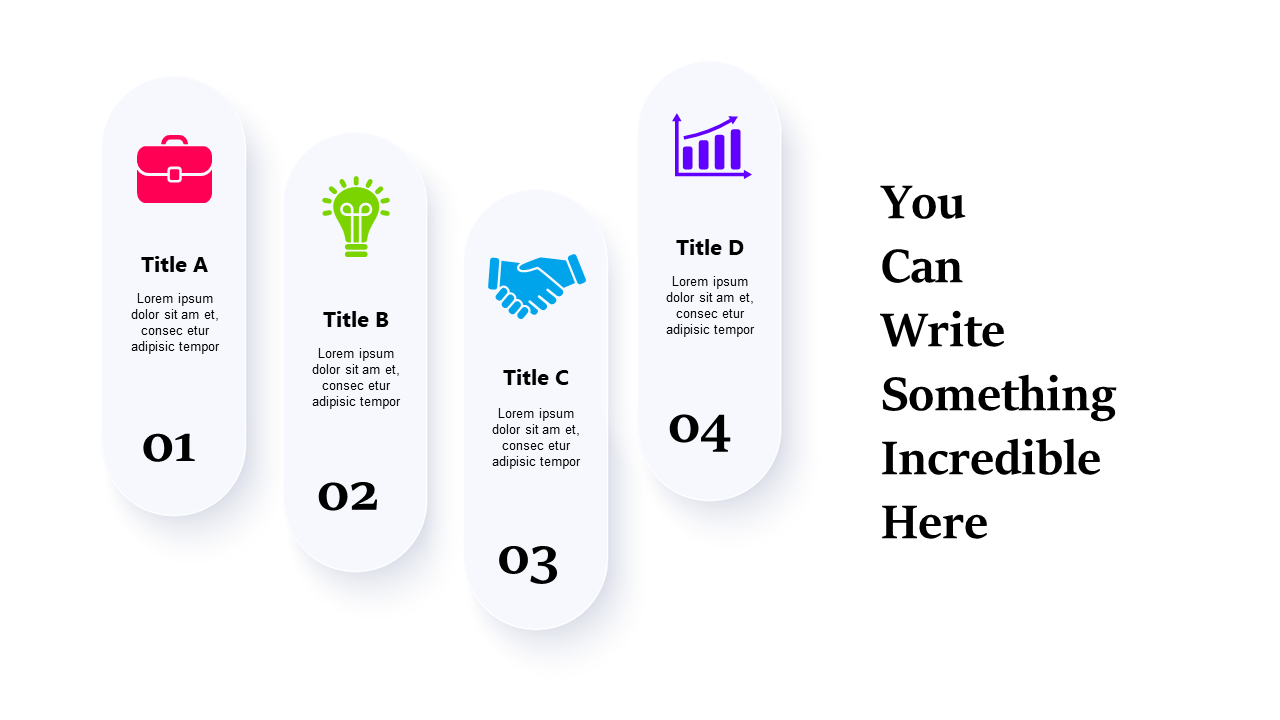
Are your presentations cluttered with too much information, making it hard for your audience to focus? Summarizing content effectively can be a challenge, but this step-based icon list layout provides a clear and engaging solution.
It allows you to present key ideas in a way that’s easily digestible. Perfect for consultants summarizing project milestones or trainers outlining key learning points, this slide is flexible for various contexts. You can draw attention to important aspects in your presentation, making it great for team meetings or educational sessions where clear communication is essential.
Available for just $0.99, this slide is ready for instant download and can be edited in PowerPoint or Google Slides. Customizing titles, icons, and descriptions is a quick process, making it easy to align the slide with your presentation needs in minutes.
$0.99 – Purchase Checkout
Added to cart