Compare Components with Puzzle Piece Layout and Callouts
Product Description
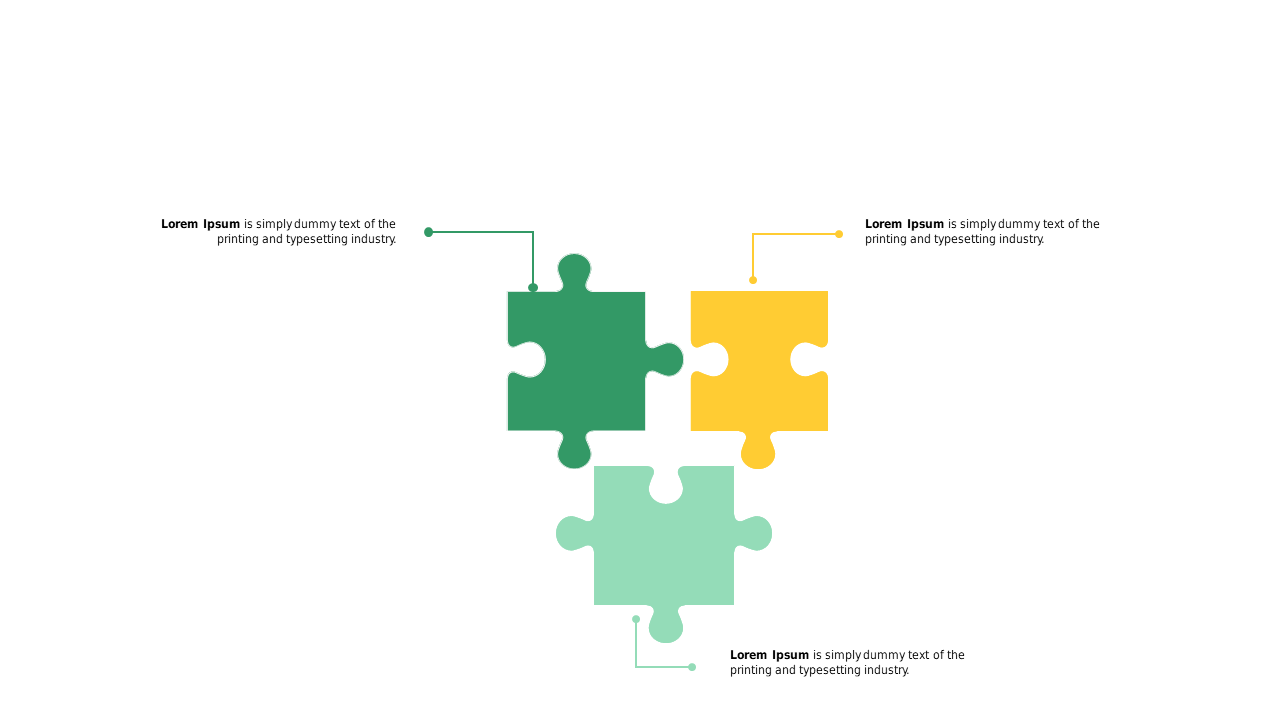
Explaining how different components fit together can be tricky, especially when lengthy descriptions make it easy for your audience to lose interest. This slide offers a creative solution, using a puzzle piece layout that visually connects each part, allowing for a clearer understanding of how they interact.
Perfect for project managers discussing collaborative strategies, marketing teams comparing campaign elements, or educators illustrating interdependent concepts, this slide shines in meetings where clarity is paramount. The callouts provide just the right amount of detail without overwhelming your audience, keeping the focus on the connections.
For just $0.99, this slide is ready for instant download and can be easily edited in both PowerPoint and Google Slides. Spend less time creating visuals and more time engaging your audience with this simple, effective tool.
$0.99 – Purchase Checkout
Added to cart