Showing 270 slides
for "decision-making"

View full slide →
✓
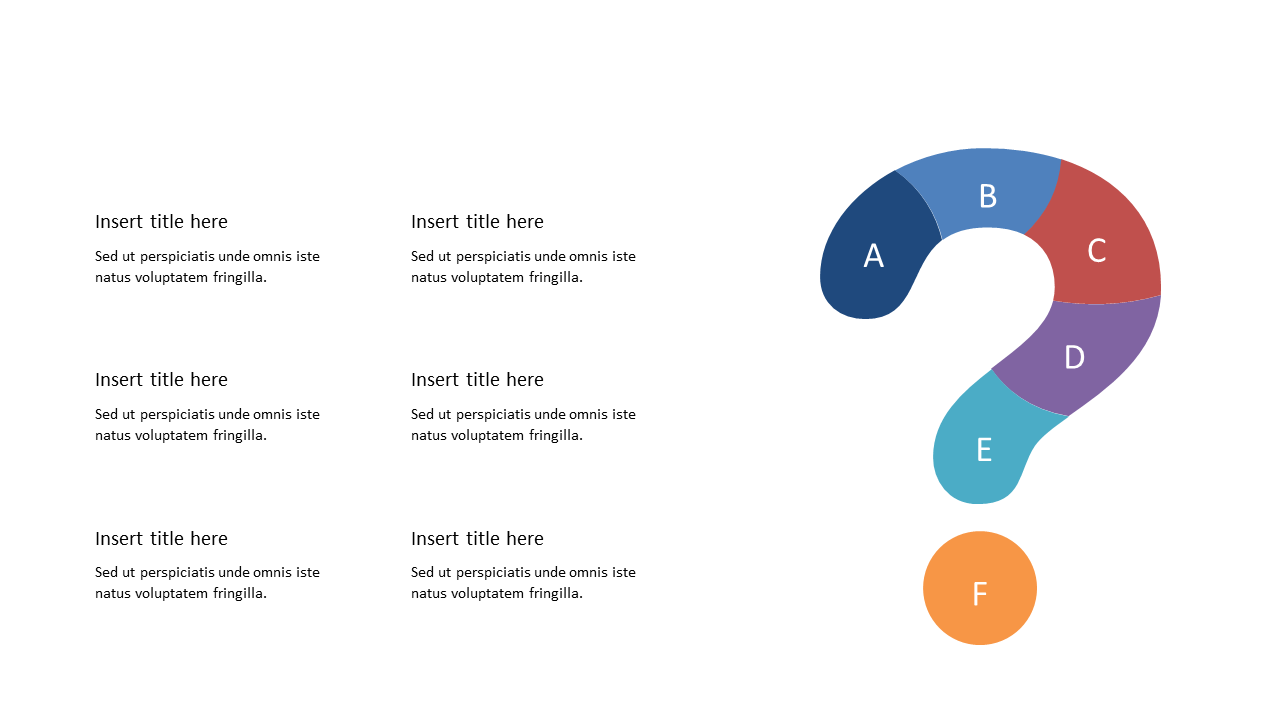
Use this question mark layout to highlight inquiries and decision-making.
View full slide →
✓
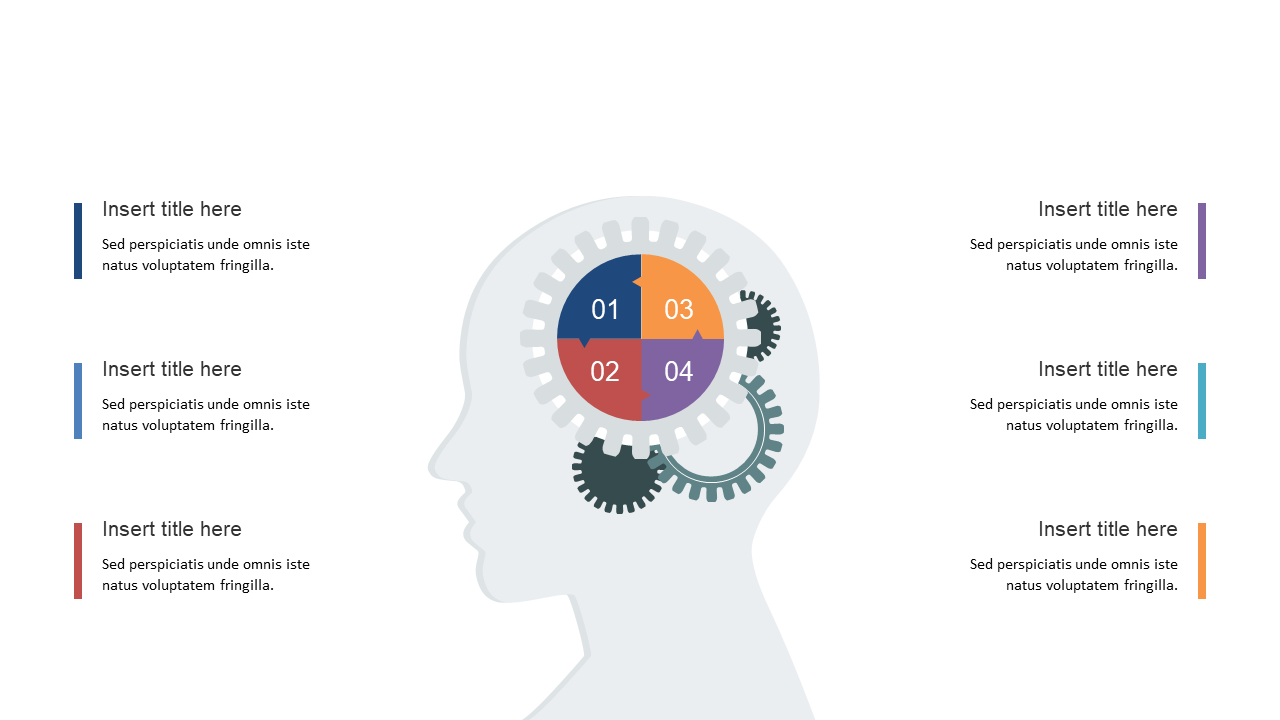
Visualize cognitive processes using gears in PowerPoint and Google Slides.
View full slide →
✓
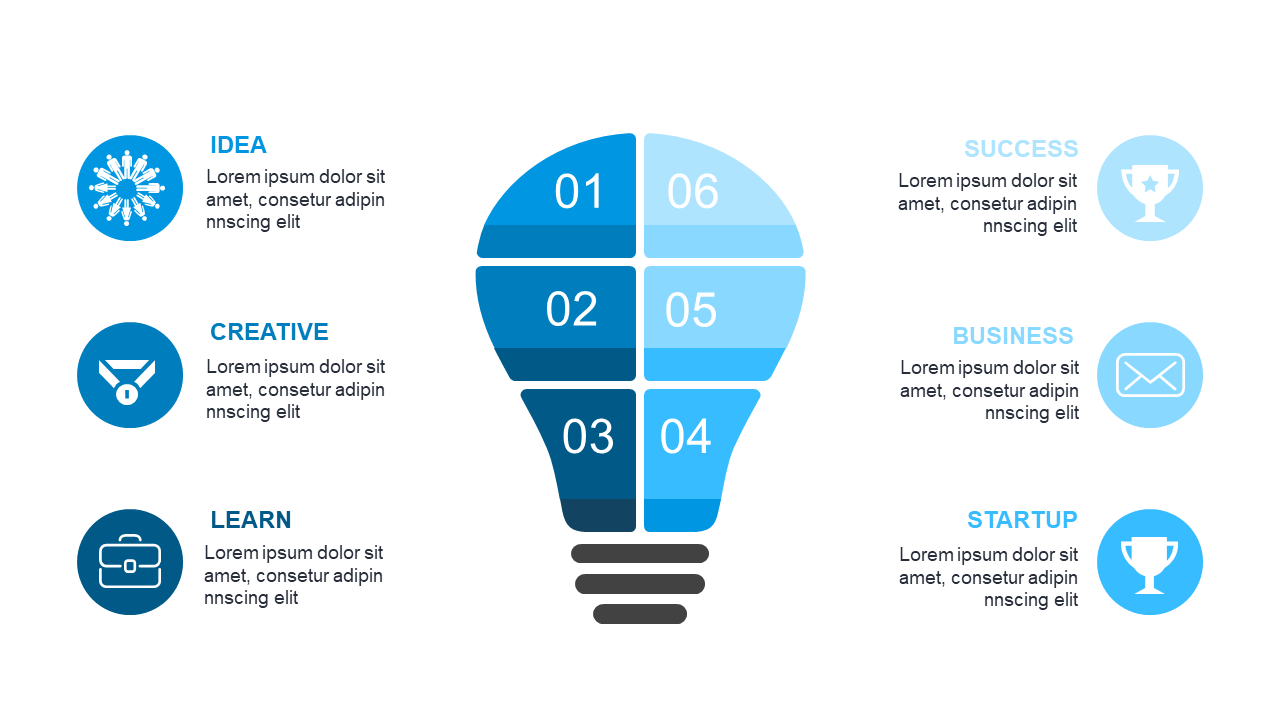
Present innovative ideas using this engaging light bulb diagram in PowerPoint or Google Slides.
View full slide →
✓
Engage your audience with this effective dual bubble comparison layout.
View full slide →
✓
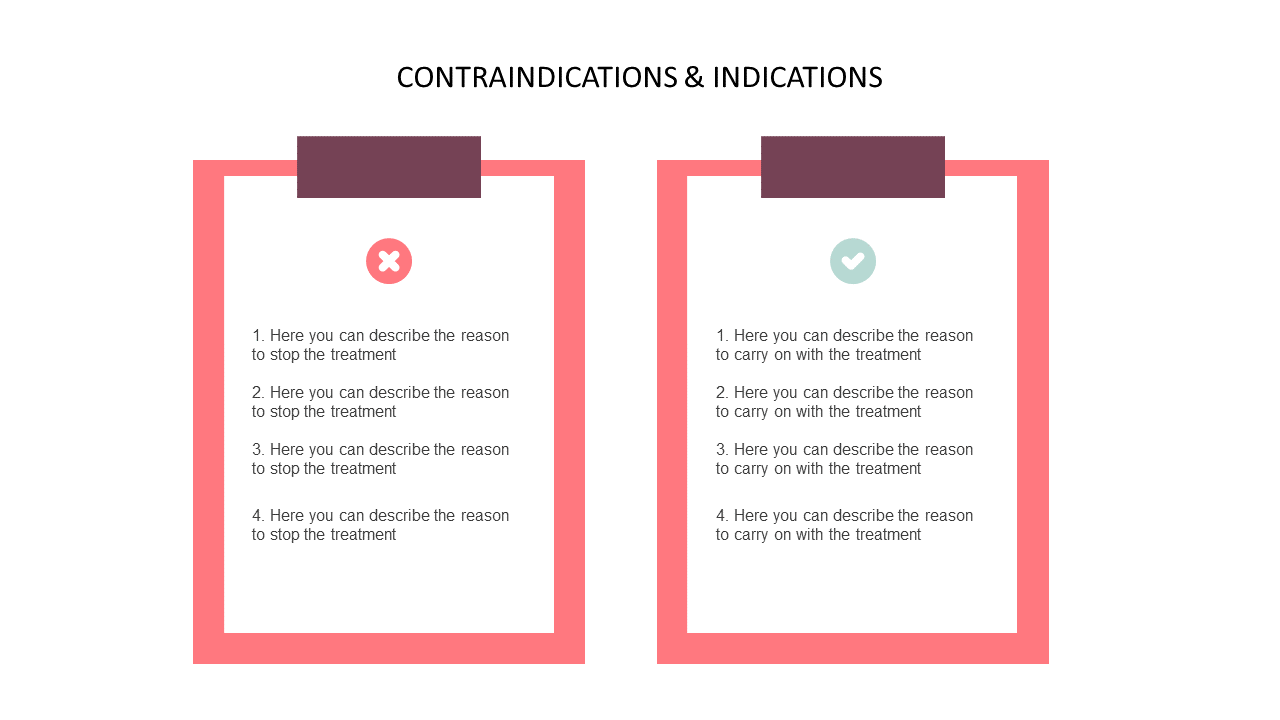
Compare treatment contradictions and indications clearly with this list layout.
View full slide →
✓
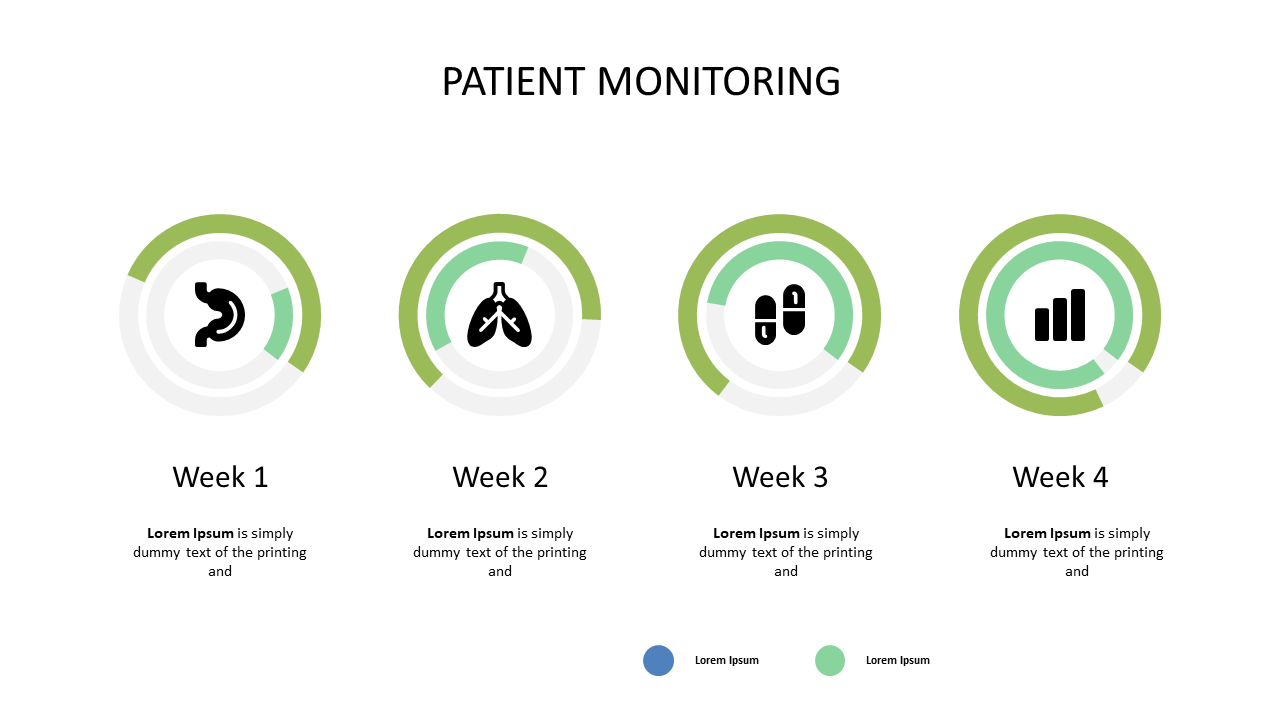
Track patient progress effectively with these circular indicators for healthcare.
View full slide →
✓
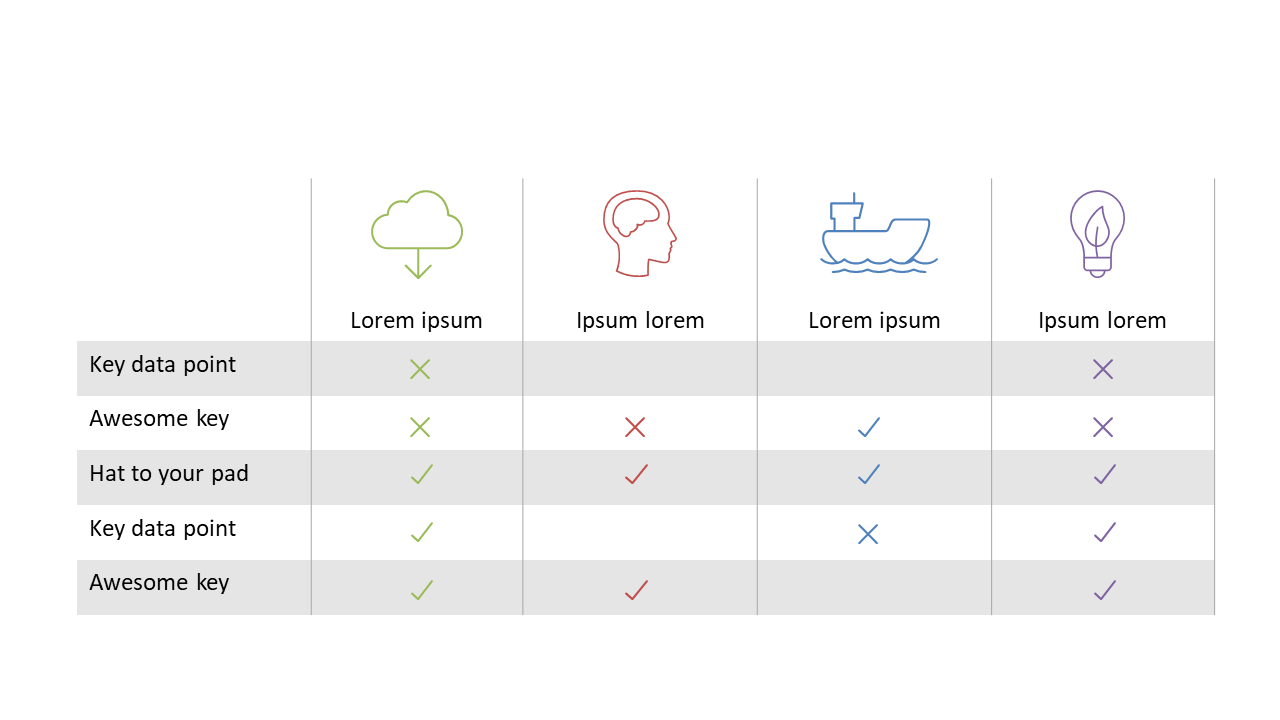
Engage your audience with this comparison table featuring icons and check marks for effective presentations.
View full slide →
✓
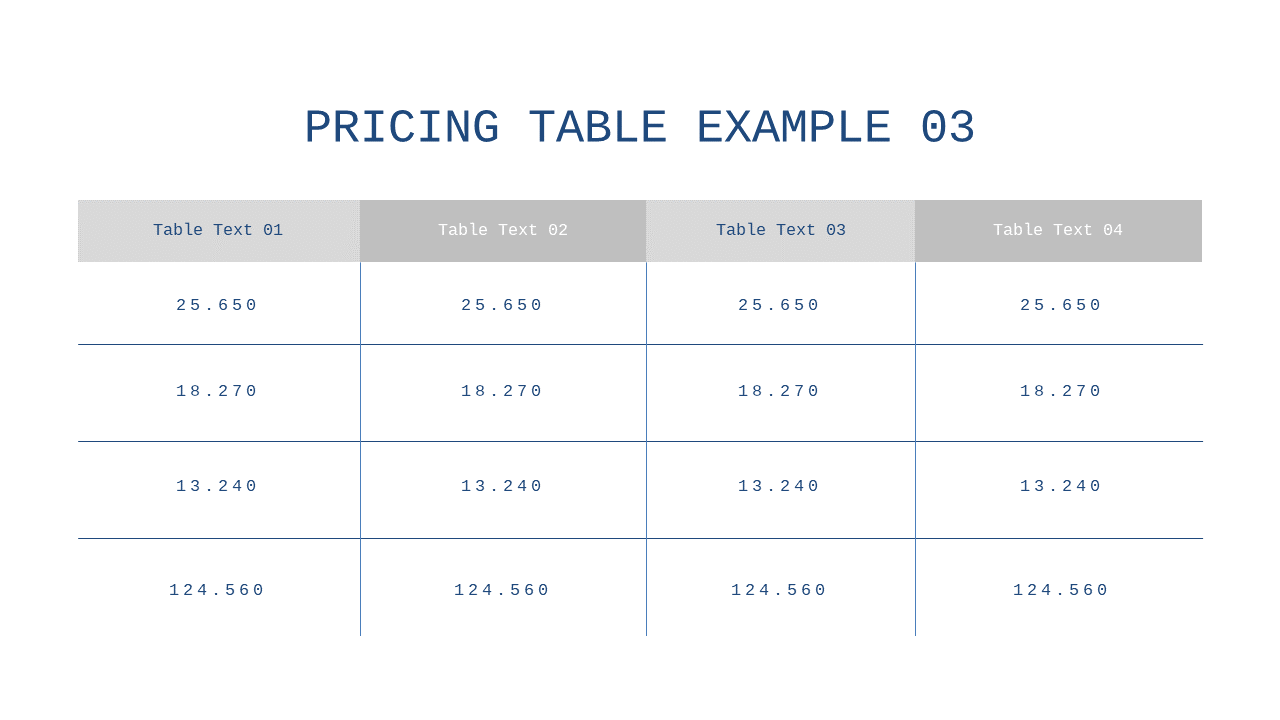
Present pricing options clearly with this structured four-column comparison table in PowerPoint and Google Slides.
View full slide →
✓
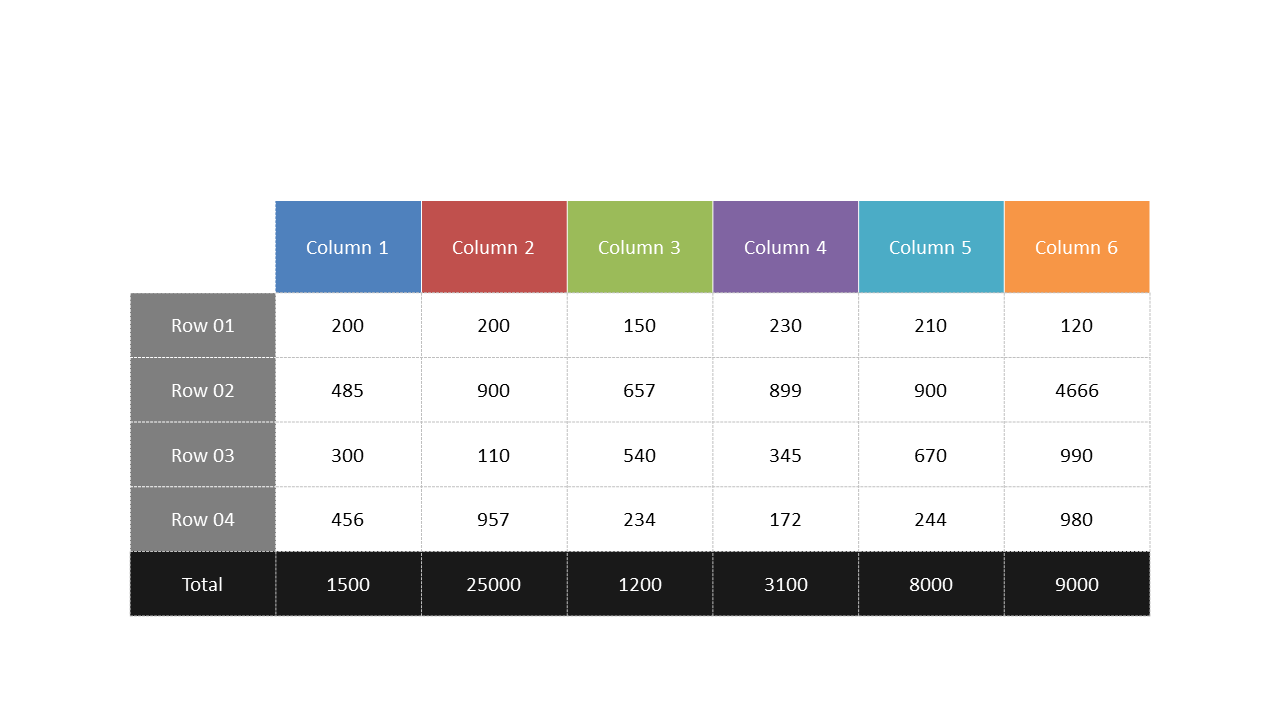
Use this structured data table to effectively present quantitative comparisons.
View full slide →
✓
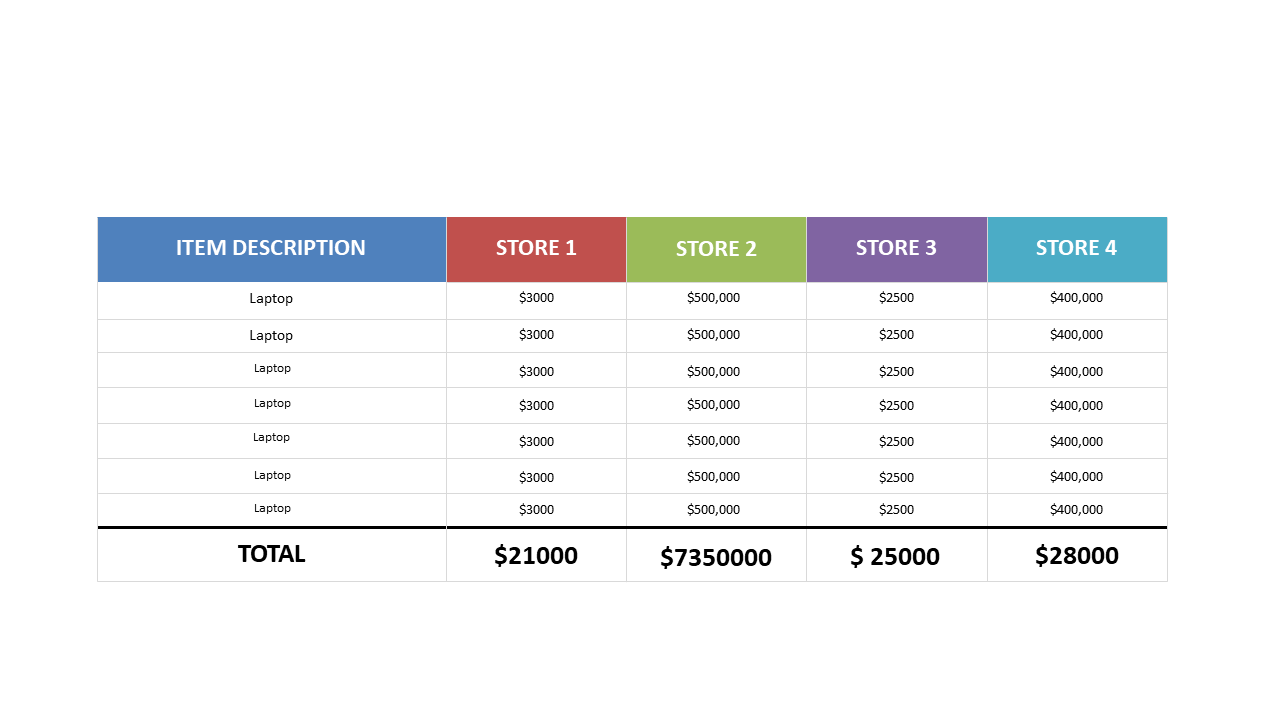
Visualize laptop pricing data effectively with this comparative sales table.
View full slide →
✓
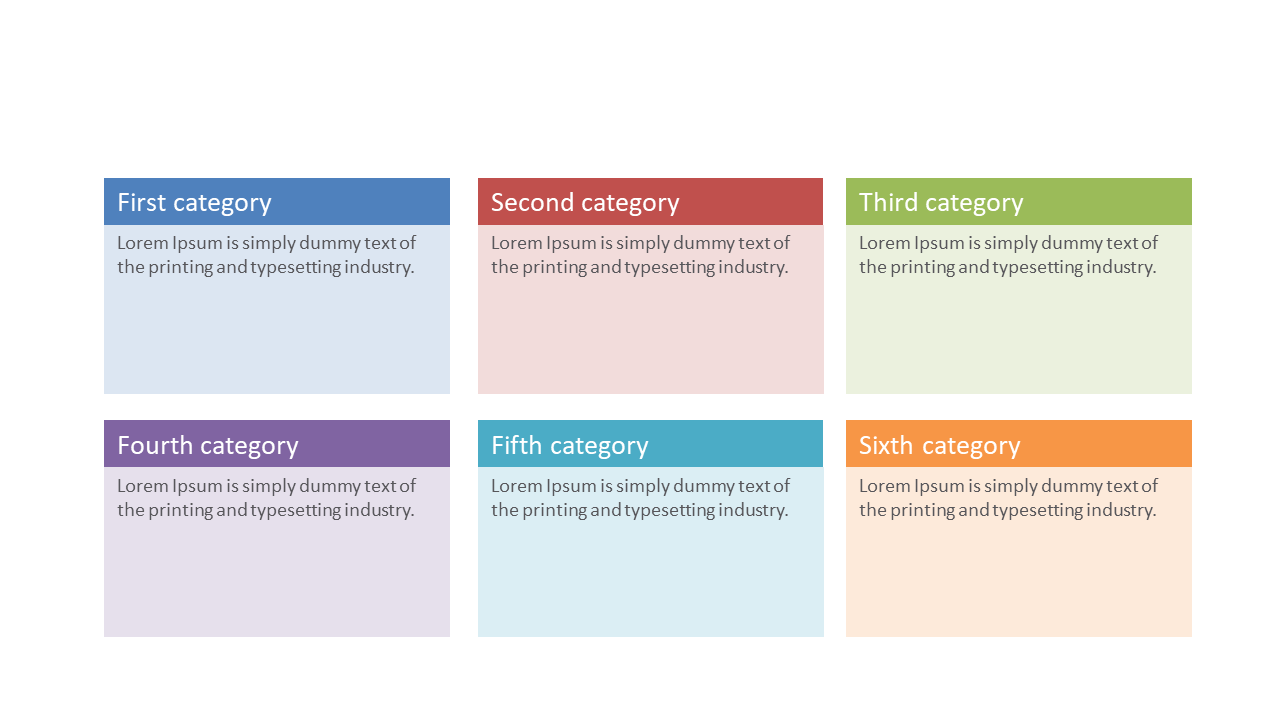
Present categories effectively using this customizable 6-box overview slide.
View full slide →
✓
Use dual bar charts with flow arrows to visualize metrics side-by-side in your presentations.
 SlideSwift