Showing 105 slides
in Project Management

View full slide →
✓
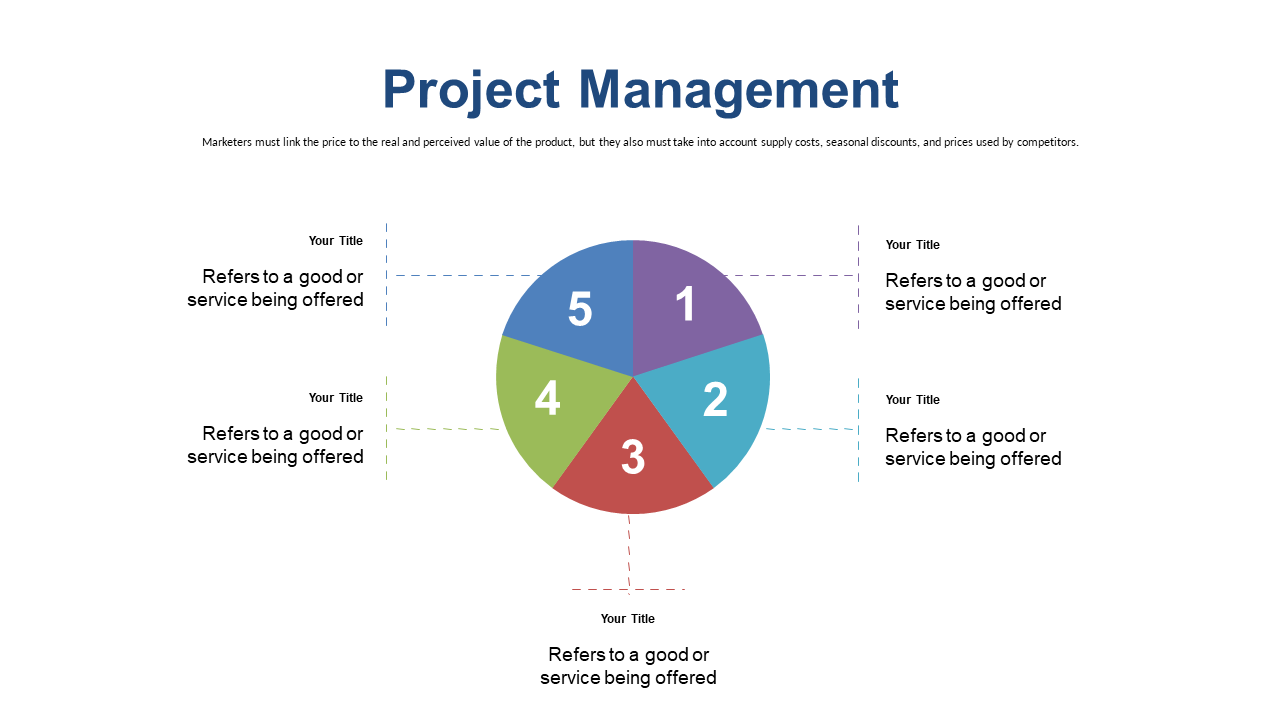
Present key services in project management using a vibrant 5-step wheel design.
View full slide →
✓
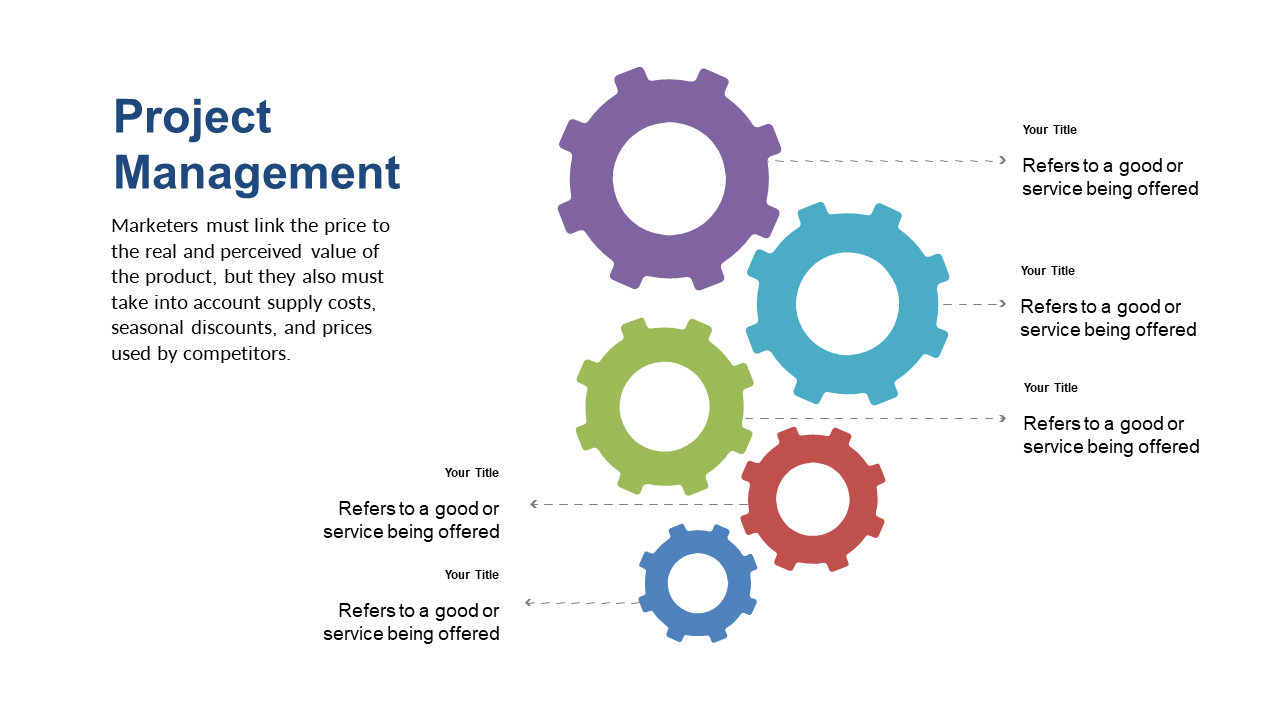
Illustrate interconnected project management components with a colorful gears layout.
View full slide →
✓
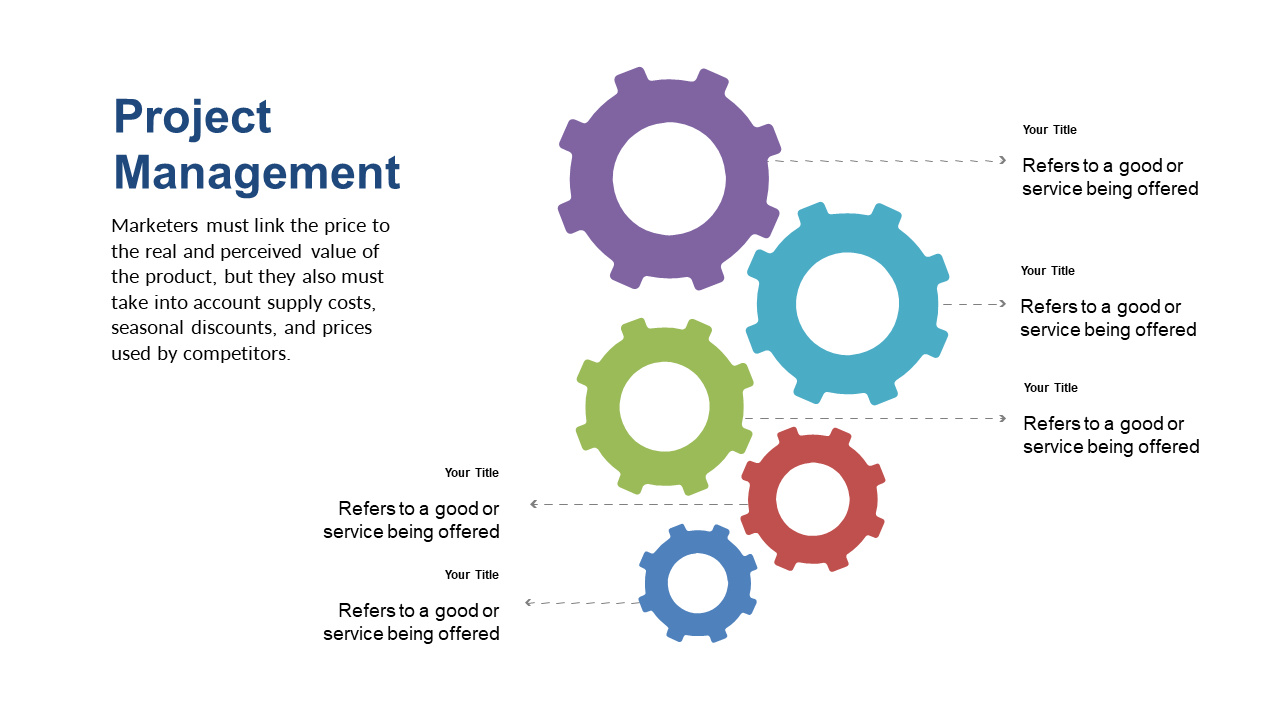
Highlight key relationships in project management using an engaging gears layout.
View full slide →
✓
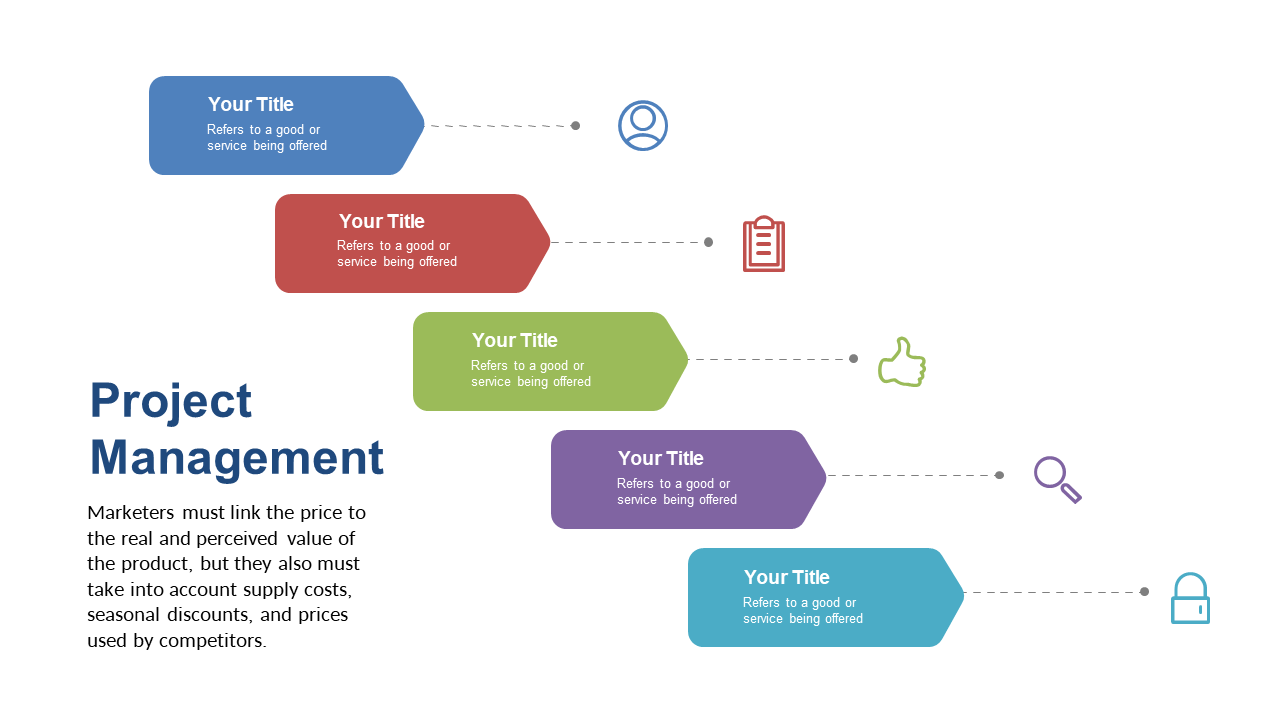
Present pricing considerations effectively with colorful steps in your presentation.
View full slide →
✓
Highlight key project management components with a customizable quadrant layout.
View full slide →
✓
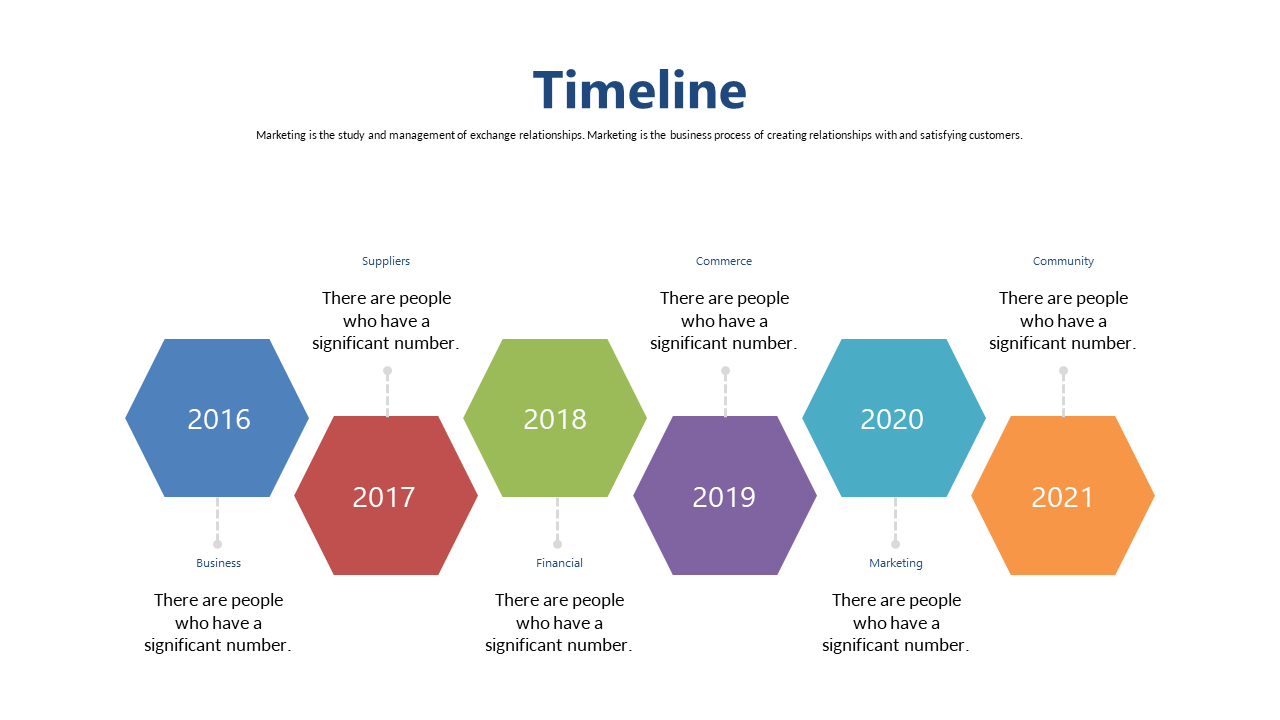
Present project life cycle phases clearly with editable hexagonal layouts.
View full slide →
✓
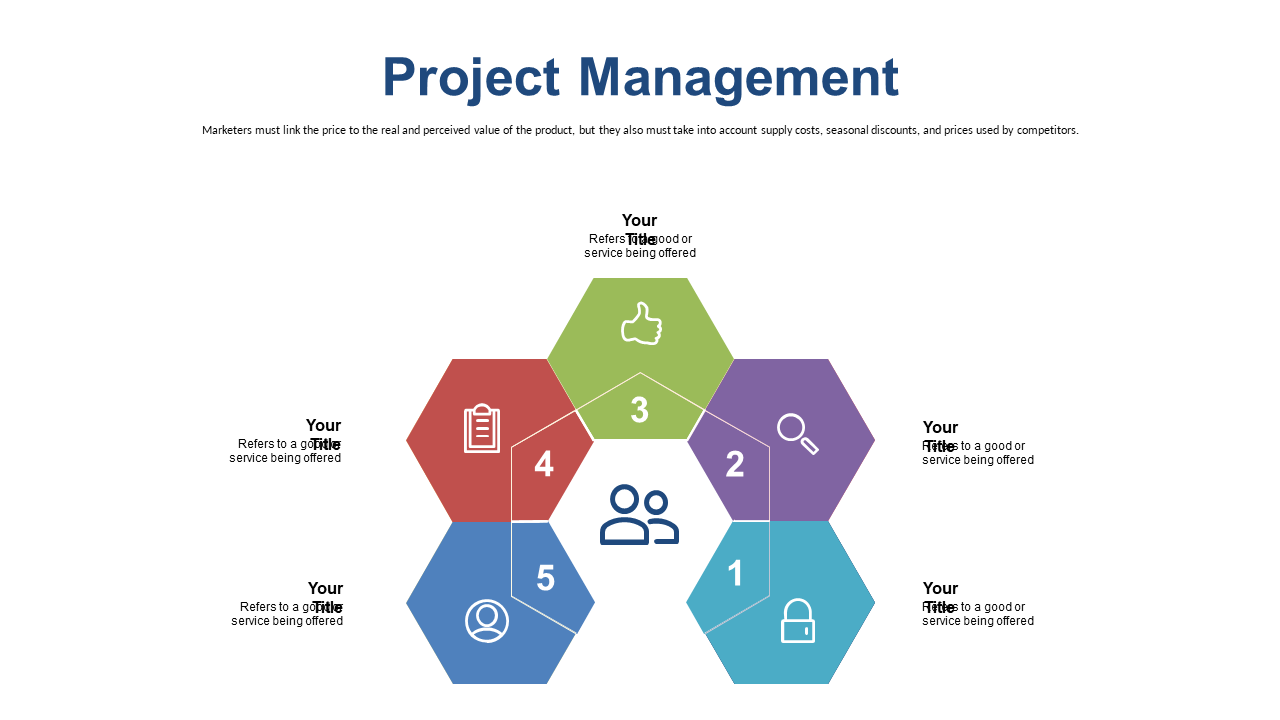
Present various project management services using an editable hexagonal matrix.
View full slide →
✓
Highlight service offerings in project management with a customizable hexagonal layout.
View full slide →
✓
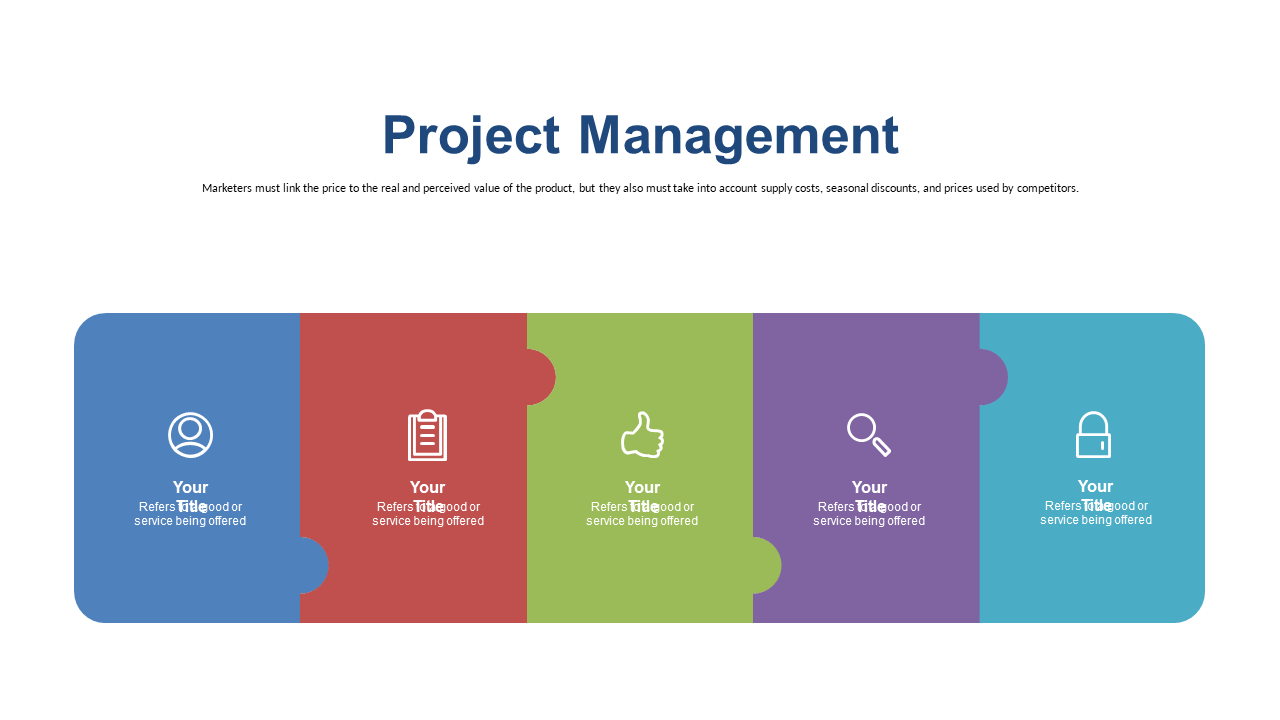
Use interconnected puzzle pieces to present project management aspects effectively.
View full slide →
✓
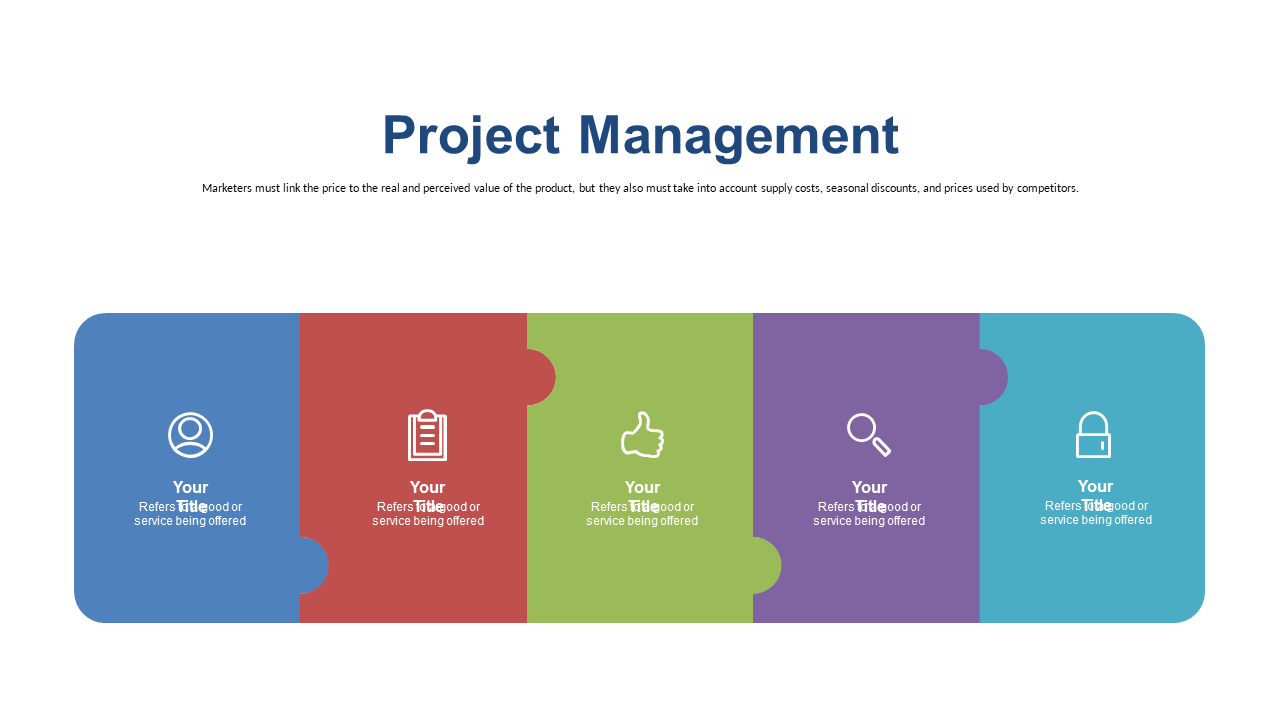
Showcase different project phases with editable puzzle pieces in your presentation.
View full slide →
✓
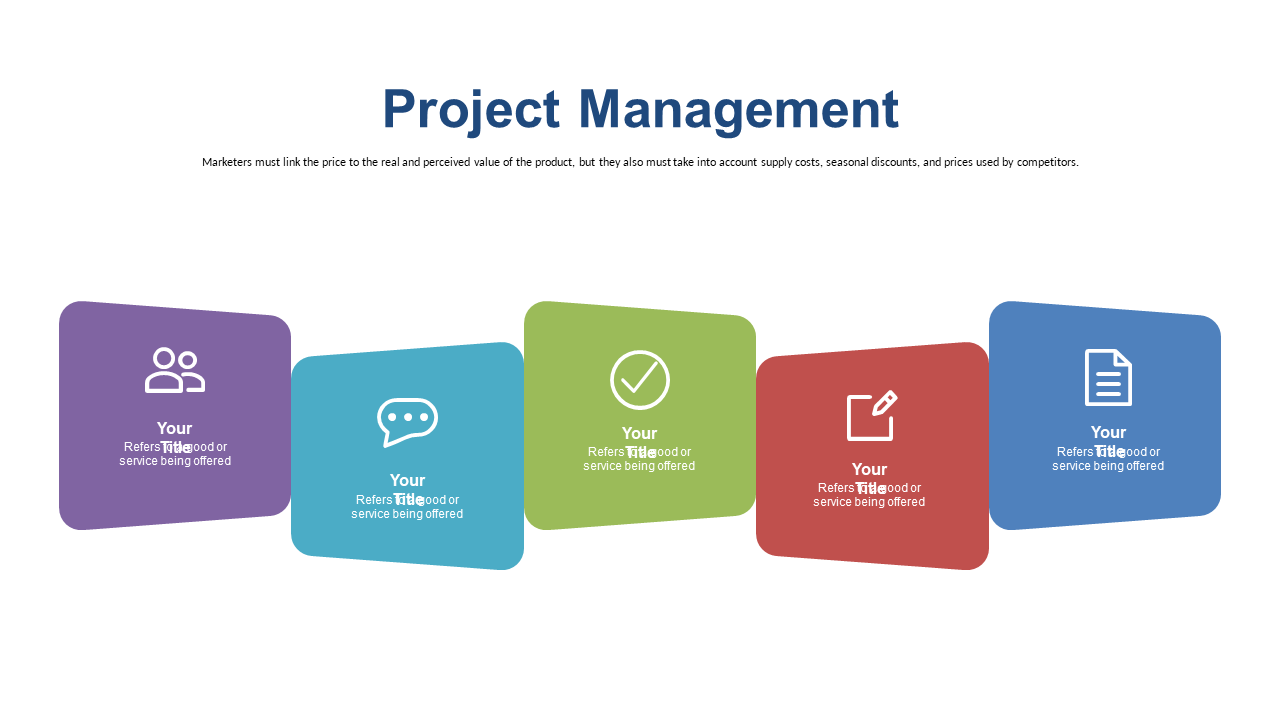
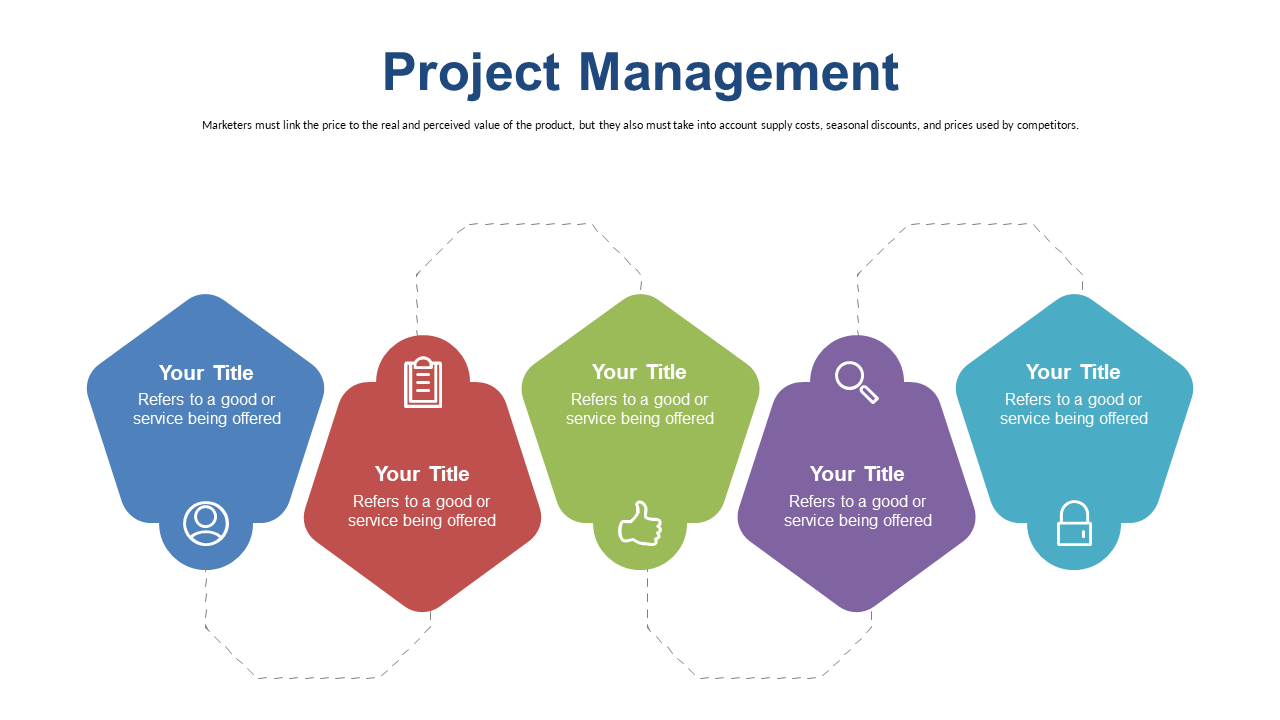
Clearly present project management steps using colorful callouts in PowerPoint.
View full slide →
✓
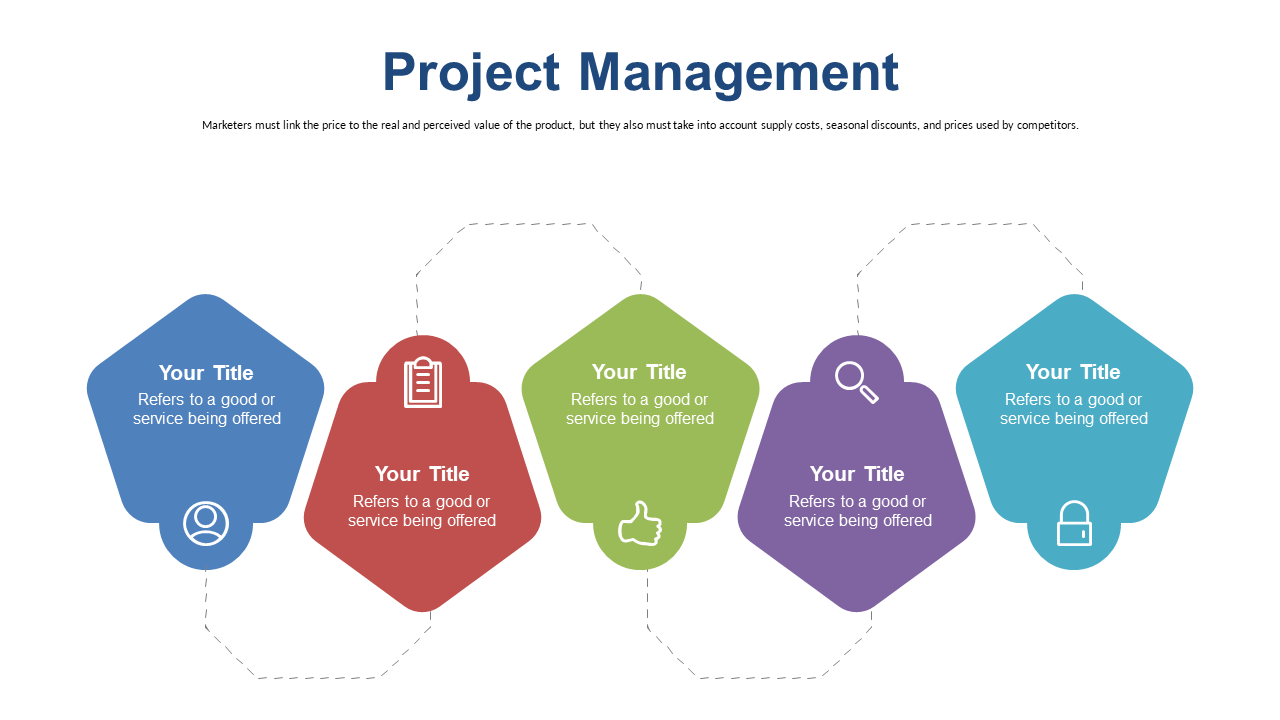
Engage your audience with a linear layout of project management steps using callouts.
 SlideSwift