Showing 290 slides
in Lists & Comparison

View full slide →
✓
Engage your audience with this three-point comparison layout for clear presentations in PowerPoint and Google Slides.
View full slide →
✓
Utilize this three-point layout for effective business comparisons in PowerPoint and Google Slides.
View full slide →
✓
Use this triangular layout to compare ideas effectively in PowerPoint and Google Slides.
View full slide →
✓
Engage your audience with this triangular layout for business comparisons in PowerPoint and Google Slides.
View full slide →
✓
Use this layout to structure your business strategies visually.
View full slide →
✓
Engage your audience with structured vertical steps in your presentations.
View full slide →
✓
Present business processes clearly with colorful vertical steps.
View full slide →
✓
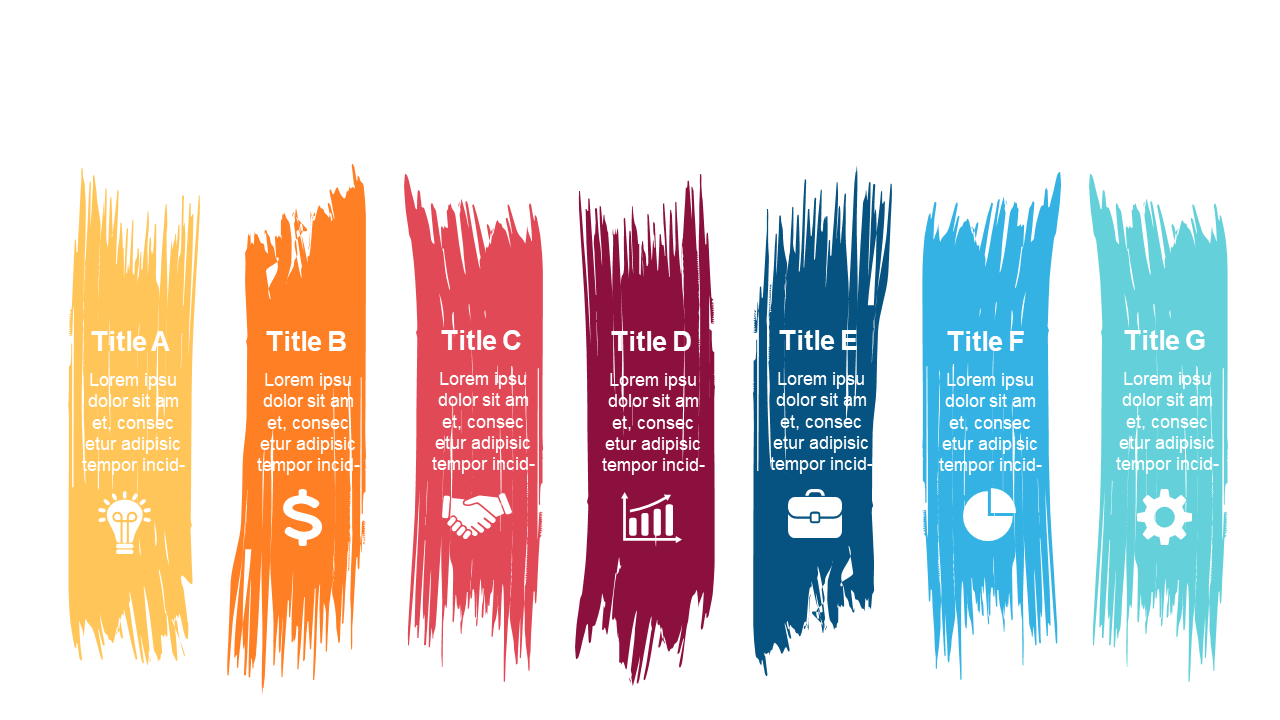
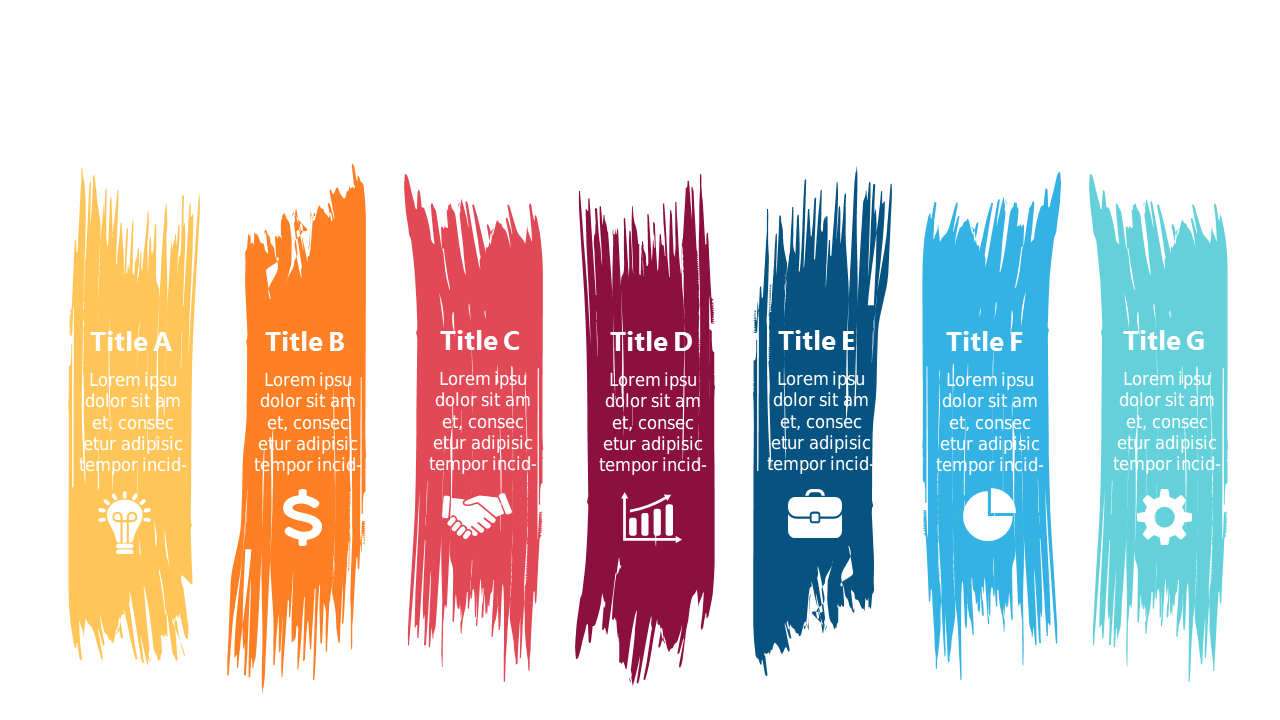
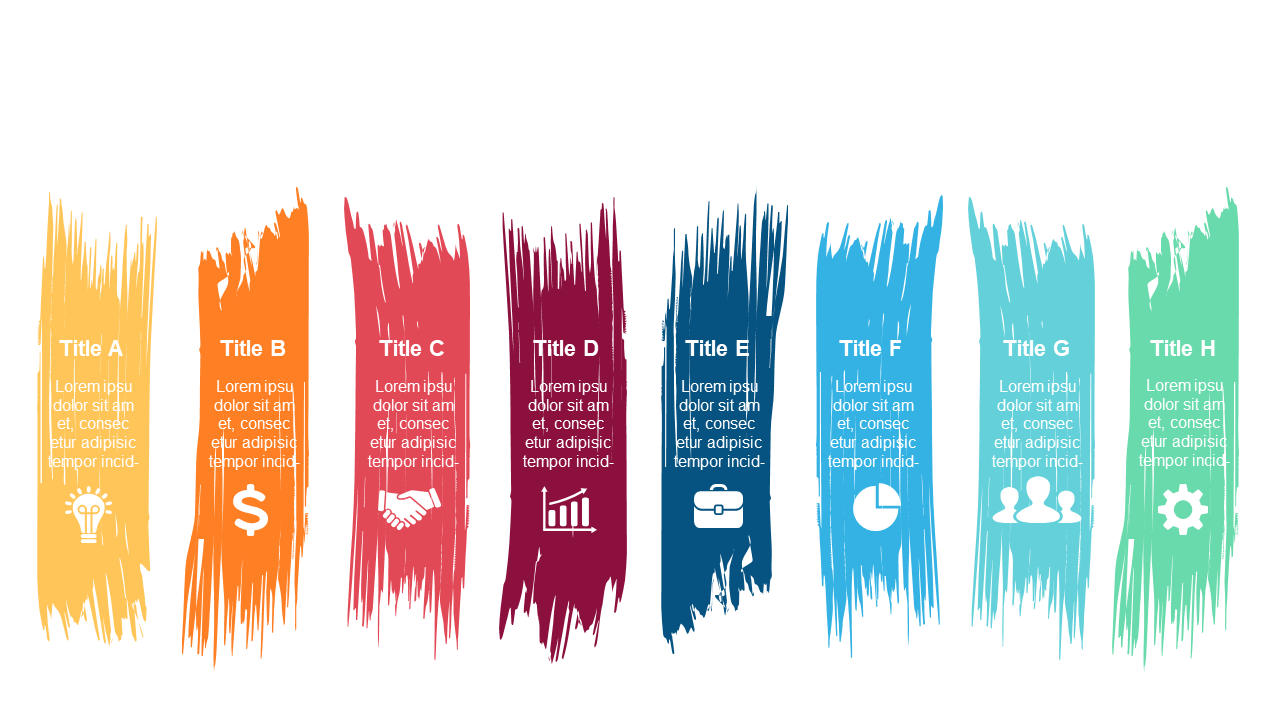
Use colorful vertical lists to present key business points effectively.
View full slide →
✓
Create engaging presentations with vibrant vertical lists for key points.
View full slide →
✓
Showcase contrasting themes effectively with this curved comparison layout.
View full slide →
✓
Use this layout to showcase contrasting business concepts in your slides.
View full slide →
✓
Highlight contrasting business metrics and ideas in your presentations.
 SlideSwift