Showing 290 slides
in Lists & Comparison

View full slide →
✓
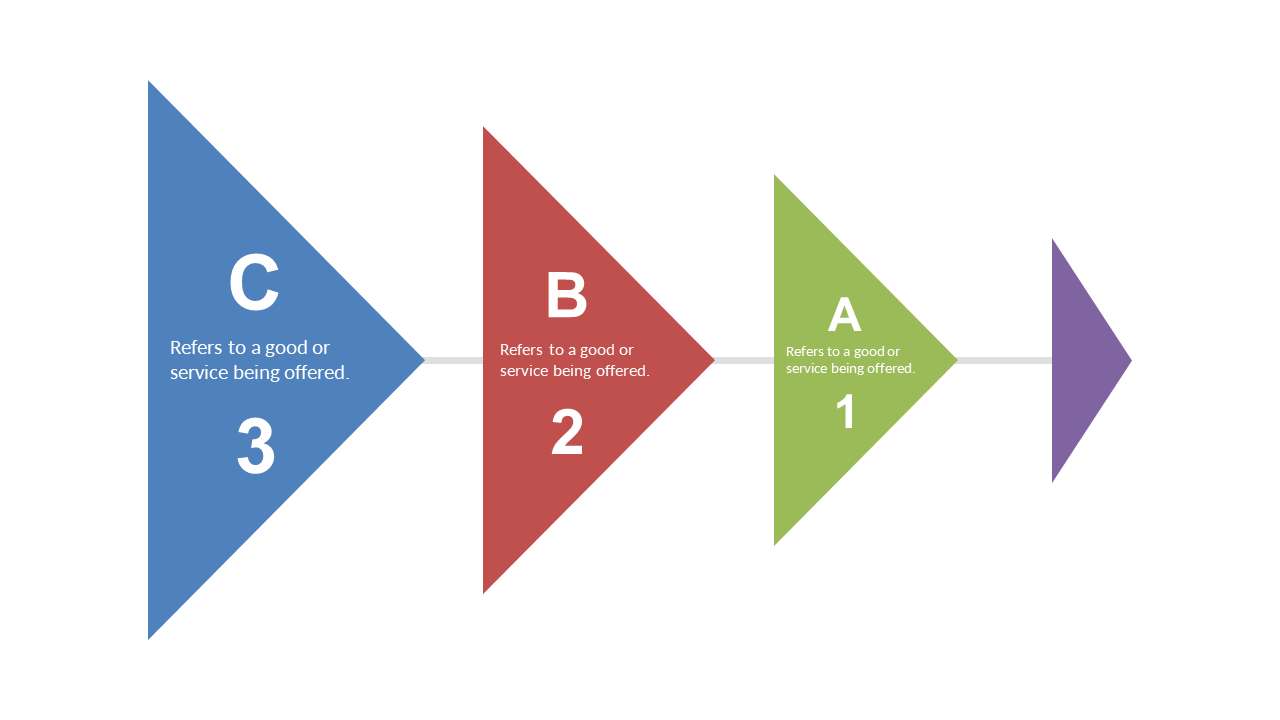
Enhance your business presentations with this triangular comparative analysis layout.
View full slide →
✓
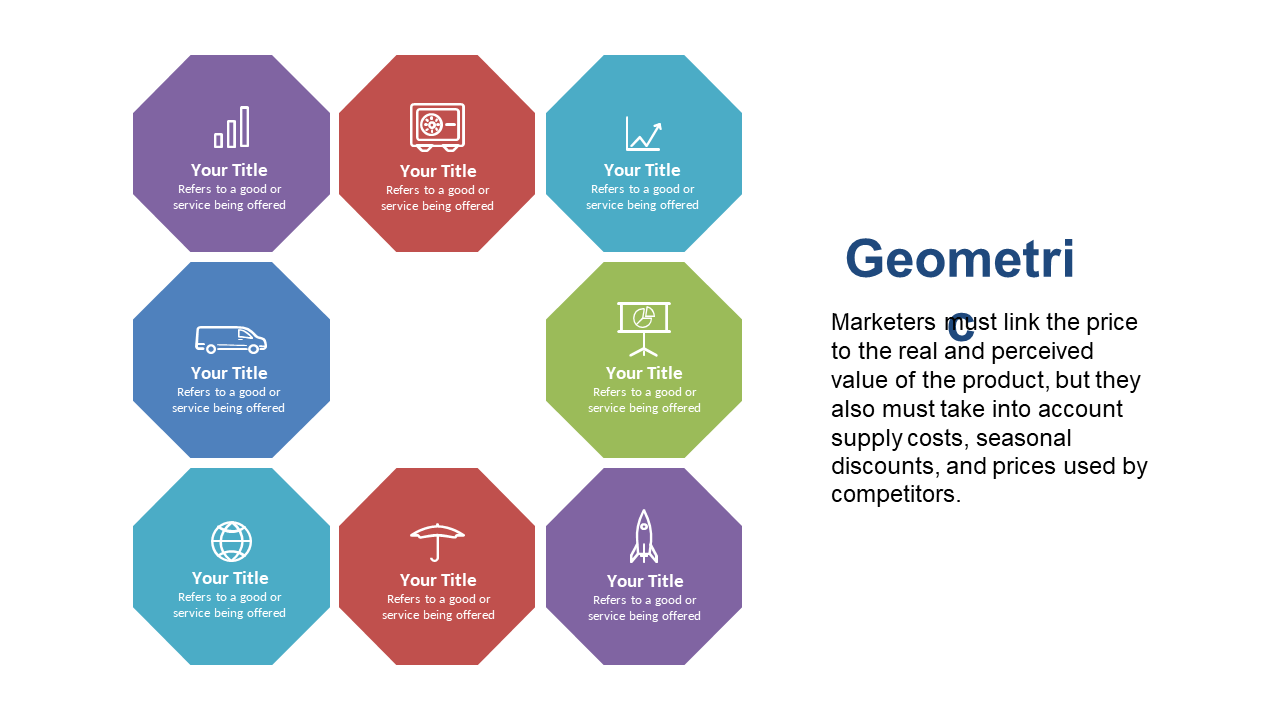
Use this hexagonal matrix to compare product features in presentations.
View full slide →
✓
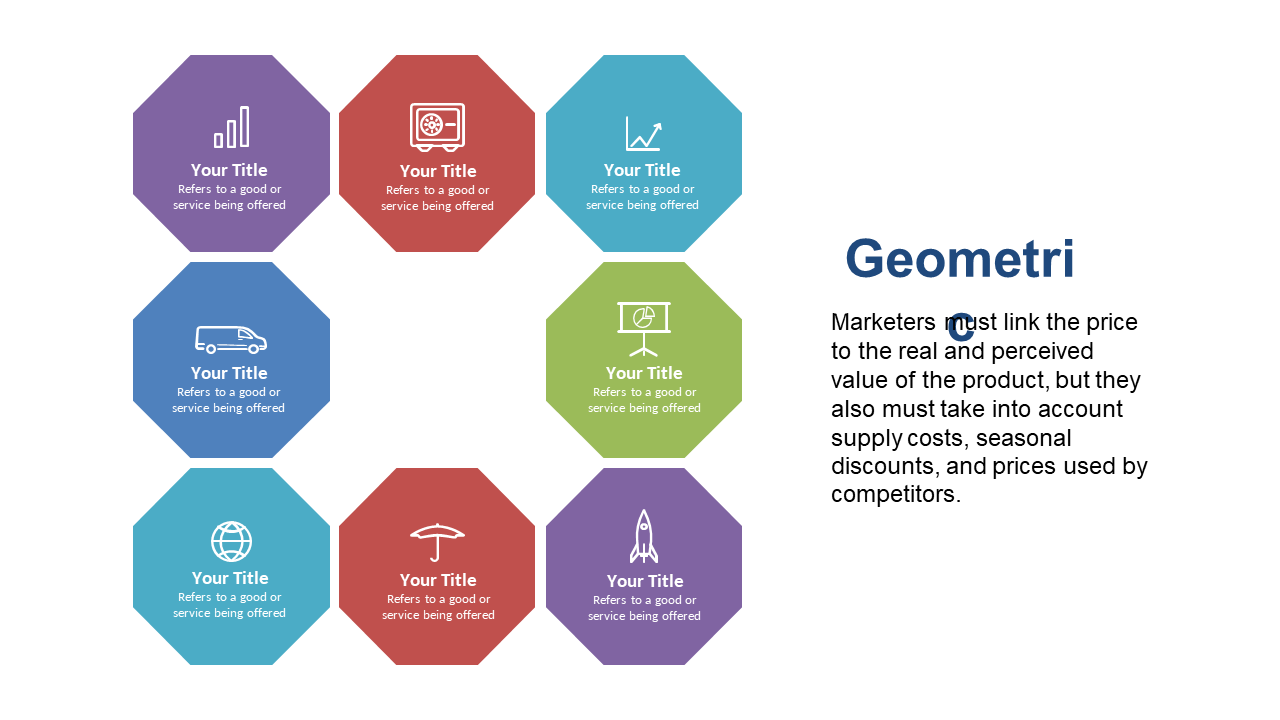
Utilize this hexagonal comparison matrix for product analysis in PowerPoint.
View full slide →
✓
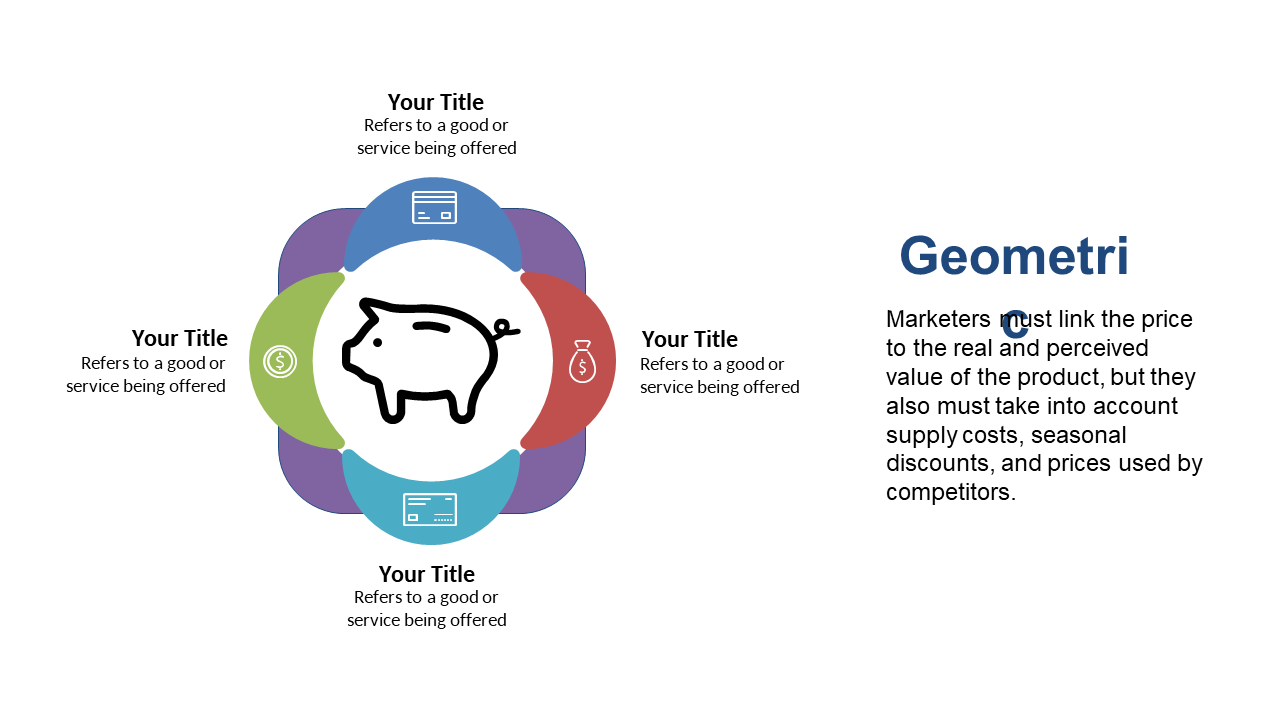
Leverage this quadrant layout in PowerPoint for visual product comparisons in marketing.
View full slide →
✓
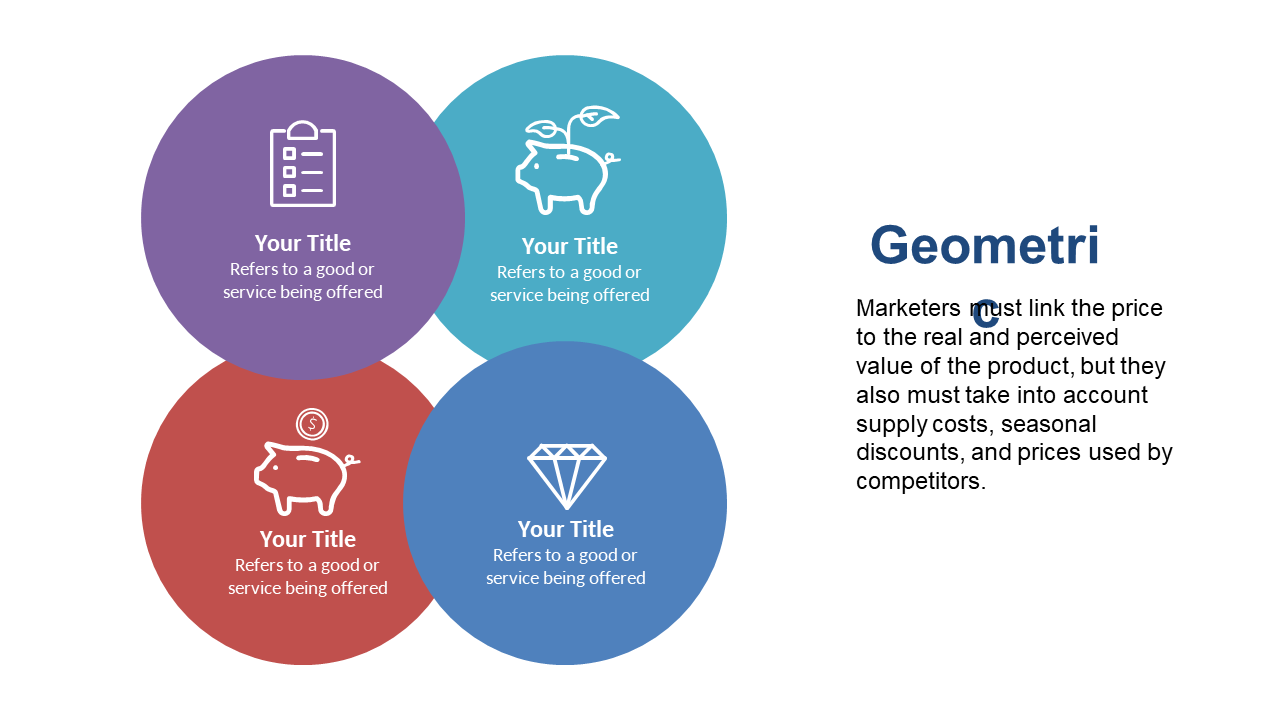
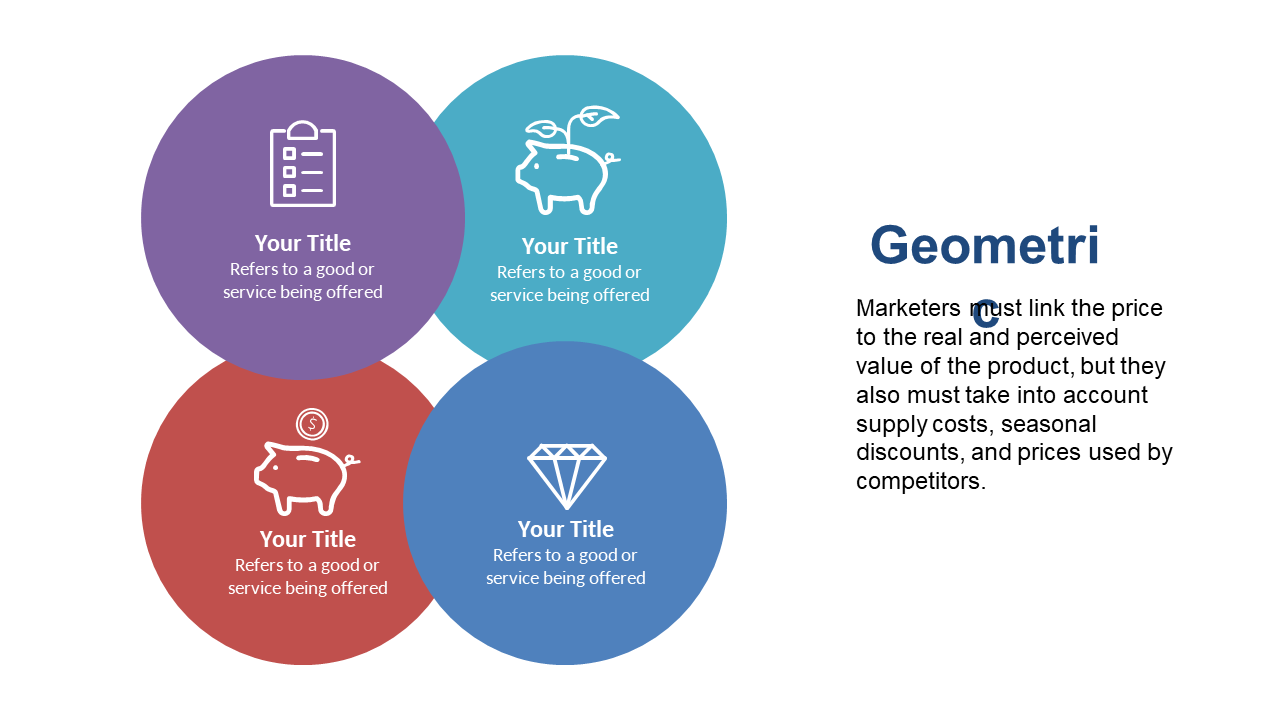
Create a Venn diagram in PowerPoint to illustrate key value propositions.
View full slide →
✓
Utilize this Venn diagram in PowerPoint to highlight value propositions.
View full slide →
✓
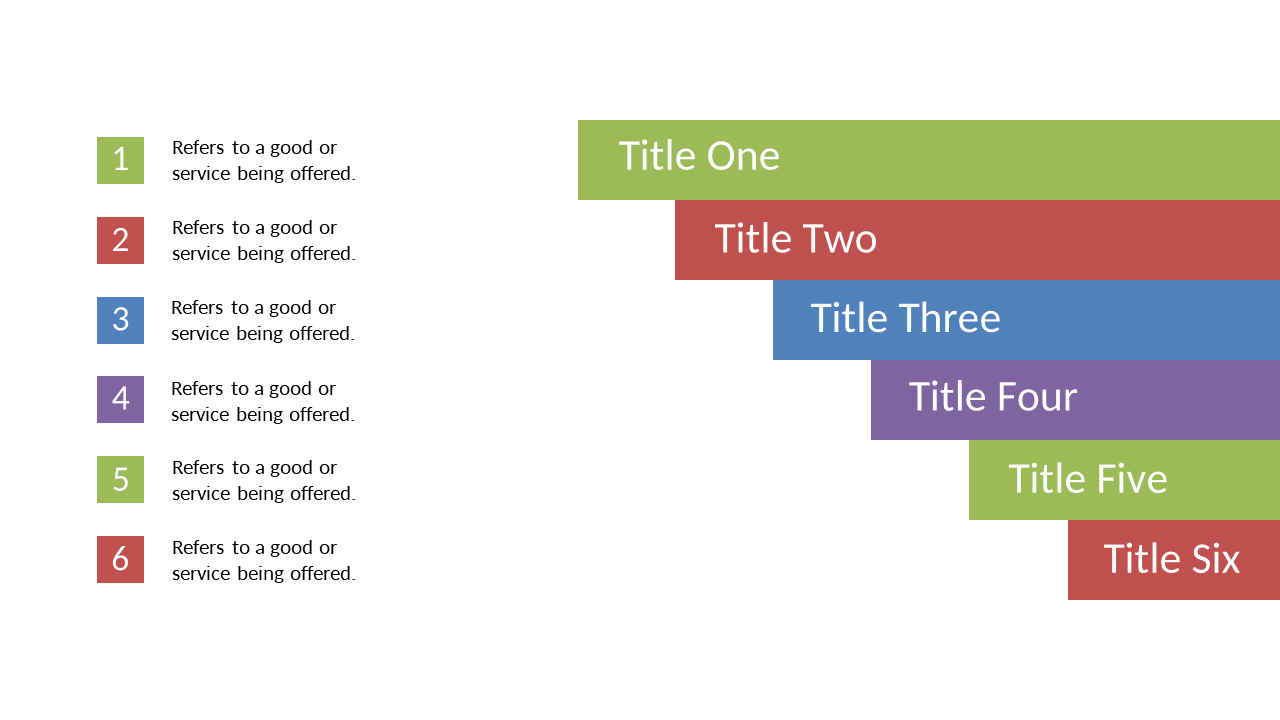
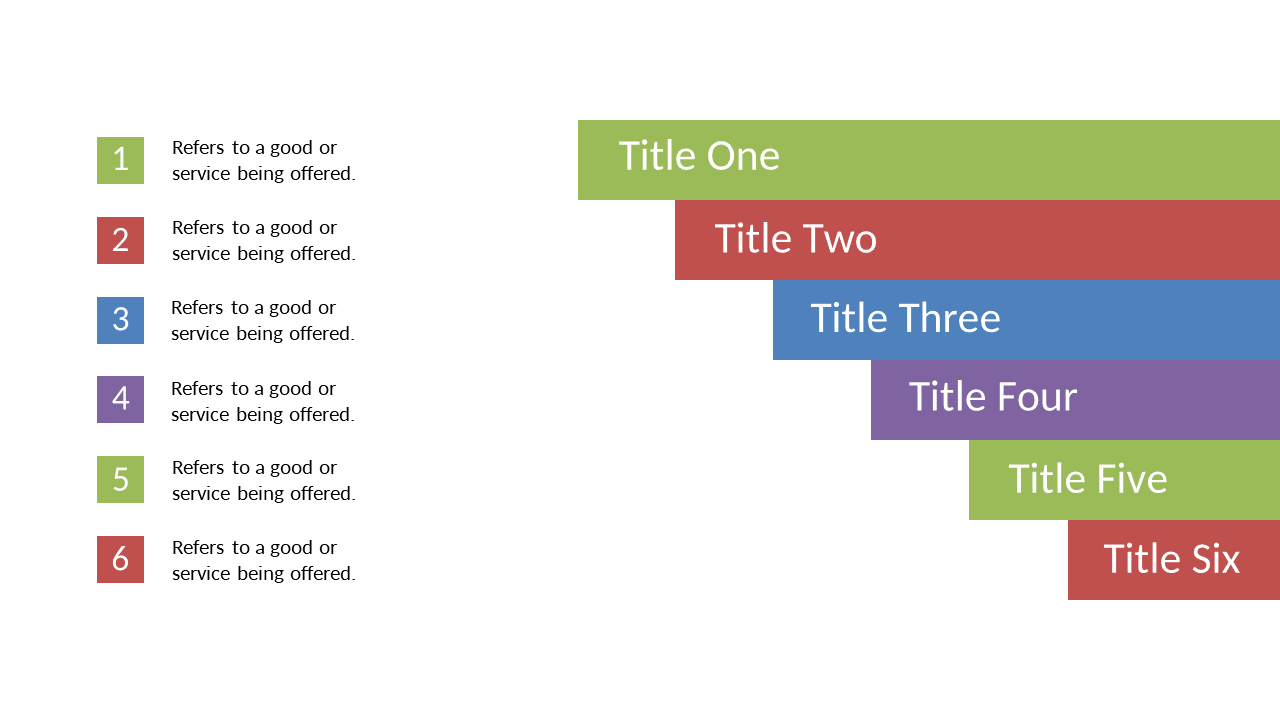
Organize your key points effectively with this horizontal stacked step list.
View full slide →
✓
Use this dynamic step list for training and project updates in your presentations.
View full slide →
✓
Engage audiences with this customizable horizontal comparison chart for presentations in PowerPoint.
View full slide →
✓
Use this horizontal comparison chart for effective service evaluation in PowerPoint or Google Slides.
View full slide →
✓
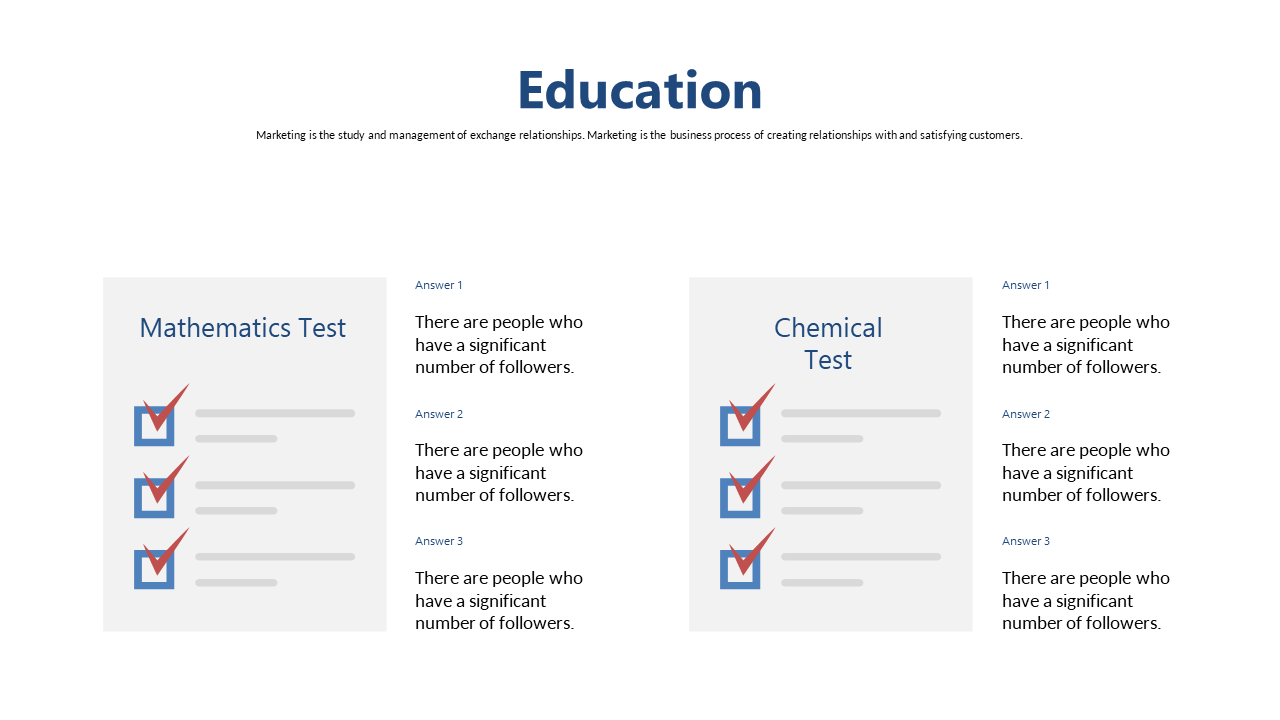
Showcase contrasting perspectives on social media followers in education.
View full slide →
✓
Utilize this slide to compare educational assessments using customizable checklists.
 SlideSwift