Compare Usability and Design of MacBook Pro
Product Description
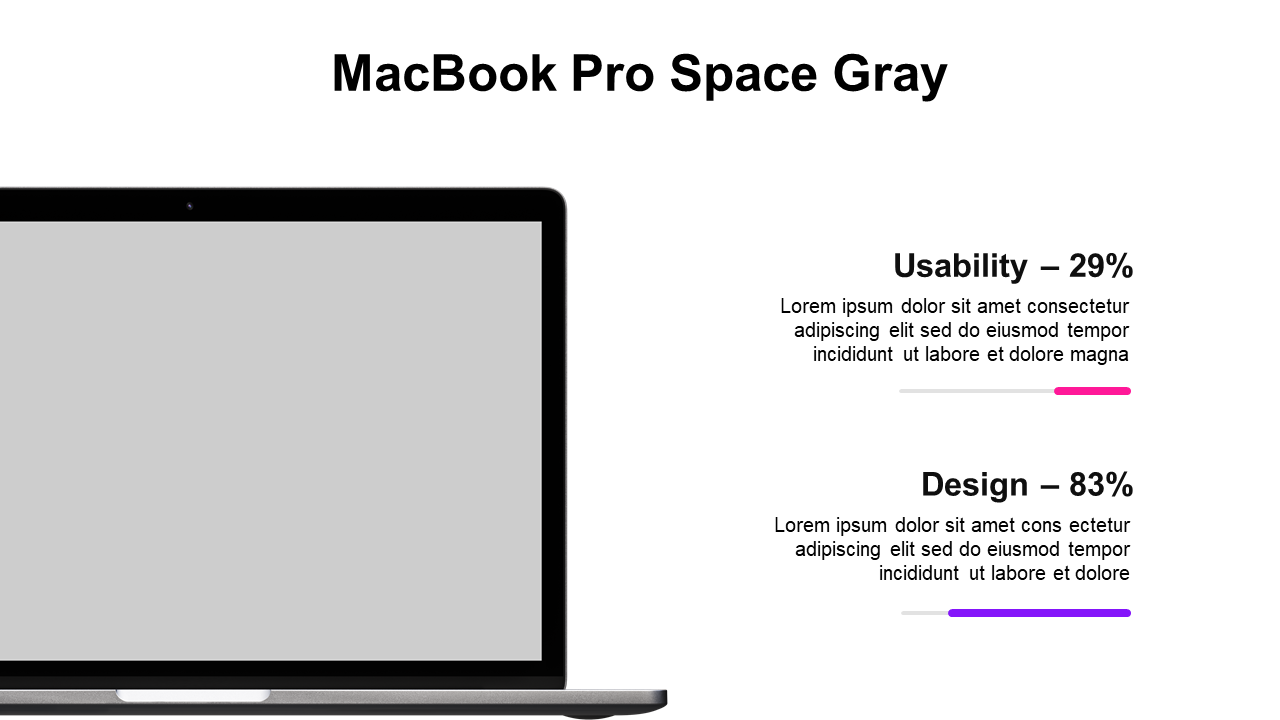
Finding a clear way to compare important features can be a challenge, especially when you’re trying to persuade an audience about the merits of a product. This slide layout presents the usability and design of the MacBook Pro in an organized and visually appealing manner, making it easy for your audience to grasp key comparisons at a glance.
This is perfect for product managers presenting tech reviews, marketing teams discussing new releases, or educators conducting workshops on tech innovations. It also serves well in stakeholder meetings where decisions about product investments are on the table, ensuring everyone understands the core differences.
For just $0.99, you can download this editable slide and have it ready for your presentation in minutes. It works seamlessly with PowerPoint and Google Slides, allowing you to quickly insert your own data and customize the look to fit your brand.
$0.99 – Purchase Checkout
Added to cart