Compare Business Strategies with Quadrant Layout
Product Description
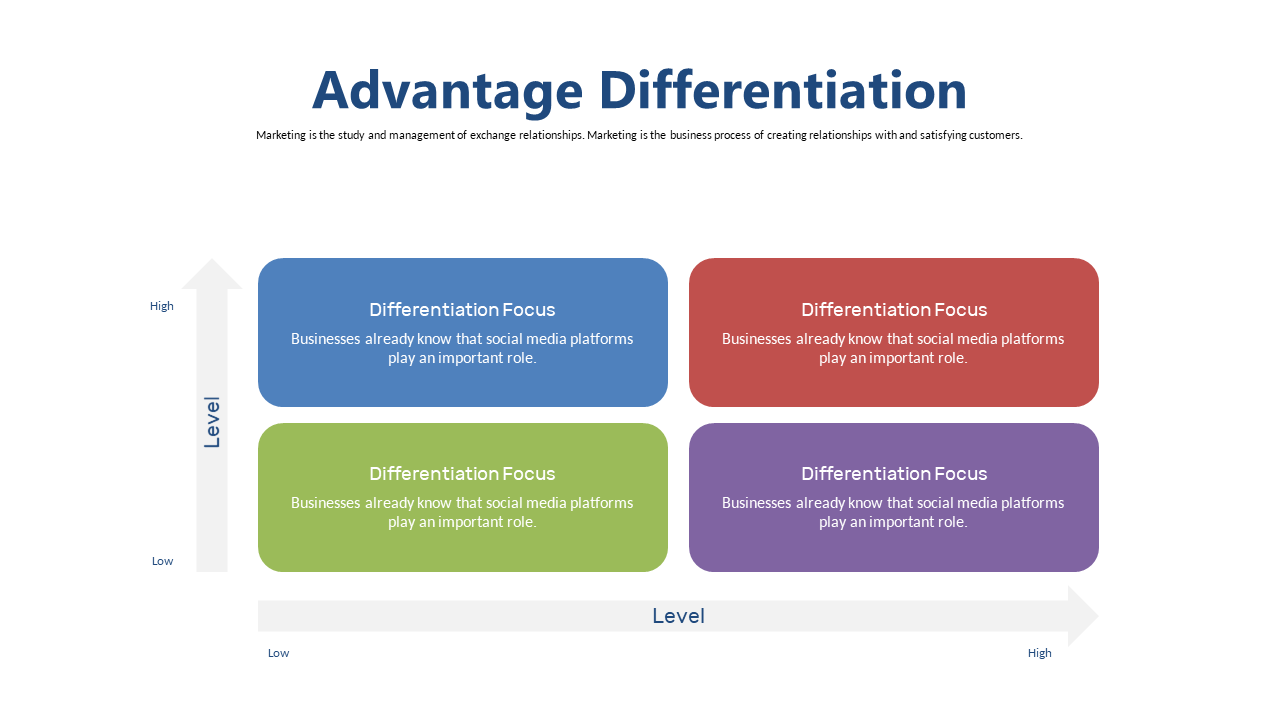
In today’s fast-paced business world, comparing strategies clearly can be a daunting task. This quadrant layout slide makes it easy to display various approaches side by side, ensuring your audience can grasp the comparisons at a glance.
With this visual aid, you’ll streamline the discussion and highlight key differences. Whether you’re a business analyst preparing a strategy comparison for your leadership team or a consultant advising clients on strategic options, this slide is an excellent choice. It fits well in board meetings, strategic planning sessions, or any scenario where clear visual communication of multiple strategies is vital.
Available for just $0.99, this slide is ready for instant download and customization. It’s compatible with both PowerPoint and Google Slides, so you can modify it quickly to ensure your presentation stands out.
$0.99 – Purchase Checkout
Added to cart