SlideSwift
By Category
💼Business 📊Infographics □Minimal 🕐Timelines ✨Neumorphic 🗑Diagrams 🔄Flow Charts ✨Glassmorphism 🎨Creative 🌍Abstract 🔄Cycle Diagrams 💎Isometric 🖼Illustrations 📱Social Media 🗺MapsBy Slide Type
🚀Pitch Deck 📌Roadmap 🔍SWOT Analysis 📅Timeline 📈Gantt Chart 🏢Org Chart 📋Funnel ⚖Comparison 📄Case Study 📋Agenda ⭐Icons & Lists 👏Thank You
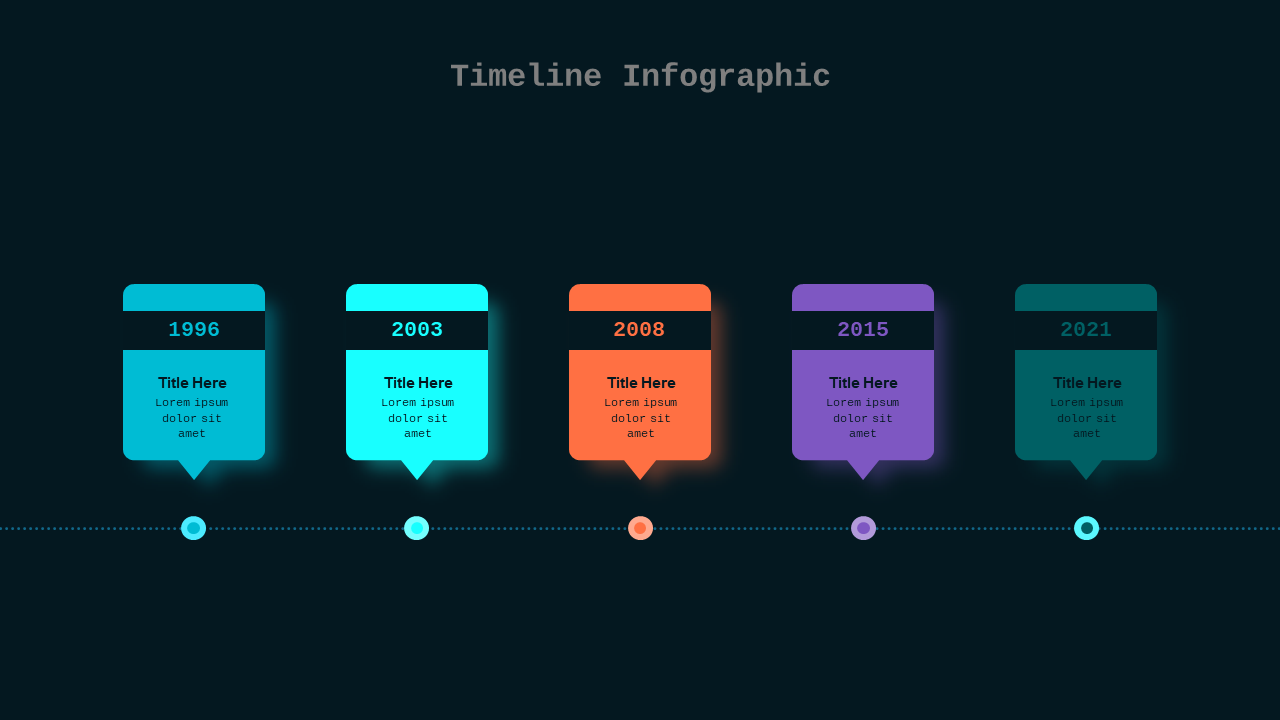
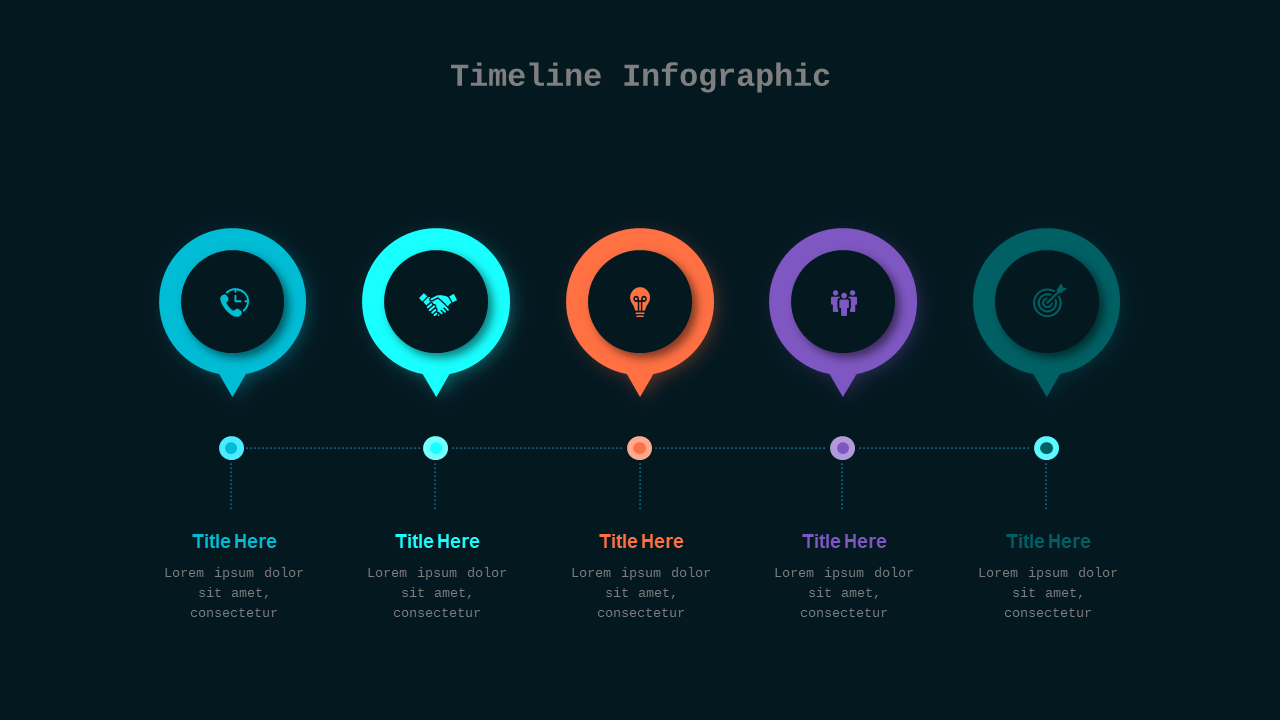
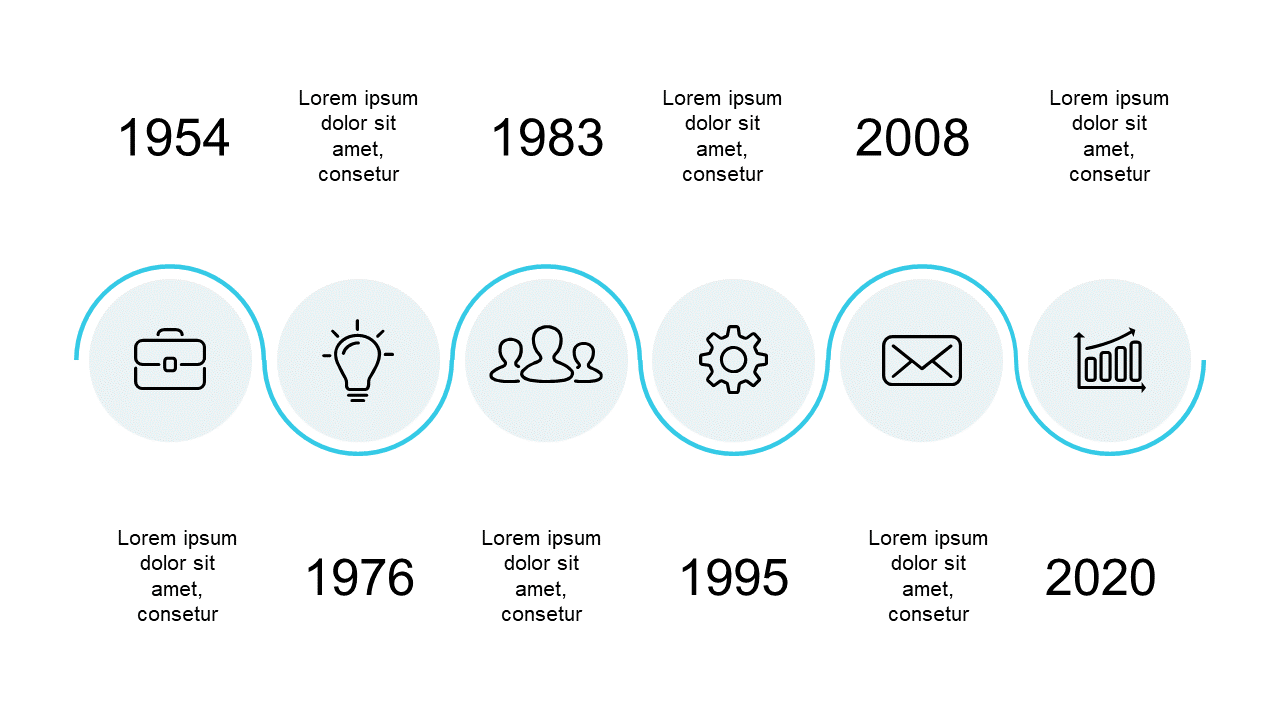
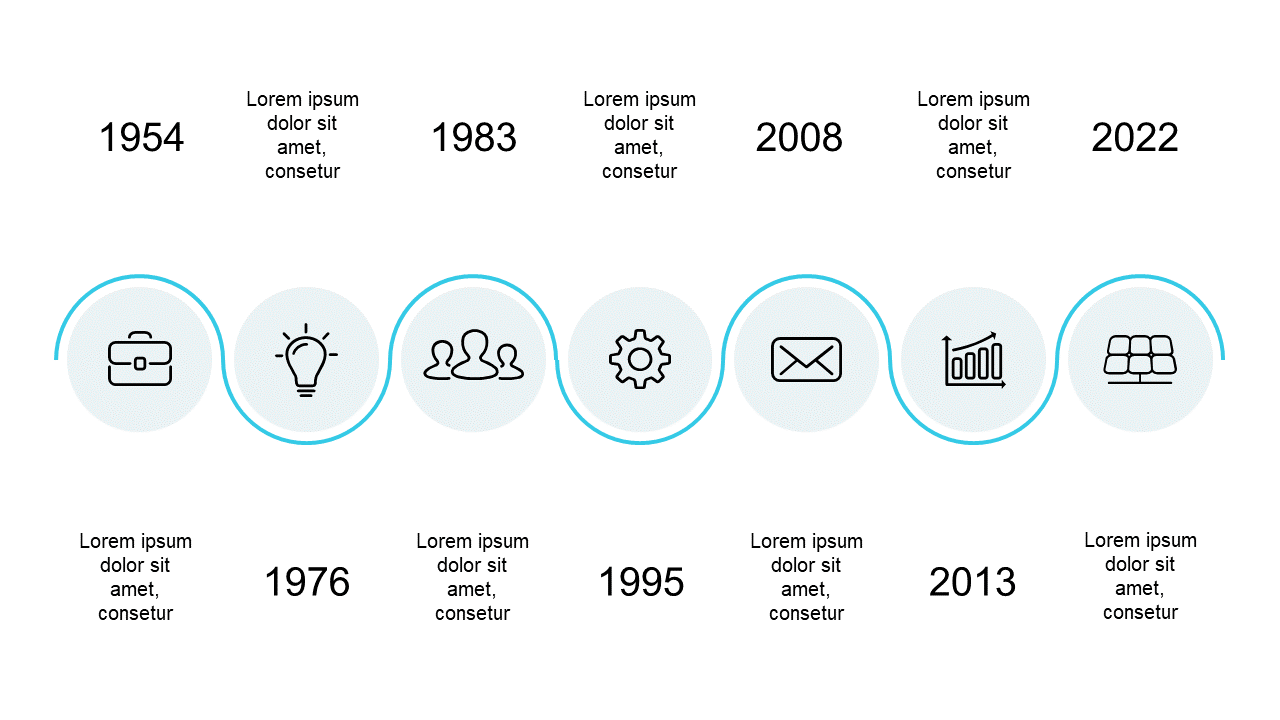
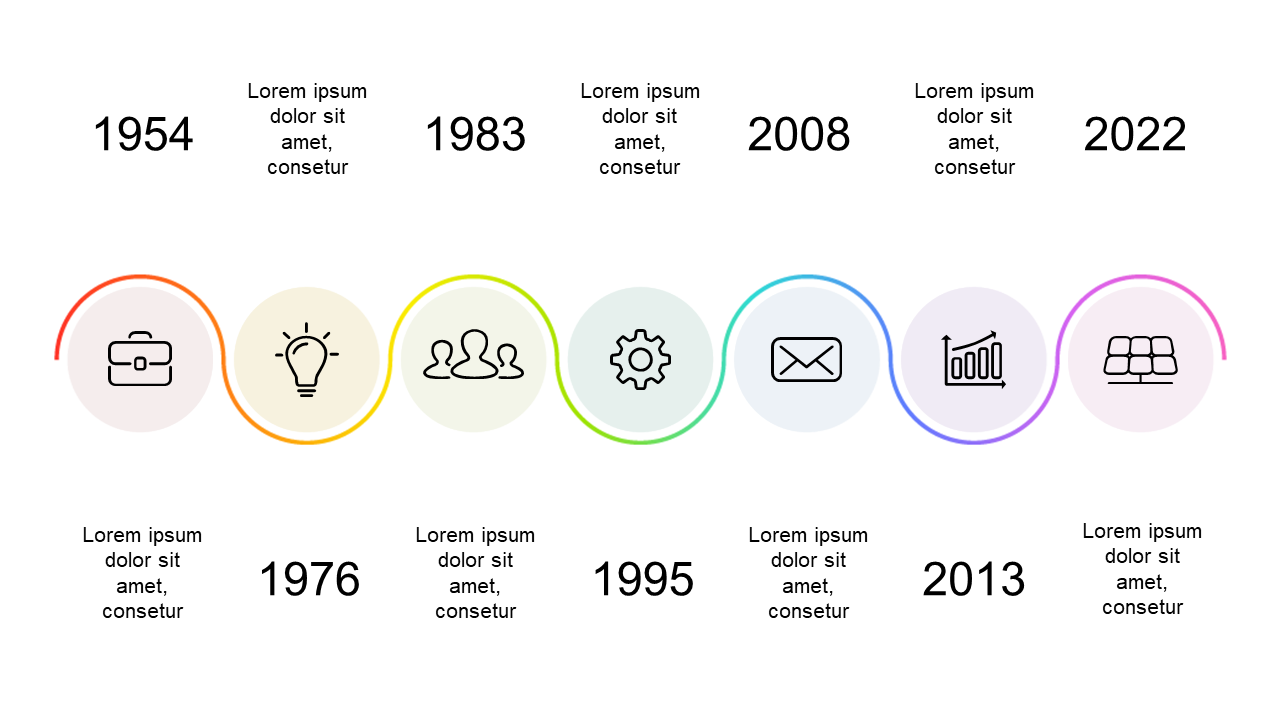
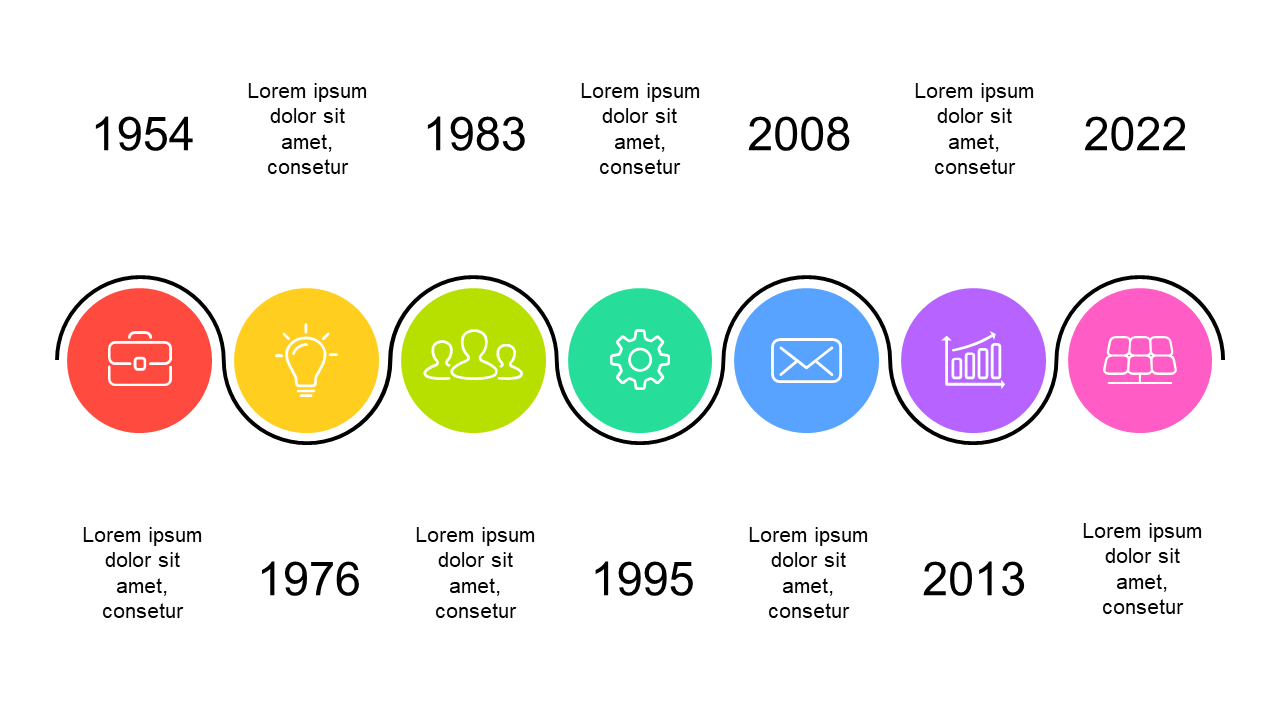
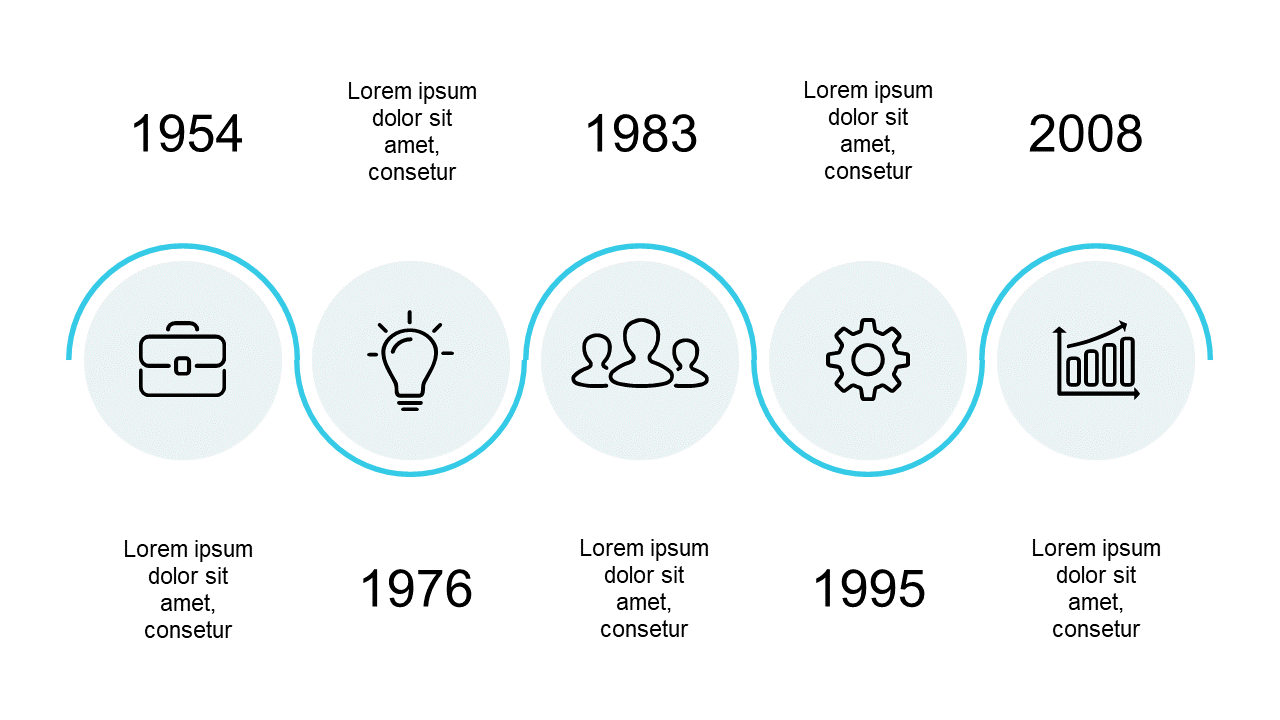
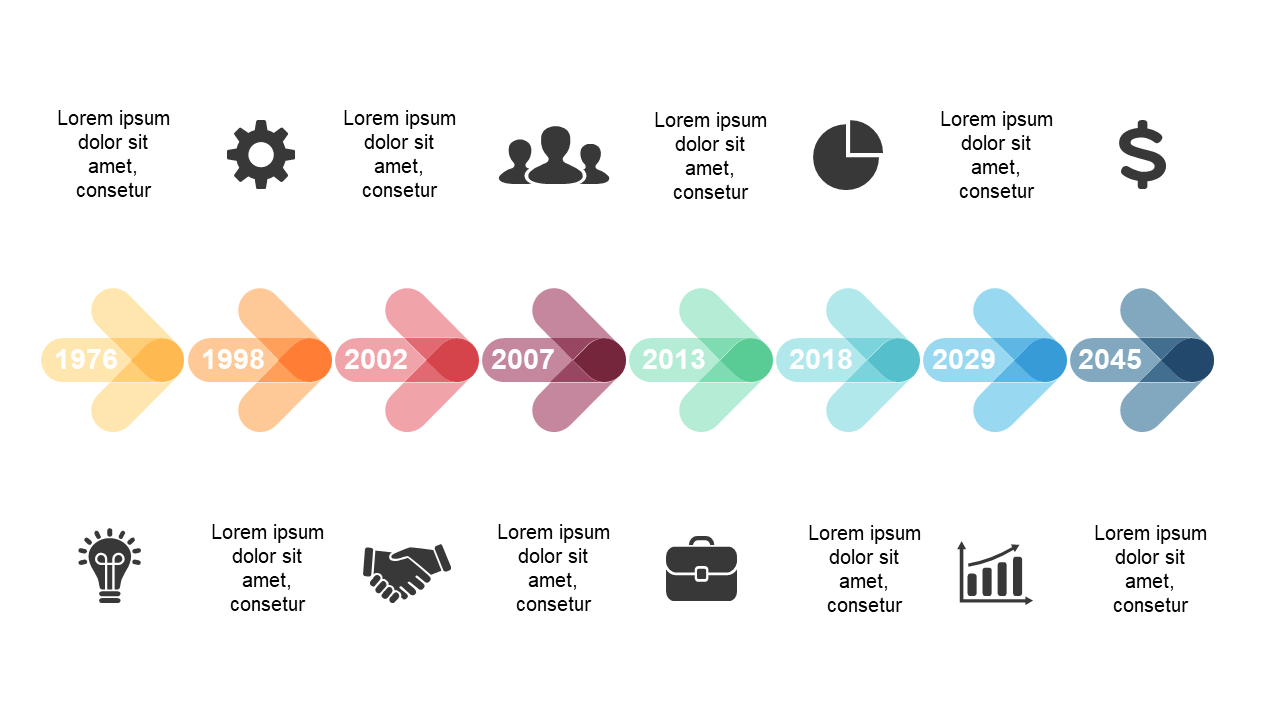
When you’re juggling multiple projects, keeping track of milestones can be a challenge. You need a straightforward way to present your timeline without overwhelming your audience. This slide showcases a horizontal timeline with circular icons, each representing a significant milestone or event. It’s visually appealing and easy to follow, making your presentation more engaging. As a program manager, you can use this slide to highlight key project milestones, showing your team’s progress at a glance. For a product manager, it’s the perfect tool to illustrate product development phases, ensuring stakeholders are aligned on deliverables. An operations manager can utilize this layout to present operational timelines, mapping out critical changes or updates. Customization is simple—you can easily edit the icons and text to fit your project’s specific needs. $0.99 — add this single slide to any deck from the SlideSwift Slide Library. No subscription needed. Mix slides from any category to build your perfect deck.
Add more from this category to your custom deck