Highlight Features with Progress Indicators

Product Description
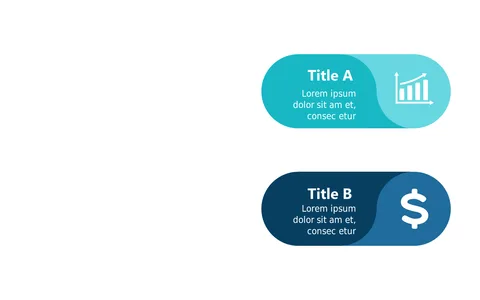
Showcasing key features of a product can often lead to cluttered slides that fail to communicate effectively. This layout uses progress indicators to not only highlight features but also their status, keeping your audience engaged while conveying essential information clearly. It’s a fantastic way to maintain focus on what matters most.
This slide is ideal for product managers during feature reviews, where you need to explain development progress succinctly. App developers can find it useful for demo presentations, while marketing strategists might use it to illustrate feature rollouts to potential clients.
Its adaptability makes it a fit for any tech-oriented discussion. You can grab this slide for just $0.99 and start personalizing it right away. It’s readily available for download and fully editable in both PowerPoint and Google Slides, so you can tweak it to suit your needs in minutes.
$0.99 – Purchase Checkout
Added to cart