SlideSwift
By Category
💼Business 📊Infographics □Minimal 🕐Timelines ✨Neumorphic 🗑Diagrams 🔄Flow Charts ✨Glassmorphism 🎨Creative 🌍Abstract 🔄Cycle Diagrams 💎Isometric 🖼Illustrations 📱Social Media 🗺MapsBy Slide Type
🚀Pitch Deck 📌Roadmap 🔍SWOT Analysis 📅Timeline 📈Gantt Chart 🏢Org Chart 📋Funnel ⚖Comparison 📄Case Study 📋Agenda ⭐Icons & Lists 👏Thank You
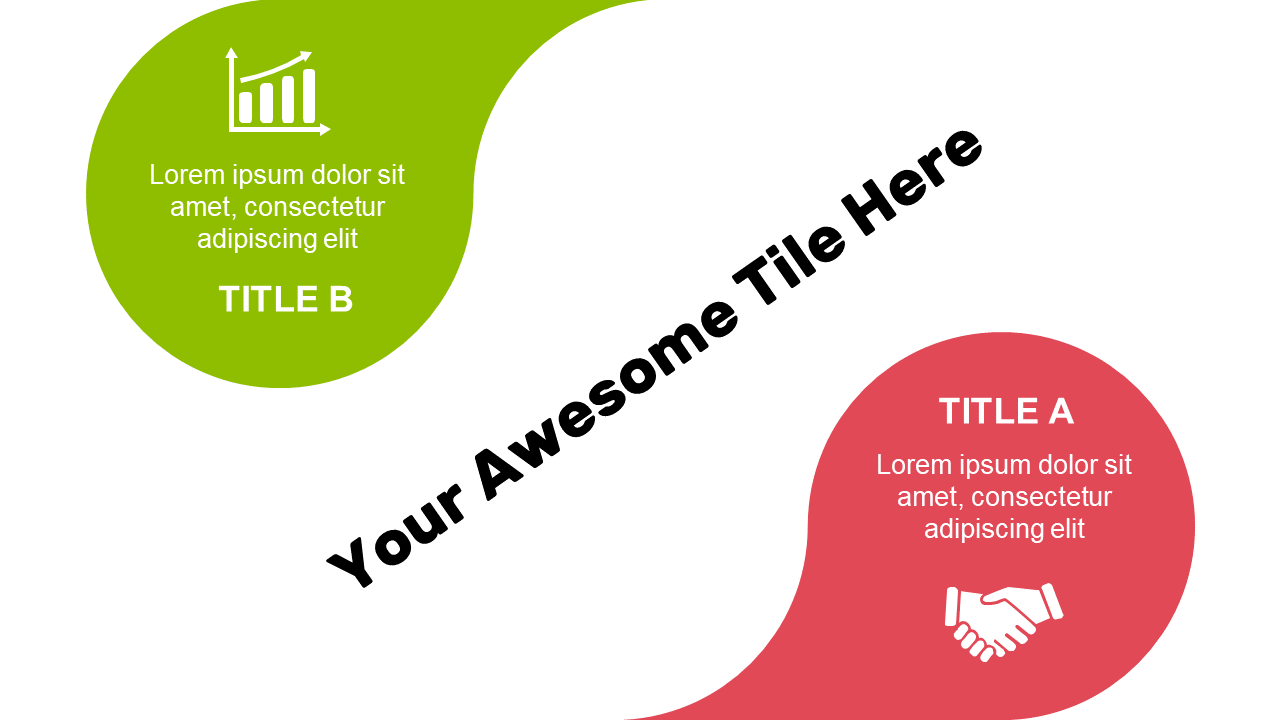
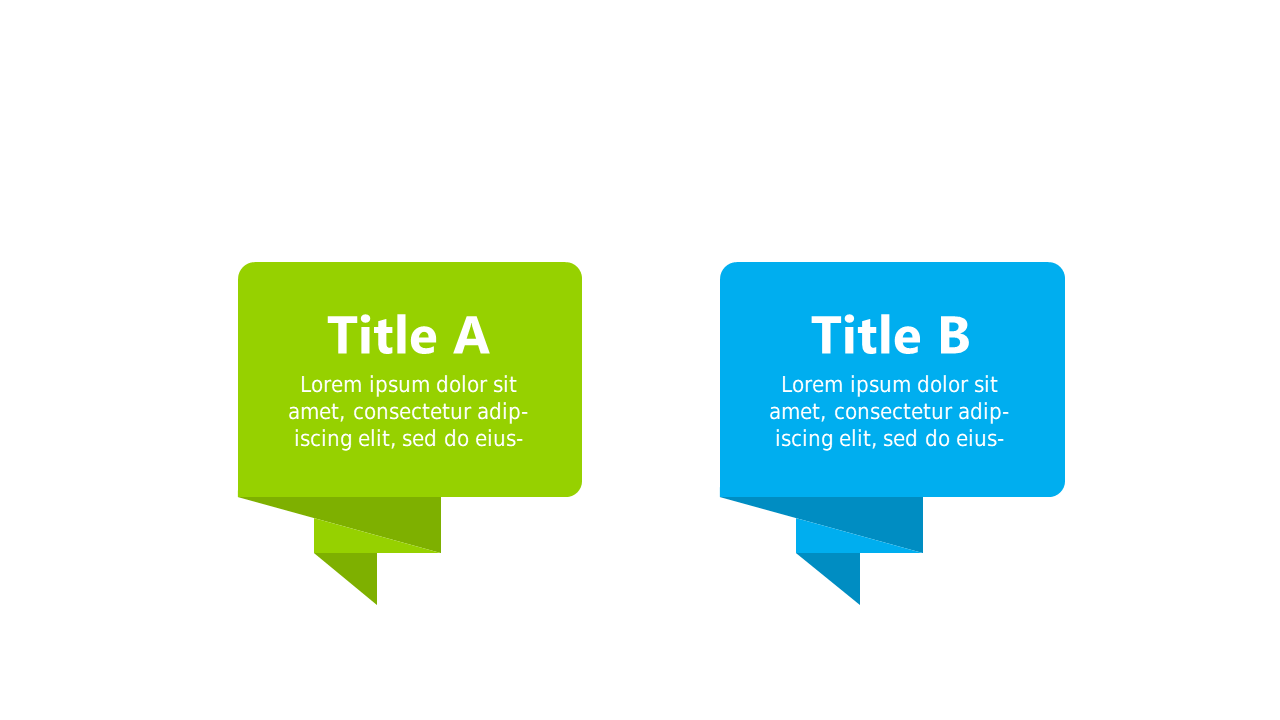
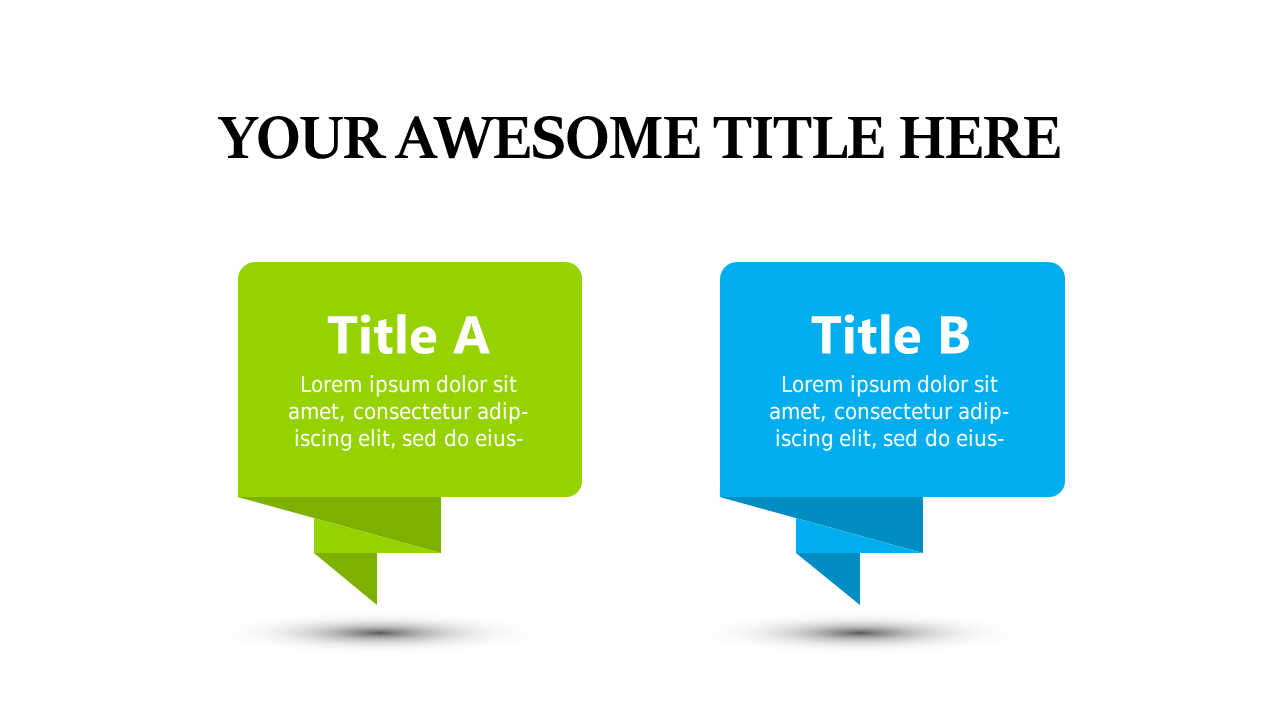
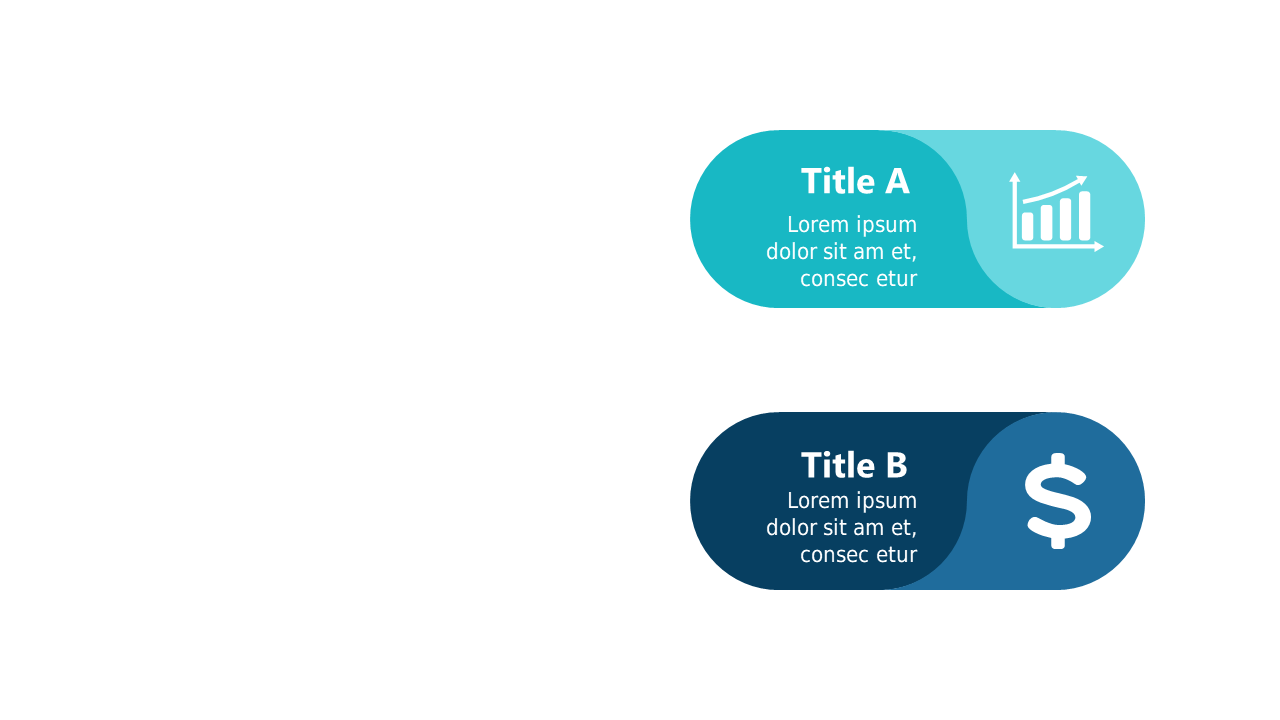
When you’re faced with presenting two competing ideas, clarity is key. Using a dual bubble layout allows you to visually separate and emphasize each concept, making it easier for your audience to grasp the differences at a glance. The slide showcases two distinct bubbles, each containing an icon and a title along with supporting text, ensuring that your points stand out. It’s designed for immediate use in your next PowerPoint presentation. As a strategy manager, you can utilize this slide to compare two strategic options, providing a clear visual assessment for stakeholders. Analysts can benefit from this layout by contrasting data findings side-by-side, leading to informed decision-making. Consultants might find it useful for presenting client recommendations, allowing them to illustrate various approaches effectively. All elements, including text and icons, are fully customizable, so you can tailor them to fit your specific messaging. $0.99 — add this single slide to any deck from the SlideSwift Slide Library. No subscription needed. Mix slides from any category to build your perfect deck.
Add more from this category to your custom deck