Simple Four-Step Timeline for Presentations

Product Description
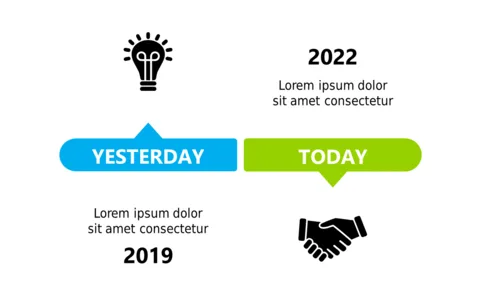
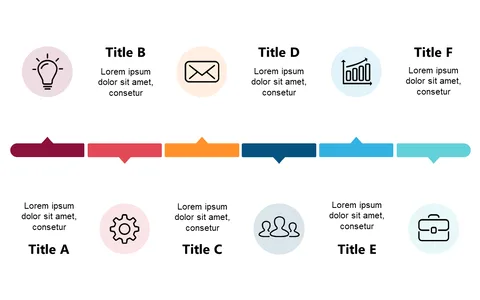
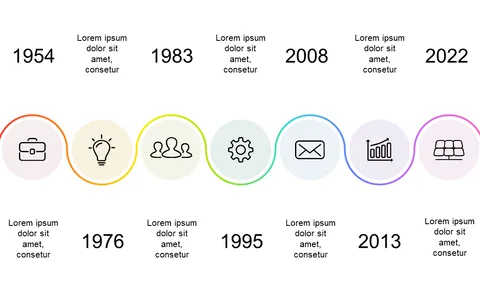
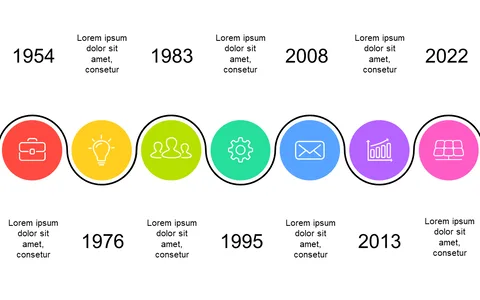
Communicating project timelines can often lead to confusion, especially when you have to convey multiple milestones and deadlines clearly. This straightforward four-step timeline simplifies that process, making it easier for your audience to grasp the chronological flow of your project.
Whether you’re a project manager sharing an update during a team meeting or a teacher explaining the timeline of a historical event, this slide serves as an excellent visual aid. The clean design helps you focus on the important details without overwhelming your audience with too much information.
For just $0.99, you can download this editable slide that works seamlessly in PowerPoint and Google Slides. Customize it in minutes to fit your project’s timeline and present your information in a clear, engaging way.
$0.99 – Purchase Checkout
Added to cart