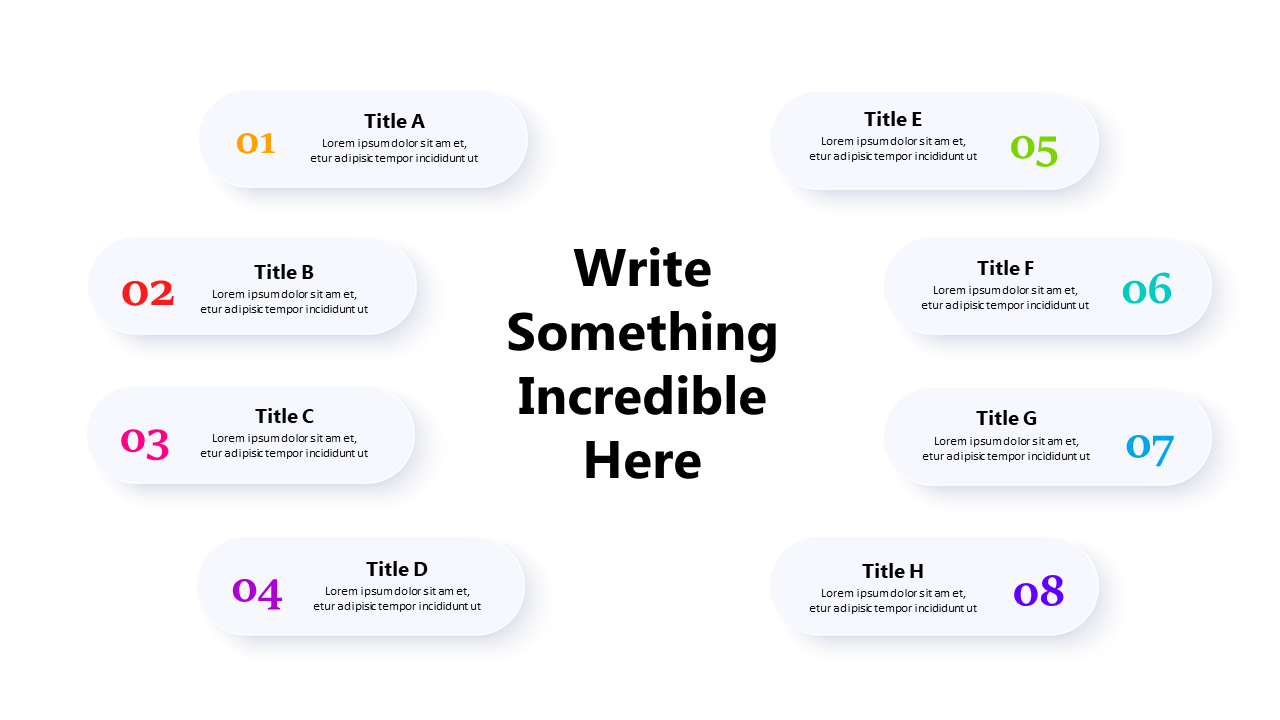
Organize Key Points with Central Highlighted List
Product Description
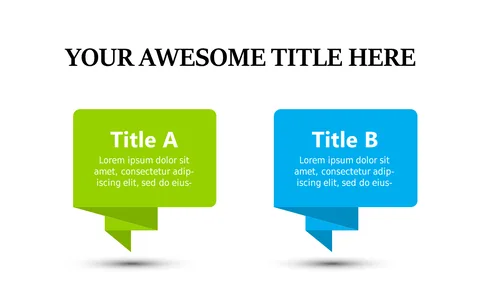
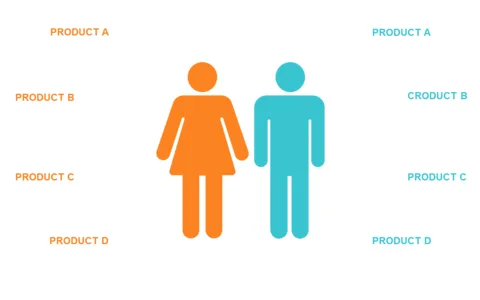
Presenting key points in a clutter-free manner can be a challenge, especially when you want to ensure everyone is on the same page. This central highlighted list layout helps organize your thoughts neatly, allowing your audience to follow along easily. By accentuating your main points, you enhance the likelihood that your message will stick.
Business analysts and executives will find this slide effective for outlining project highlights during meetings or quarterly reviews. It’s a fantastic choice for consultants or coaches who want to emphasize key takeaways in their presentations.
The structured format makes it easy to guide your audience through the information without losing their attention. For only $0.99, you can download this slide instantly and customize it to your liking in PowerPoint or Google Slides. Editing is straightforward, allowing you to tweak the shapes and text to match your style and presentation needs within just a few minutes.
$0.99 – Purchase Checkout
Added to cart