Dual Column Checklist for Task Comparison

Product Description
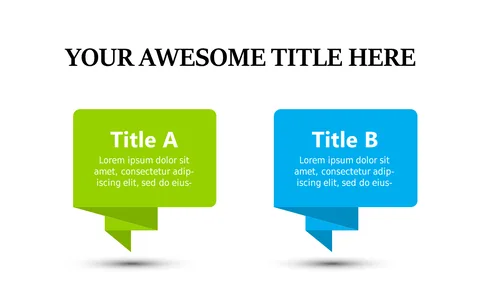
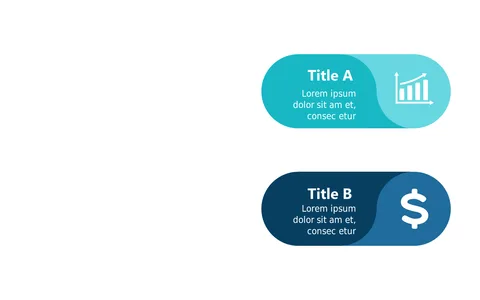
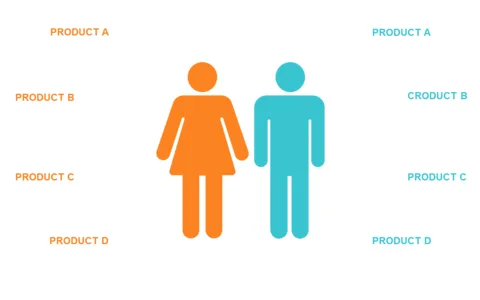
Comparing tasks can lead to confusion, especially when you need to show priority or preference under tight deadlines. This dual column checklist slide makes it simple to see your options laid out side by side, helping you and your audience make informed decisions quickly.
Project managers, team leaders, and department heads frequently find themselves in meetings where they need to compare tasks or projects. Whether you’re presenting a comparison of development priorities in a tech team or evaluating marketing campaign options in a strategy session, this checklist slide is a perfect fit.
For just $0.99, you can download this checklist slide instantly. It’s fully editable in PowerPoint and Google Slides, allowing you to customize it to your specific needs in minutes.
$0.99 – Purchase Checkout
Added to cart