SlideSwift
By Category
💼Business 📊Infographics □Minimal 🕐Timelines ✨Neumorphic 🗑Diagrams 🔄Flow Charts ✨Glassmorphism 🎨Creative 🌍Abstract 🔄Cycle Diagrams 💎Isometric 🖼Illustrations 📱Social Media 🗺MapsBy Slide Type
🚀Pitch Deck 📌Roadmap 🔍SWOT Analysis 📅Timeline 📈Gantt Chart 🏢Org Chart 📋Funnel ⚖Comparison 📄Case Study 📋Agenda ⭐Icons & Lists 👏Thank You
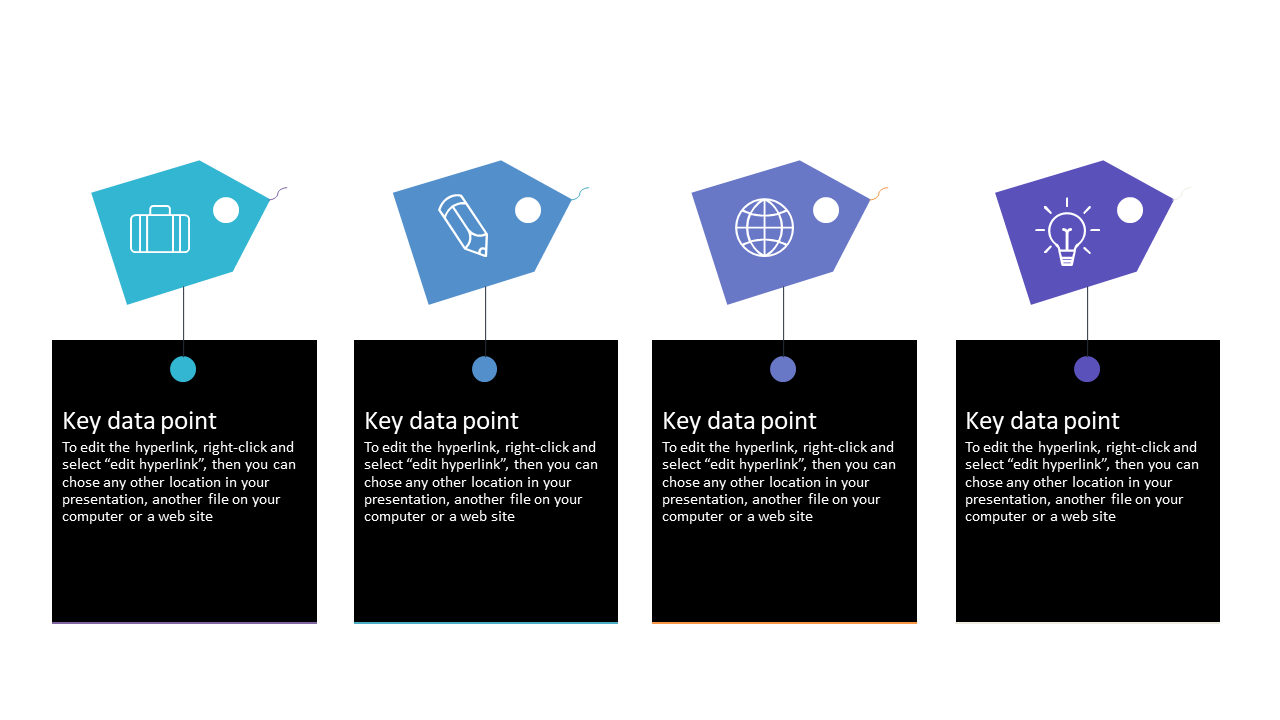
When you need to present critical data clearly, this tag layout slide steps in effectively. It showcases four customizable tags, perfect for comparing key data points side by side, helping your audience see the distinctions at a glance. Picture yourself in a sales meeting, confidently presenting product features, with each tag clearly highlighting what sets your offerings apart. As a strategy manager, you might use this slide to illustrate the differences between various market strategies, enabling your team to make informed decisions quickly. An analyst can utilize this layout to present data trends, ensuring that the audience can focus on the most important metrics without distraction. Customization is straightforward, allowing you to swap out icons and text to fit your specific context in moments. $0.99 — add this single slide to any deck from the SlideSwift Slide Library. No subscription needed. Mix slides from any category to build your perfect deck.
Add more from this category to your custom deck