Showing 1,112 slides
for "icons"

View full slide →
✓
Use this circular 3-step process layout to clarify workflows in PowerPoint and Google Slides.
View full slide →
✓
Utilize this circular 3-step layout to effectively present workflows in PowerPoint and Google Slides.
View full slide →
✓
Showcase your workflow effectively with this circular 3-step process layout for PowerPoint and Google Slides.
View full slide →
✓
Engage your audience with this circular 3-step layout for effective presentations in PowerPoint and Google Slides.
View full slide →
✓
Utilize this circular 3-step design to effectively present workflows in PowerPoint and Google Slides.
View full slide →
✓
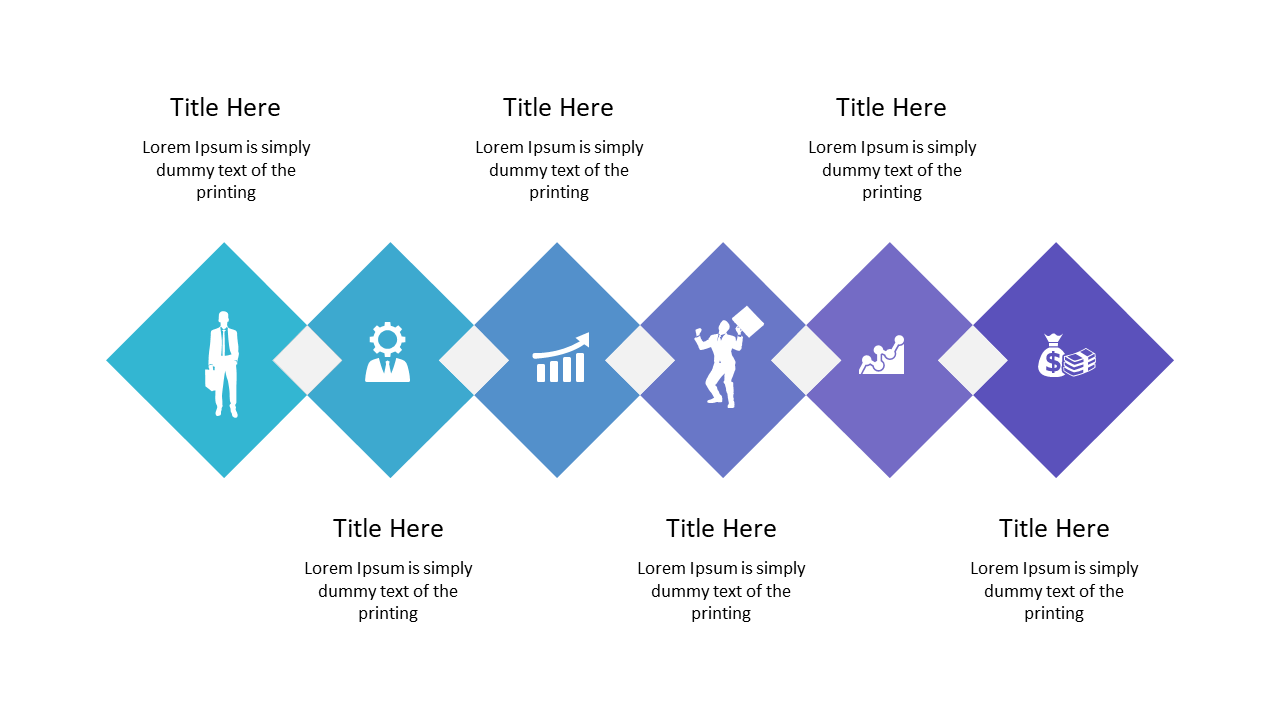
Present workflows clearly with diamond-shaped steps and icons.
View full slide →
✓
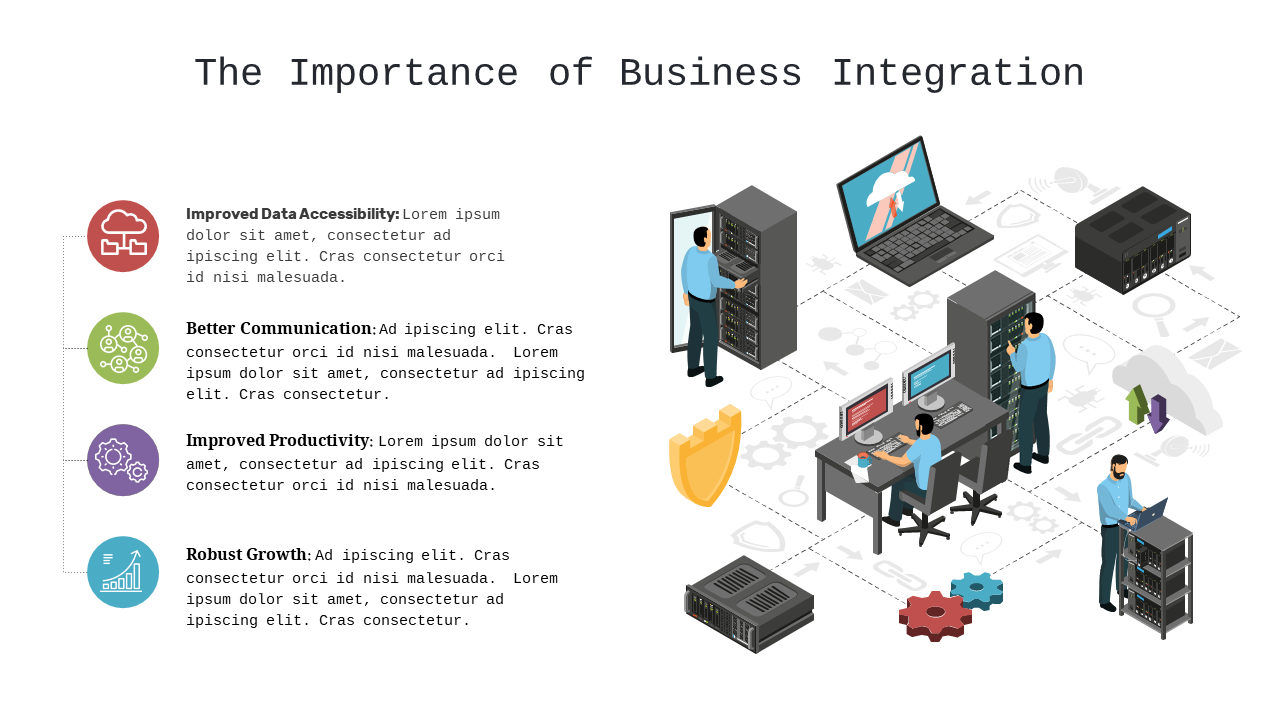
Engage your audience with an infographic highlighting business integration benefits.
View full slide →
✓
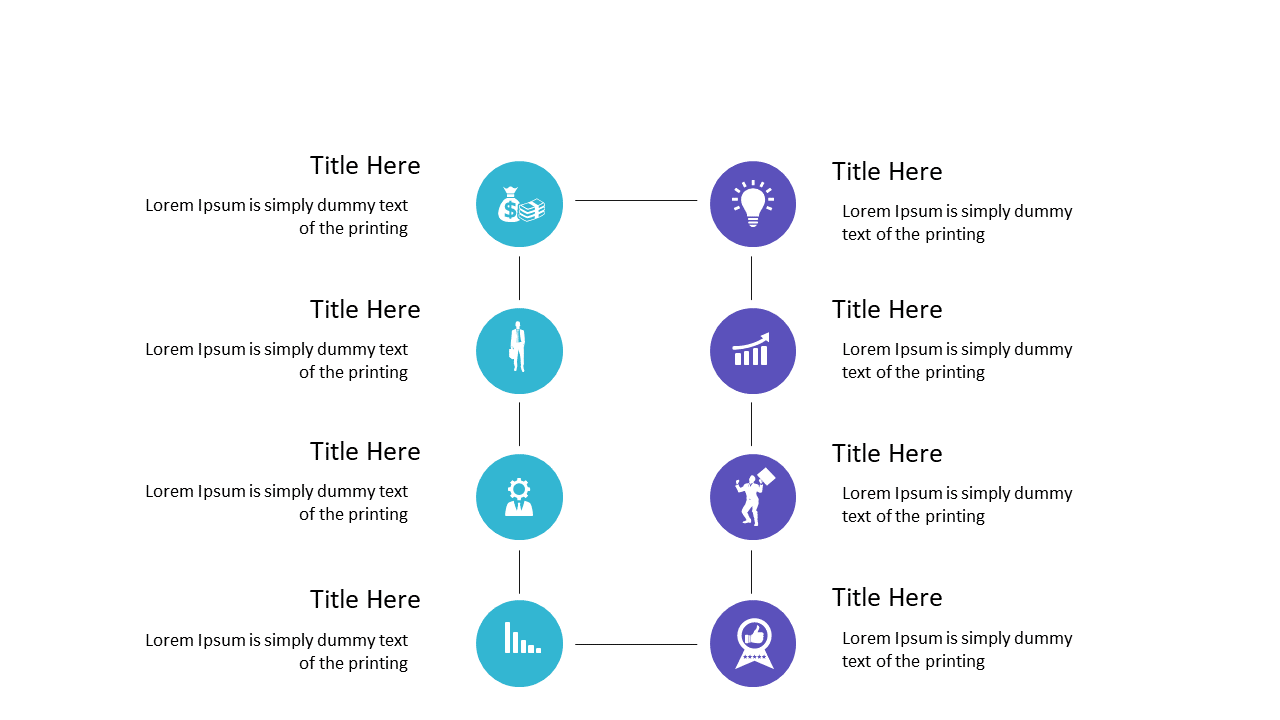
Illustrate processes effectively with vertical steps featuring icons.
View full slide →
✓
Present growth insights effectively using impactful visuals in your marketing strategy.
View full slide →
✓
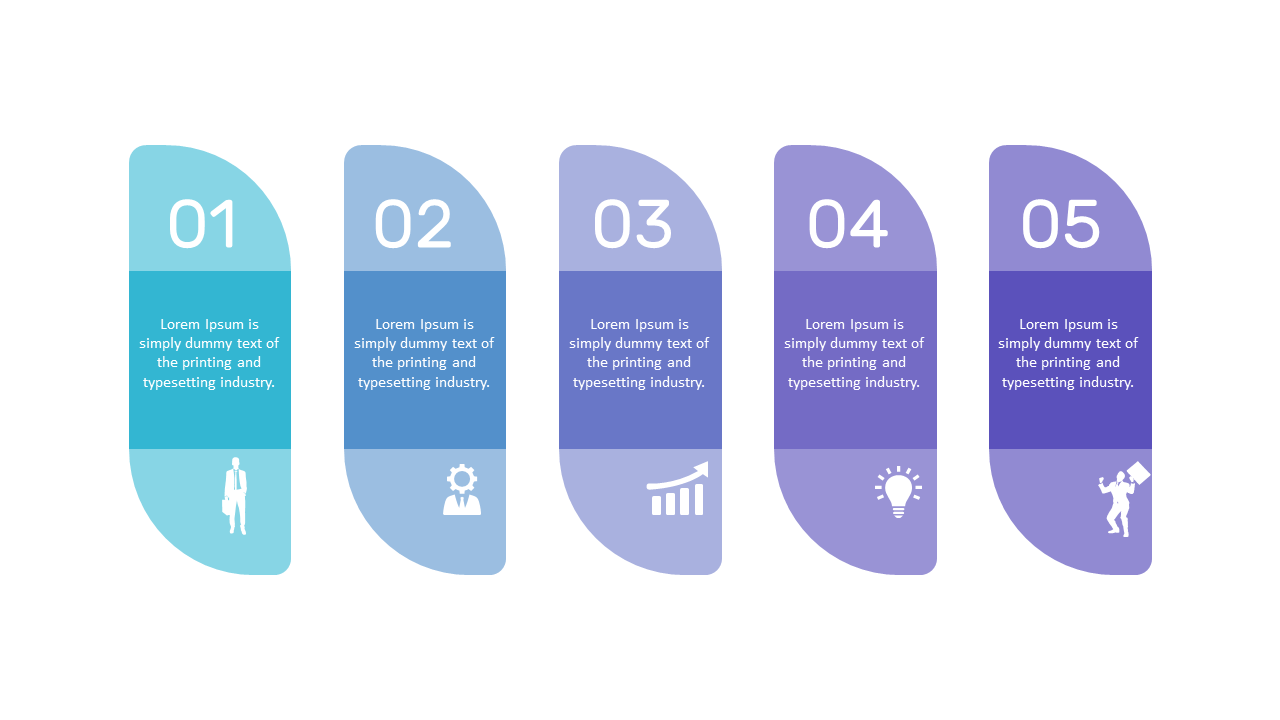
Showcase complex information simply with a five-step curved process layout.
View full slide →
✓
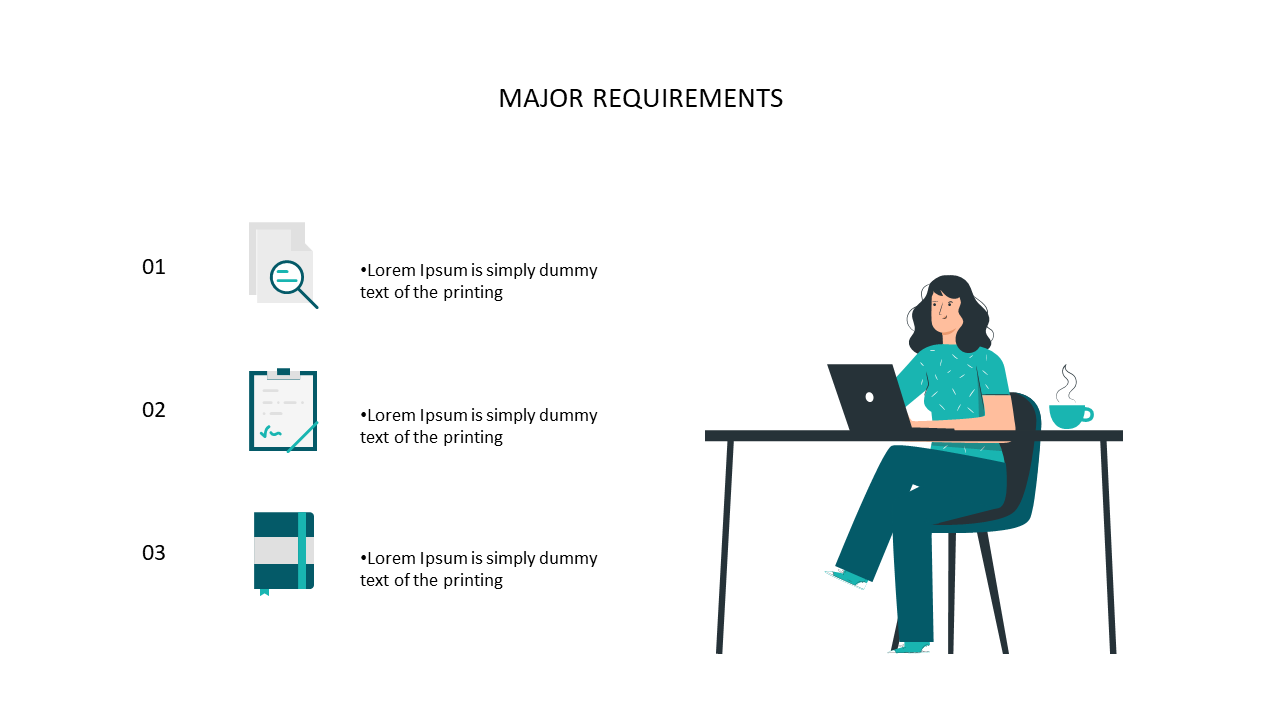
Clear numbered list layout with icons for major requirements in presentations.
View full slide →
✓
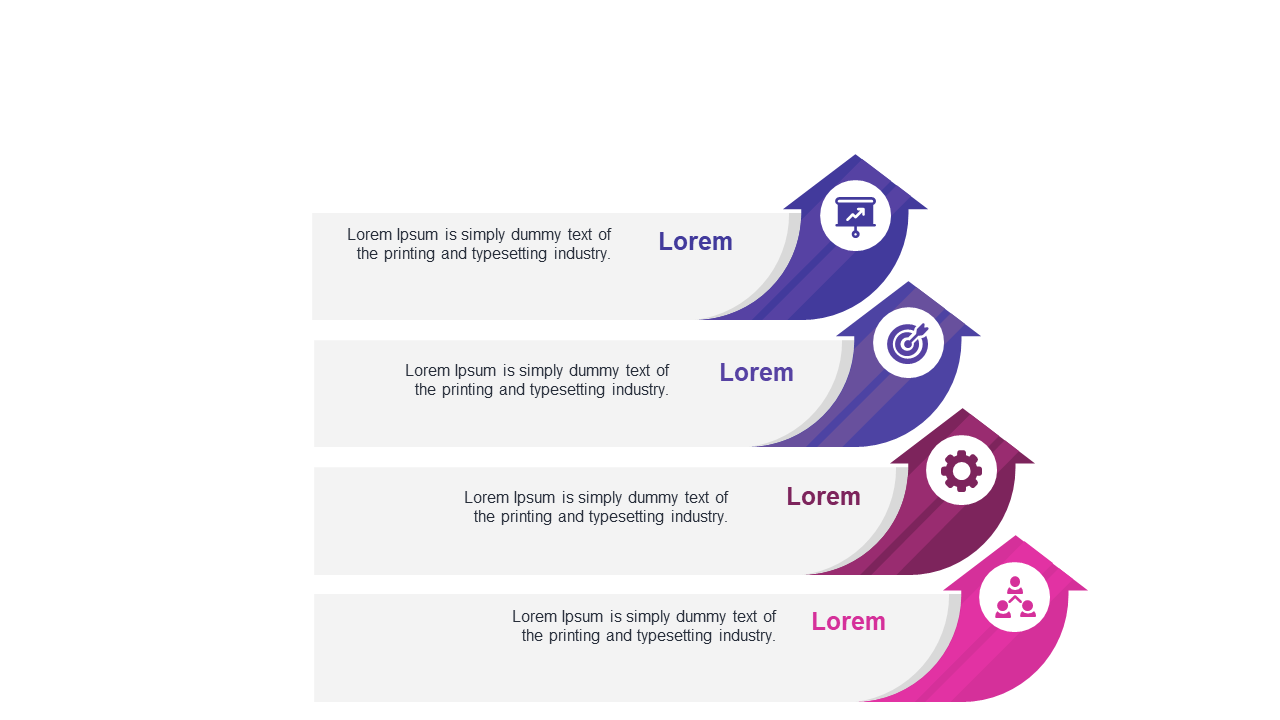
Engaging curved step arrows layout for effective presentations.
 SlideSwift