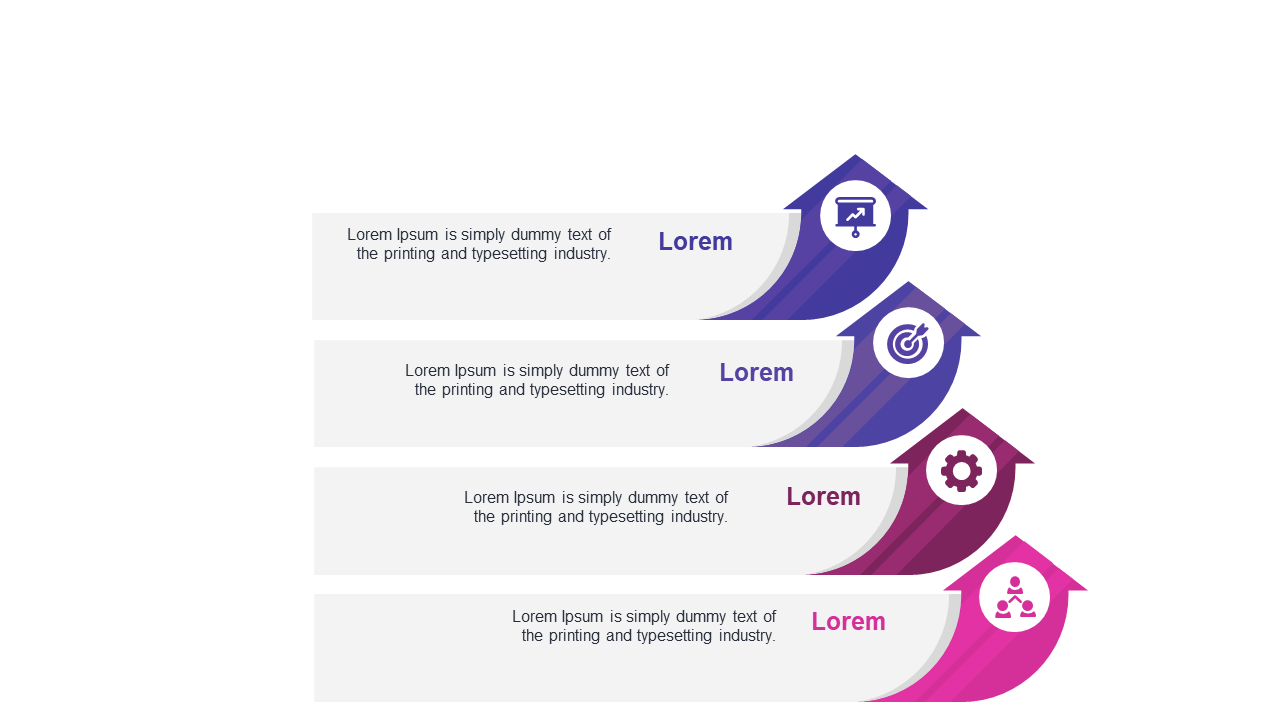
Display Sequential Strategies with Curved Arrows
Product Description
Outlining strategies during project management can feel overwhelming. You want to ensure everyone understands the steps involved, but a cluttered presentation can confuse your team rather than inform them.
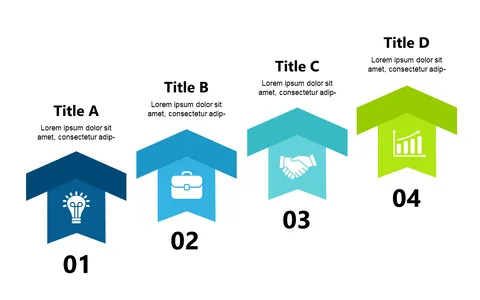
This slide offers a simple way to display your sequential strategies, using curved arrows and icons to guide your audience through each phase. Project managers, team leads, and operations coordinators will find this slide especially useful in meetings where strategy alignment is crucial. Whether you’re presenting at a project kickoff, a progress meeting, or a strategy review, this visual aid will help keep your team on the same page and focused on the goals ahead.
For just $0.99, you can download this slide instantly and start editing it right away. It’s fully compatible with PowerPoint and Google Slides, allowing you to customize it to your needs in minutes.
$0.99 – Purchase Checkout
Added to cart