Showing 1,112 slides
for "icons"

View full slide →
✓
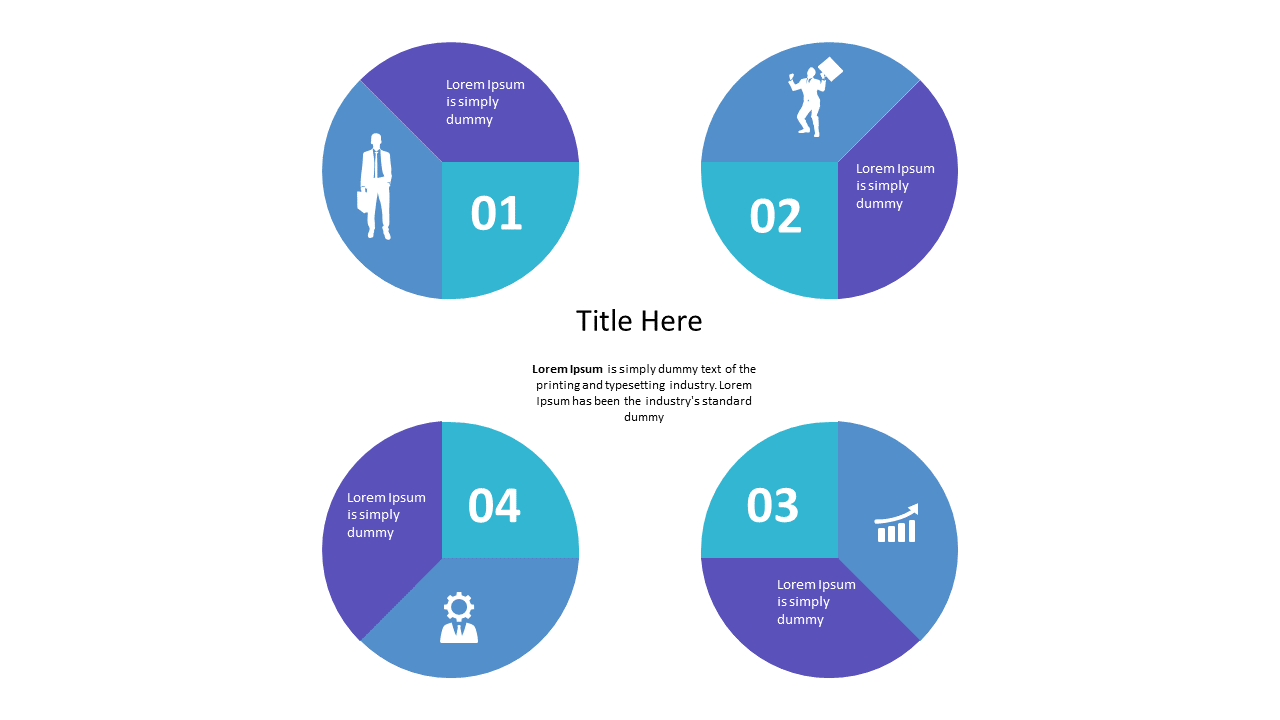
Showcase structured workflows using this editable circular 4-step diagram.
View full slide →
✓
Engage audiences with a circular process diagram for clear presentation of segmented information.
View full slide →
✓
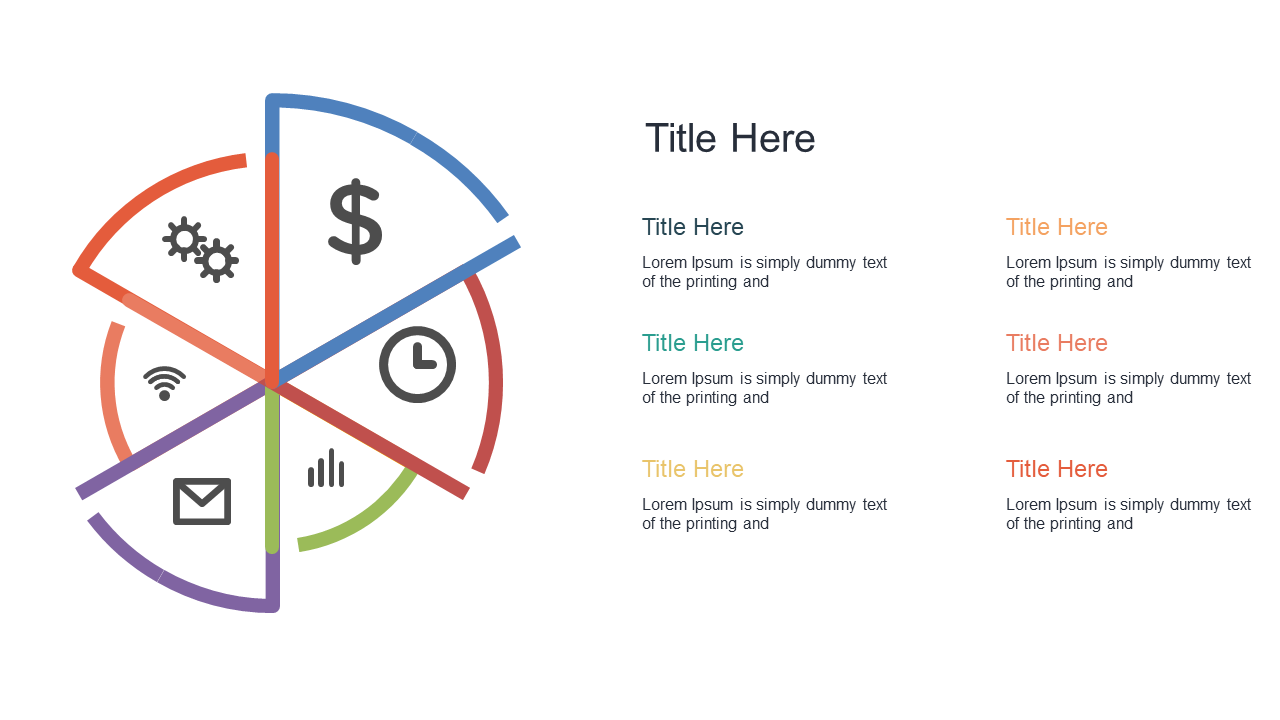
Present key metrics clearly with a segmented pie chart template for business presentations.
View full slide →
✓
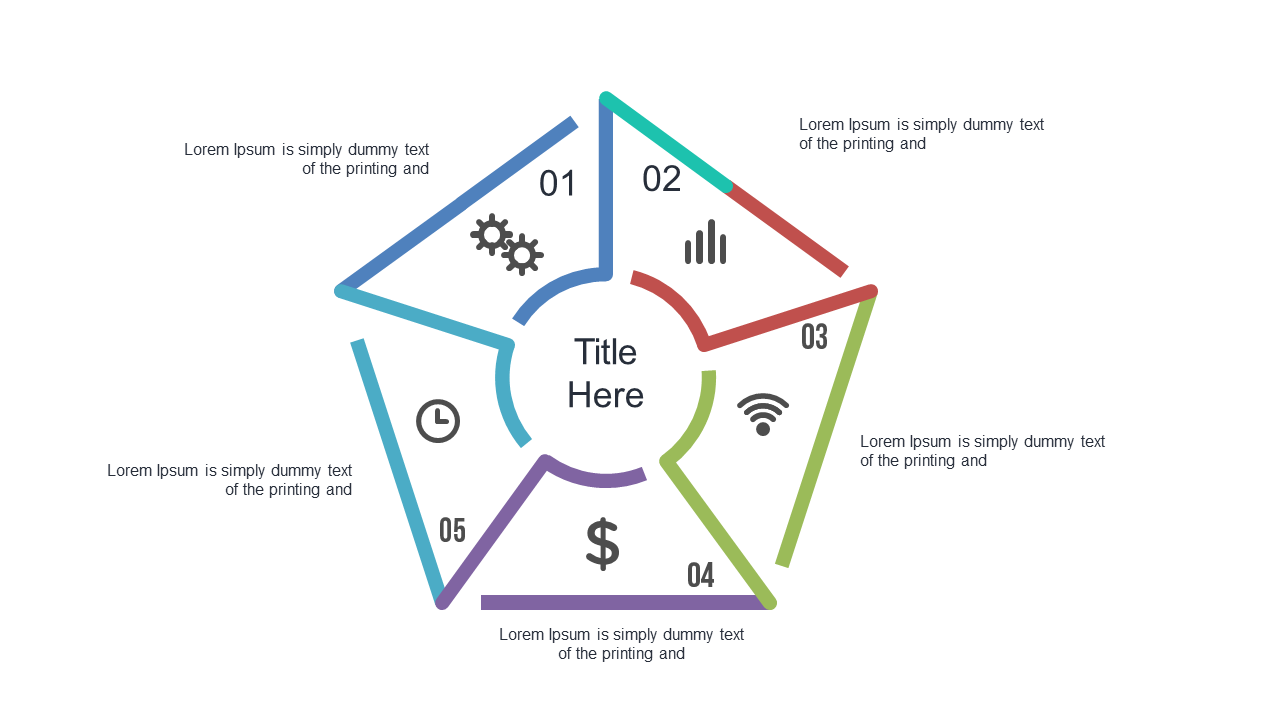
Present key processes clearly with a colorful 5-step process diagram for effective presentations.
View full slide →
✓
Illustrate workflows effectively using this circular 5-step process diagram.
View full slide →
✓
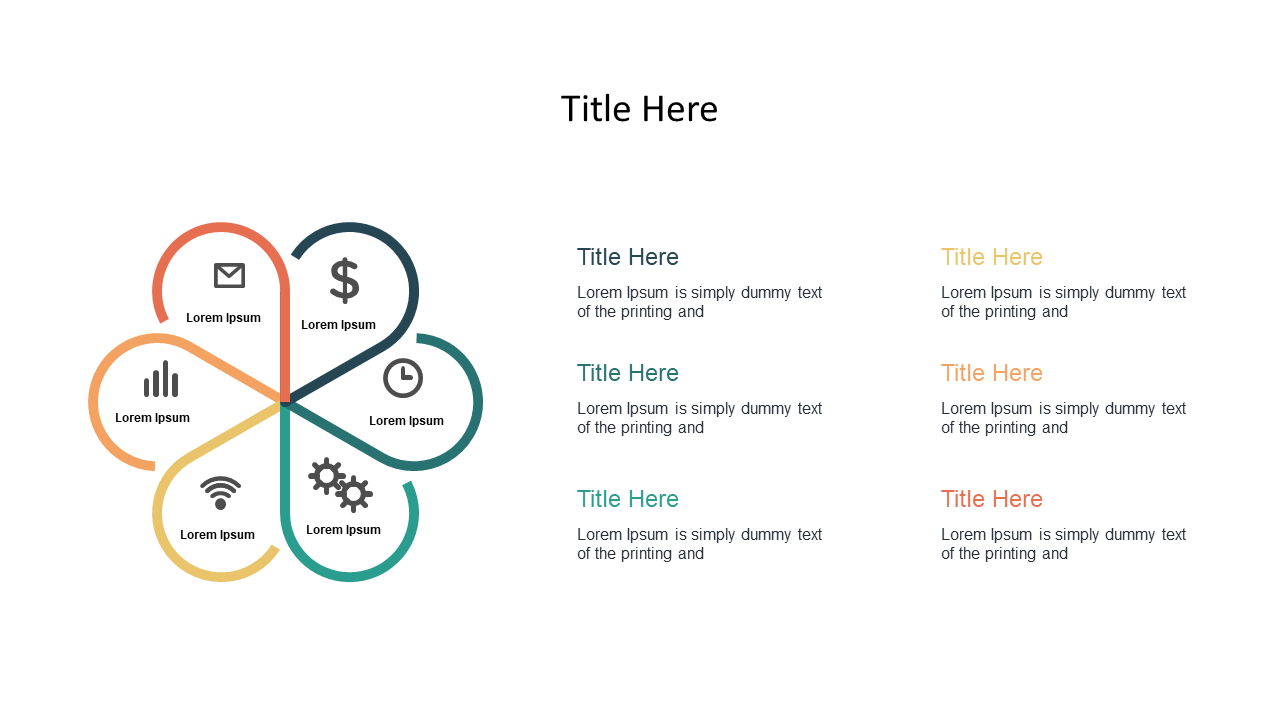
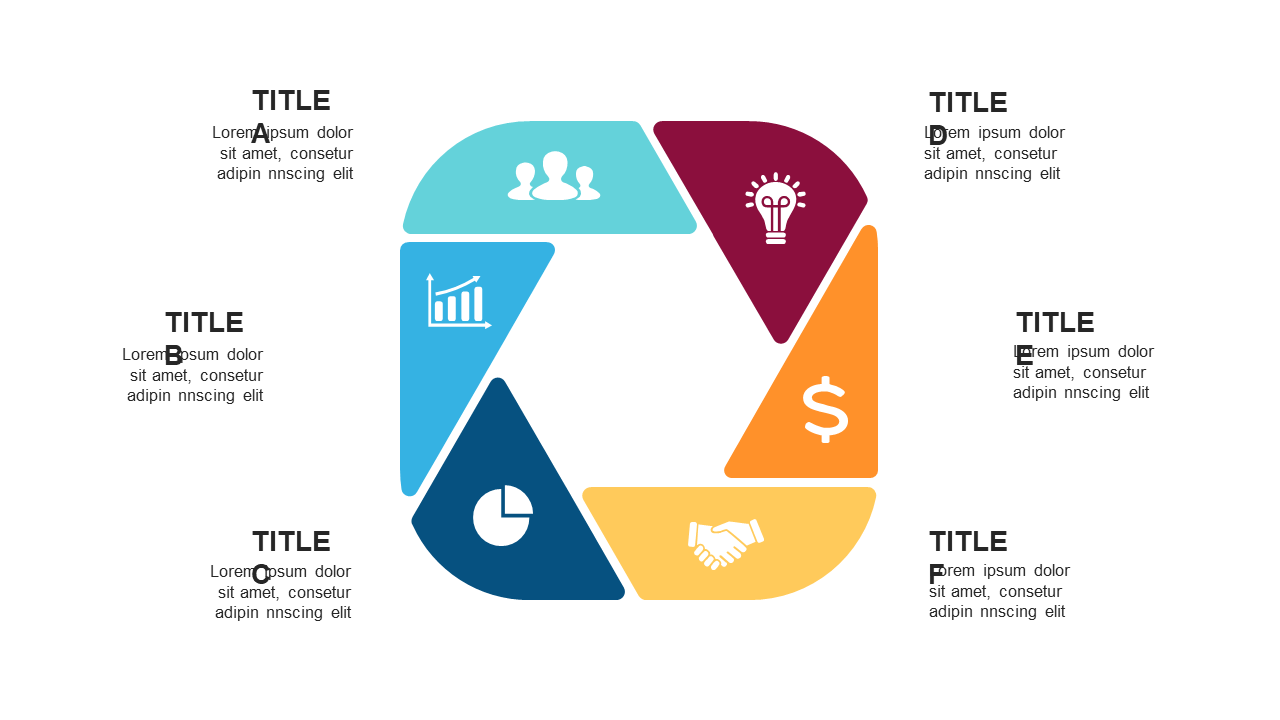
Present complex workflows clearly using this circular step diagram.
View full slide →
✓
Create clear 3-step process flows with icons for effective presentations in PowerPoint and Google Slides.
View full slide →
✓
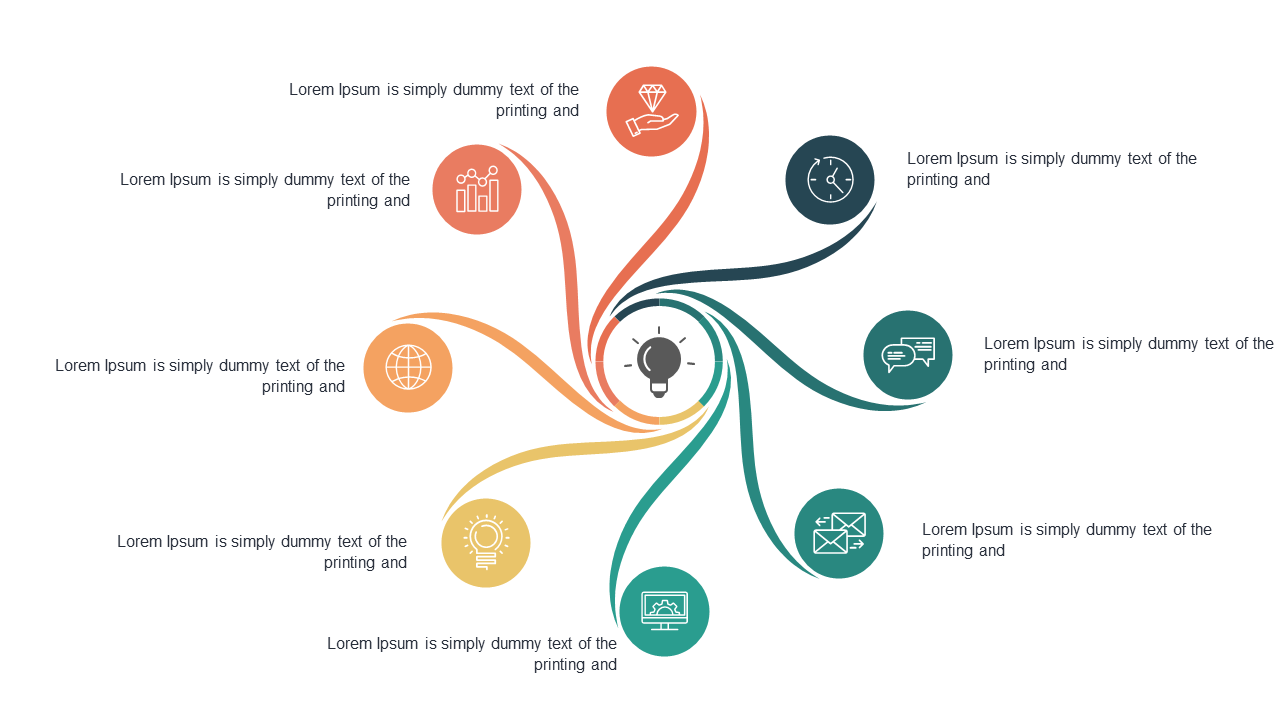
Use a spiral diagram with icons to present interconnected ideas effectively in your presentations.
View full slide →
✓
Use a triangular infographic to effectively present key points in your business presentations.
View full slide →
✓
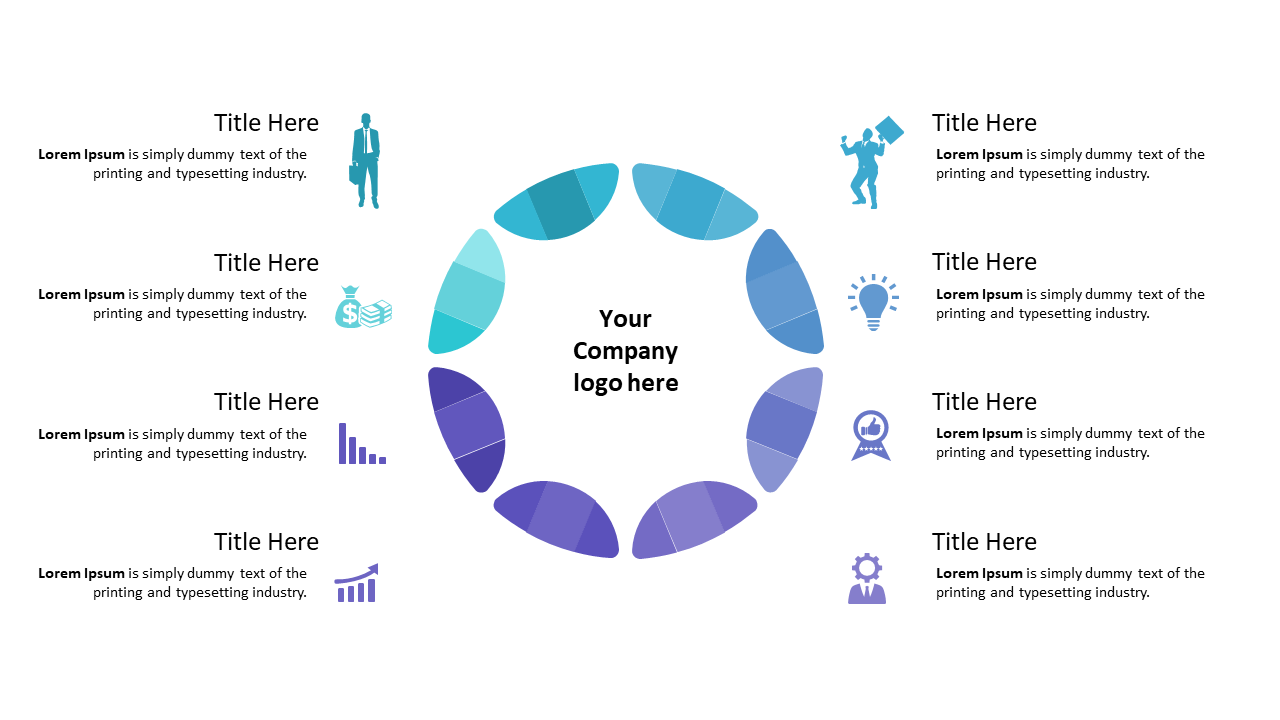
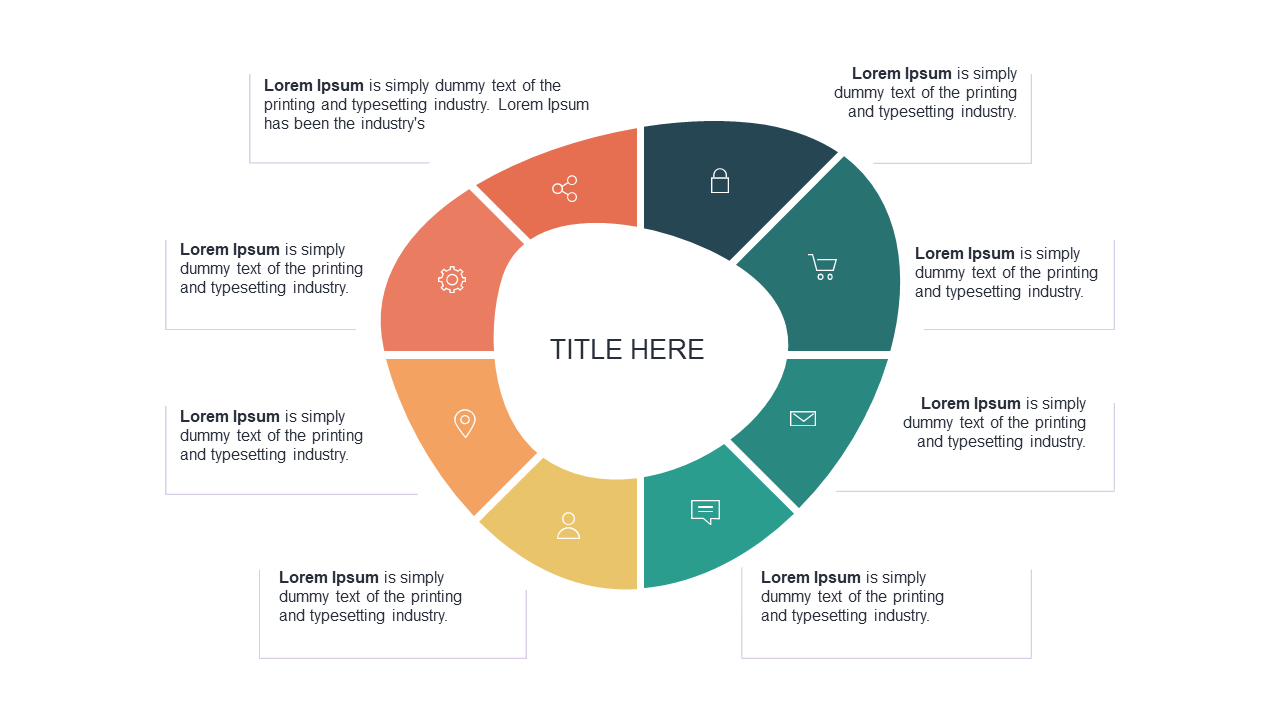
Present processes effectively with an 8-segment circular diagram for business presentations.
View full slide →
✓
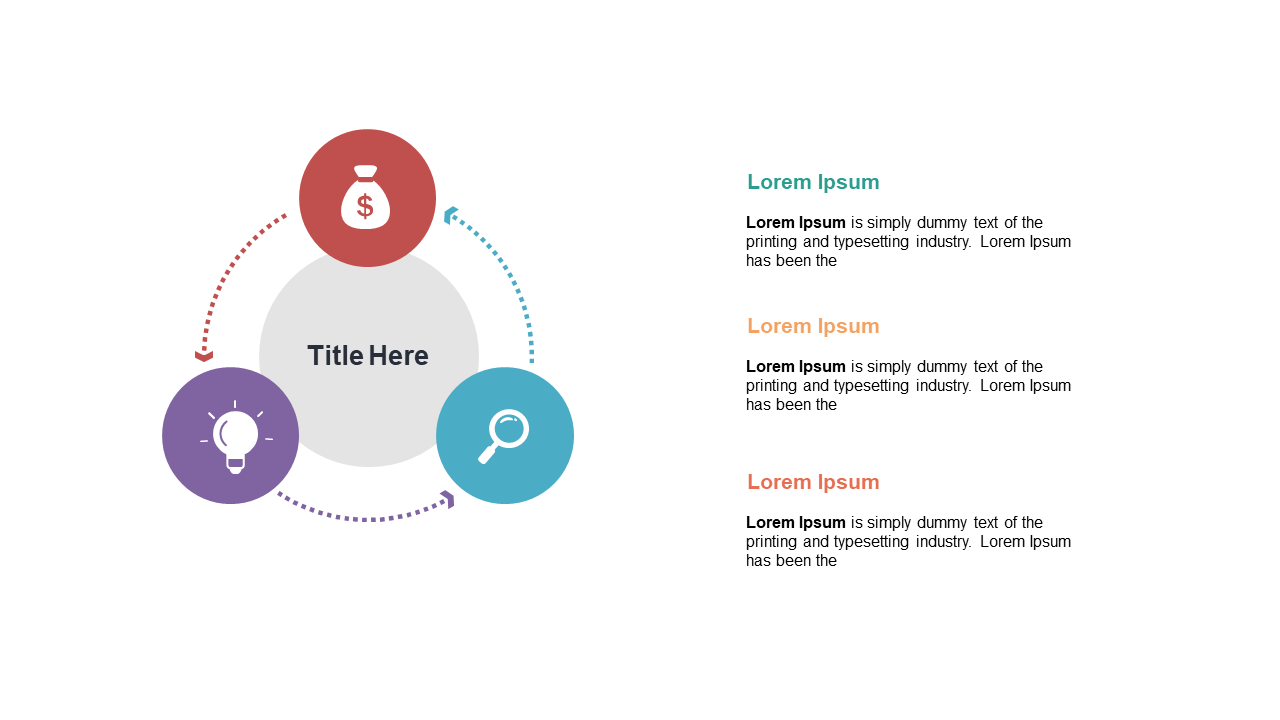
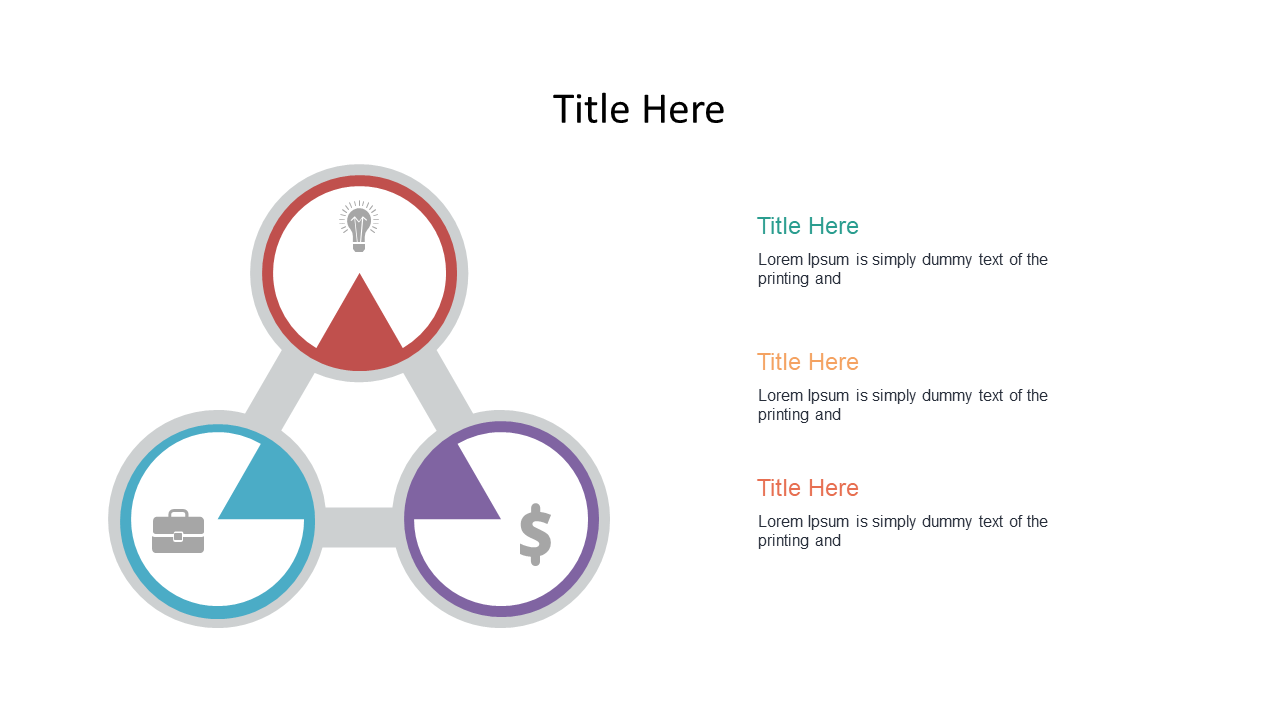
Present your processes clearly using this circular 3-step layout in PowerPoint and Google Slides. Ideal for process flow slides.
View full slide →
✓
Use this circular 3-step process layout to clarify workflows in PowerPoint and Google Slides.
 SlideSwift