Showing 1,112 slides
for "icons"

View full slide →
✓
Showcase subscription services with this engaging pricing tier comparison layout for presentations.
View full slide →
✓
Utilize this quadrant layout in PowerPoint or Google Slides for effective team strategy presentations.
View full slide →
✓
Enhance your presentations with this circular 5-step process layout in PowerPoint or Google Slides.
View full slide →
✓
Utilize this four-step circular process layout for effective presentations.
View full slide →
✓
Highlight your achievements using this flexible 4-step badge layout.
View full slide →
✓
Engaging colored icon layout for presenting service steps effectively.
View full slide →
✓
Engaging colored icon layout for showcasing service steps in presentations. Ideal for process flow slides.
View full slide →
✓
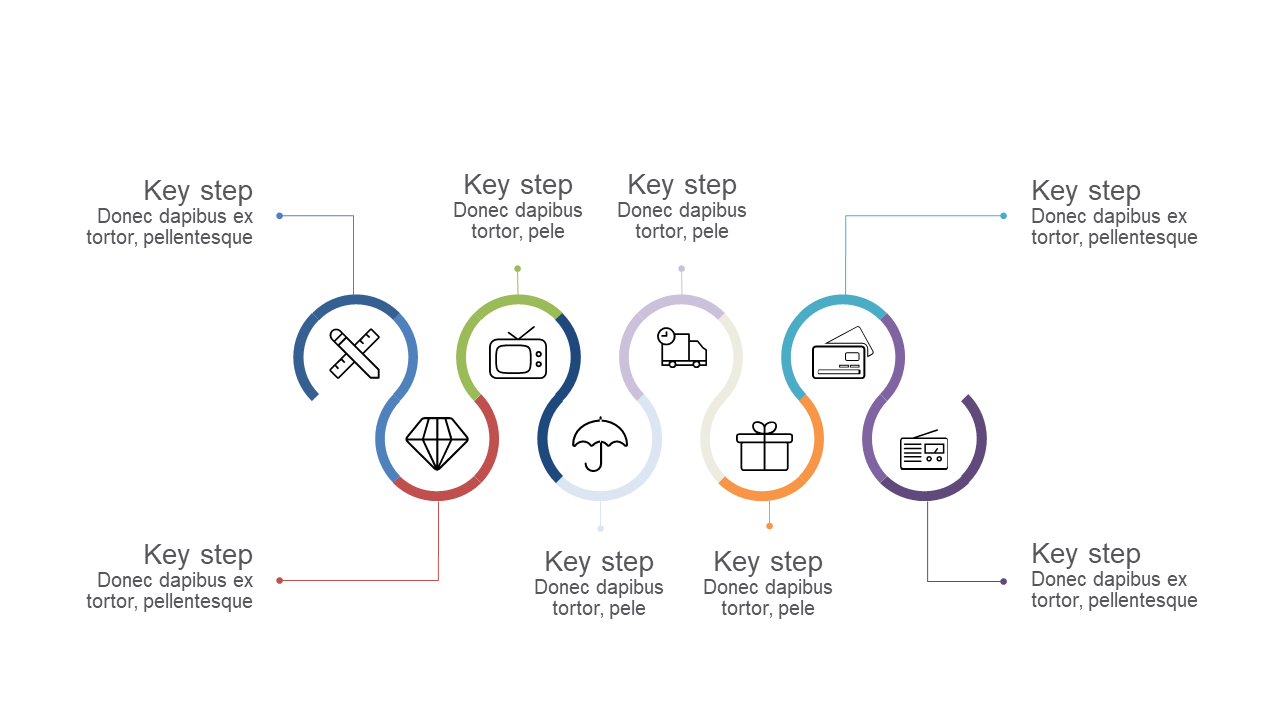
Showcase your processes with this vibrant circular steps layout for presentations.
View full slide →
✓
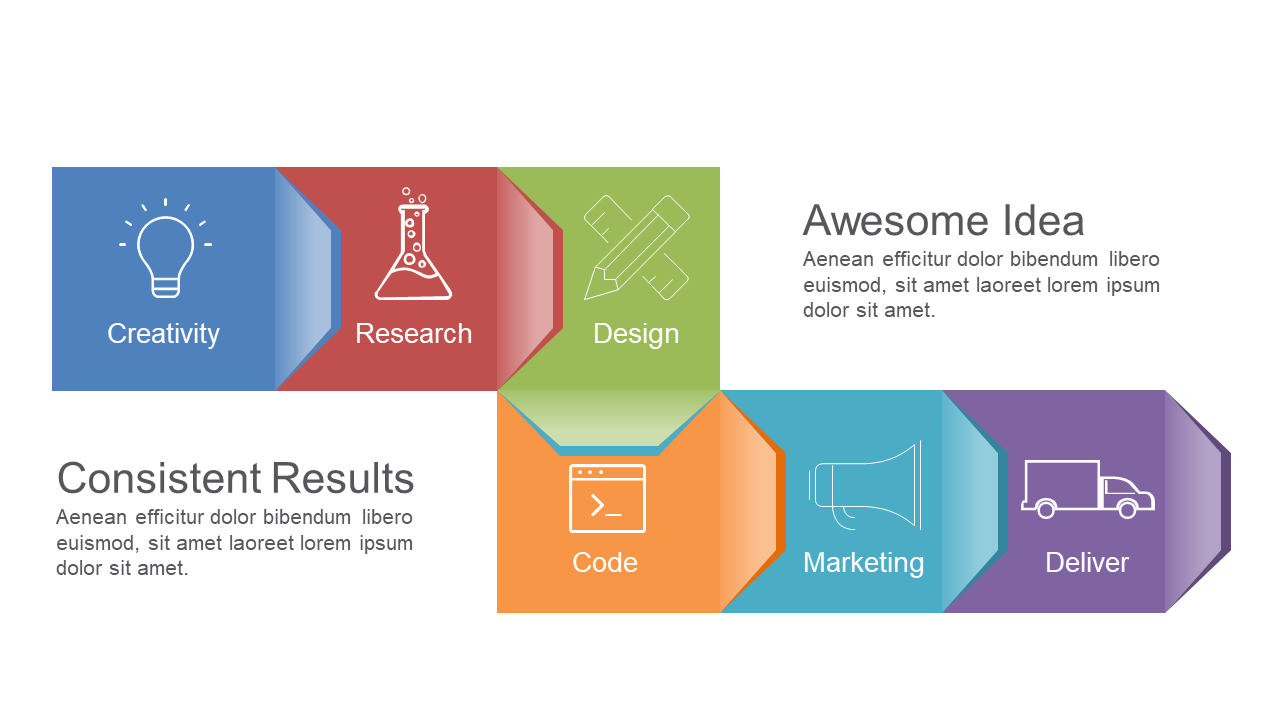
Use this colored step process layout to illustrate project phases effectively.
View full slide →
✓
Engaging curved steps layout for illustrating workflows and processes.
View full slide →
✓
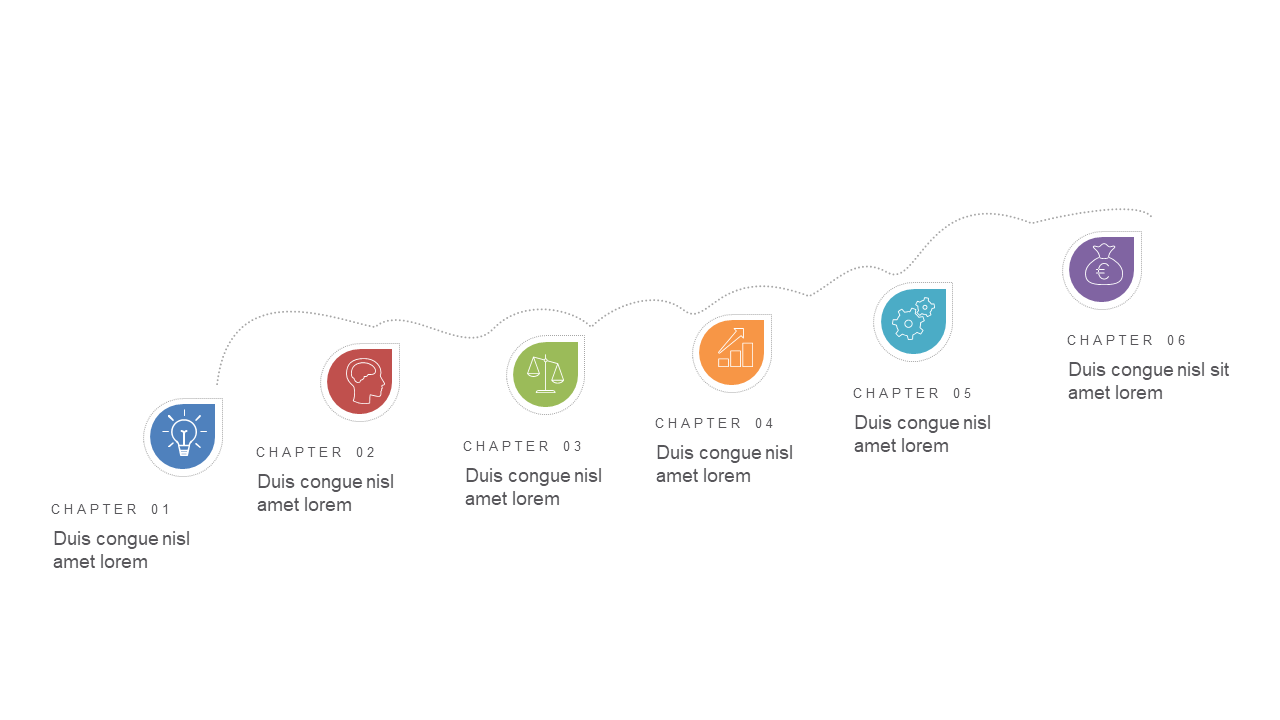
Engage your audience with a segmented chapter outline featuring colorful icons.
View full slide →
✓
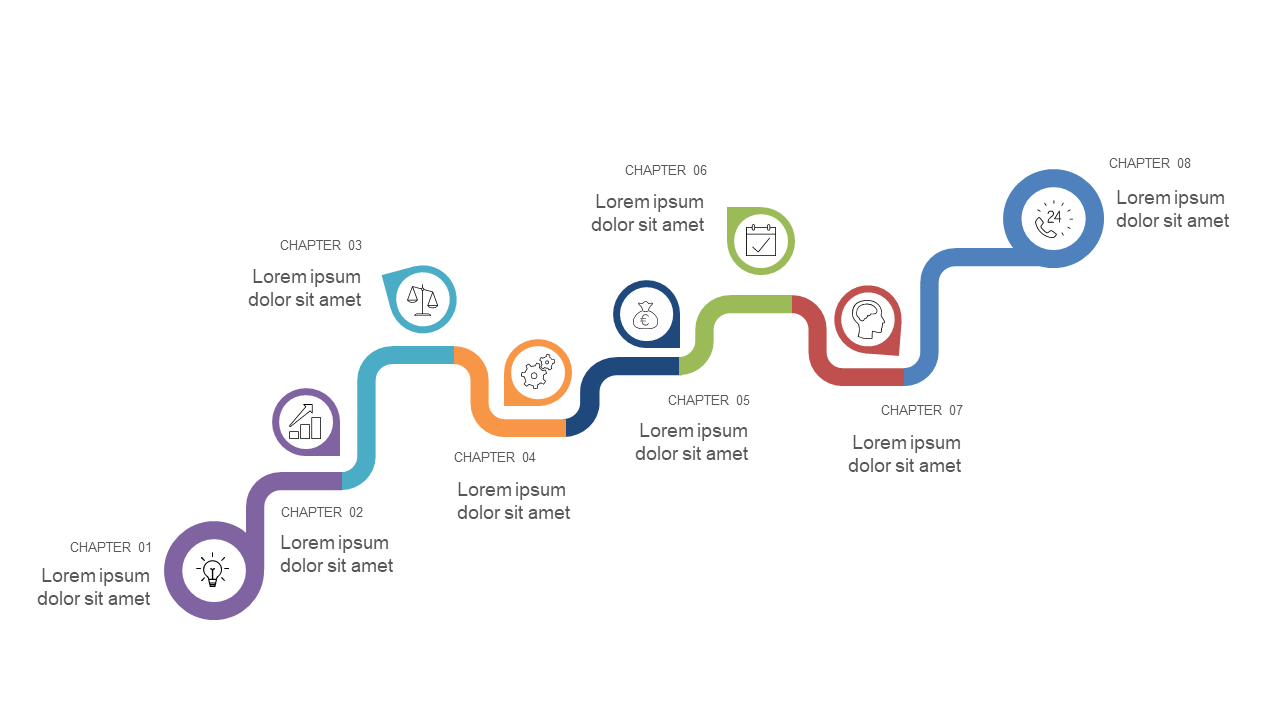
Use this dynamic timeline layout to showcase chapter progression with icons.
 SlideSwift