Showing 1,112 slides
for "icons"

View full slide →
✓
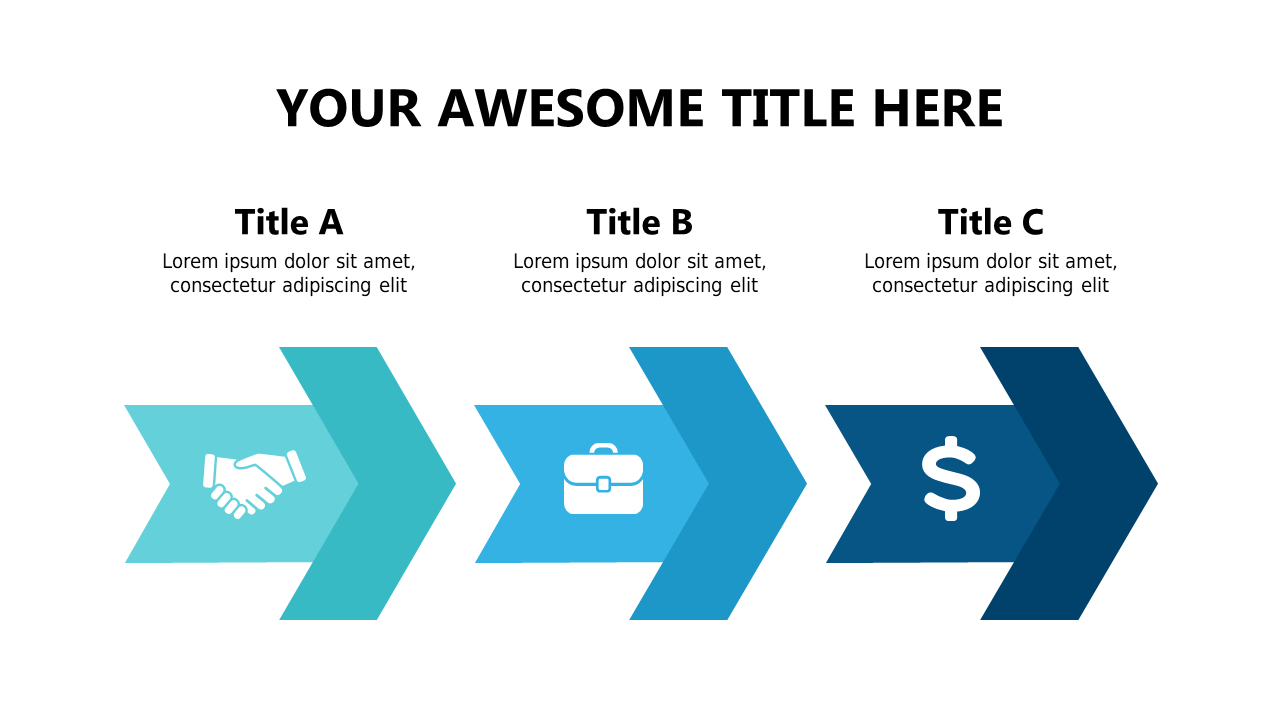
Highlight important features using this three-section chevron list for presentations.
View full slide →
✓
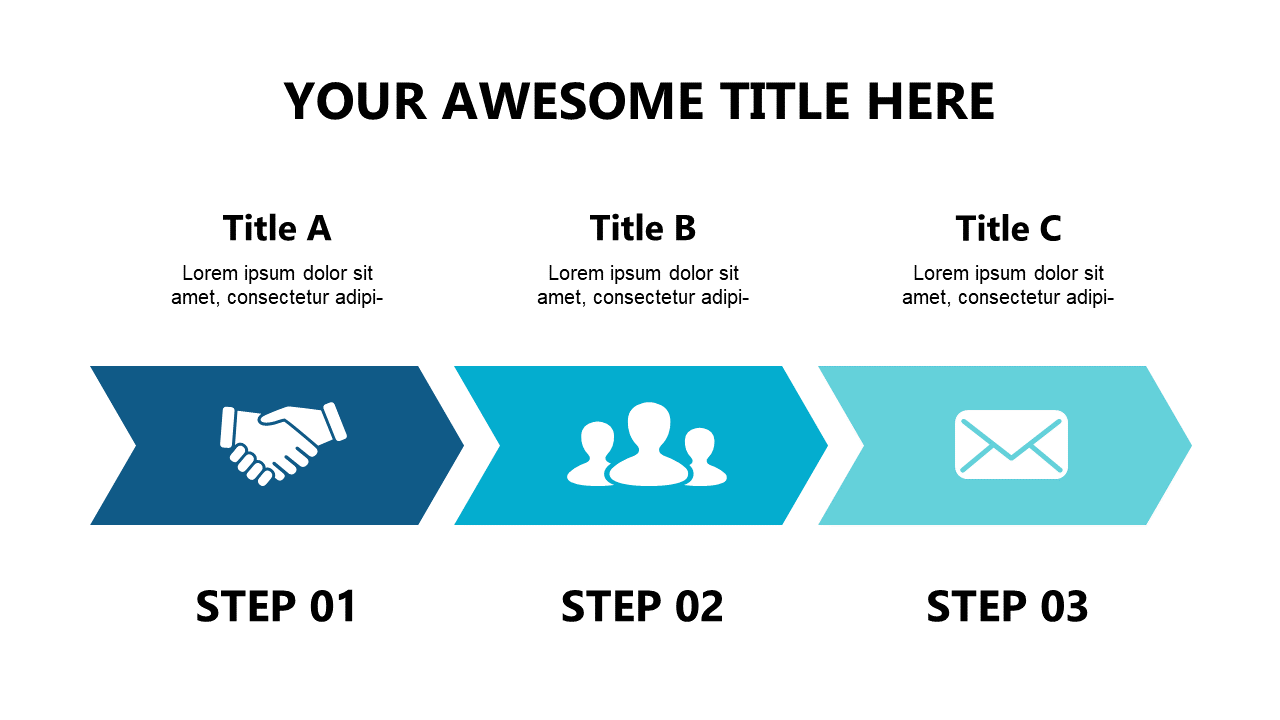
Visualize your project phases with this clear three-step process flow layout.
View full slide →
✓
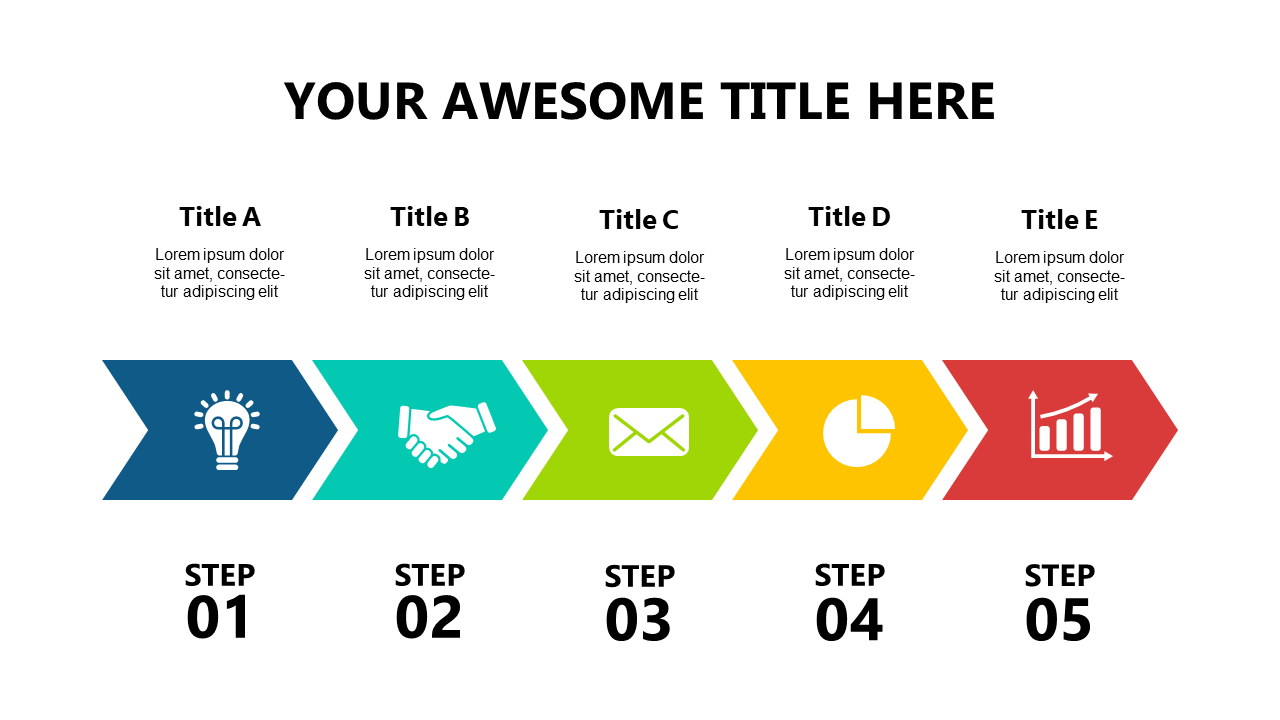
Present step-by-step guides effectively using this vibrant 5-step process layout.
View full slide →
✓
Use this vibrant 5-step process layout to visualize workflows in your presentations.
View full slide →
✓
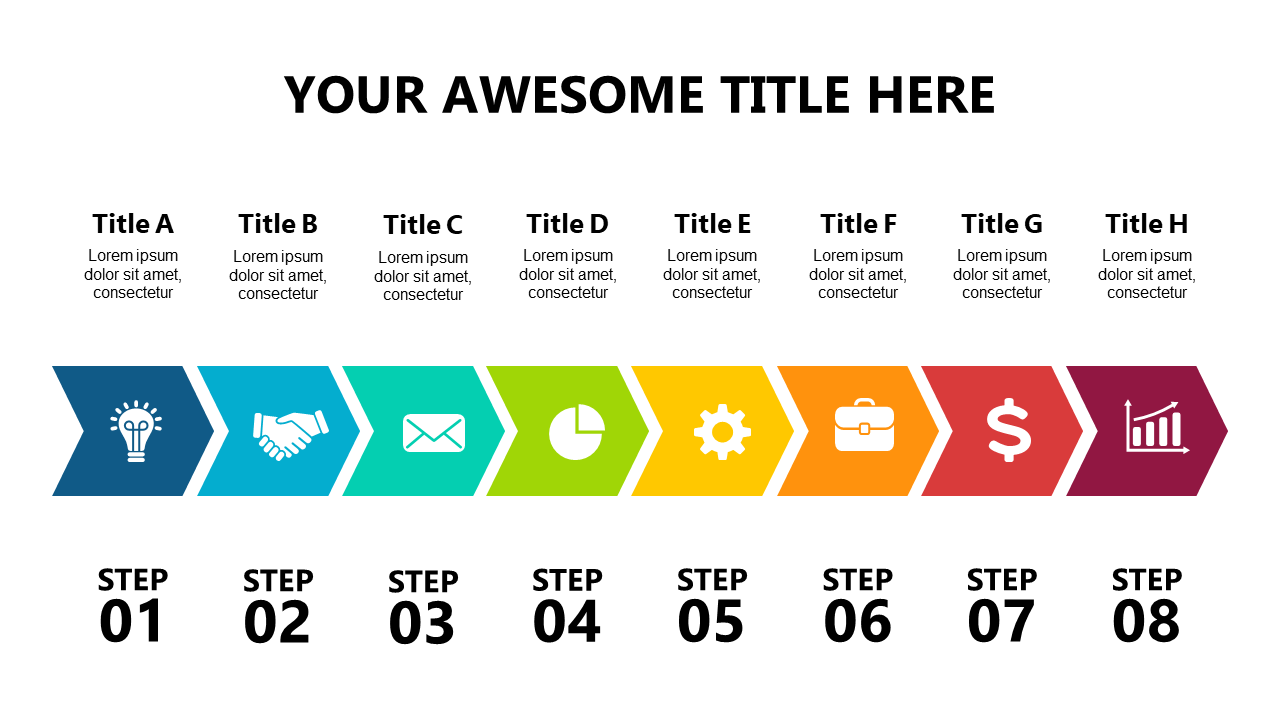
Present complex workflows clearly using this visually engaging 8-step process diagram.
View full slide →
✓
Showcase project phases clearly with this segmented arrow steps layout for presentations.
View full slide →
✓
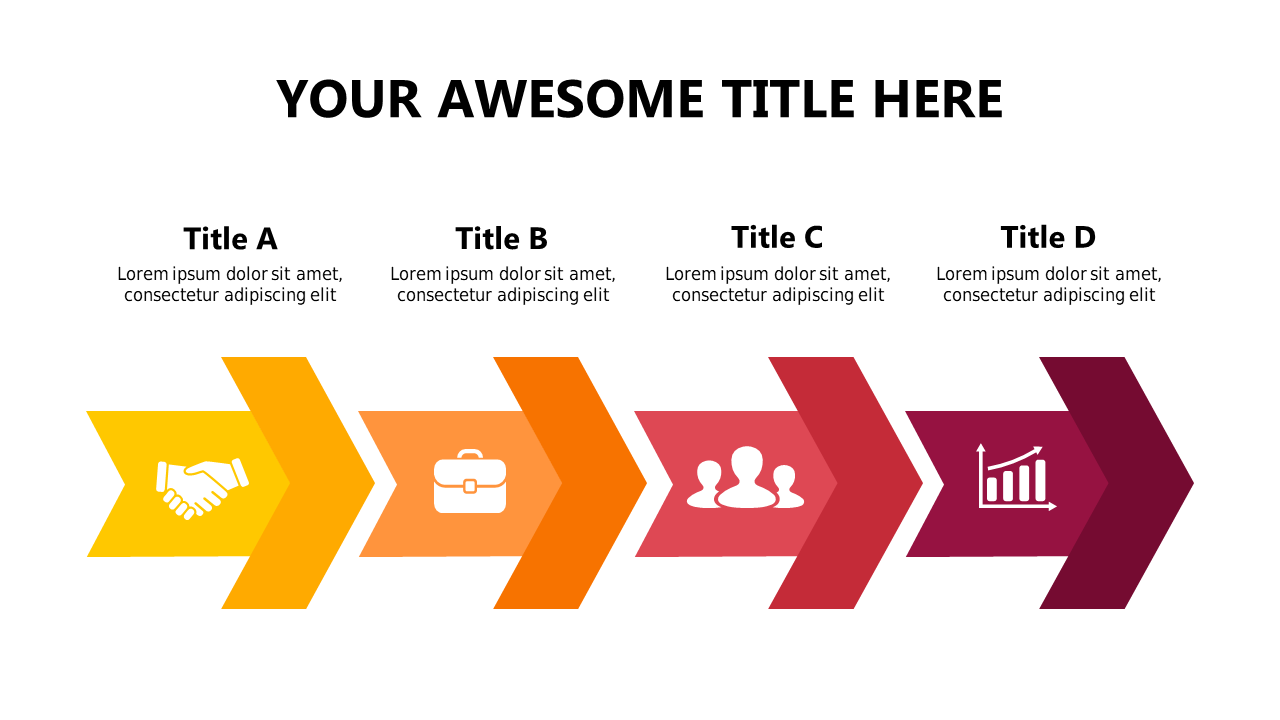
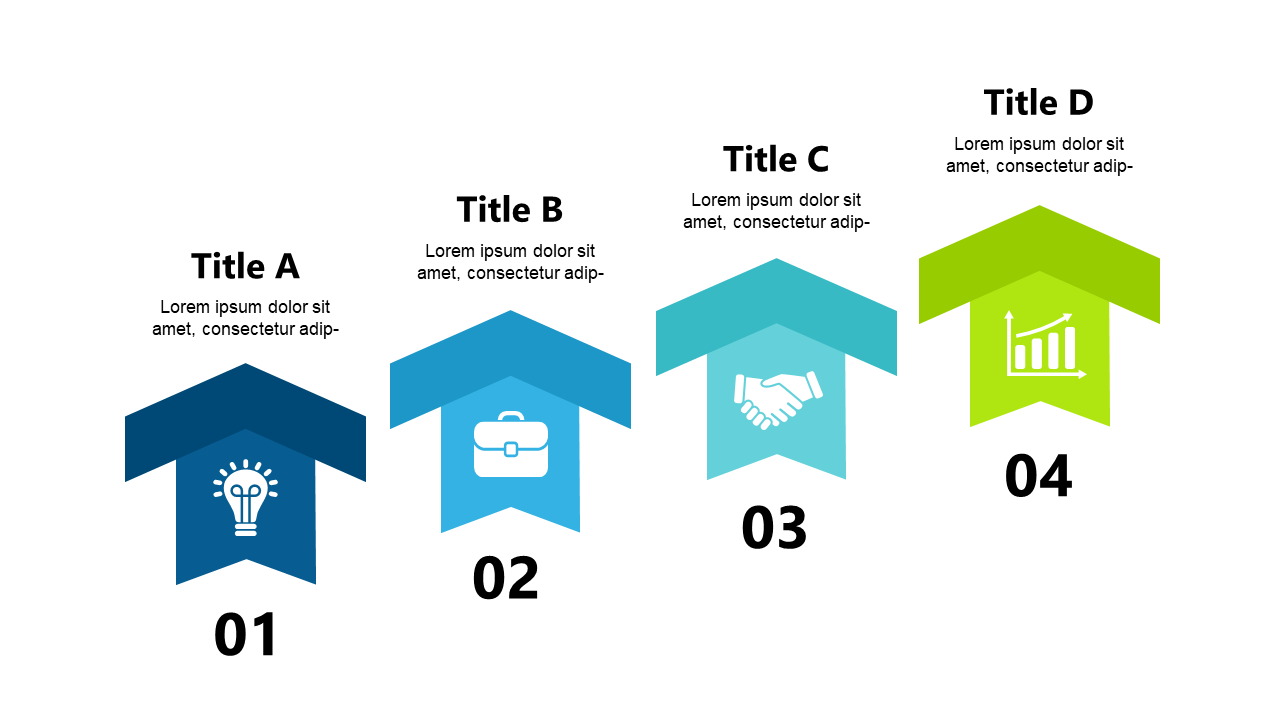
Explain workflows effectively using this vibrant 4-step process flow template.
View full slide →
✓
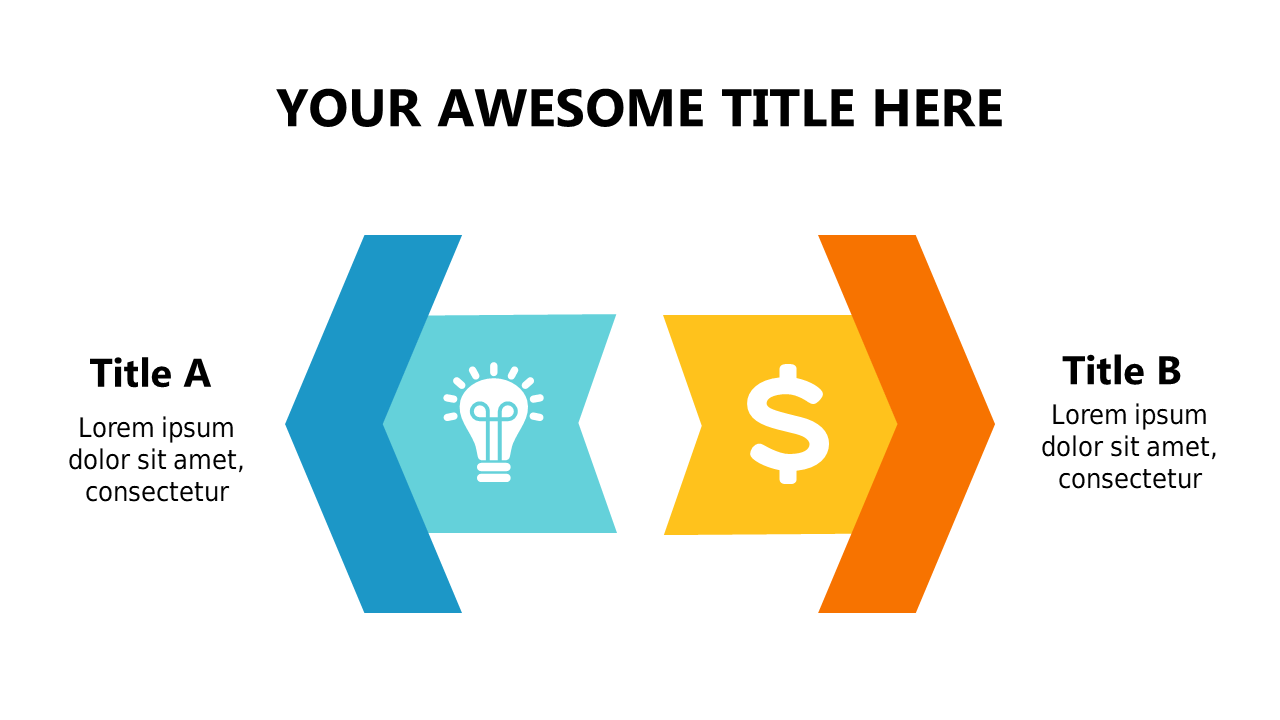
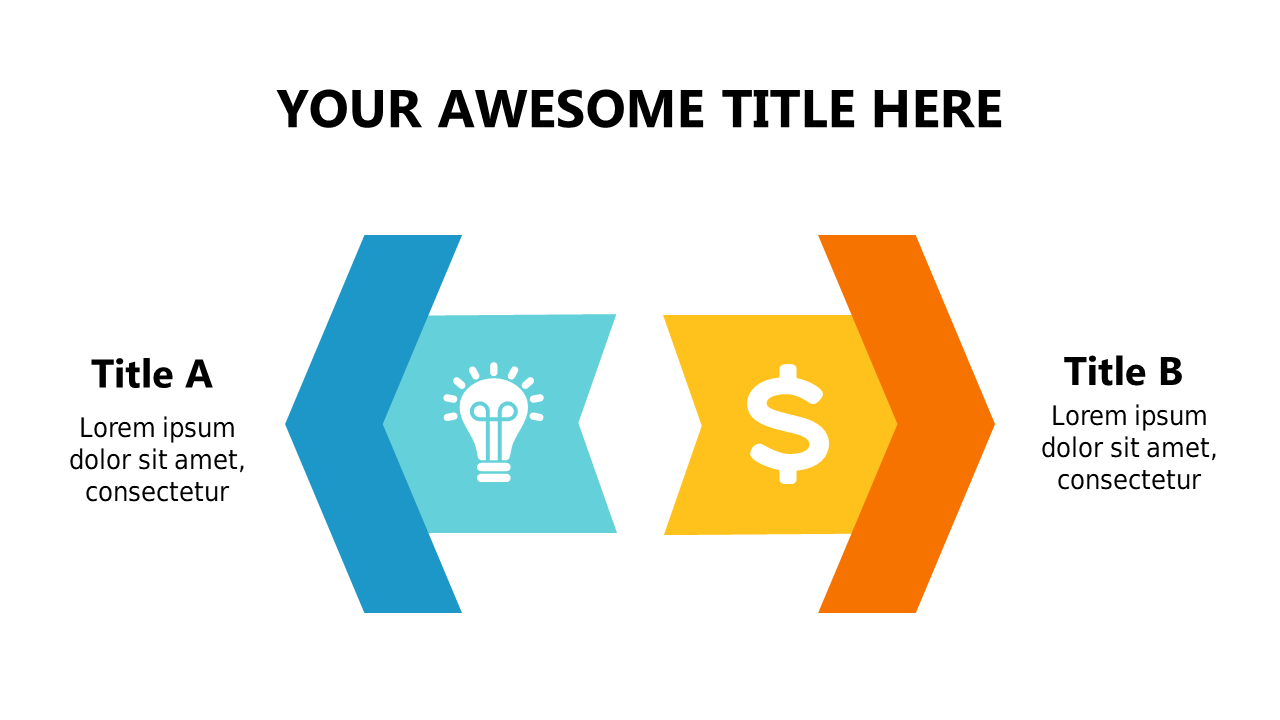
Use this two-step process flow to clarify transitions in your business presentations.
View full slide →
✓
Engage stakeholders with this customizable two-step process flow for presentations.
View full slide →
✓
Use this three-step flow layout to illustrate sequential workflows effectively.
View full slide →
✓
Utilize this three-point layout for effective business comparisons in PowerPoint and Google Slides.
View full slide →
✓
Engage your audience with a customizable 3-step process flow for presentations.
 SlideSwift