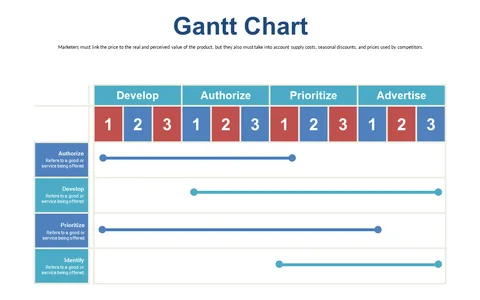
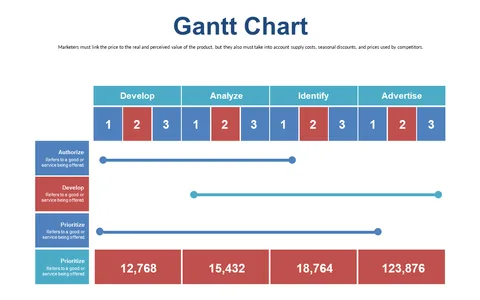
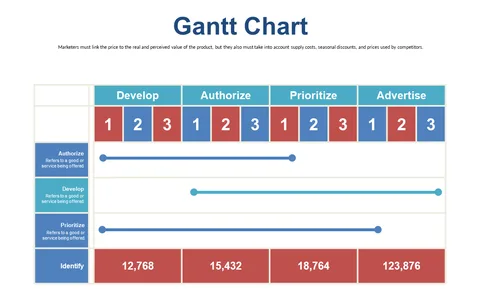
Organize Tasks Using Gantt Chart Layout
Product Description
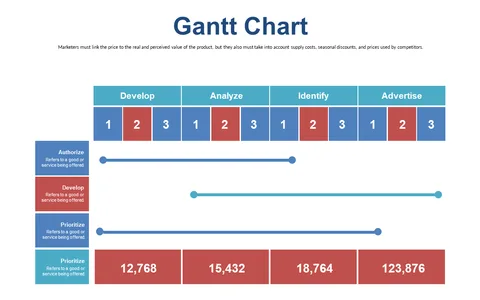
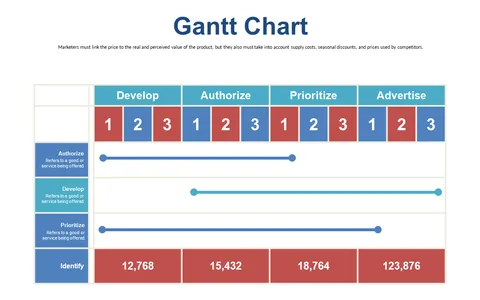
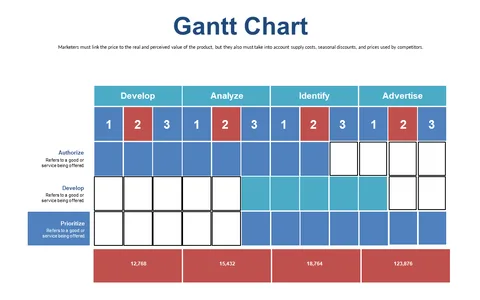
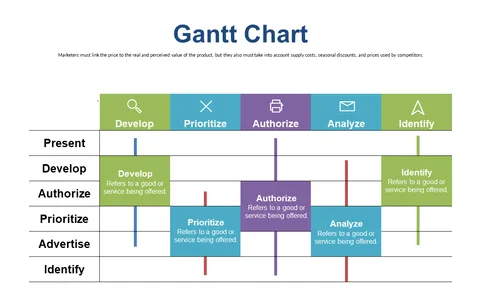
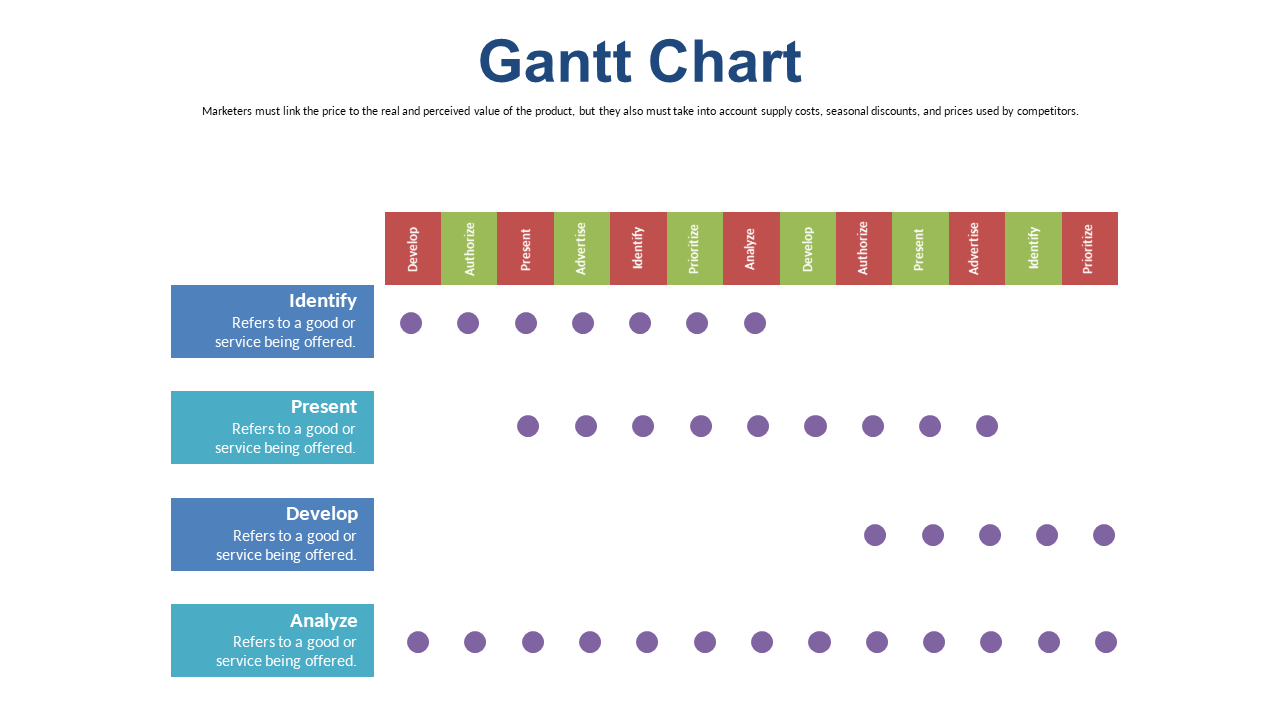
With so many tasks on your plate, keeping track of them all can be quite overwhelming. This Gantt chart slide offers a clear visual breakdown of project timelines and assignments, making it simpler for your team to stay organized and meet shared deadlines.
Perfect for operations managers, team leads in marketing, or even event planners, this slide can be a game changer for collaborative projects. Use it during planning meetings or team huddles to visually represent task progress and responsibilities, ensuring that everyone is aligned.
At just $0.99, you can easily download this slide and edit it in PowerPoint or Google Slides. You’ll be able to customize it quickly to reflect your project needs, giving your team the clarity they need to succeed.
$0.99 – Purchase Checkout
Added to cart