Gantt Chart for Effective Task Allocation
Product Description
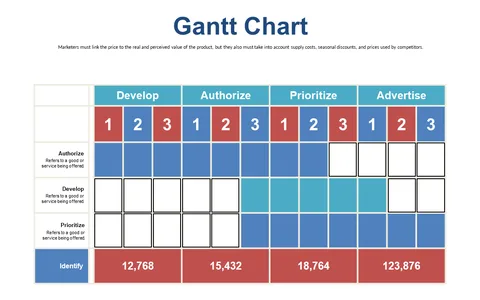
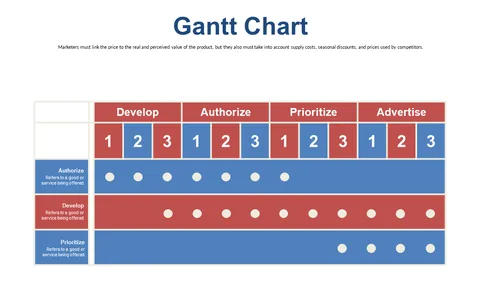
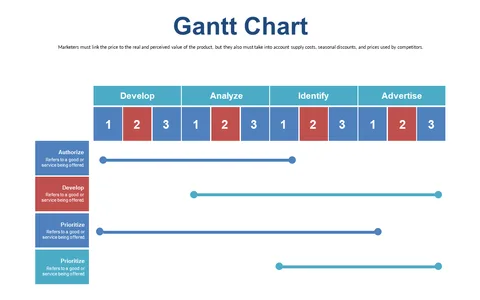
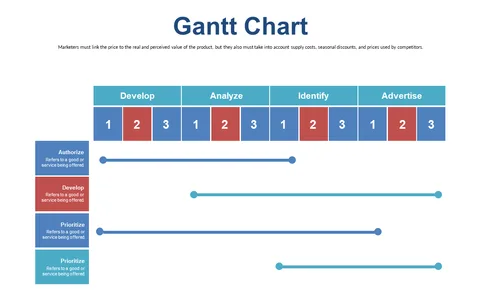
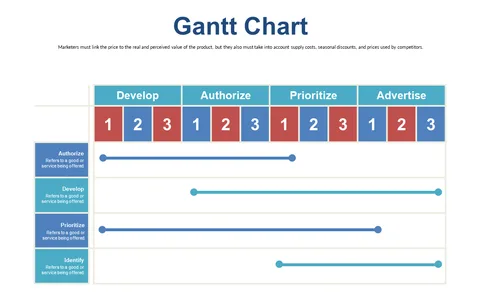
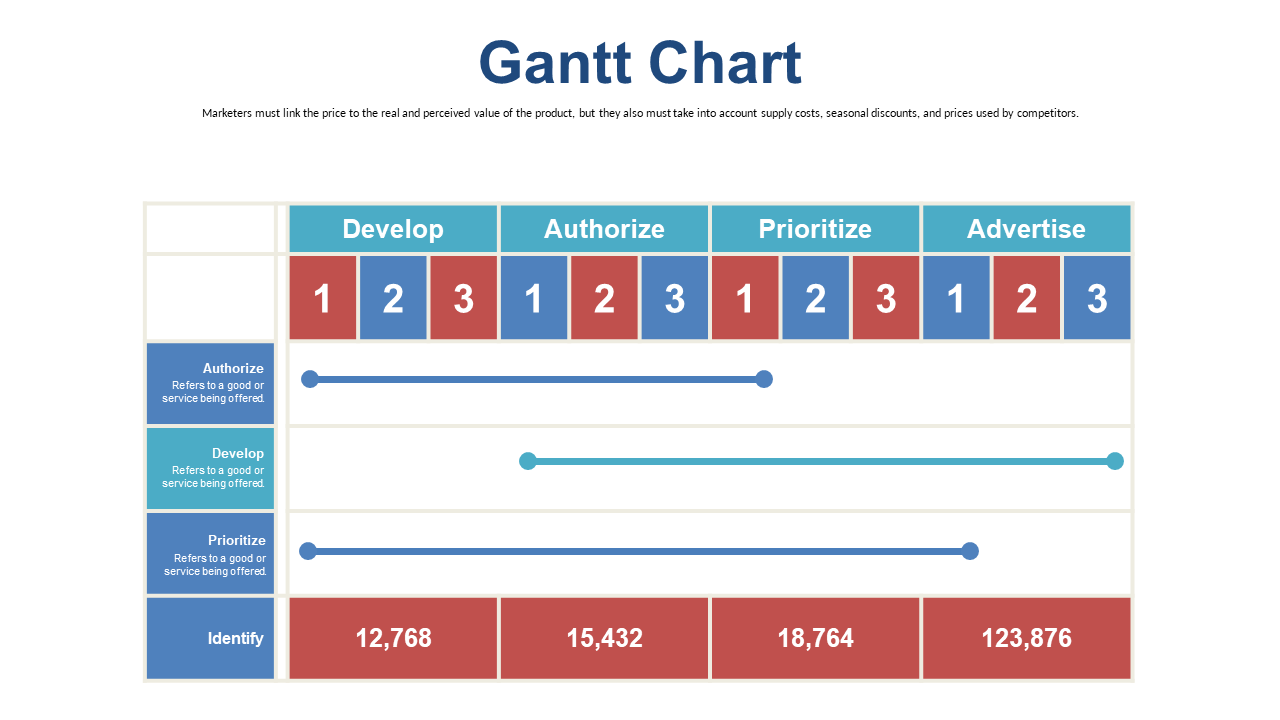
Managing several projects simultaneously can make it difficult to keep track of deadlines and task assignments. This Gantt Chart slide offers a visual layout specifically designed for effective task allocation, helping you stay organized when time is of the essence.
It ensures that everyone knows their responsibilities and deadlines. You’ll find this slide particularly beneficial if you’re a project coordinator in tech, overseeing multiple software developments, or a sales manager planning quarterly targets. It’s also great for educational administrators organizing tasks for a new curriculum rollout during faculty meetings.
For only $0.99, this slide is available for instant download, making it easy to customize in PowerPoint or Google Slides. You can swiftly edit task names and durations to fit your project needs, streamlining your preparation process.
$0.99 – Purchase Checkout
Added to cart