SlideSwift
By Category
💼Business 📊Infographics □Minimal 🕐Timelines ✨Neumorphic 🗑Diagrams 🔄Flow Charts ✨Glassmorphism 🎨Creative 🌍Abstract 🔄Cycle Diagrams 💎Isometric 🖼Illustrations 📱Social Media 🗺MapsBy Slide Type
🚀Pitch Deck 📌Roadmap 🔍SWOT Analysis 📅Timeline 📈Gantt Chart 🏢Org Chart 📋Funnel ⚖Comparison 📄Case Study 📋Agenda ⭐Icons & Lists 👏Thank You
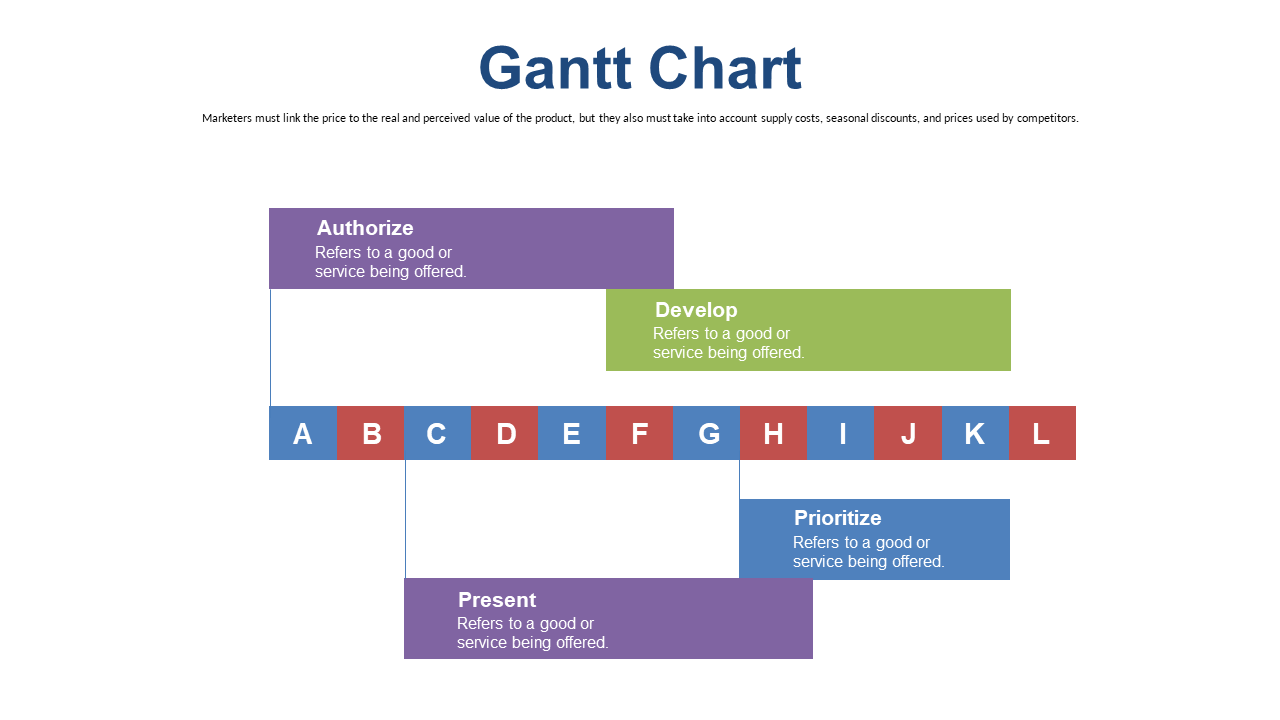
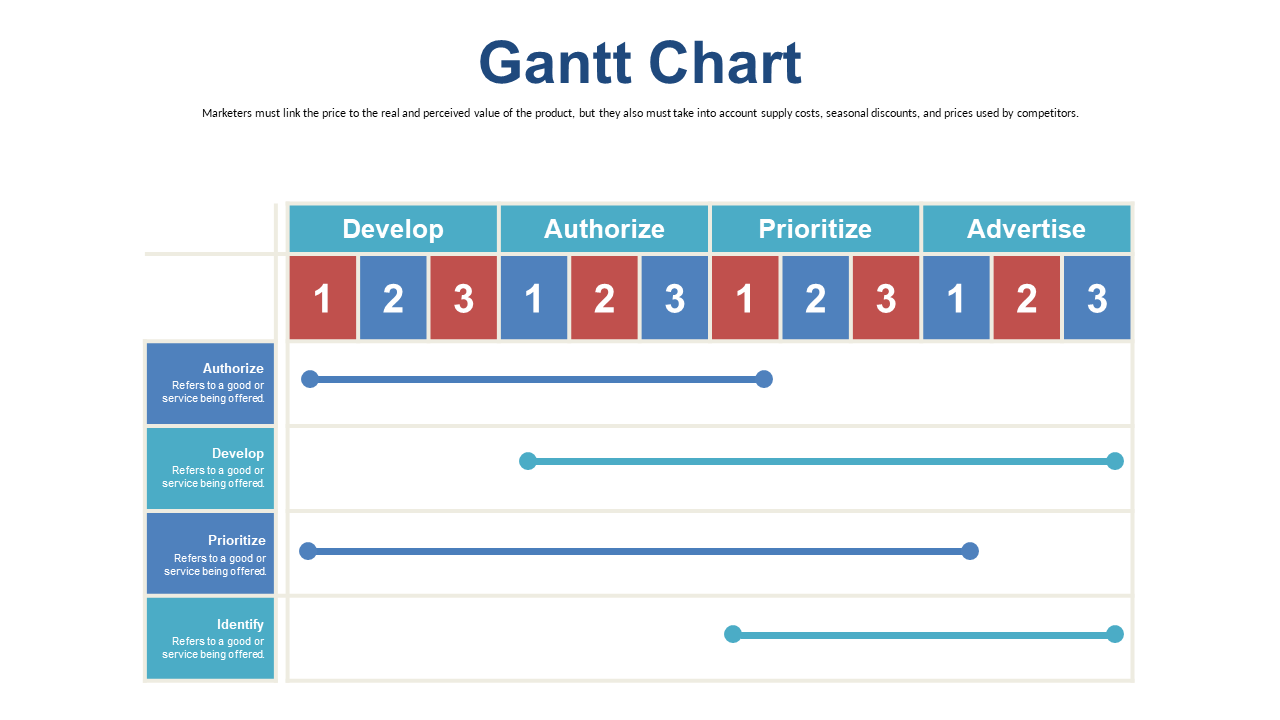
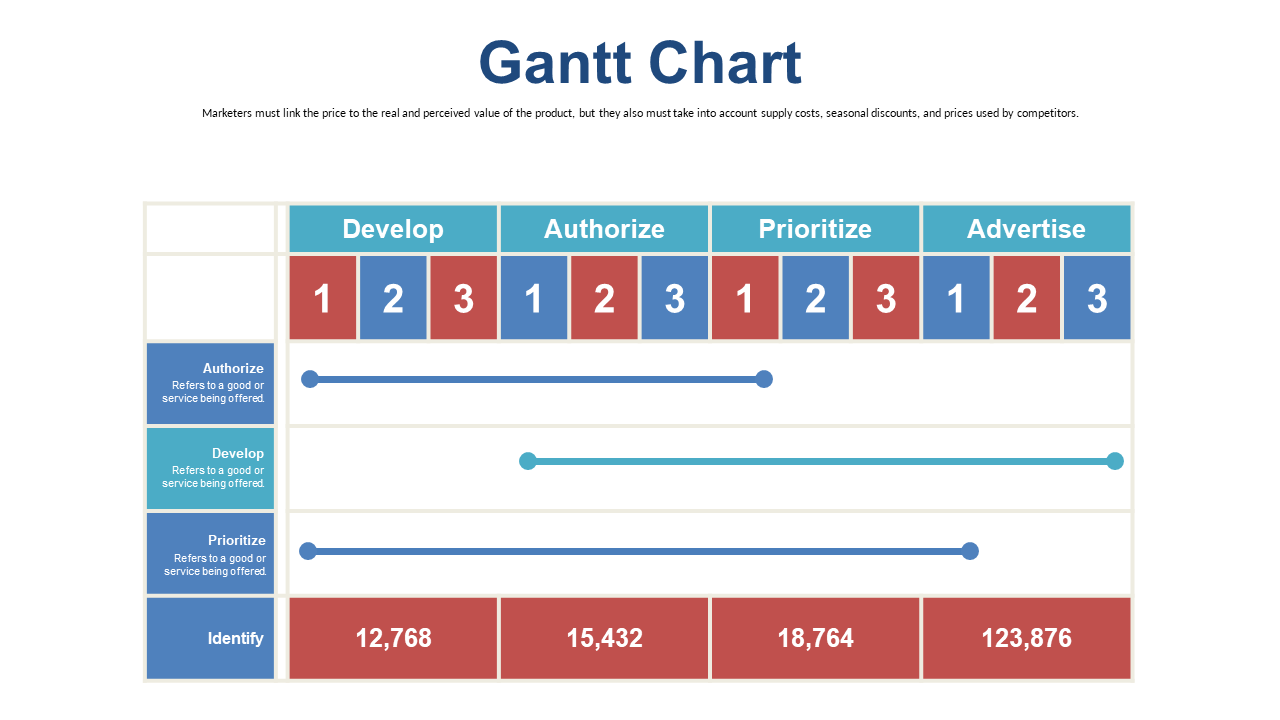
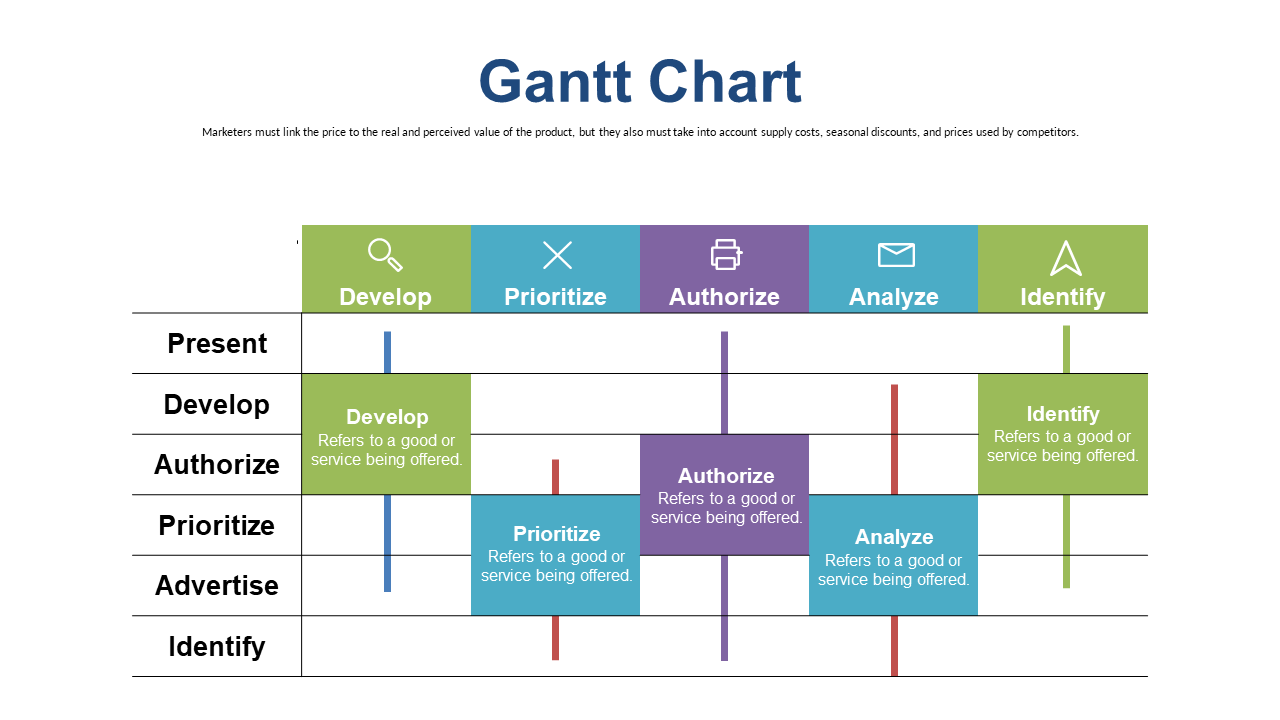
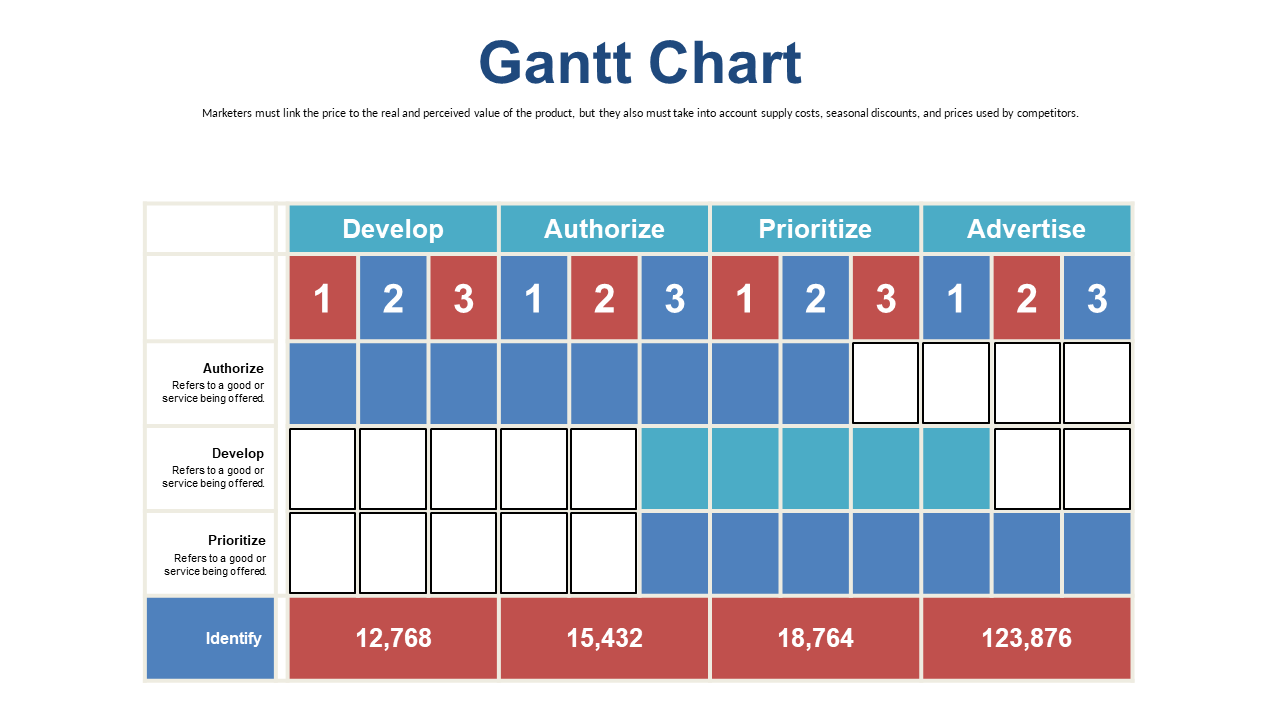
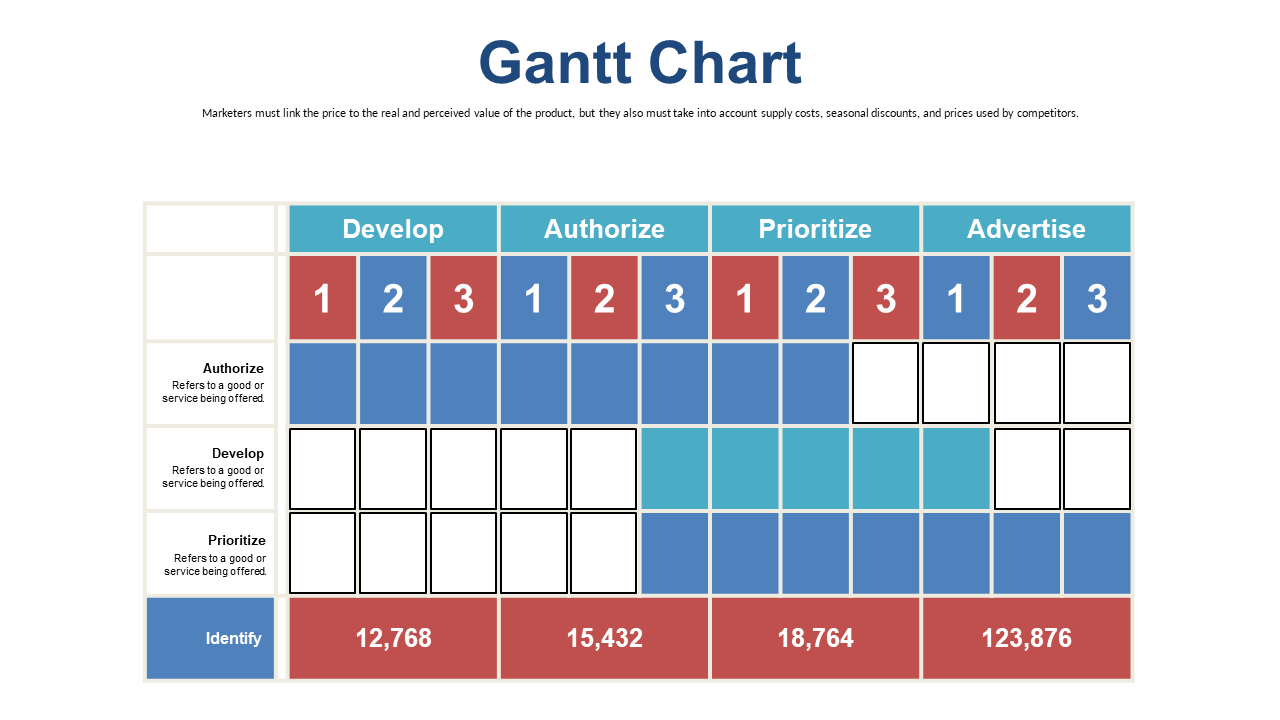
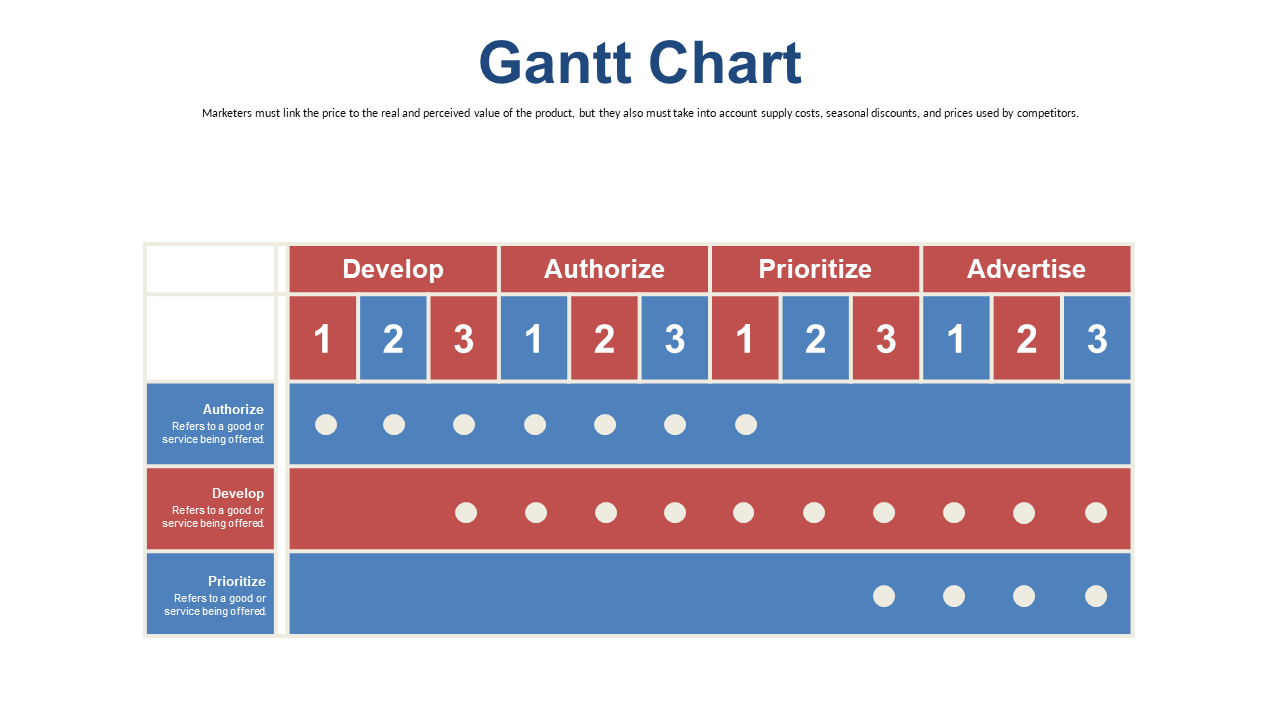
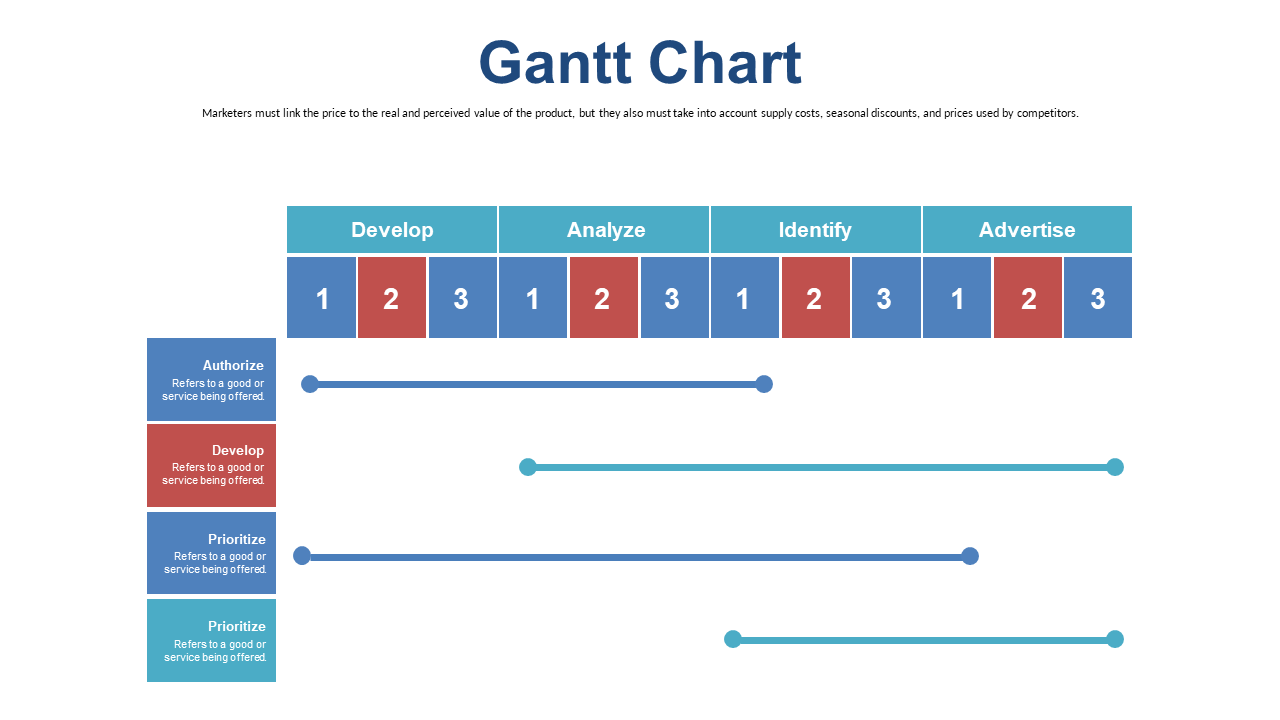
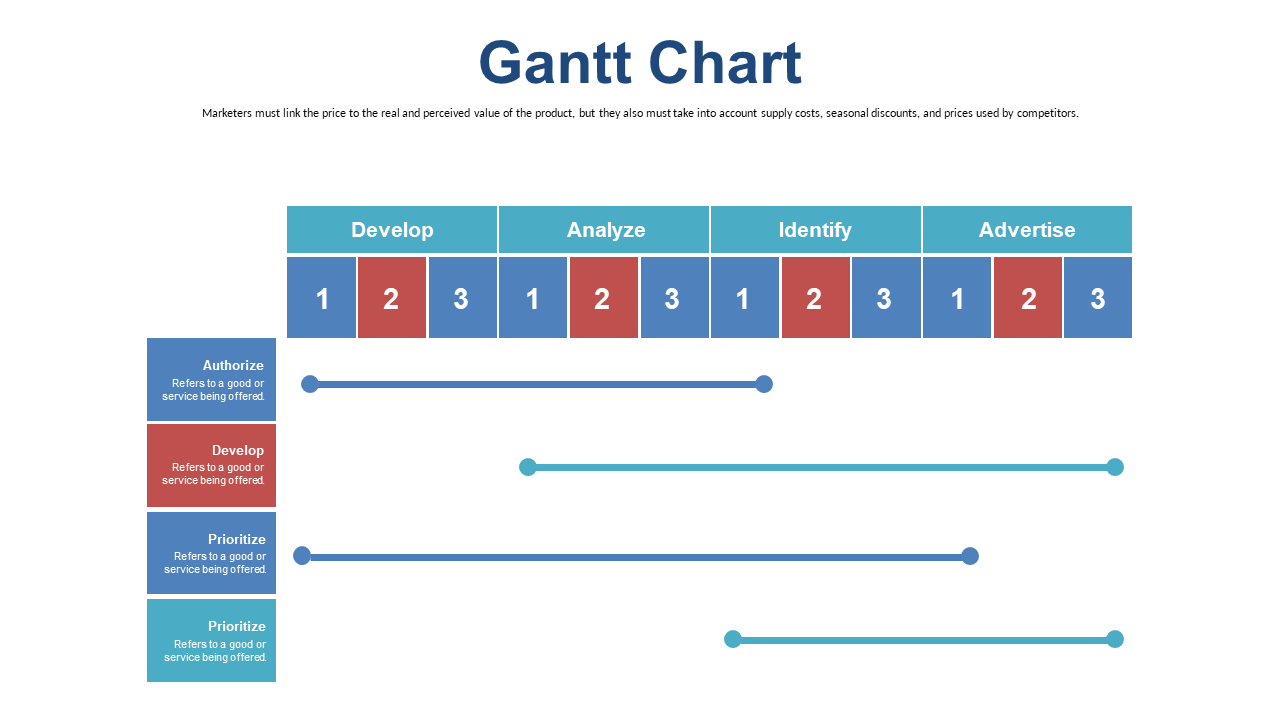
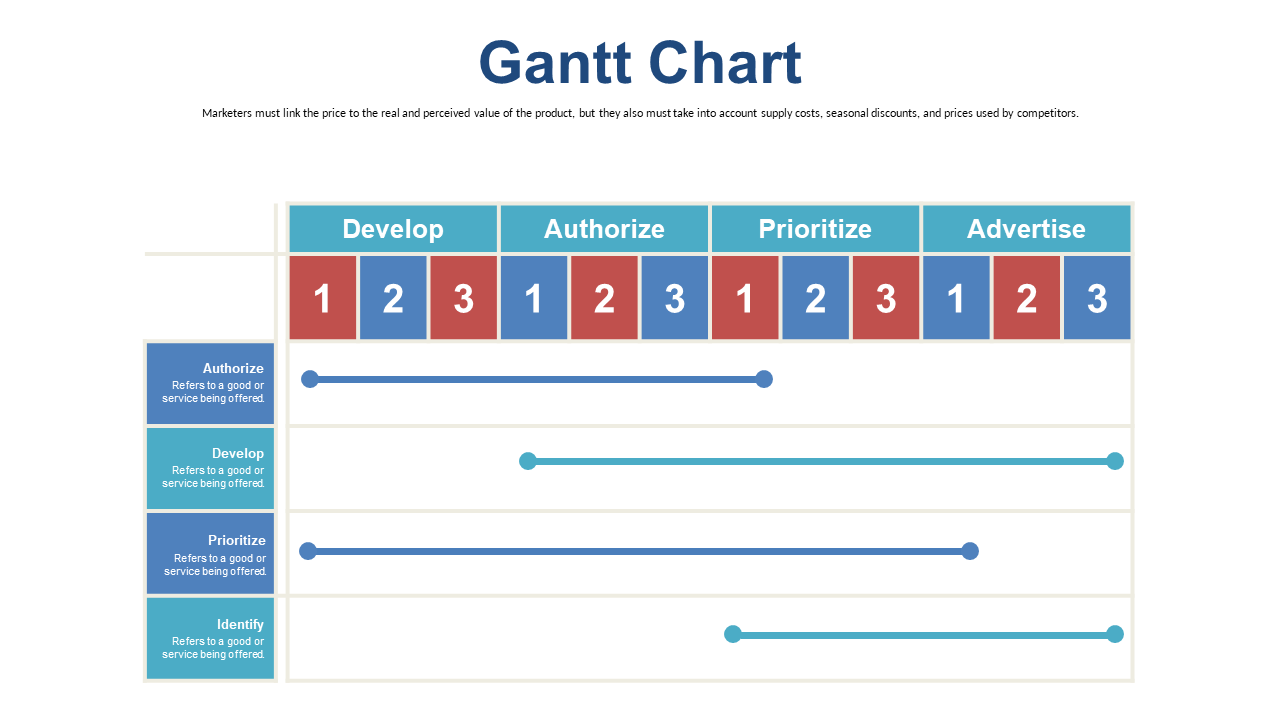
Managing a project can feel overwhelming, especially when trying to keep track of multiple tasks and deadlines. This editable Gantt chart slide offers a straightforward visual representation of your project’s timeline, complete with color-coded task bars that make it easy to see where each piece stands. As a delivery lead, you can effortlessly plug in your specific tasks and deadlines, ensuring everyone is on the same page. Project managers will appreciate the clarity this slide brings, helping them communicate progress to stakeholders and team members alike. Program managers can use it to present a high-level overview of multiple projects, making it clear how resources are allocated across various initiatives. Customizing this slide is a breeze—you can edit text, colors, and task bars to fit your project’s unique needs. $0.99 — add this single slide to any deck from the SlideSwift Slide Library. No subscription needed. Mix slides from any category to build your perfect deck.
Add more from this category to your custom deck