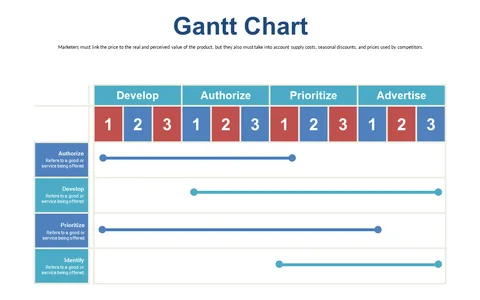
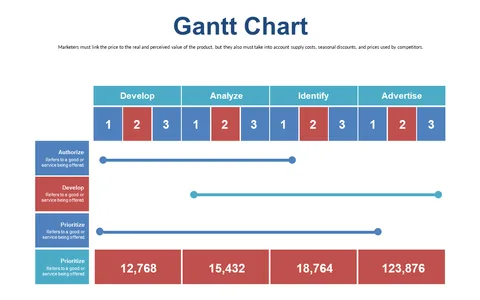
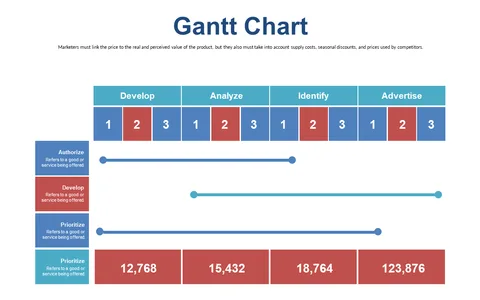
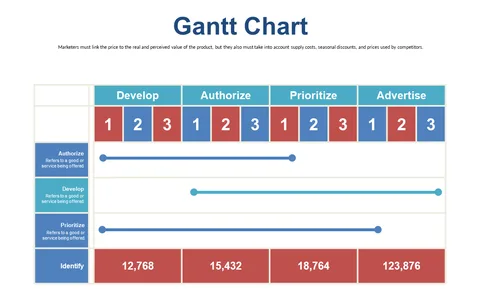
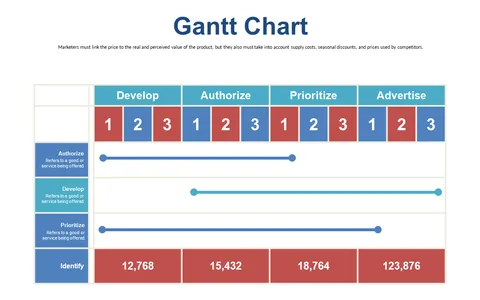
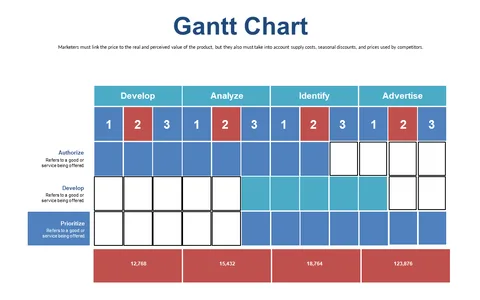
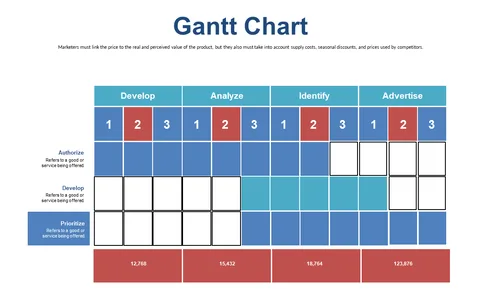
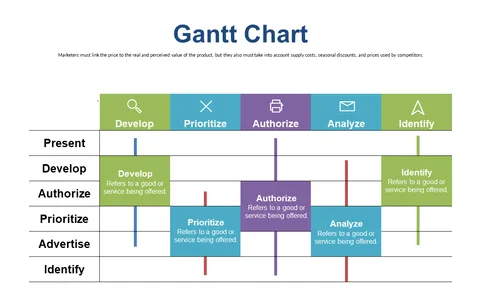
Gantt Chart for Task Prioritization and Assignment
Product Description
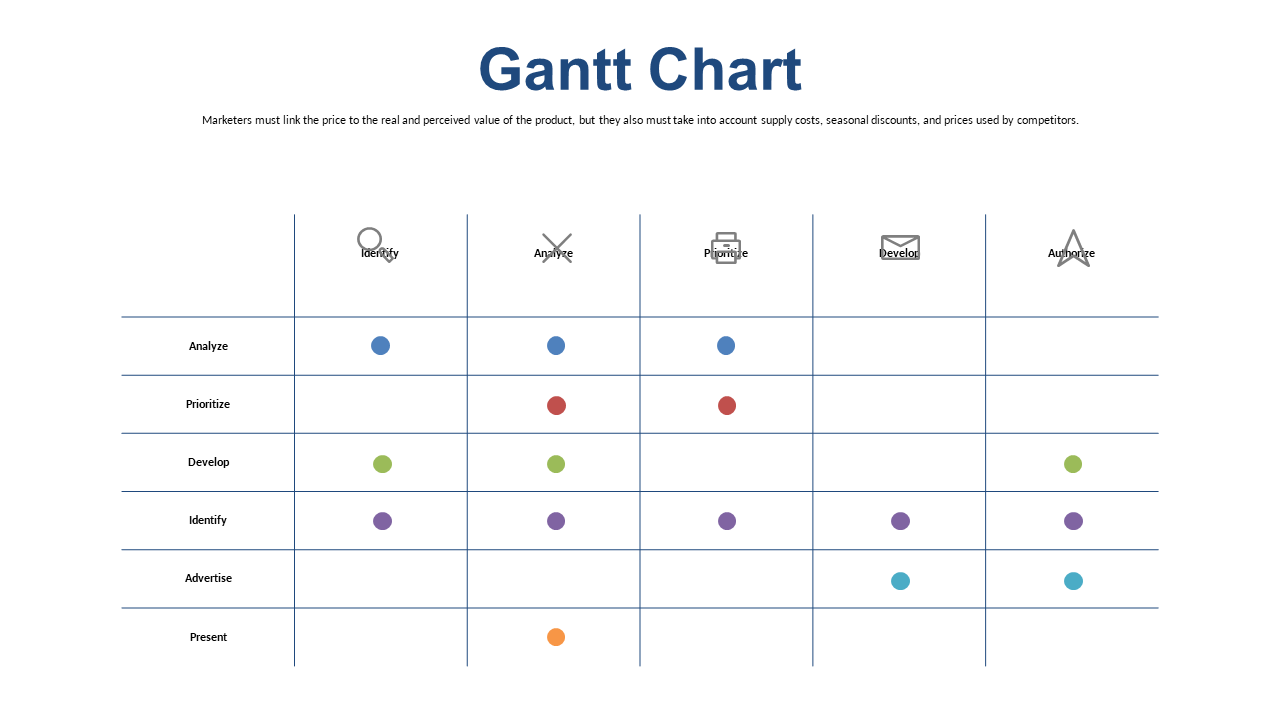
Juggling numerous tasks and deadlines can often leave you feeling overwhelmed, particularly when prioritization is key. This Gantt Chart slide simplifies that process by clearly laying out task assignments along a timeline.
You’ll be able to communicate priorities effectively, ensuring that your team knows what to focus on first. Program managers and operations directors will find this slide useful when presenting project timelines during strategy sessions or stakeholder meetings. It provides a straightforward way to outline priorities and responsibilities, making it easier for everyone to keep track of what needs to be accomplished.
For just $0.99, you can quickly download this Gantt Chart slide and get started right away. It’s easy to edit in PowerPoint and Google Slides, allowing you to make immediate adjustments tailored to your project’s unique requirements.
$0.99 – Purchase Checkout
Added to cart