Present Key Events with Circular Timeline Icons
Product Description
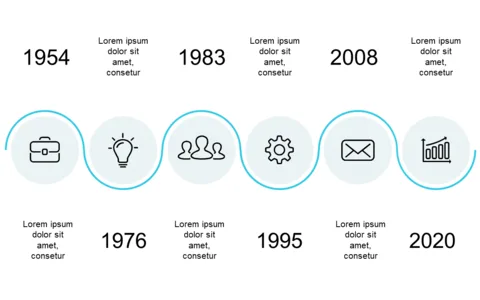
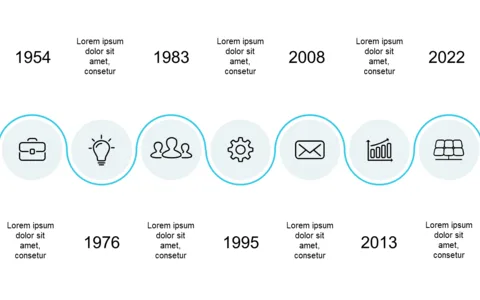
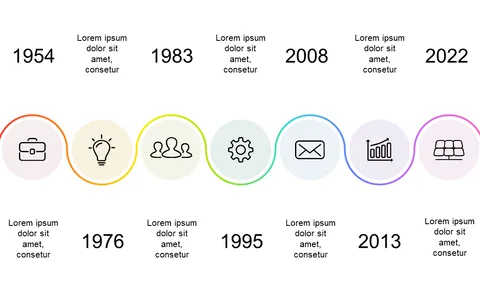
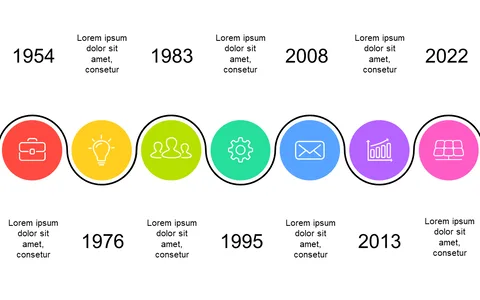
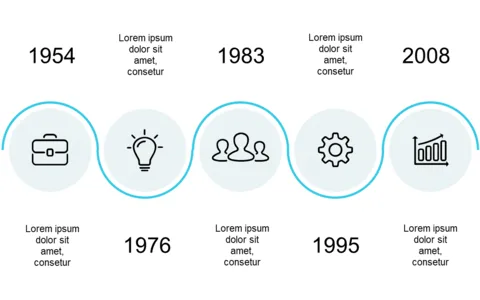
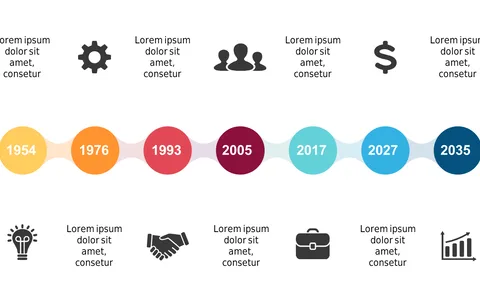
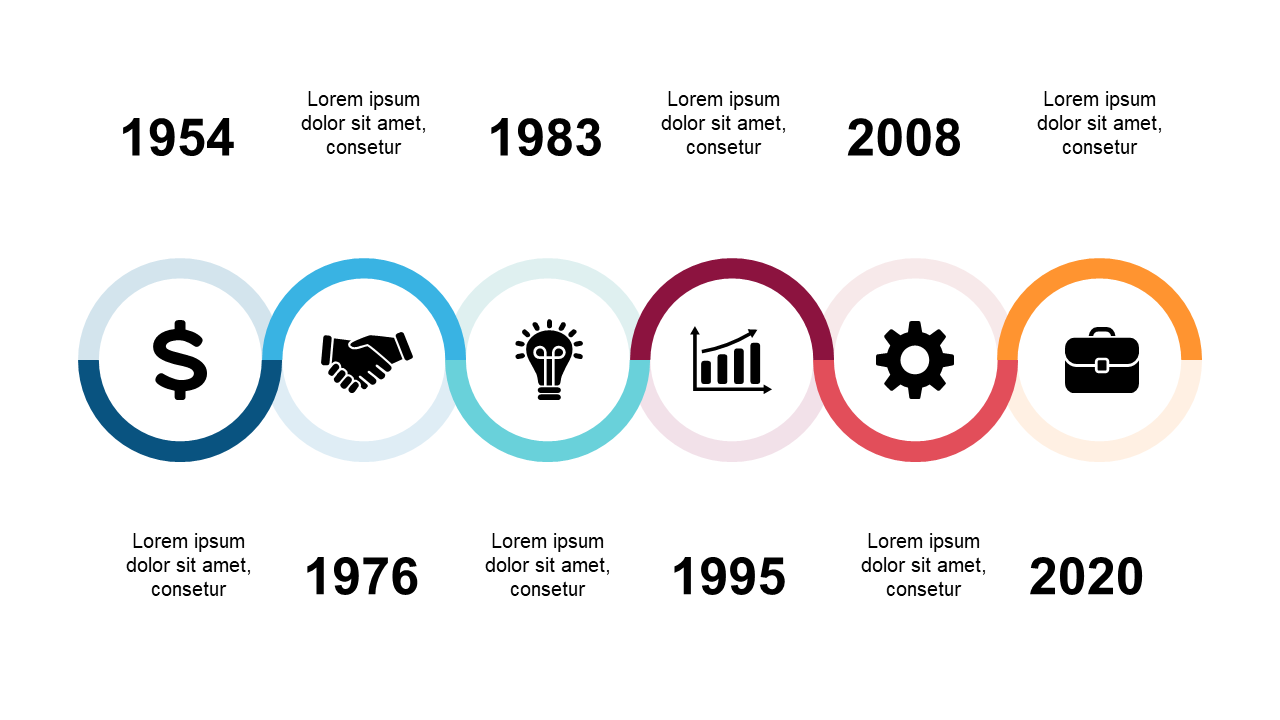
Effectively presenting timelines can feel overwhelming, especially with so many events to track. With this clean circular timeline design, you can showcase important milestones and historical data clearly and attractively. It’s the perfect solution for those who want to convey information without overwhelming their audience.
Whether you are a project coordinator outlining past accomplishments or a sales manager mapping out key client interactions, this slide fits the bill. It’s designed for any situation where you need to present chronological events, such as board meetings, team briefings, or project kick-offs.
For only $0.99, you can download this slide and edit it effortlessly in both PowerPoint and Google Slides. Within minutes, you’ll have a professional-looking presentation ready to go.
$0.99 – Purchase Checkout
Added to cart