SlideSwift
By Category
💼Business 📊Infographics □Minimal 🕐Timelines ✨Neumorphic 🗑Diagrams 🔄Flow Charts ✨Glassmorphism 🎨Creative 🌍Abstract 🔄Cycle Diagrams 💎Isometric 🖼Illustrations 📱Social Media 🗺MapsBy Slide Type
🚀Pitch Deck 📌Roadmap 🔍SWOT Analysis 📅Timeline 📈Gantt Chart 🏢Org Chart 📋Funnel ⚖Comparison 📄Case Study 📋Agenda ⭐Icons & Lists 👏Thank You
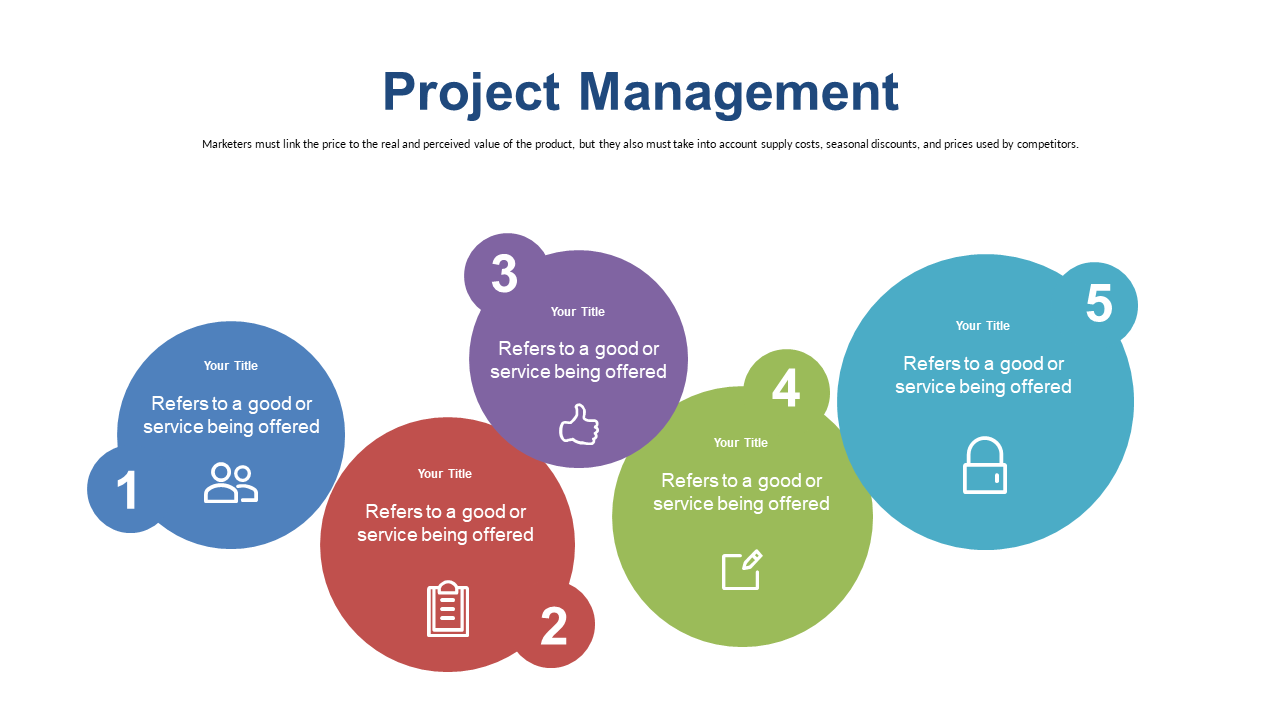
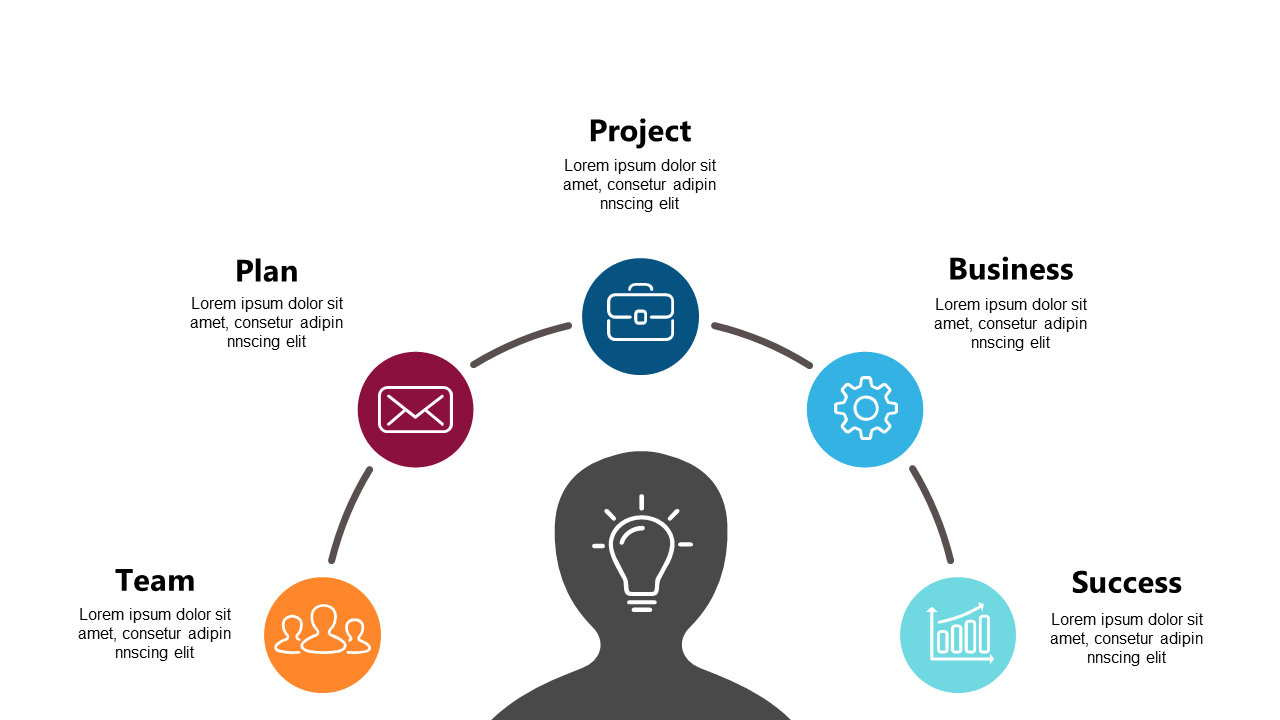
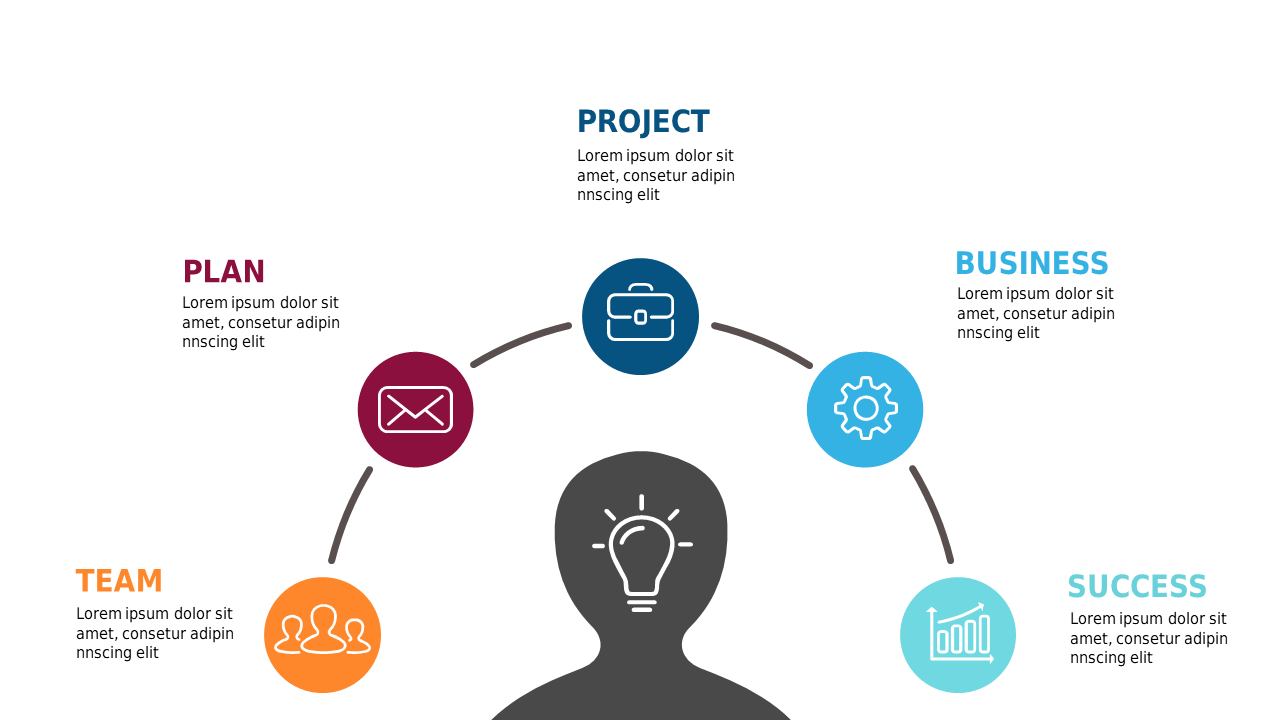
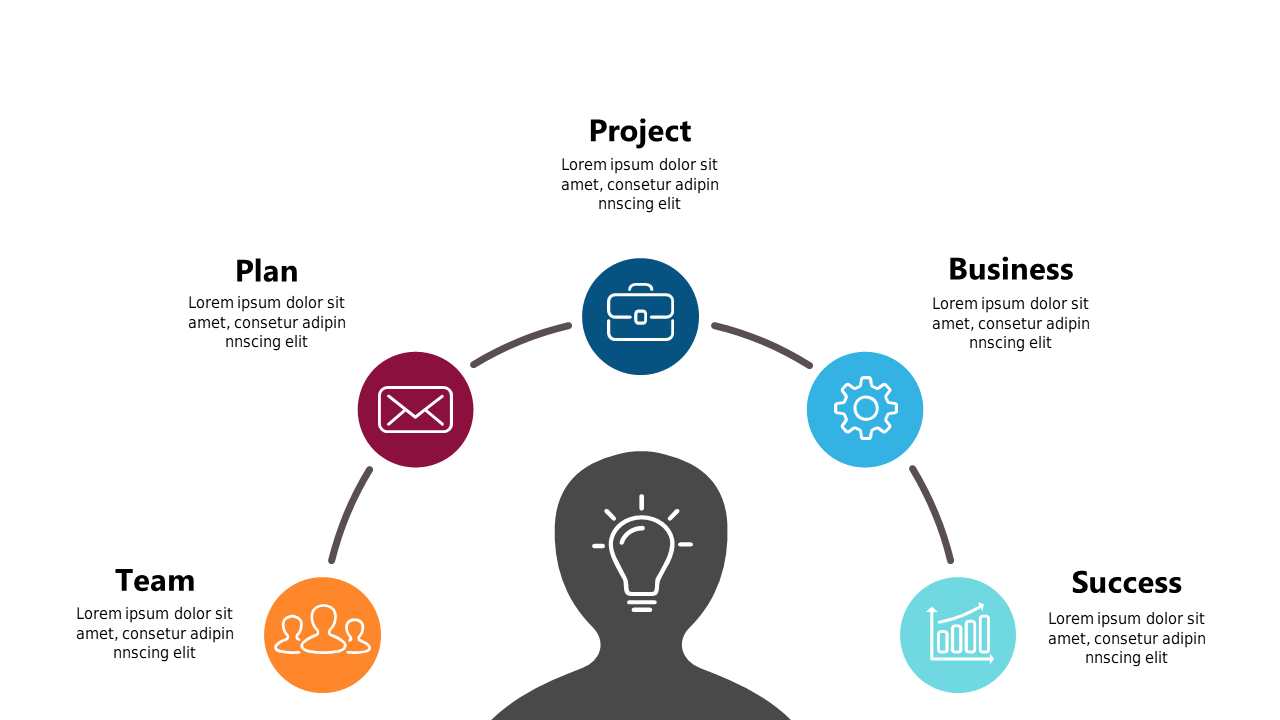
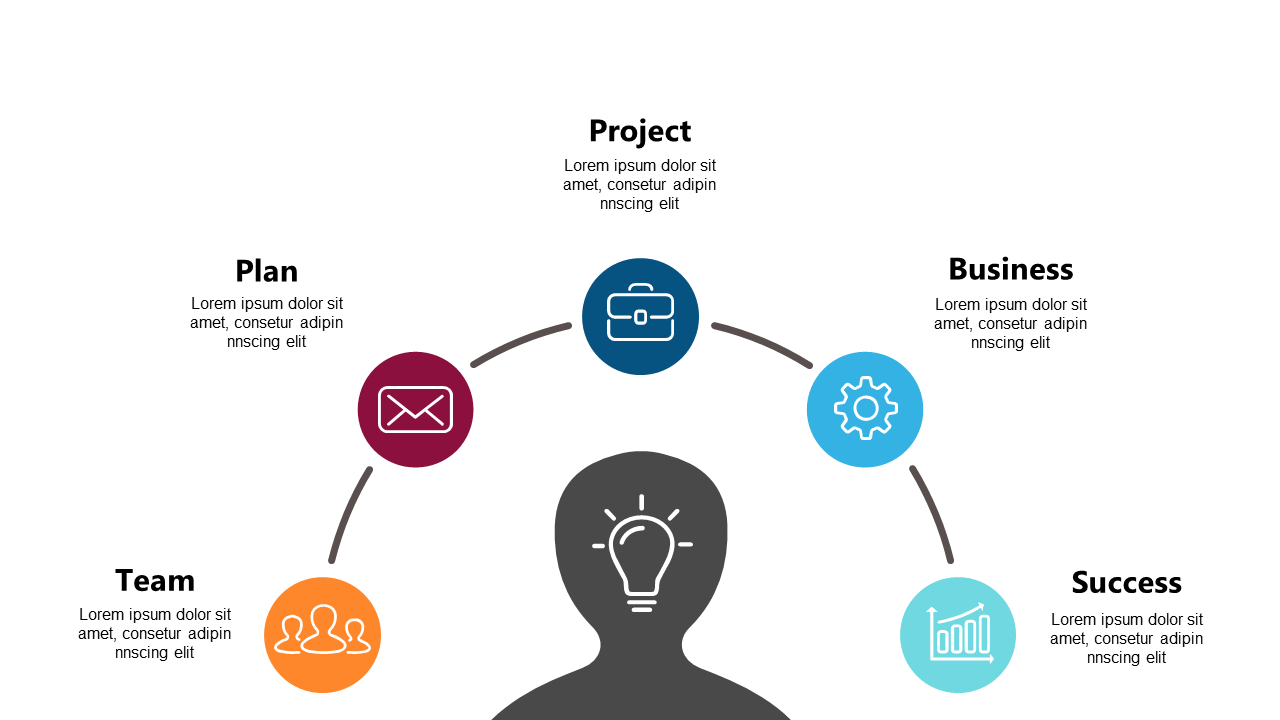
When you’re leading a team, clarity is crucial, especially when outlining project steps. A well-structured visual can help convey complex information effectively and keep everyone on the same page. This slide’s colorful circles represent different phases of a project, making it easy for your team to visualize progress at a glance. Each circle can be customized with your own text and colors, allowing for a tailored look that fits your presentation style.
A team lead can use this slide to present a project timeline in a meeting, ensuring everyone understands their responsibilities. A project manager might find it perfect for a status update, illustrating which phases are complete and what’s ahead. Meanwhile, a program manager can adapt it to show the connection between multiple projects, helping stakeholders see the bigger picture. Customizing the slide is simple, so you can adapt it to any specific project you’re working on.
$0.99 — add this single slide to any deck from the SlideSwift Slide Library. No subscription needed. Mix slides from any category to build your perfect deck.
Add more from this category to your custom deck