SlideSwift
By Category
💼Business 📊Infographics □Minimal 🕐Timelines ✨Neumorphic 🗑Diagrams 🔄Flow Charts ✨Glassmorphism 🎨Creative 🌍Abstract 🔄Cycle Diagrams 💎Isometric 🖼Illustrations 📱Social Media 🗺MapsBy Slide Type
🚀Pitch Deck 📌Roadmap 🔍SWOT Analysis 📅Timeline 📈Gantt Chart 🏢Org Chart 📋Funnel ⚖Comparison 📄Case Study 📋Agenda ⭐Icons & Lists 👏Thank You
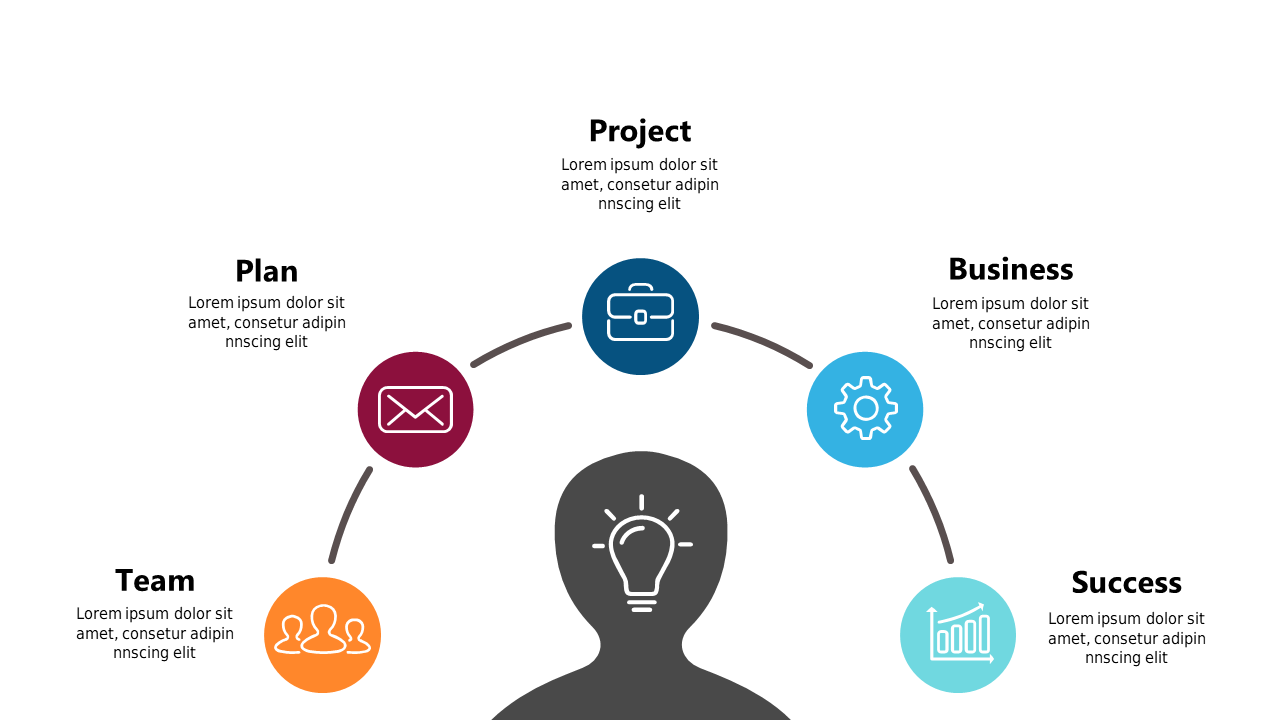
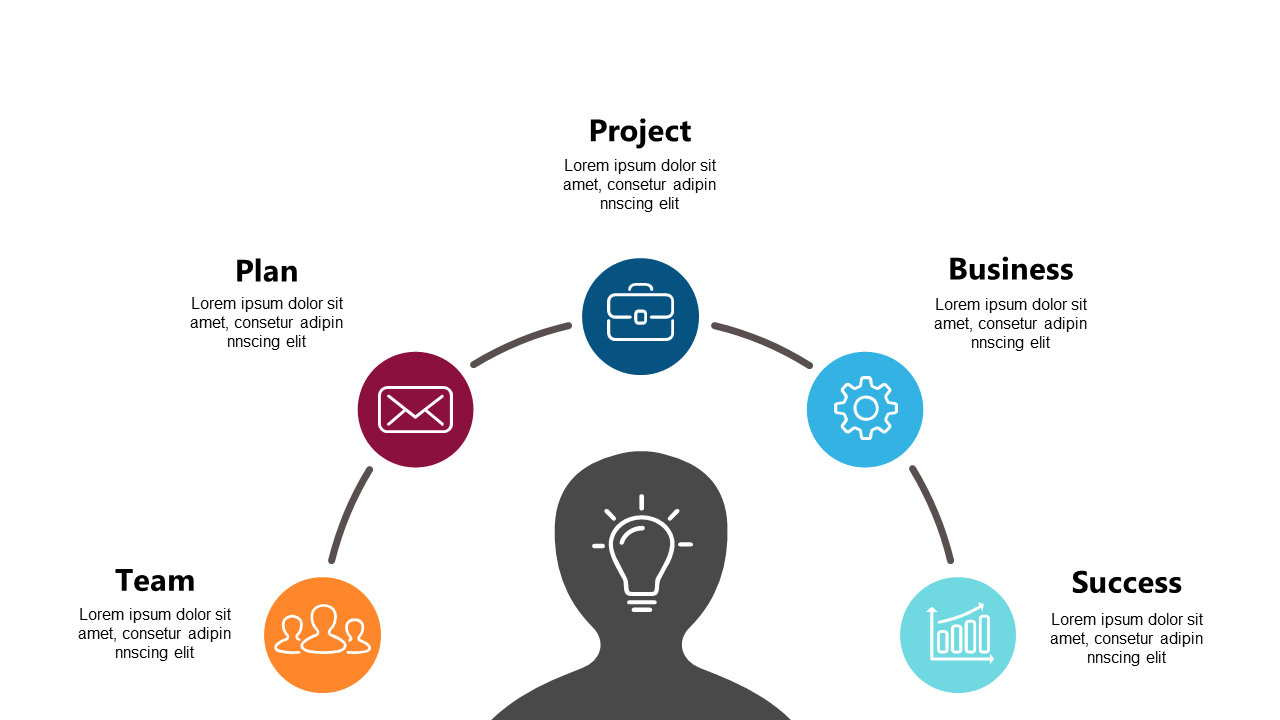
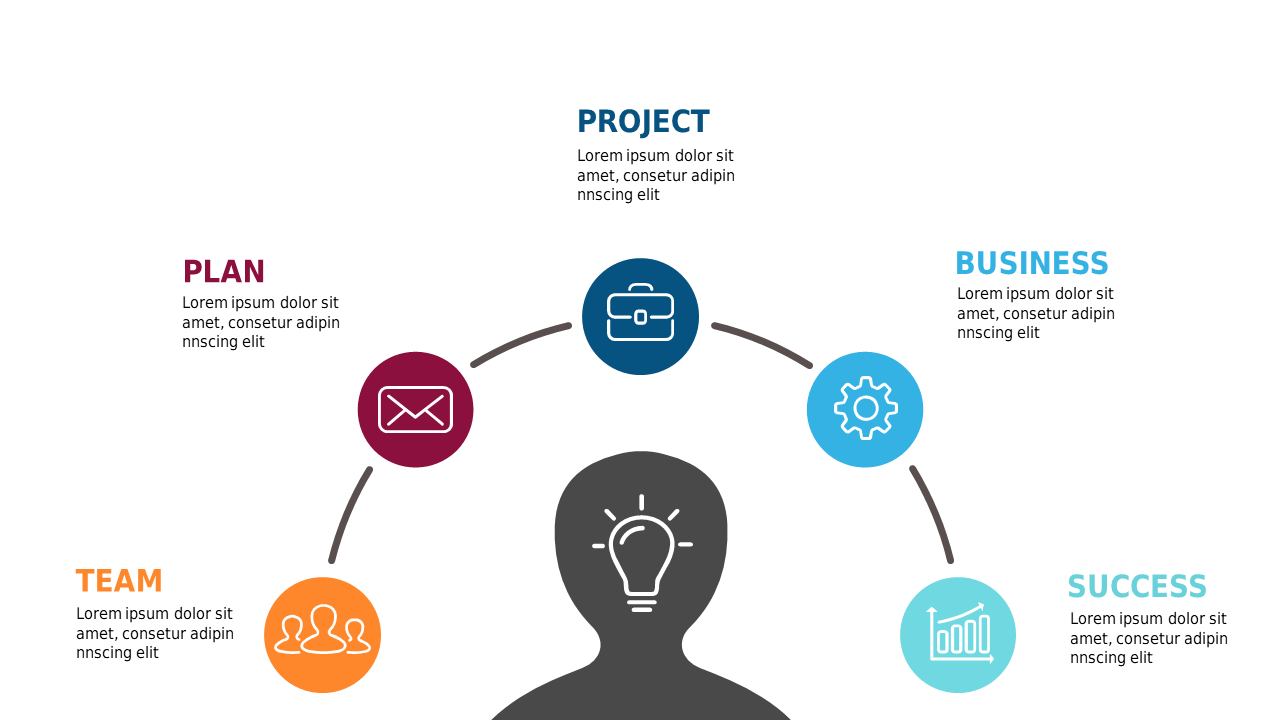
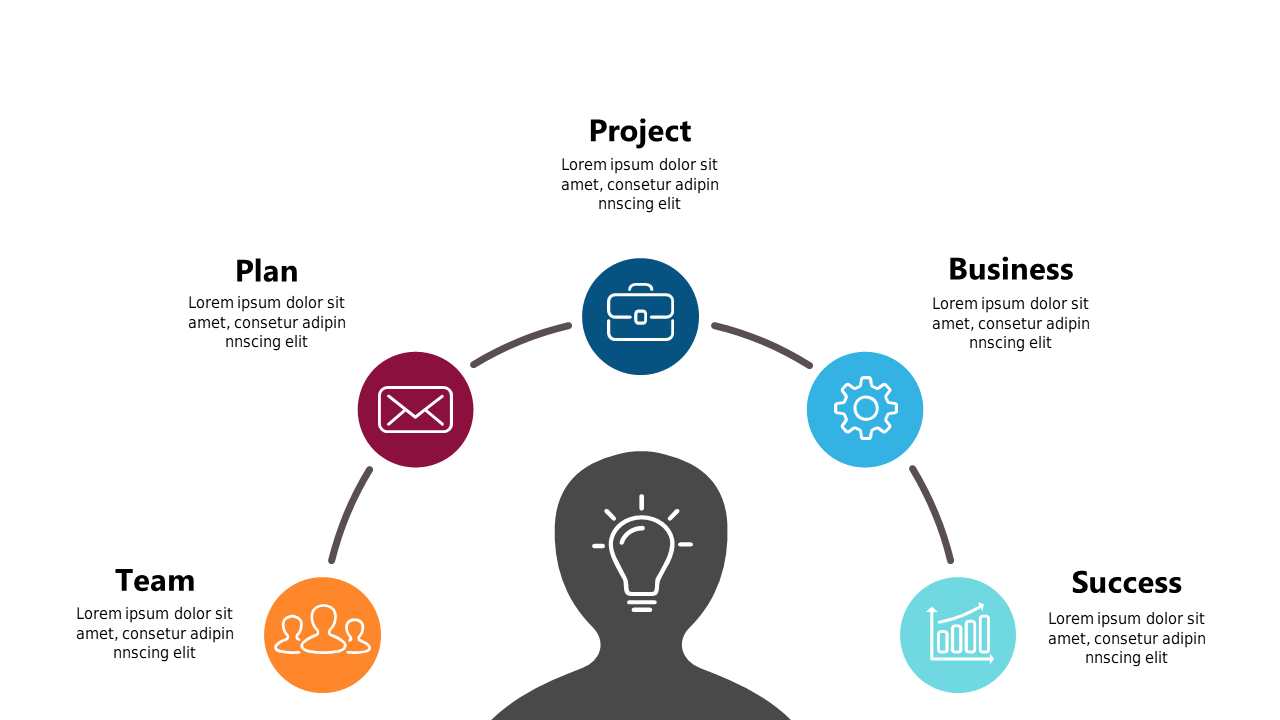
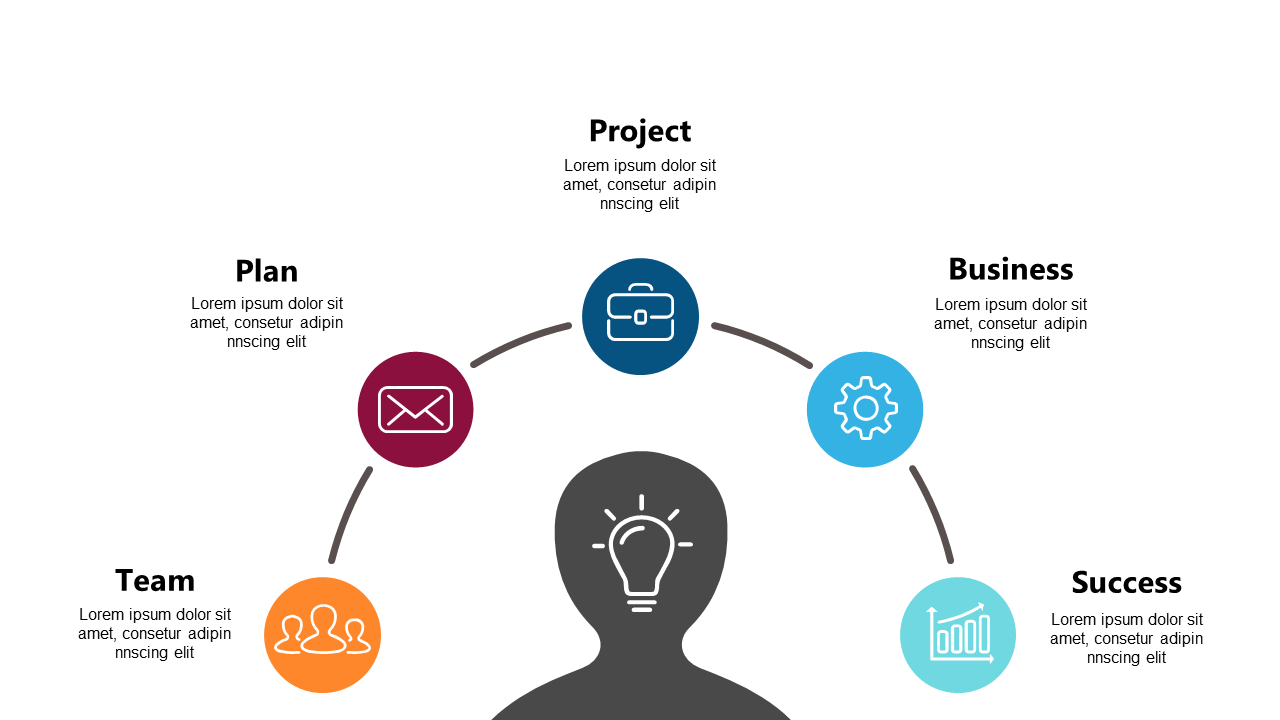
Managing a project often means juggling different components and ensuring everyone is aligned. A circular diagram can visually simplify complex processes, helping your audience understand how each piece fits together. This engaging slide showcases key elements like Project, Plan, Business, Team, and Success, all neatly arranged in a circular format. It’s a perfect way to present your project stages during a meeting or update. As a program manager, you can use this slide to clearly communicate project components to stakeholders. An operations manager might find it essential for mapping out workflows and optimizing processes. For a team lead, this diagram can serve to illustrate team roles and responsibilities within a project, fostering better collaboration. Each icon and text is customizable, allowing you to tailor it to your specific project details. $0.99 — add this single slide to any deck from the SlideSwift Slide Library. No subscription needed. Mix slides from any category to build your perfect deck.
Add more from this category to your custom deck