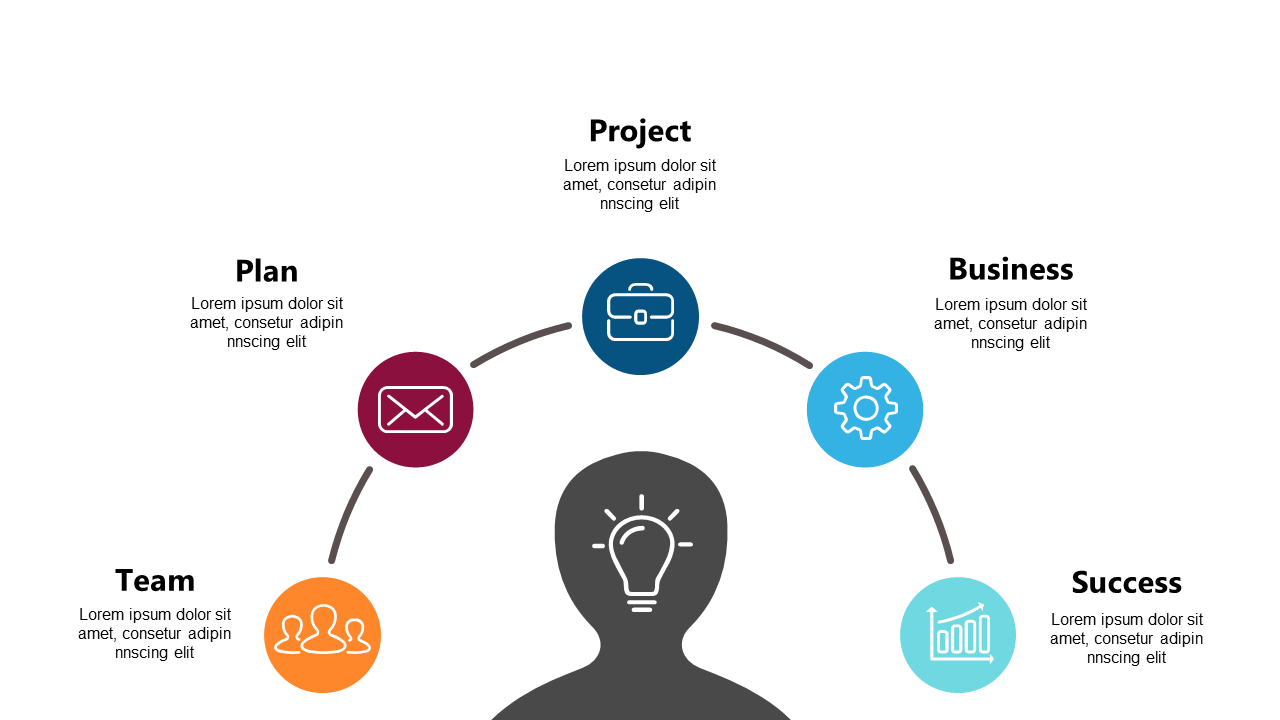
Illustrate Project Workflows with Circular Diagram
Product Description
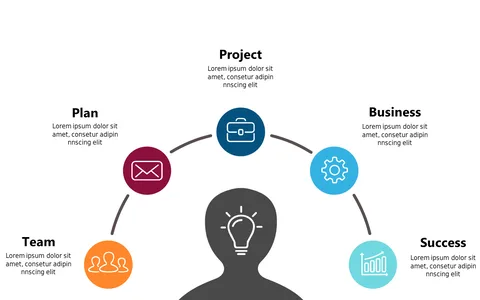
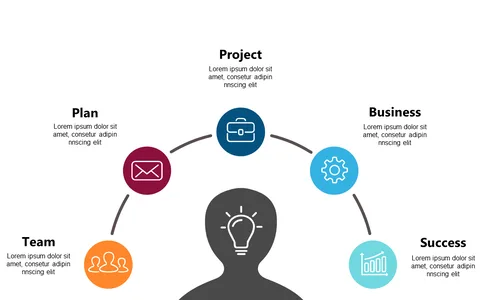
Communicating project workflows can often lead to confusion, especially with complex processes at play. You need a clear and organized way to illustrate how tasks flow from one stage to the next, and this circular diagram does just that.
It simplifies complex workflows into an easy-to-understand format that your team will appreciate. Whether you’re a project manager leading a brainstorming session, a team leader guiding a project kickoff, or a consultant working with clients to outline steps for success, this slide is perfect for you. It helps ensure everyone is on the same page about their contributions and the overall project trajectory.
At just $0.99, this diagram is available for quick download, making it an affordable addition to your presentation toolkit. Modify it effortlessly in both PowerPoint and Google Slides, and get your project communications on track in no time.
$0.99 – Purchase Checkout
Added to cart