Organize Project Phases with Gantt Chart Layout
Product Description
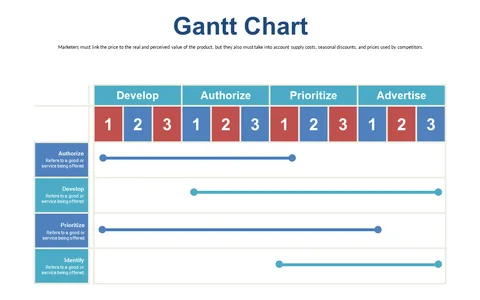
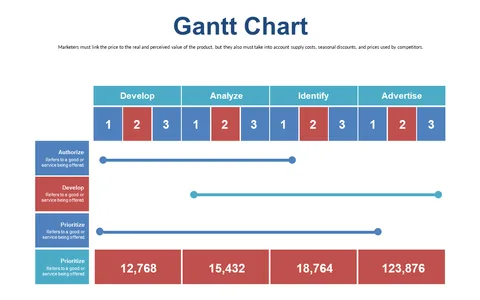
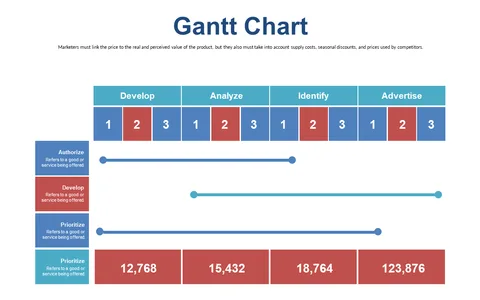
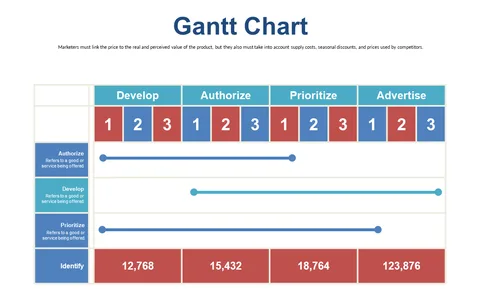
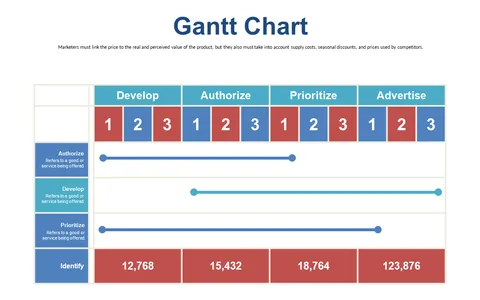
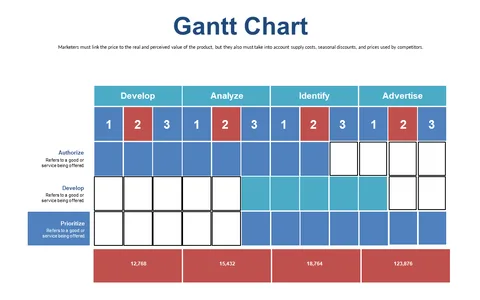
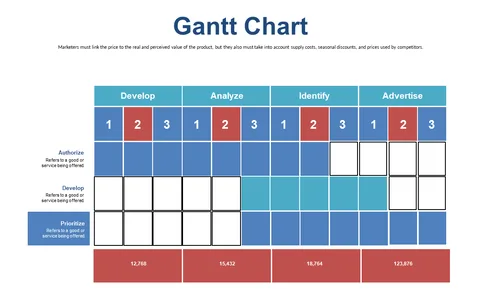
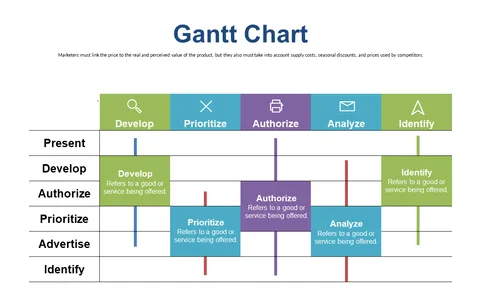
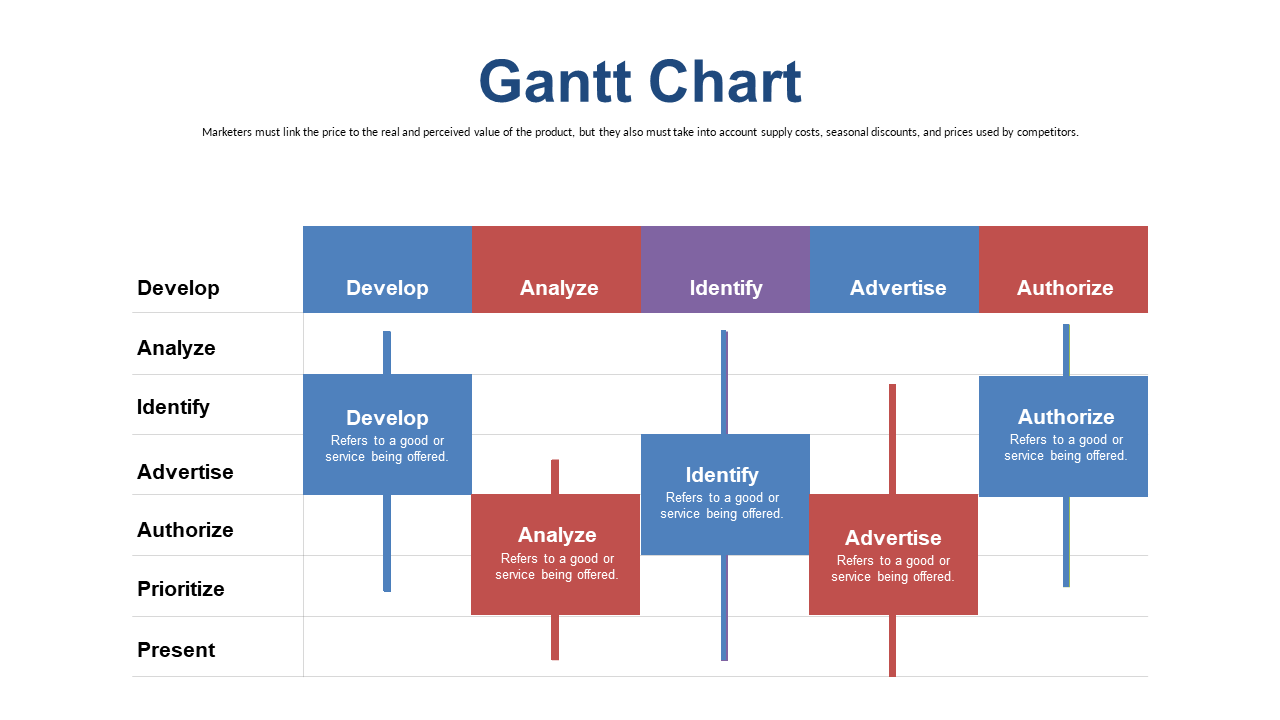
Keeping track of project timelines can feel like trying to navigate a maze without a map, especially as deadlines draw near. A Gantt Chart layout simplifies this challenge by providing you with a clear visual representation of project phases, so you can see exactly where you stand and what’s coming next.
You’ll be able to focus on your tasks rather than getting lost in details. This slide is perfect for project managers in industries like construction, IT, or product development, who need to present timelines during project kickoff meetings or progress reviews. Whether you’re leading a software launch or coordinating a building project, this Gantt chart helps your team visualize the workflow and deadlines effectively.
For just $0.99, you can download this Gantt Chart slide and start organizing your projects right away. It’s fully editable in PowerPoint and Google Slides, so you can make adjustments that fit your specific needs, and you’ll have it ready in minutes.
$0.99 – Purchase Checkout
Added to cart