Showing 1,088 slides
in Process Flow

View full slide →
✓
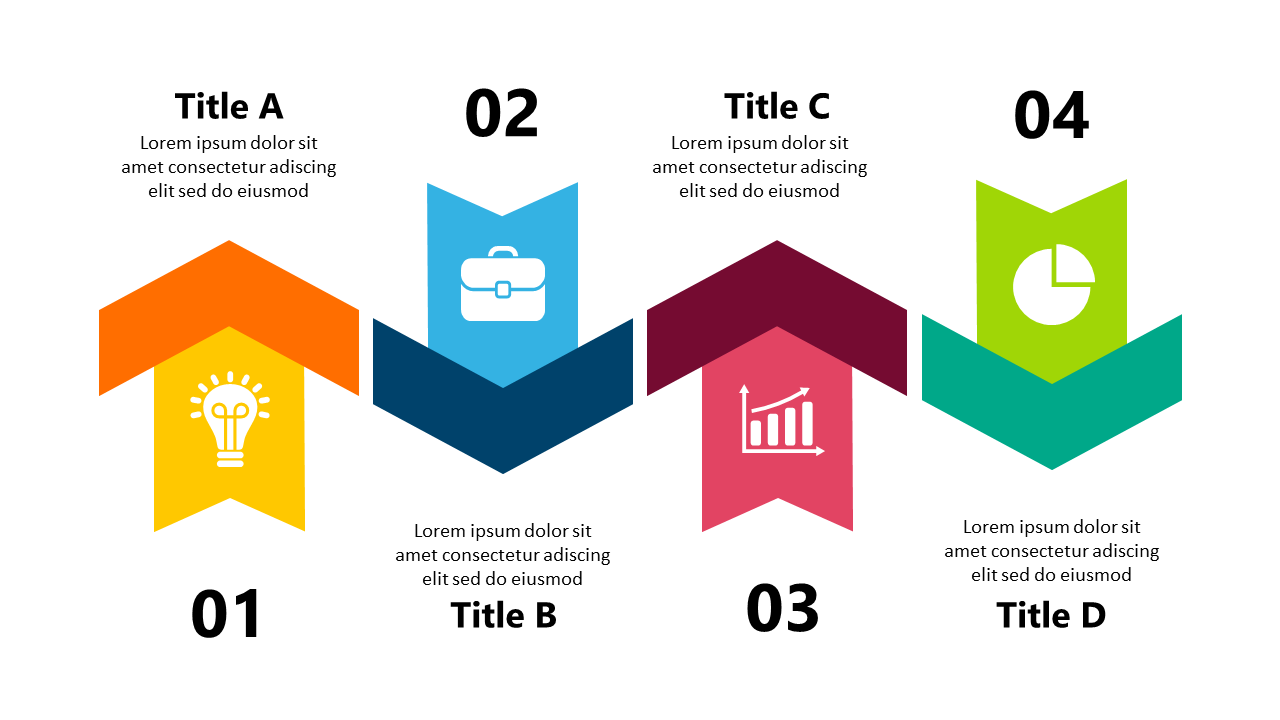
Use colorful icons to represent process steps in your presentations.
View full slide →
✓
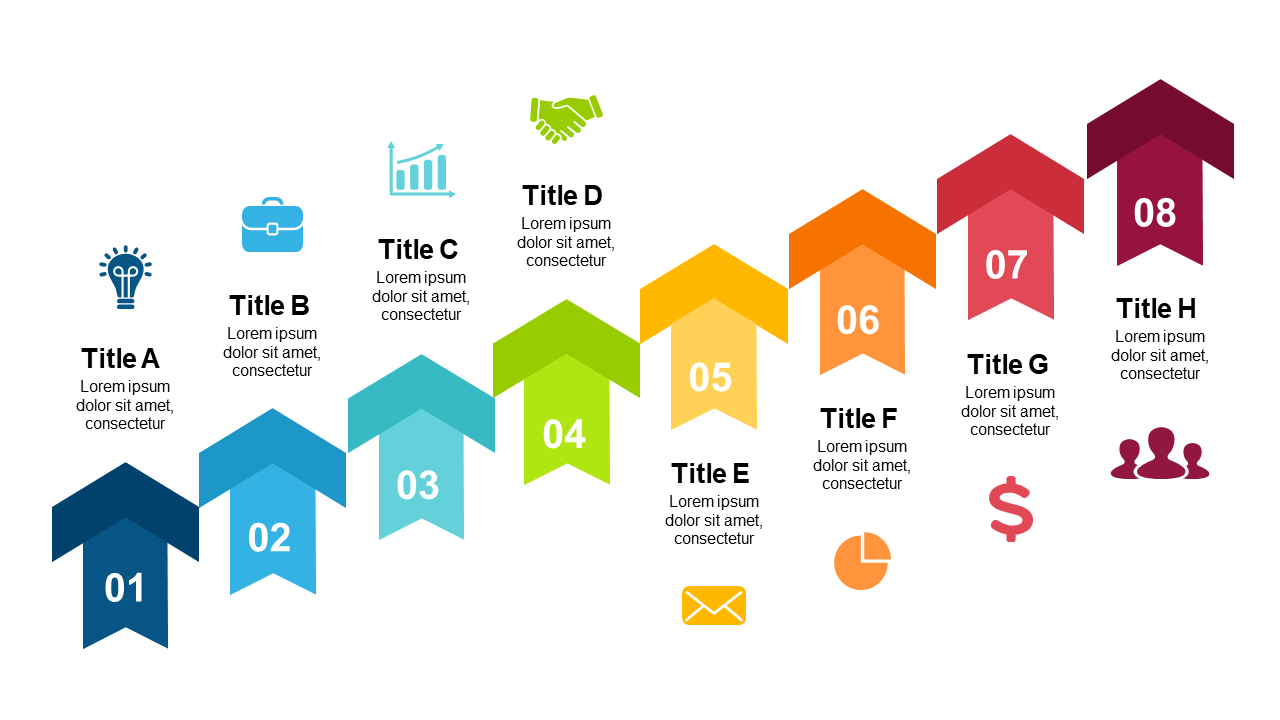
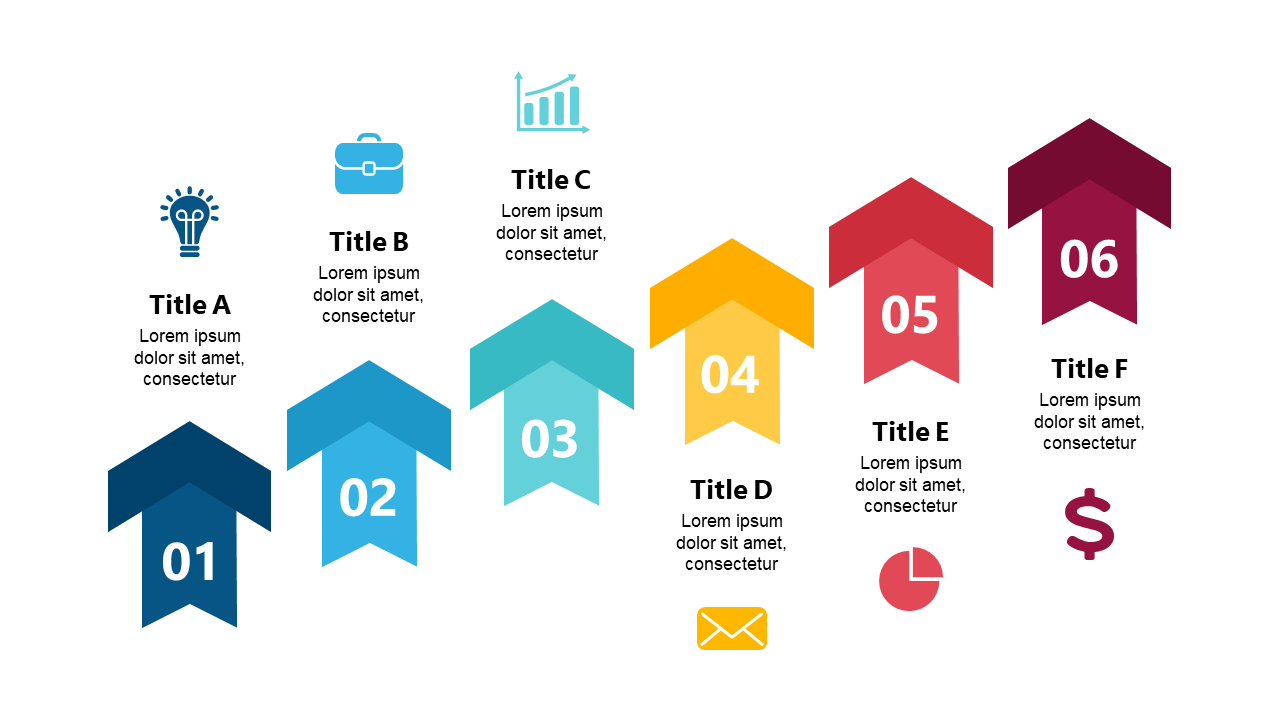
Use engaging arrowed steps to showcase key stages in your business presentations.
View full slide →
✓
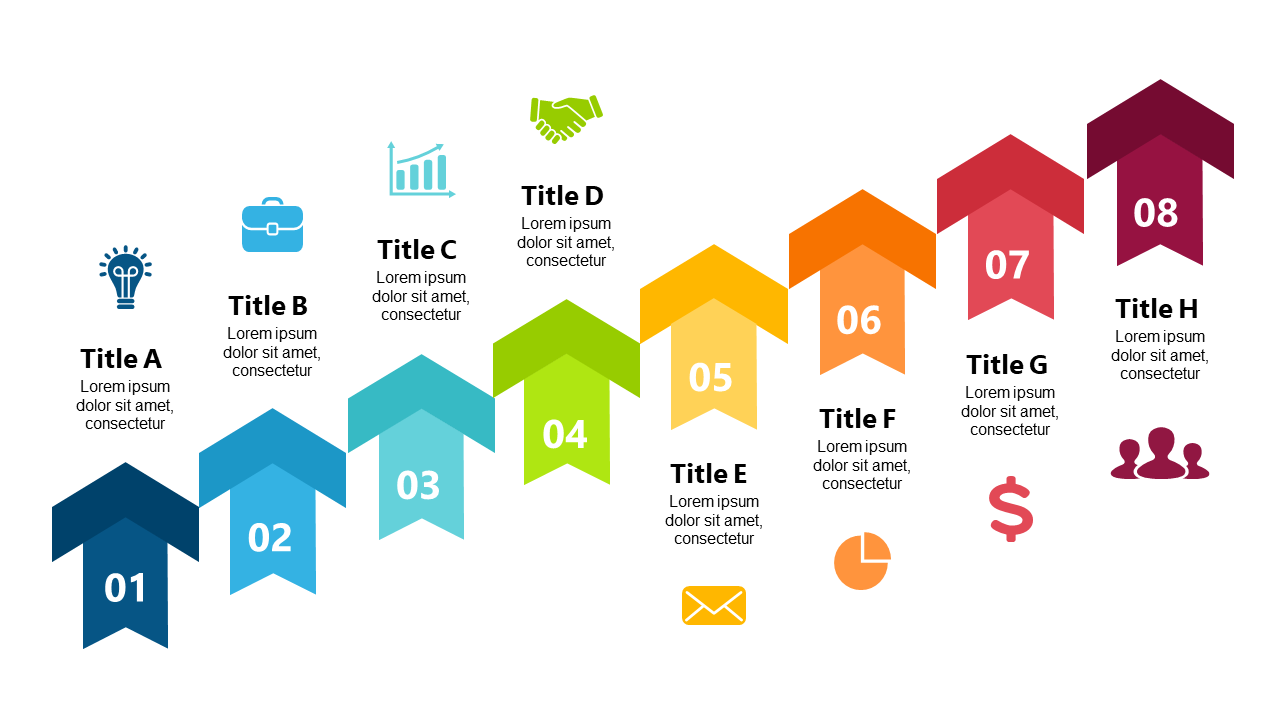
Highlight processes effectively with colorful arrowed steps in presentations.
View full slide →
✓
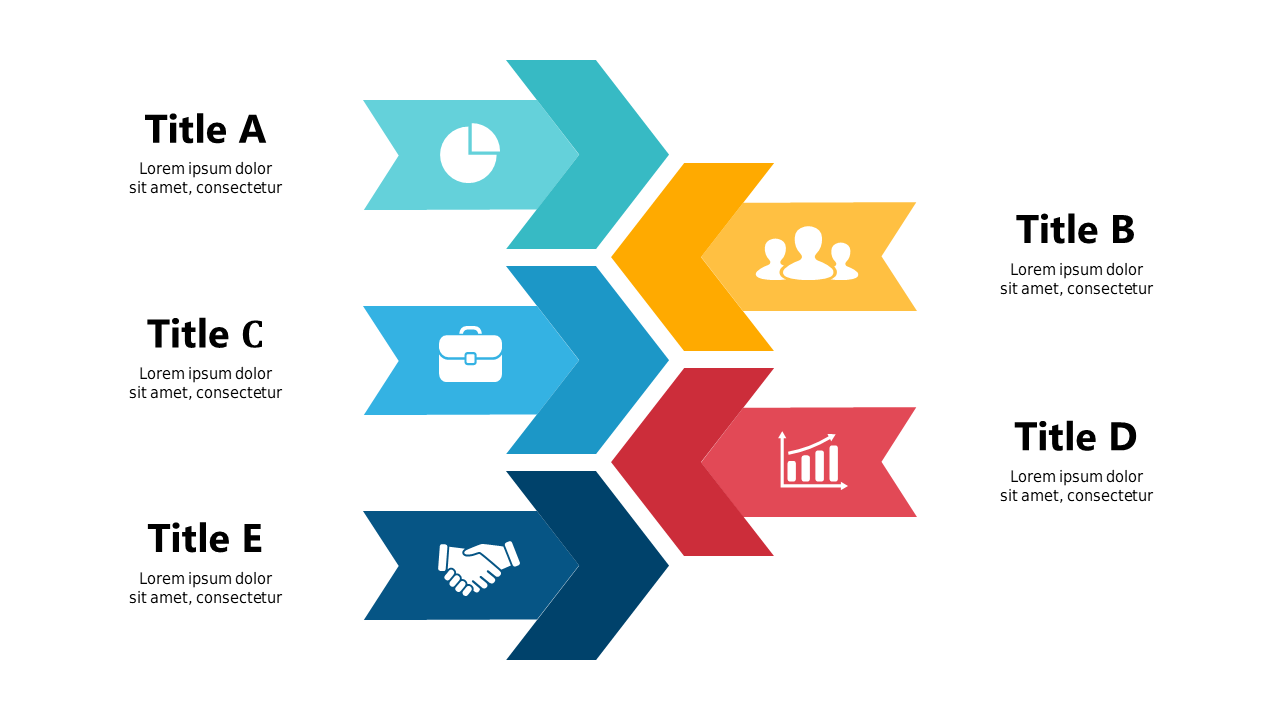
Visualize engagement stages using arrow steps and icons in PowerPoint and Google Slides.
View full slide →
✓
Detail engagement processes with directional arrows and icons for effective presentations.
View full slide →
✓
Showcase engagement stages using arrows and icons in PowerPoint and Google Slides.
View full slide →
✓
Illustrate engagement processes with arrows and icons for impactful presentations.
View full slide →
✓
Use vibrant step-up process layouts to illustrate sequential strategies.
View full slide →
✓
Visualize workflows with colorful arrow steps in your business presentations.
View full slide →
✓
Engage audiences with colorful step-up process layouts in presentations.
View full slide →
✓
Illustrate workflows with a circular 6-step process flow diagram for business.
View full slide →
✓
Use this circular 6-step process flow to enhance your business presentations.
 SlideSwift