Showing 290 slides
in Lists & Comparison

View full slide →
✓
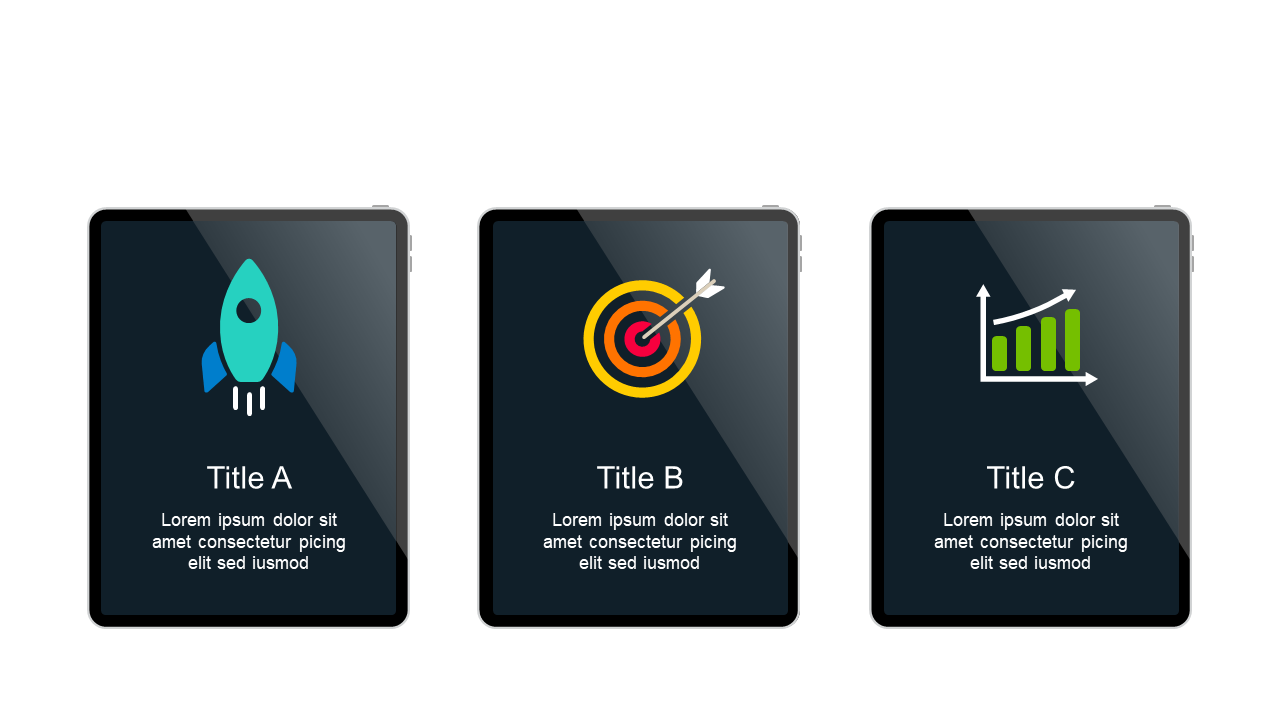
Compare features effectively with this three-icon layout for business presentations.
View full slide →
✓
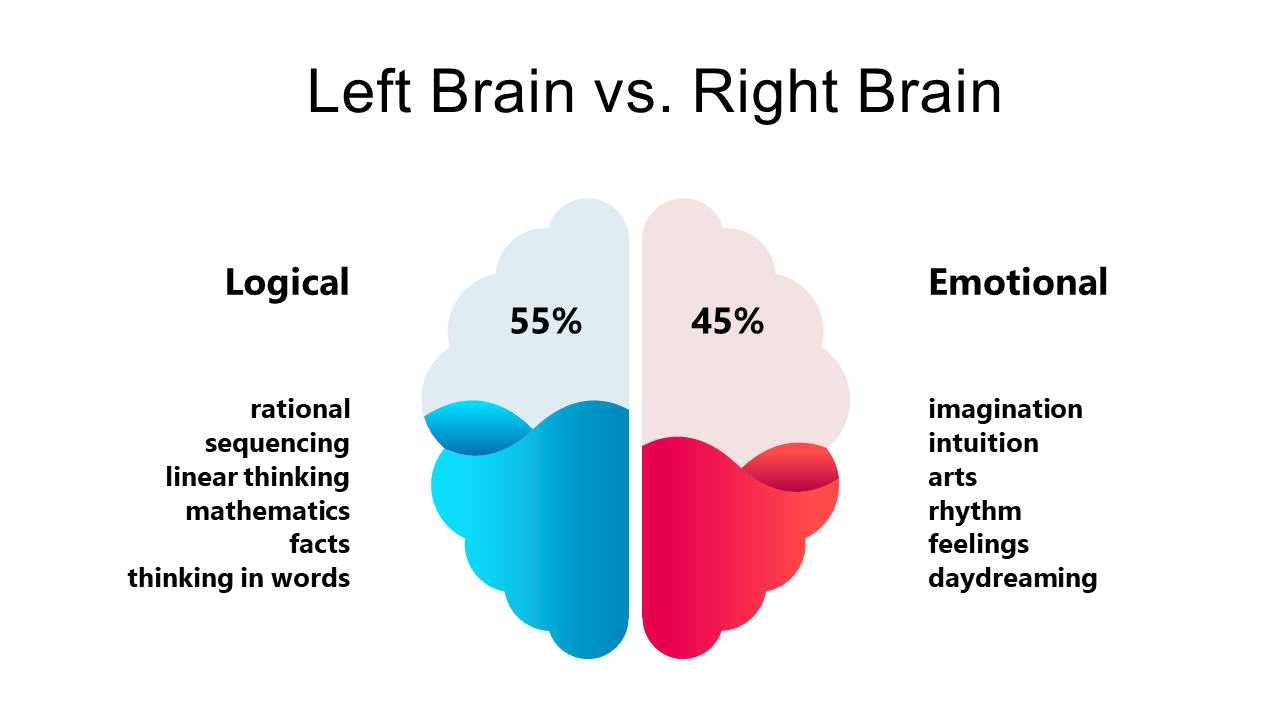
Use this layout to compare cognitive functions of the left and right brain in presentations.
View full slide →
✓
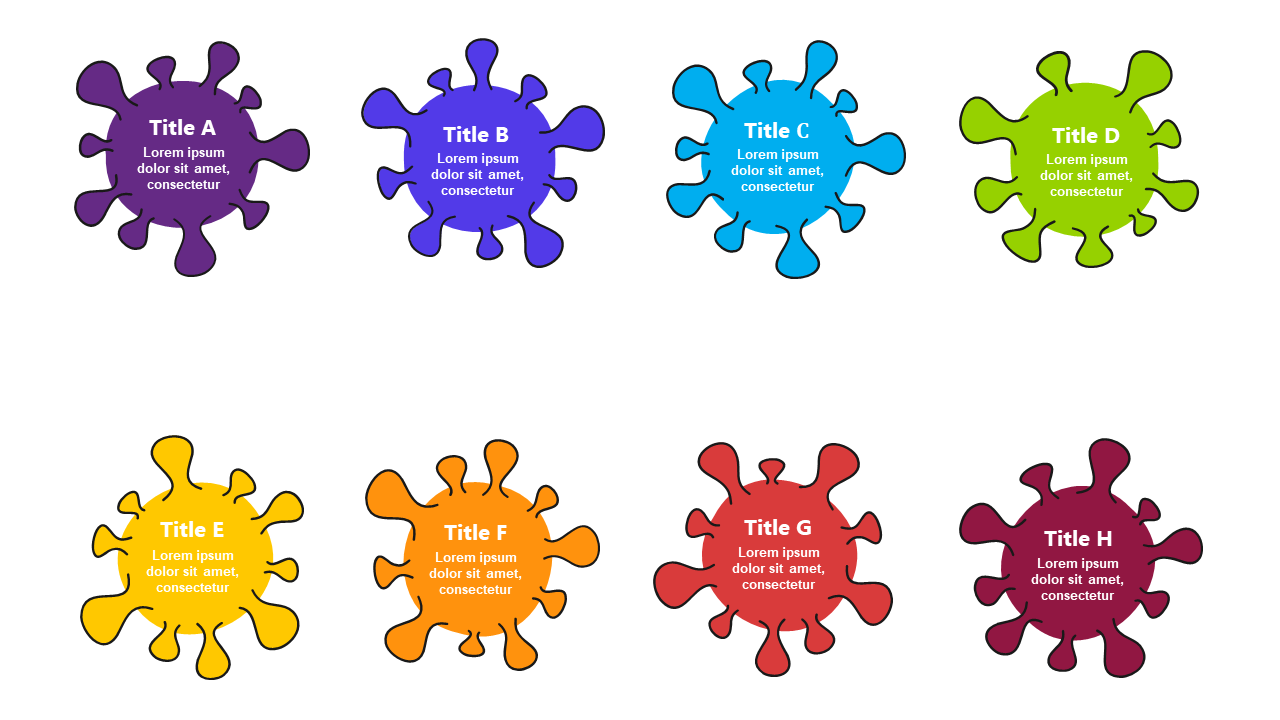
Use a colorful bubble list to present multiple ideas in PowerPoint or Google Slides.
View full slide →
✓
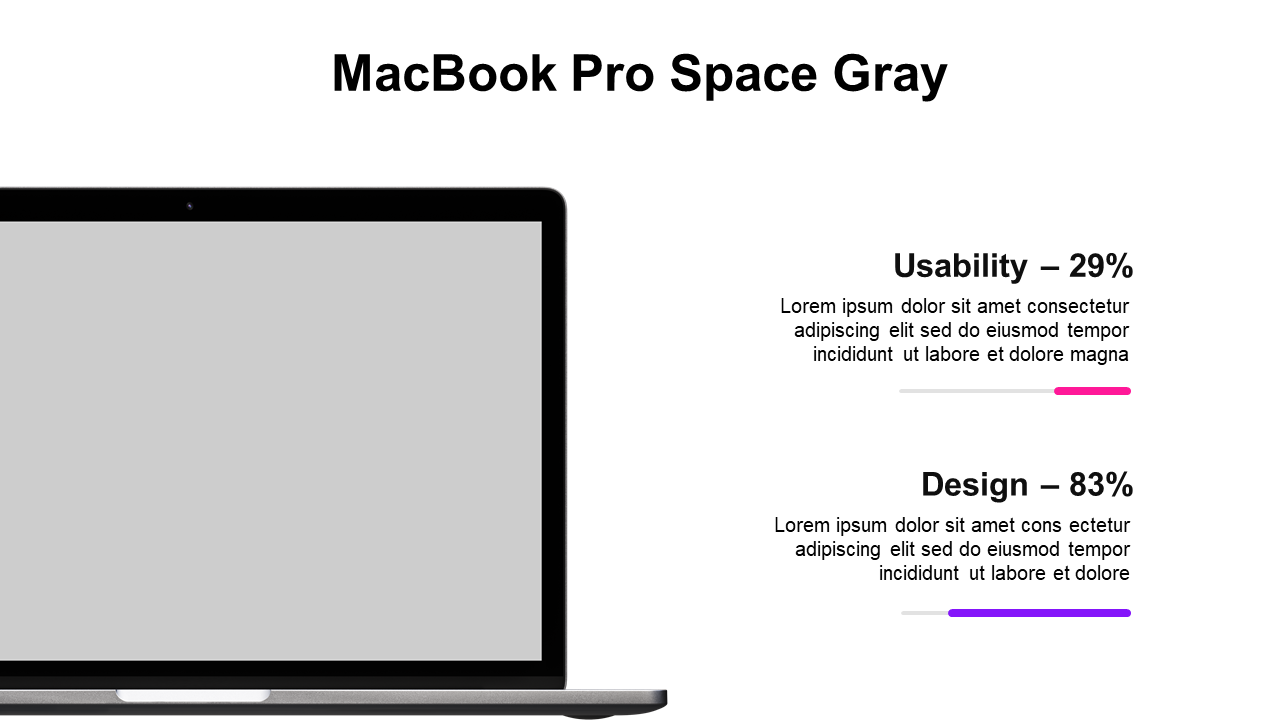
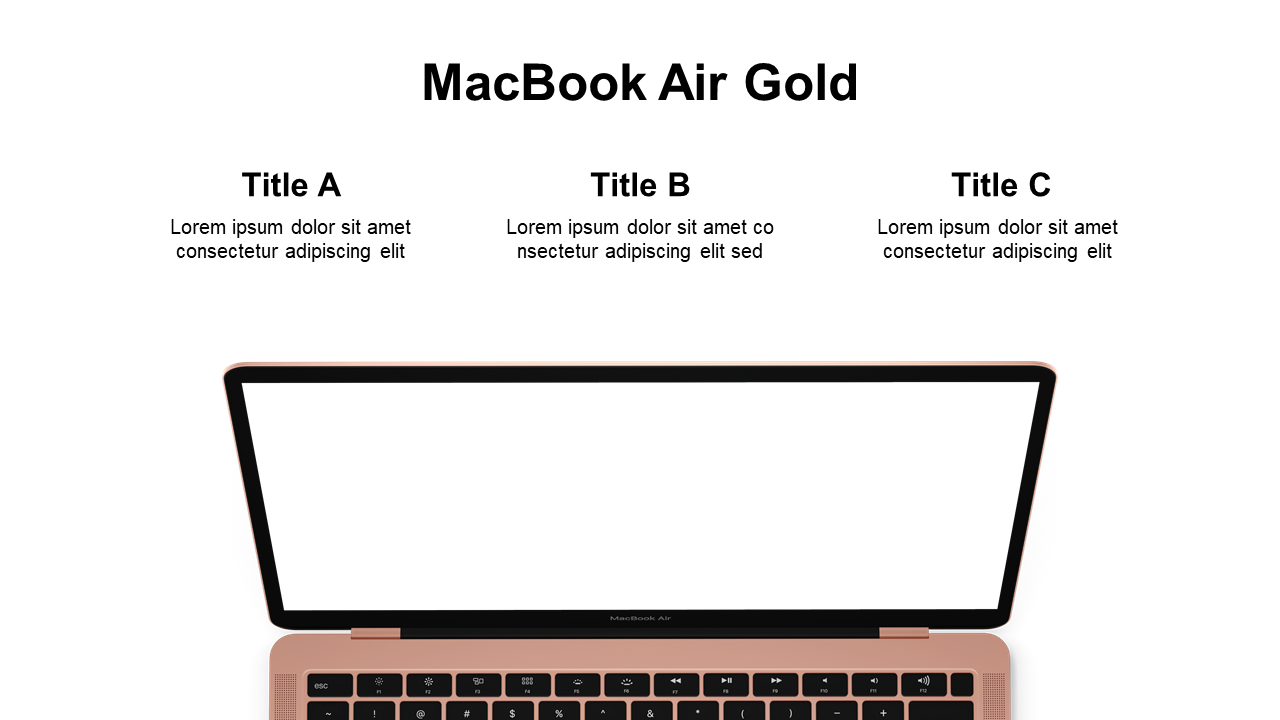
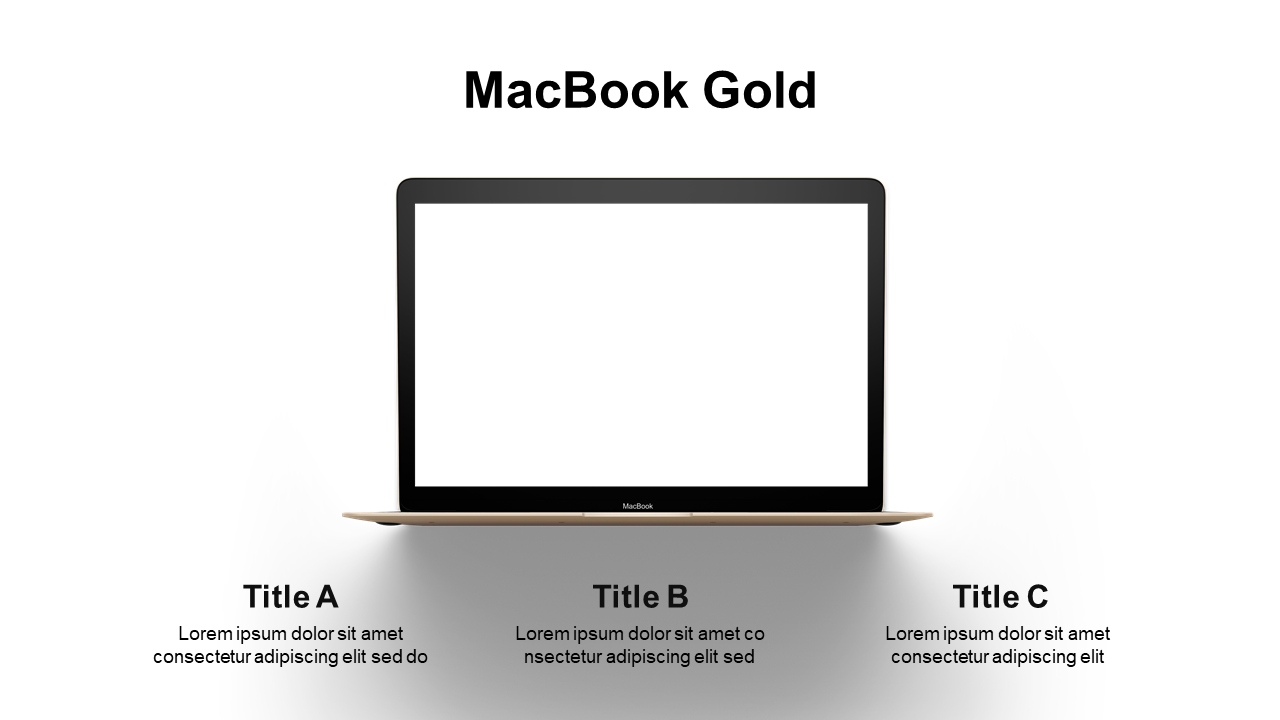
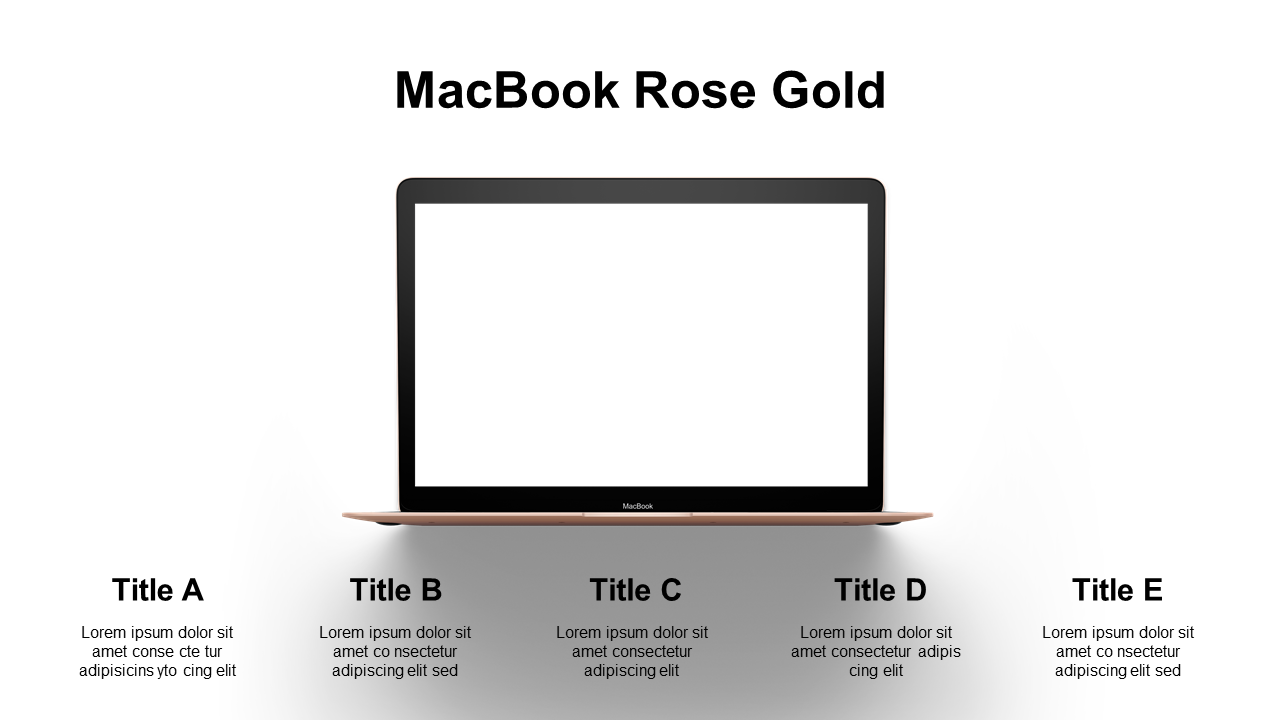
List layout with laptop mockup for tech presentations, easily editable for audiences.
View full slide →
✓
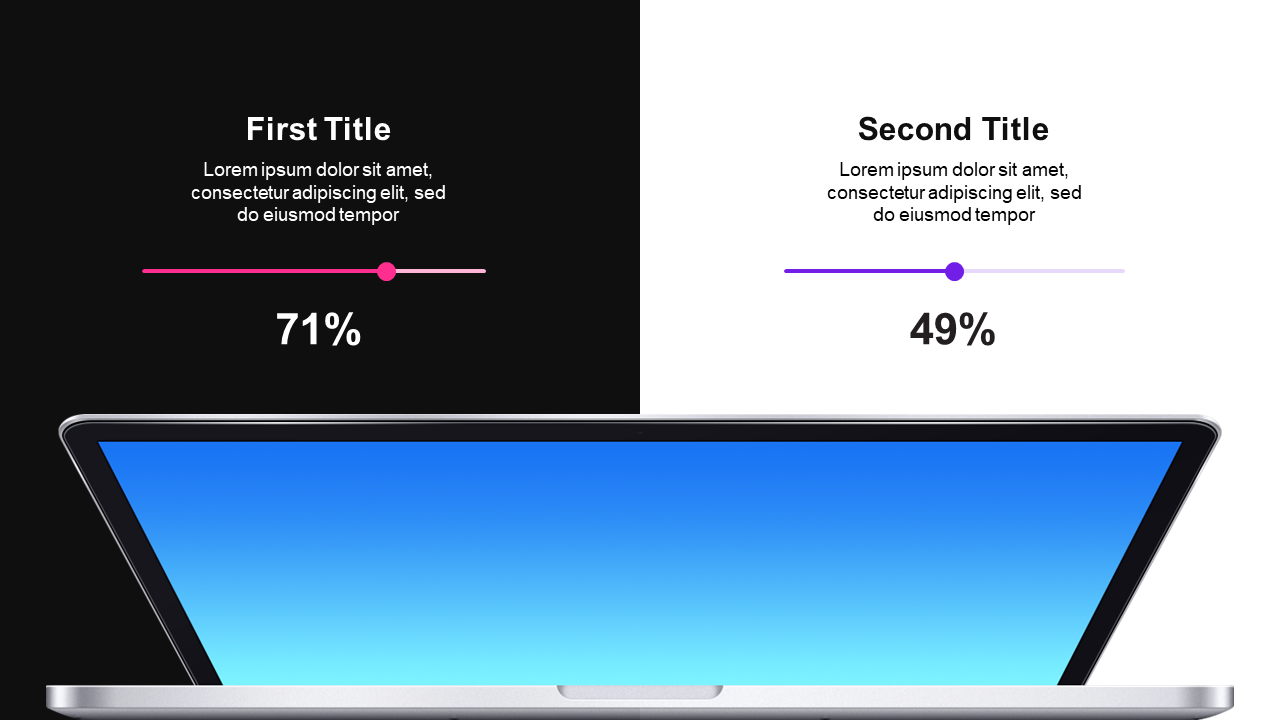
Visual comparison of MacBook Pro usability and design with clear percentages.
View full slide →
✓
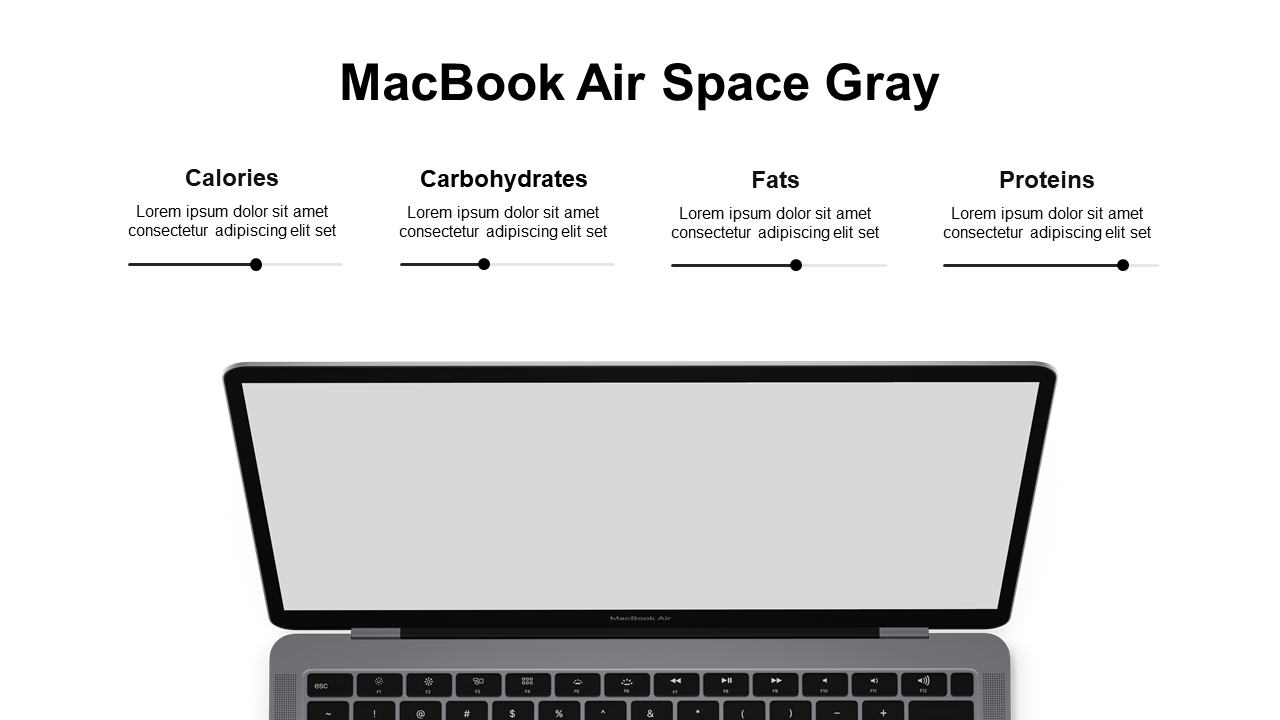
Compare nutritional data for tech products in a clean layout, editable for presentations.
View full slide →
✓
Compare product features using a laptop mockup, ideal for tech presentations.
View full slide →
✓
Feature laptop comparisons focusing on usability and design in your presentations.
View full slide →
✓
Engage your audience with a detailed laptop comparison focusing on usability.
View full slide →
✓
Compare laptop features effectively focusing on usability and design.
View full slide →
✓
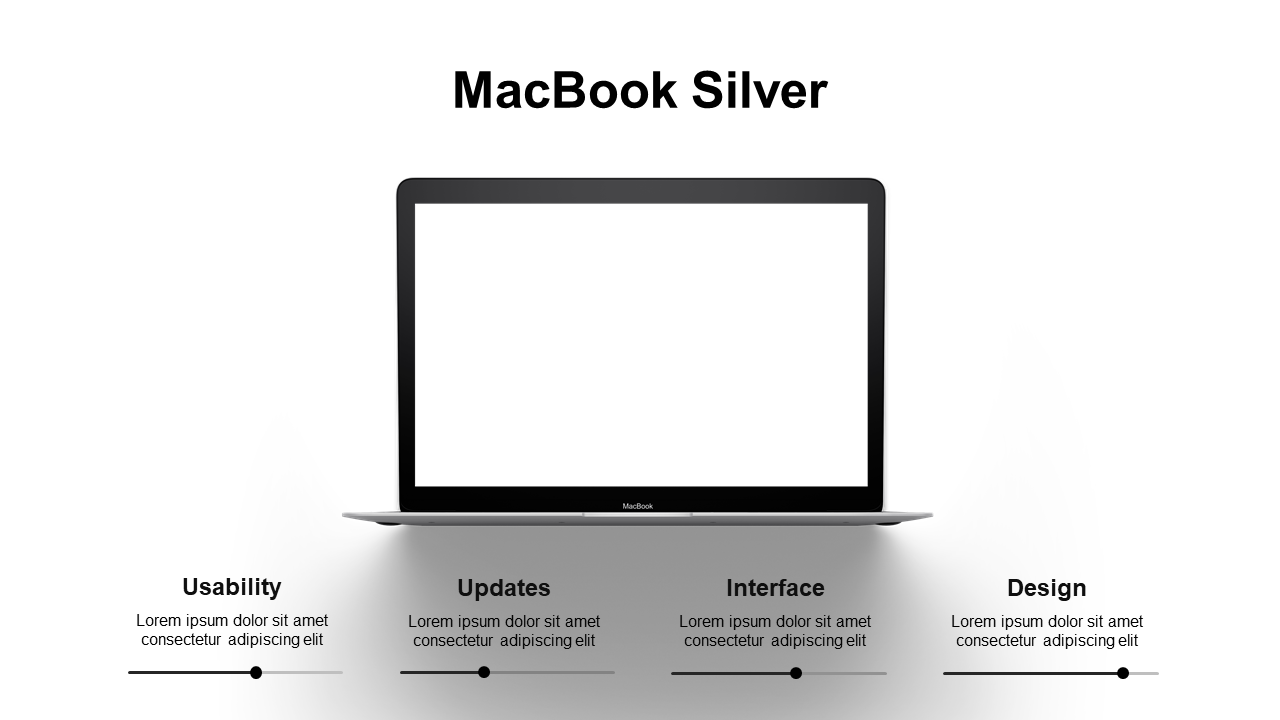
Showcase usability and updates in laptop comparisons for your presentations.
View full slide →
✓
Feature laptop comparisons focusing on usability and design effectively.
 SlideSwift