Showing 290 slides
in Lists & Comparison

View full slide →
✓
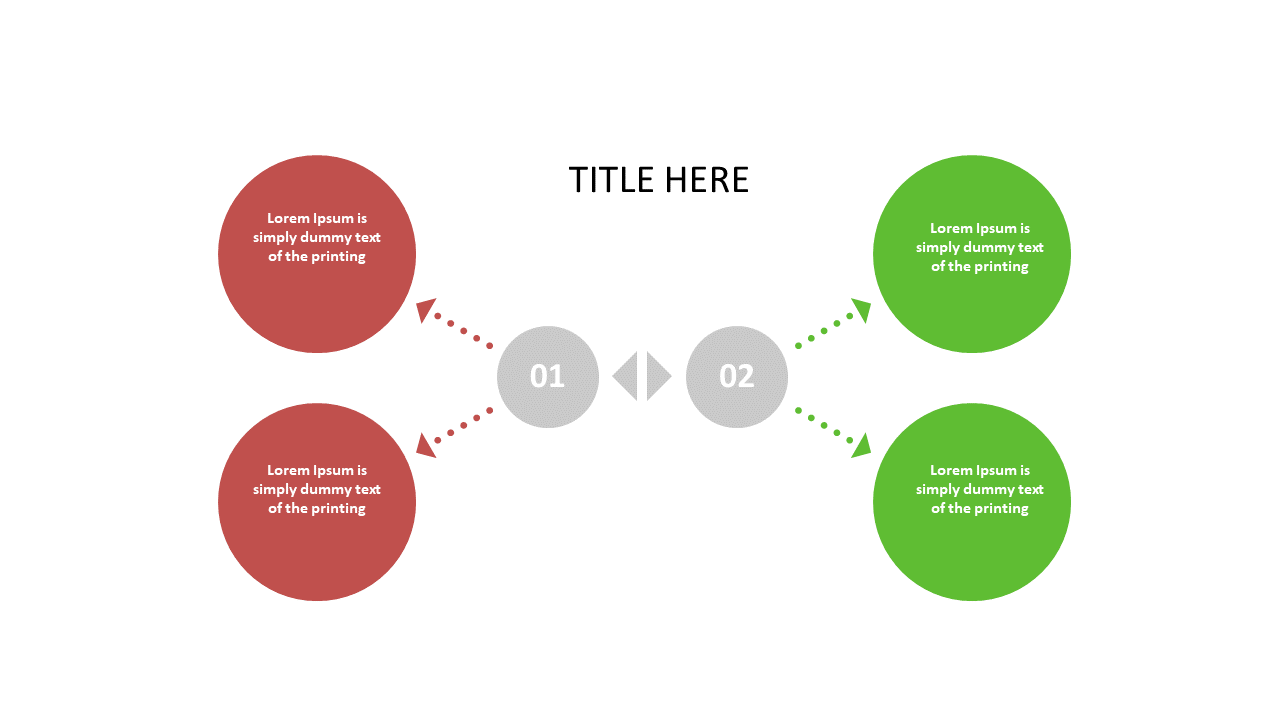
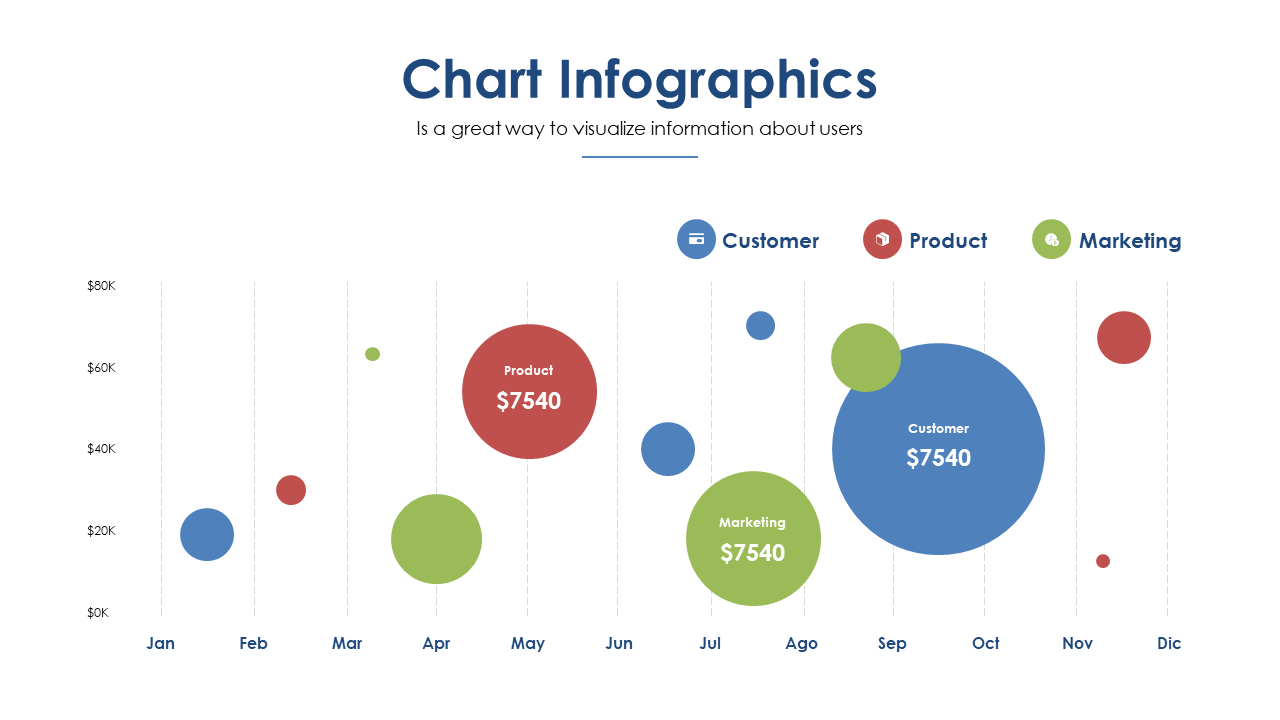
Use this engaging comparison layout to present contrasting ideas effectively in PowerPoint.
View full slide →
✓
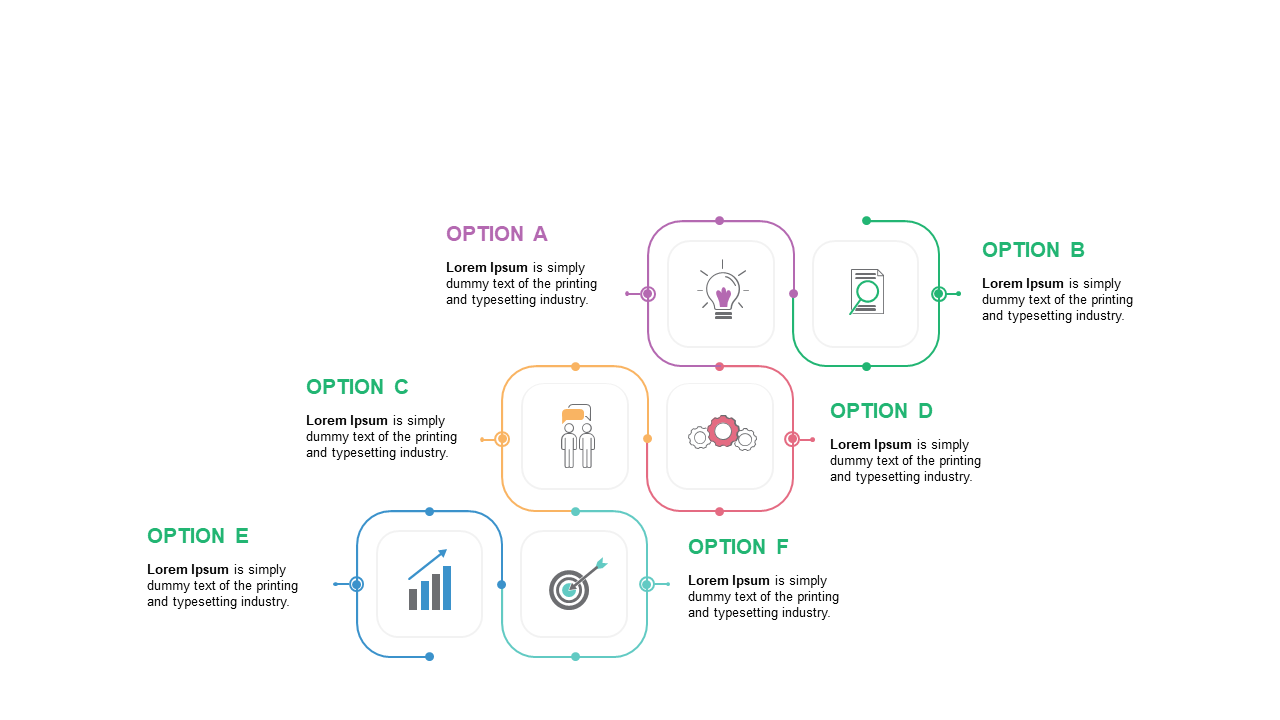
Use this engaging options comparison layout to showcase choices effectively in PowerPoint.
View full slide →
✓
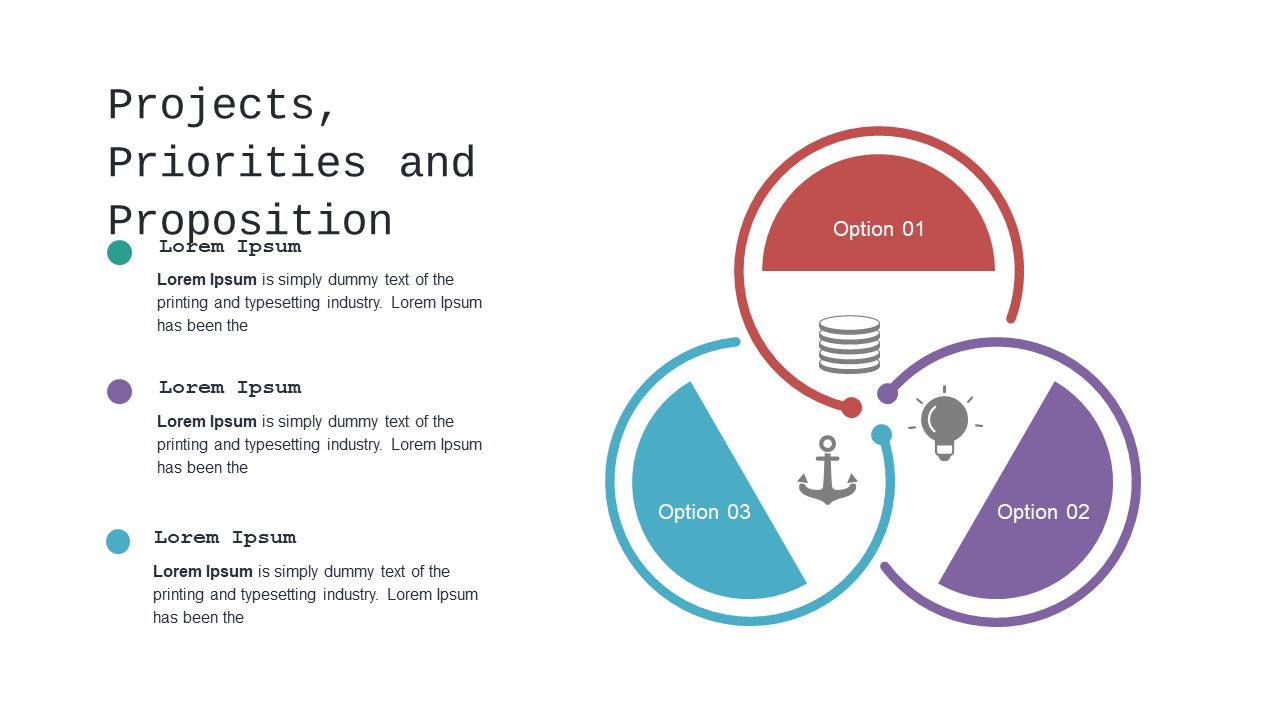
Utilize this Venn diagram to compare project options in your presentations.
View full slide →
✓
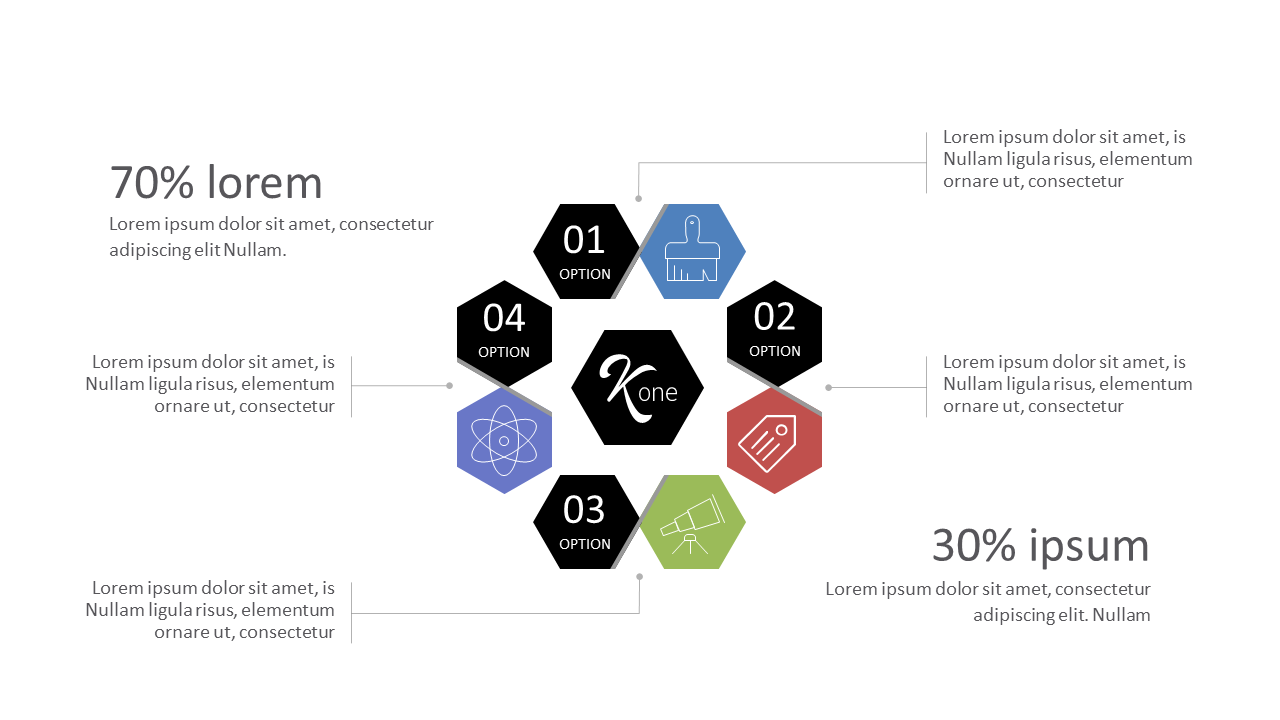
Utilize this hexagonal comparison layout for effective marketing presentations.
View full slide →
✓
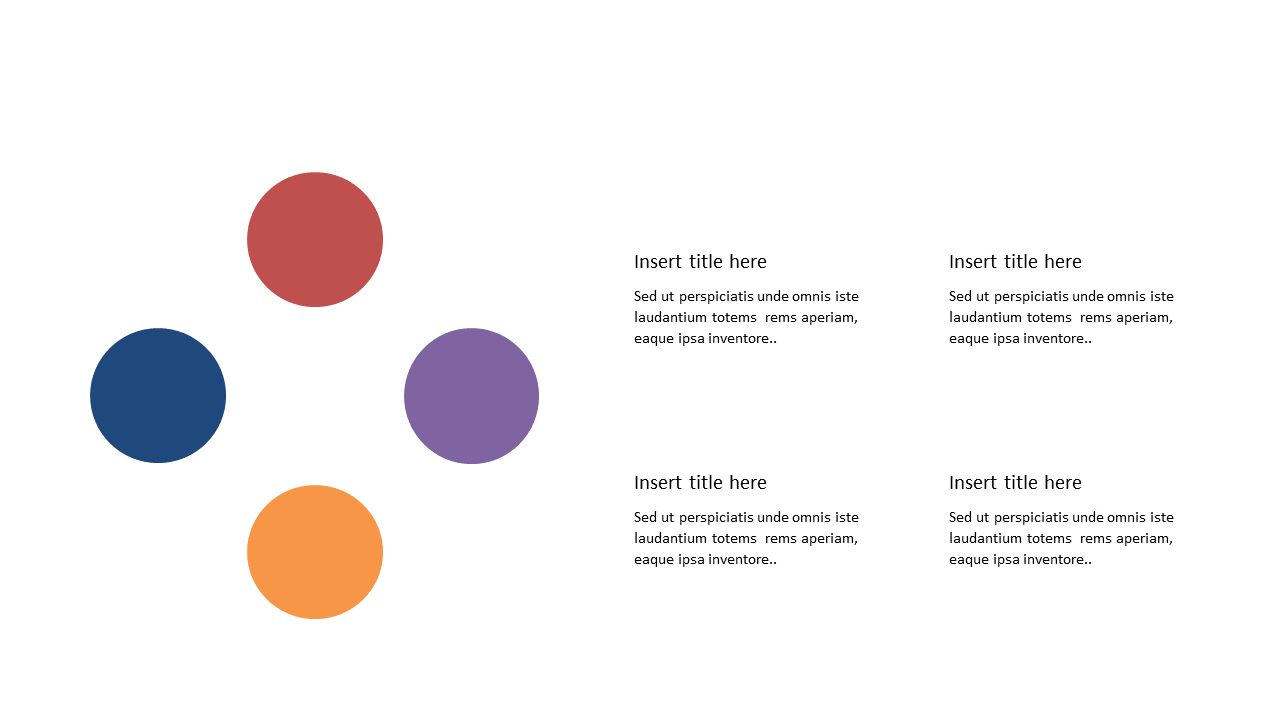
Highlight key points effectively with this four circle comparison layout for business presentations.
View full slide →
✓
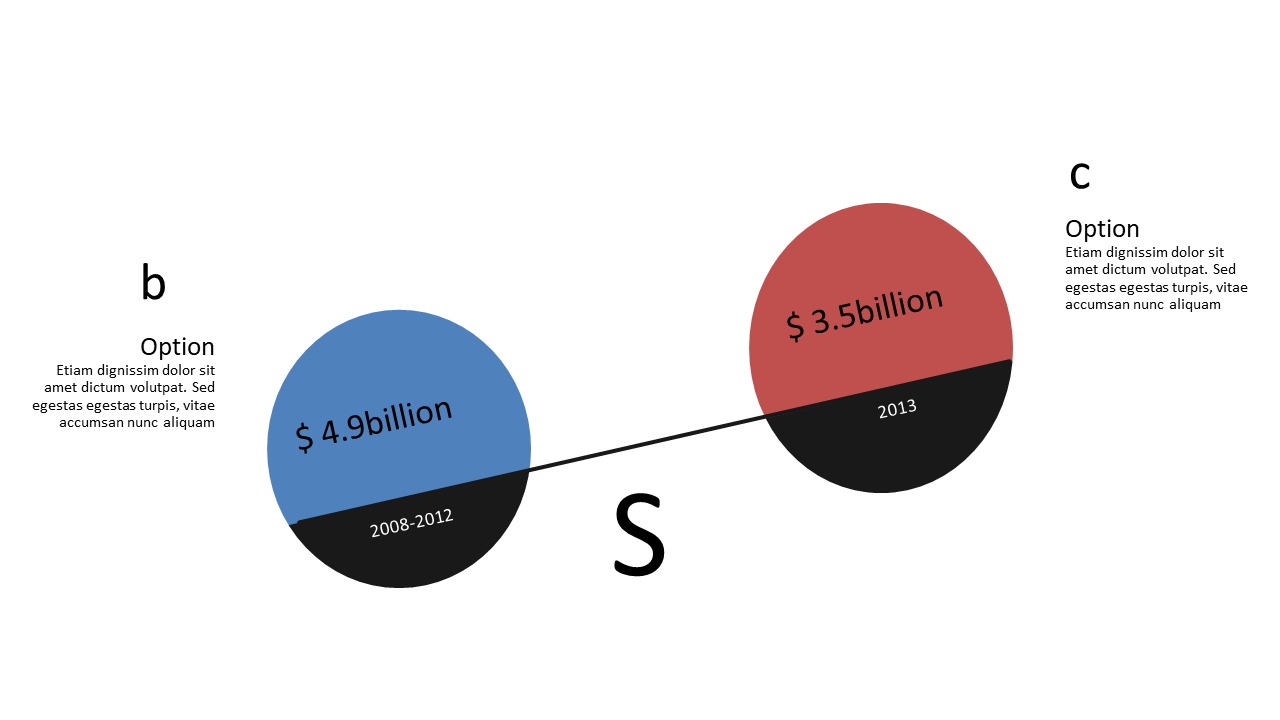
Effectively compare financial data using this dual circle layout for business presentations.
View full slide →
✓
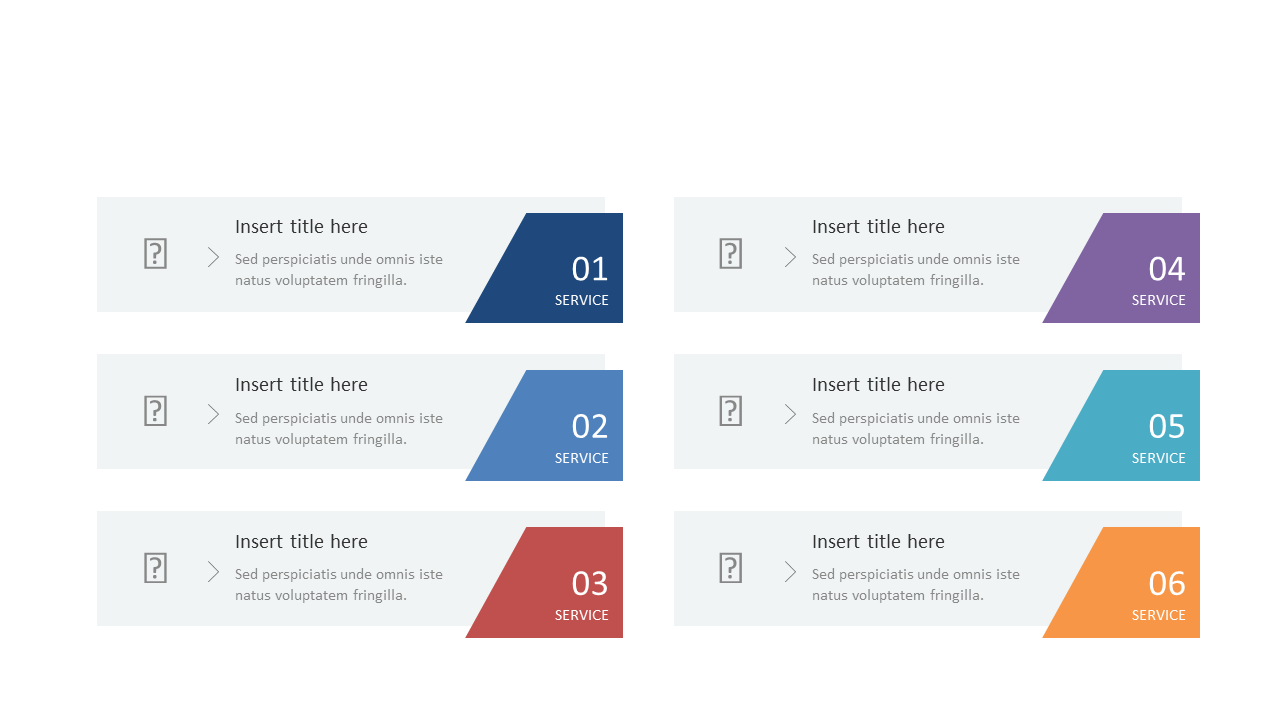
Use this colorful step list to present service highlights effectively.
View full slide →
✓
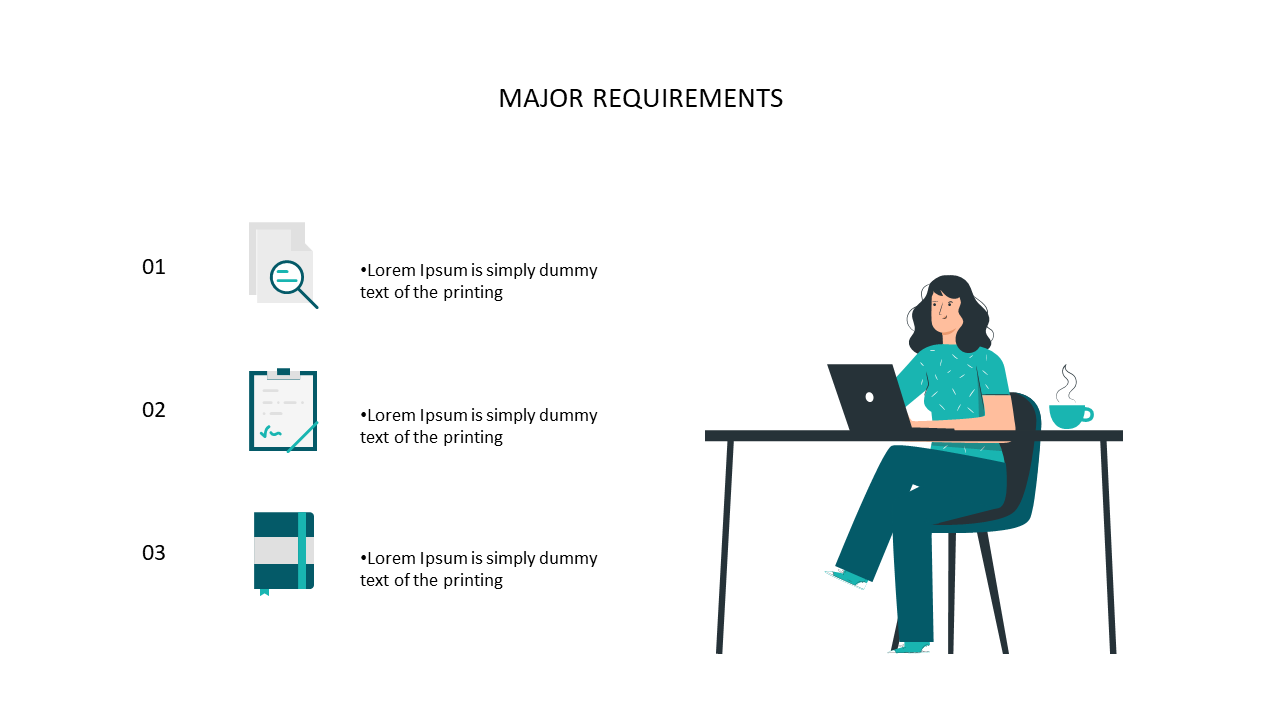
Clear numbered list layout with icons for major requirements in presentations.
View full slide →
✓
Clear numbered list layout for presenting major requirements effectively.
View full slide →
✓
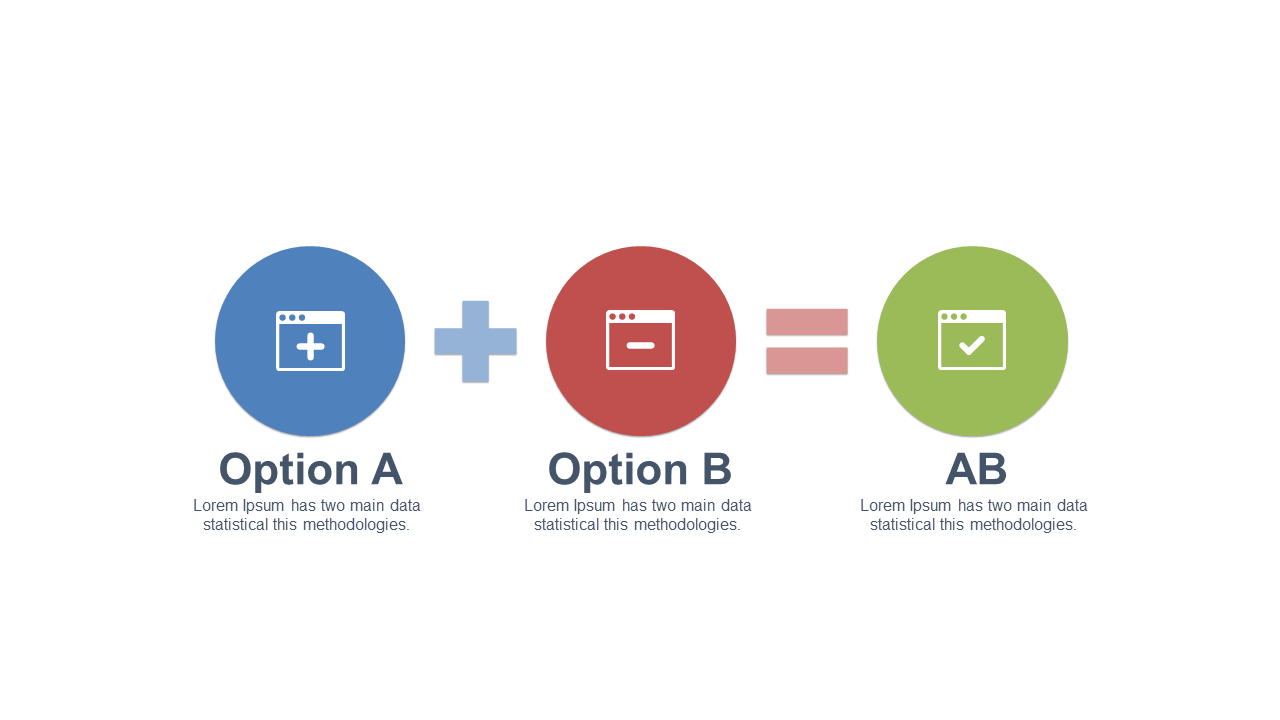
Visualize the comparison of options leading to results in your presentations.
View full slide →
✓
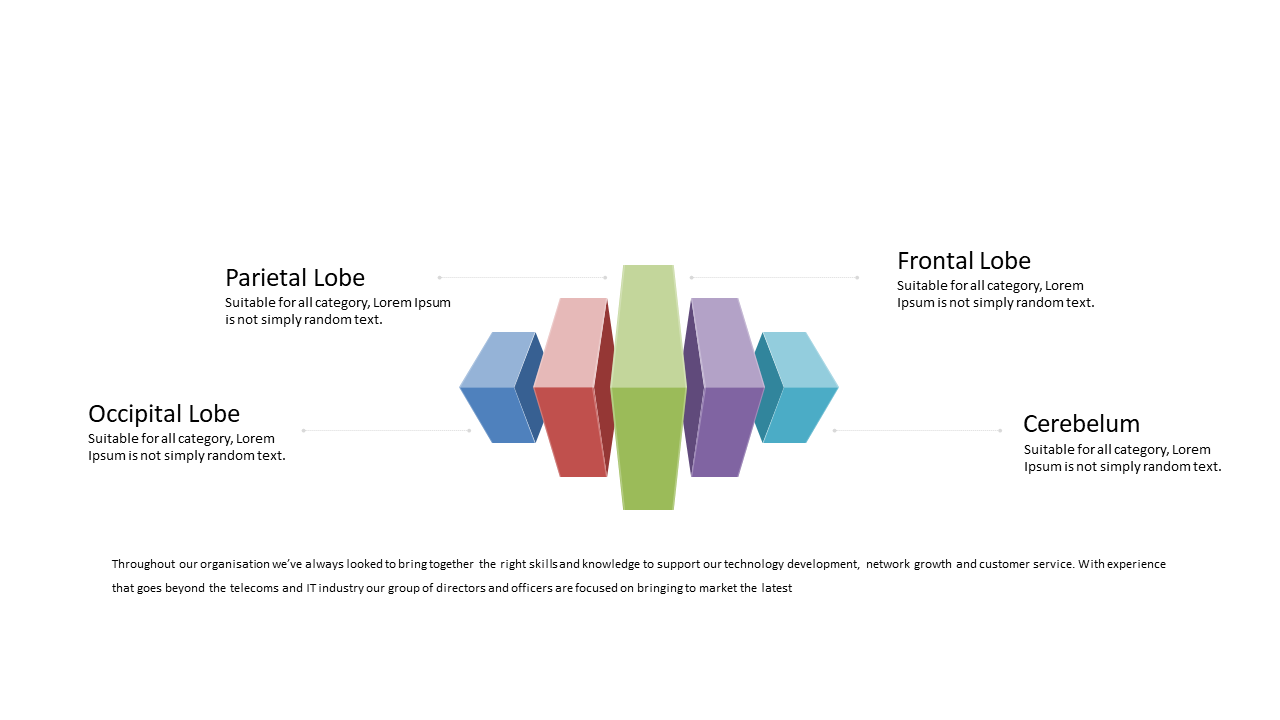
Use this layout to visually compare brain lobes in educational presentations.
View full slide →
✓
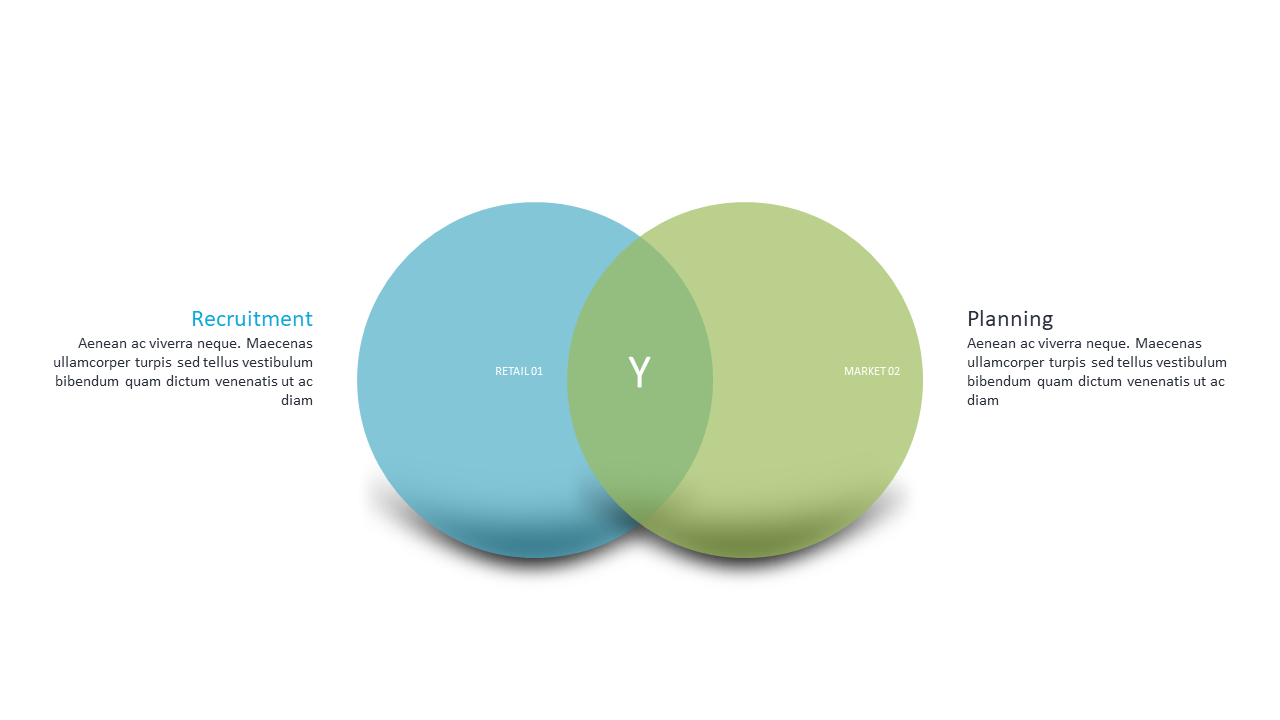
Visualize the relationship between Recruitment and Planning in presentations.
 SlideSwift