Showing 290 slides
in Lists & Comparison

View full slide →
✓
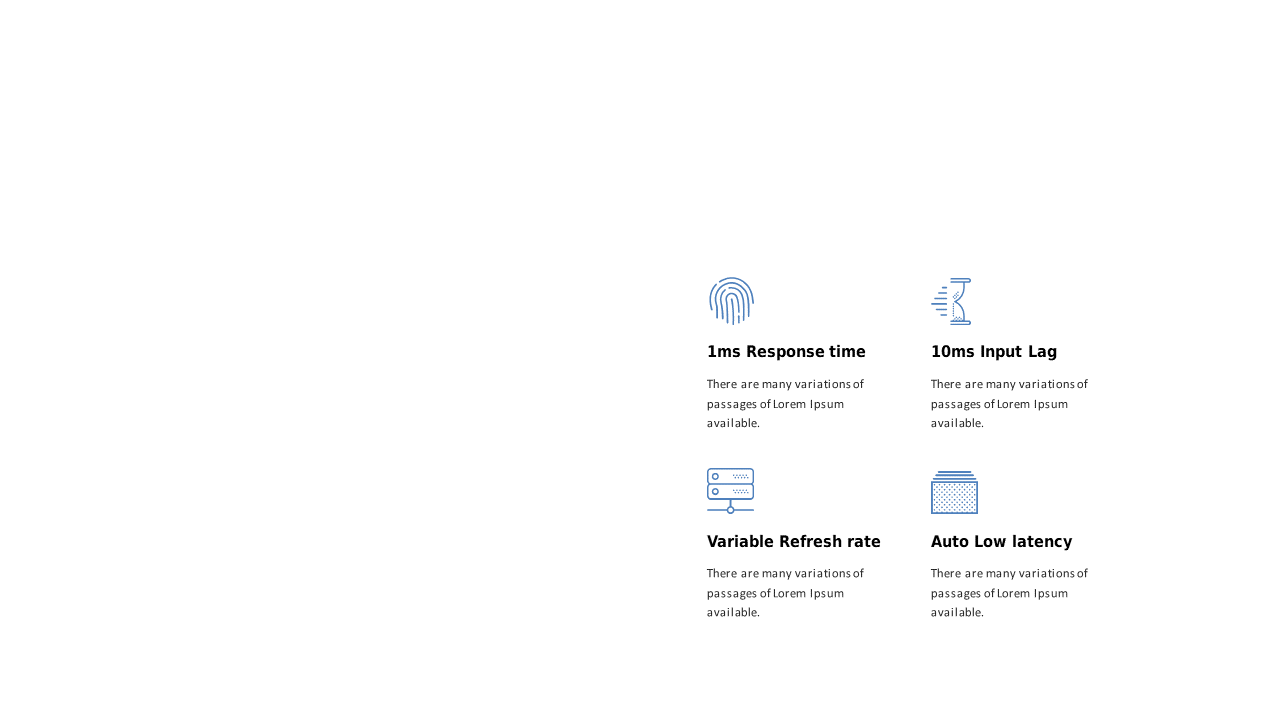
Utilize this four-point comparison layout to effectively present key metrics.
View full slide →
✓
Engage your audience with this four-point comparison layout for tech presentations.
View full slide →
✓
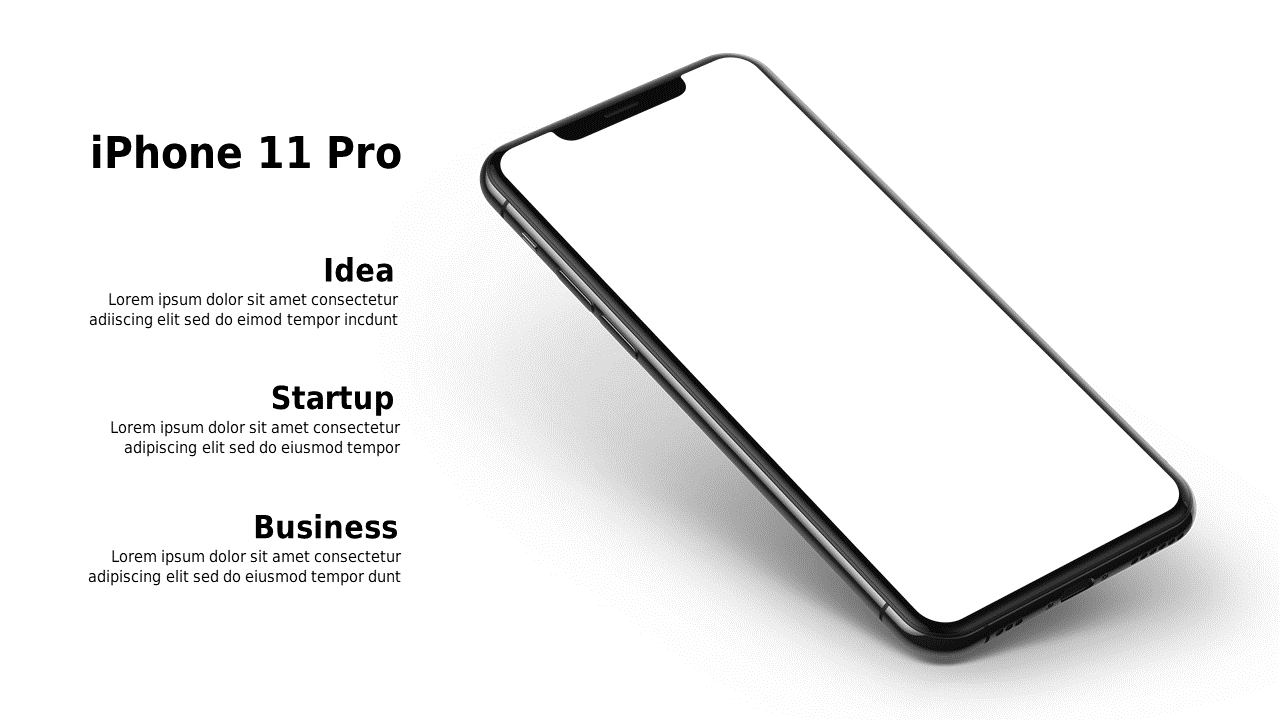
Present ideas effectively with a three-column comparison layout featuring a smartphone.
View full slide →
✓
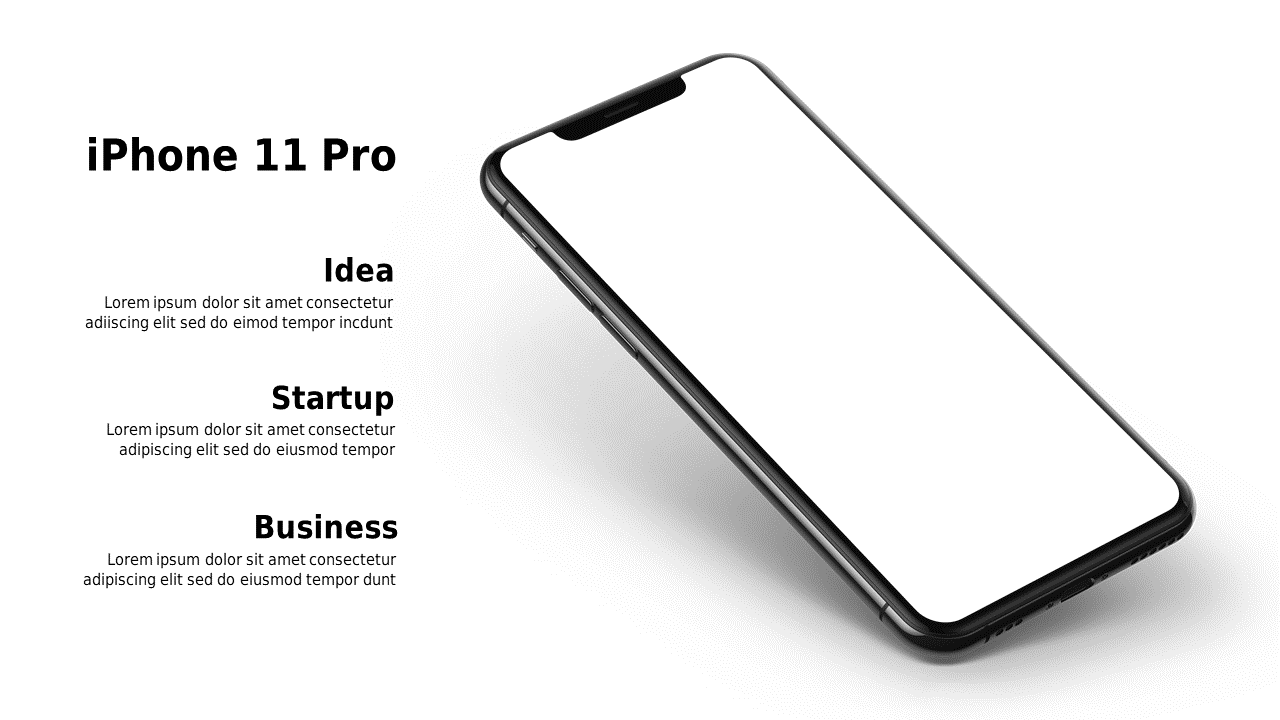
Engage your audience with a three-column comparison layout featuring a smartphone.
View full slide →
✓
Illustrate decision-making scenarios with this pros and cons comparison slide.
View full slide →
✓
Use this PowerPoint slide to compare products side by side with icons.
View full slide →
✓
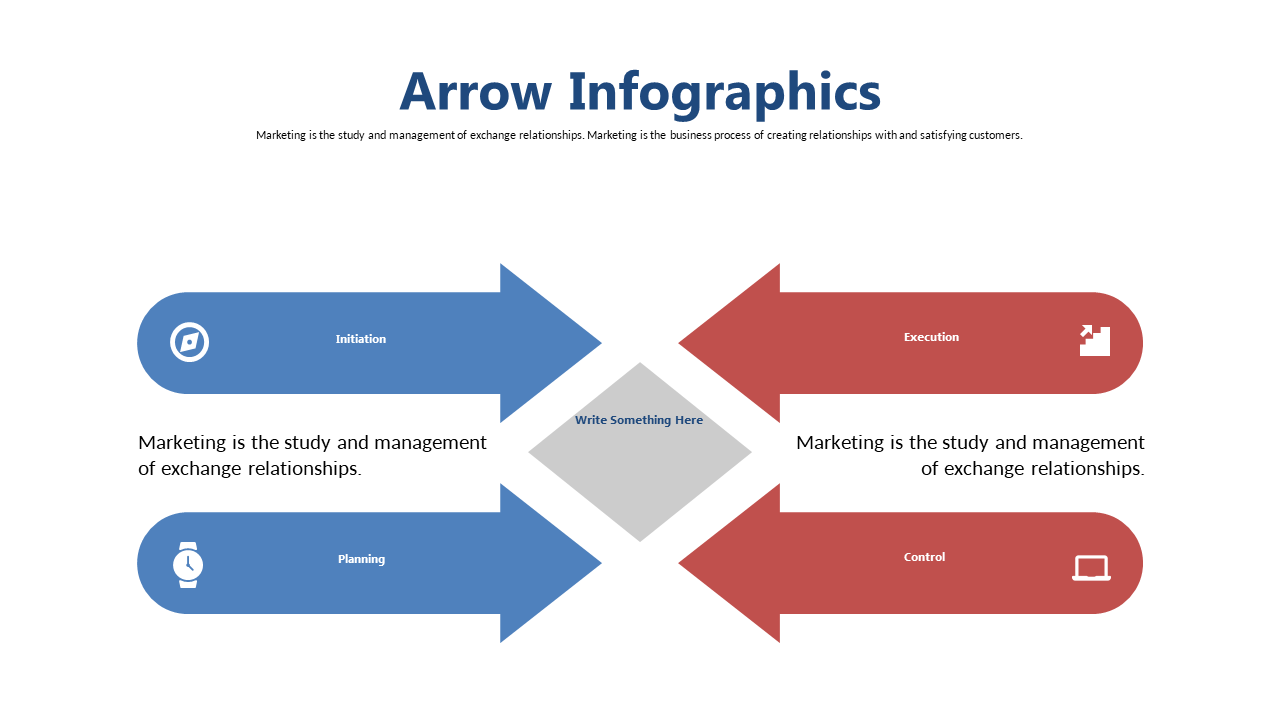
Present multiple options clearly with this 4-quadrant comparison slide.
View full slide →
✓
Highlight differences between competitors with this engaging comparison slide.
View full slide →
✓
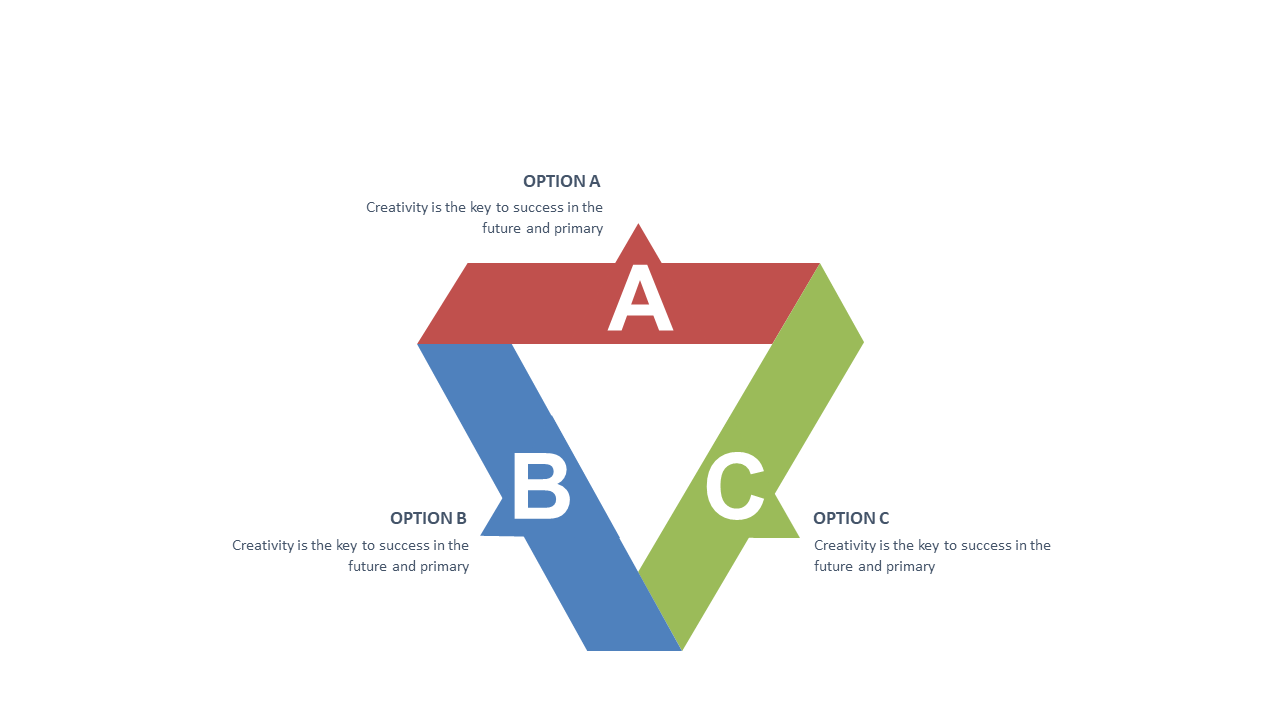
Visualize and compare strategies using a triangular layout for business presentations.
View full slide →
✓
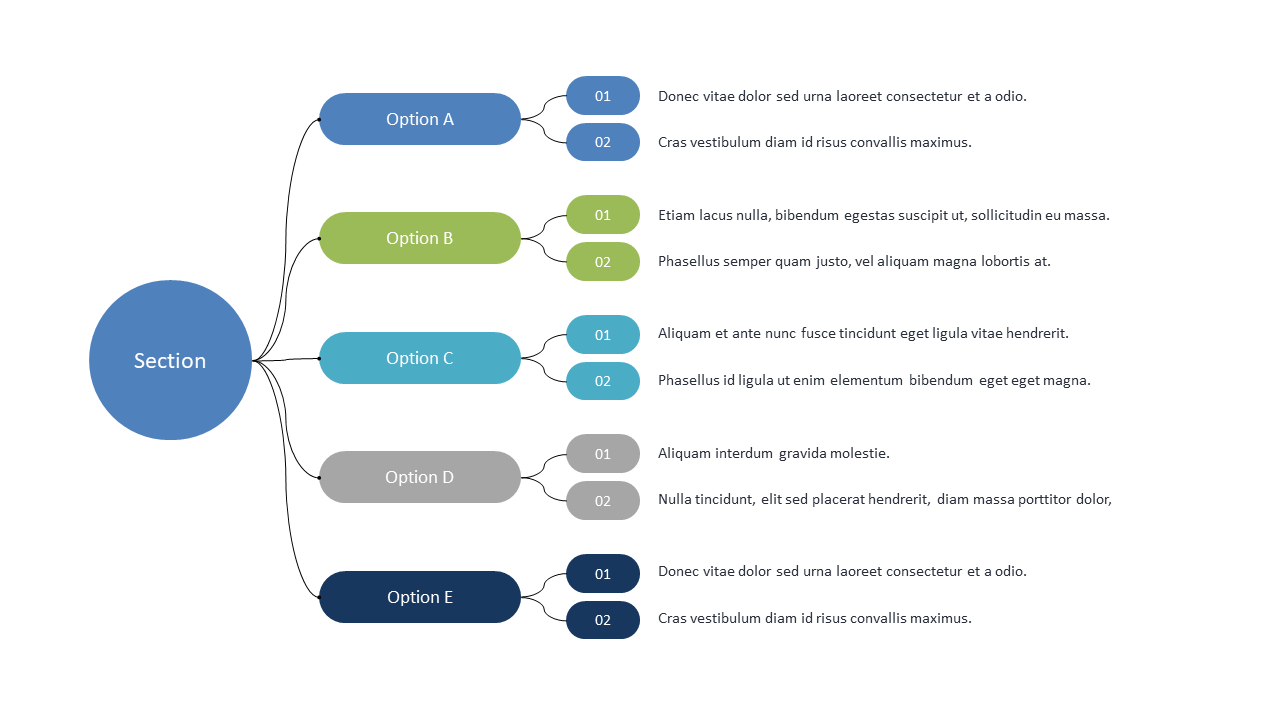
Clearly present multiple choices with this horizontal options comparison layout.
View full slide →
✓
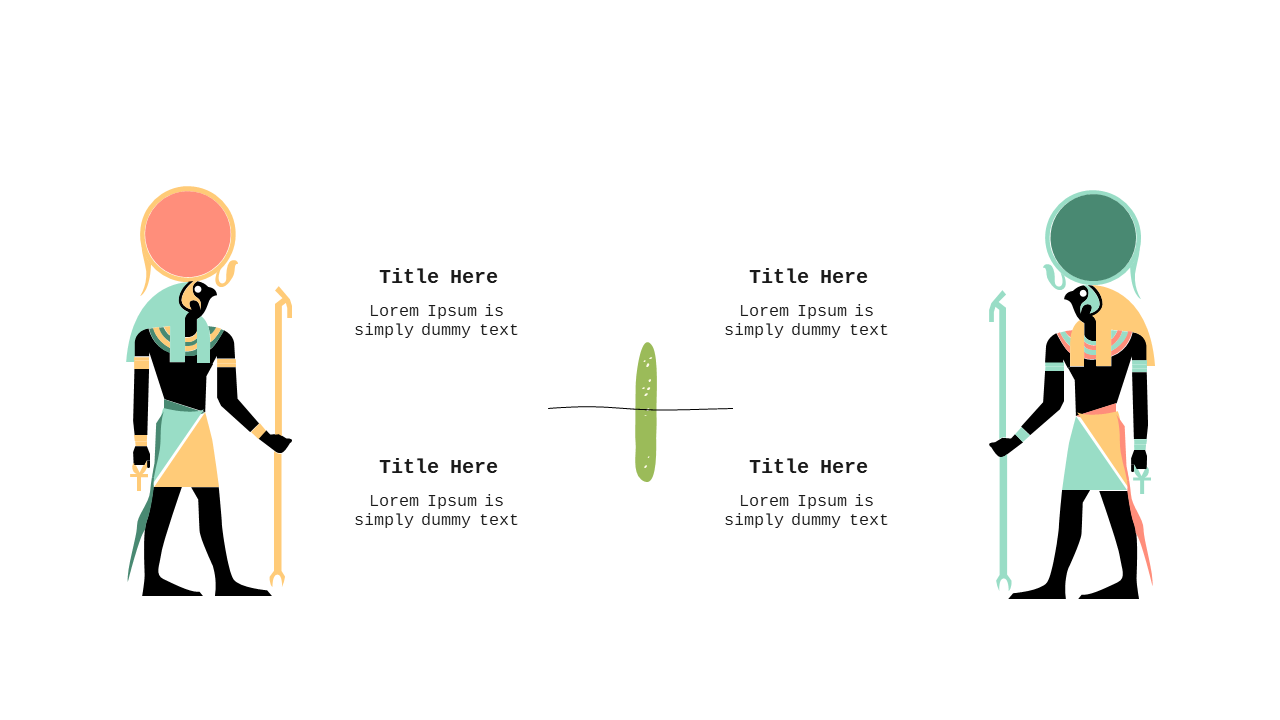
Engaging side-by-side comparison layout with illustrations for presentations.
View full slide →
✓
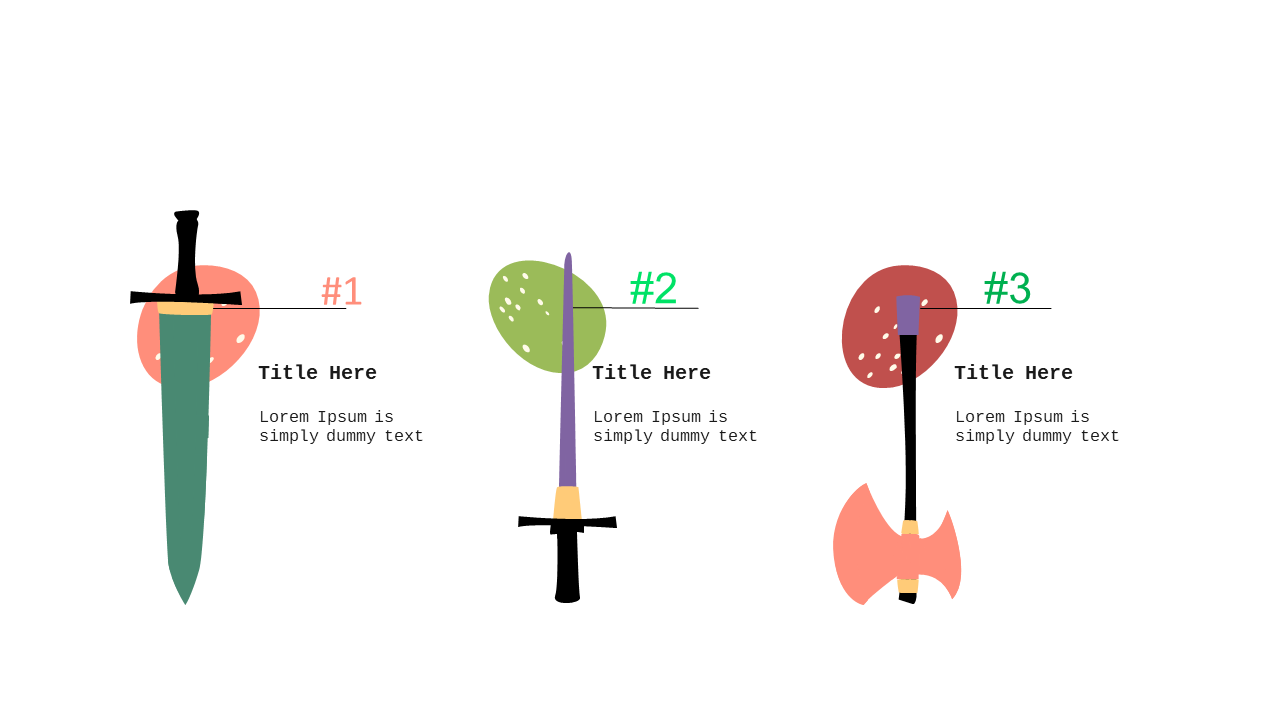
Easily compare products or services using this three-step sword icon layout for PowerPoint.
 SlideSwift