✦ Slide Picker: Pick individual slides from 7,486+ designs — $0.99/slide. No subscription. Mix any category. Explore → | ✏ Edit Online After Purchase — No software needed
Home›Agenda & Contents›Timeline Infographic PowerPoint Template (Corporate Green)

Timeline Infographic PowerPoint Template (Corporate Green)

☀ Light 🌙 Dark
Preview PDF
Preview 1
Preview 2
Preview 3
Preview 4
Preview 5

Product Description

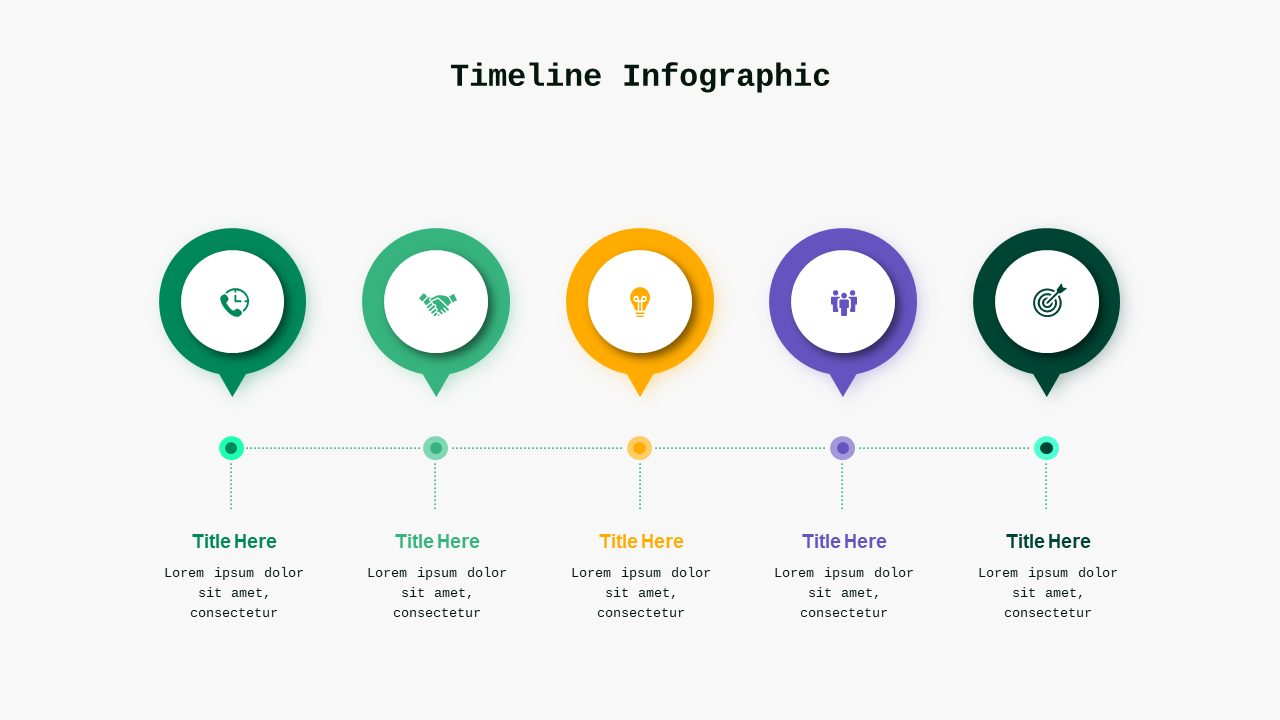
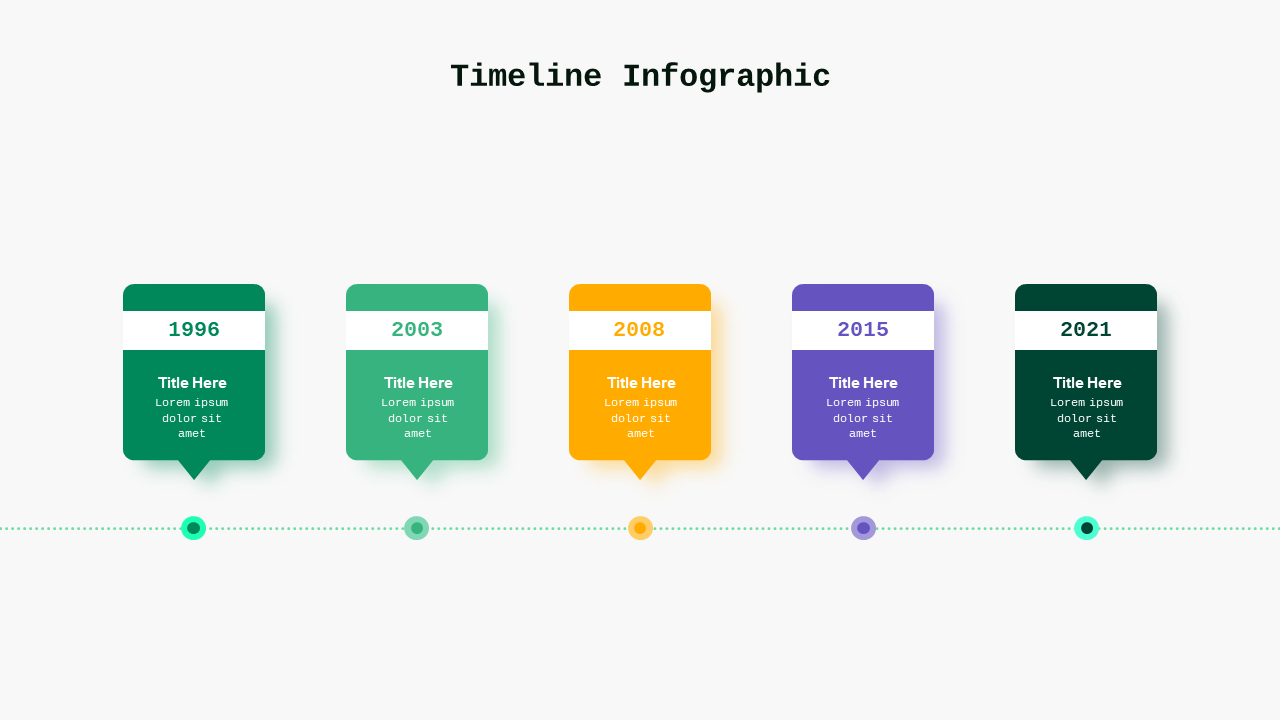
When you have a tight deadline coming up for an important board meeting, the last thing you need is to struggle with slide design. Generic templates can make your presentation feel bland and unoriginal, leaving you scrambling for effective ways to communicate your timeline. With the Timeline Infographic PowerPoint Template, you can quickly and easily craft a visually engaging narrative that keeps your audience focused and impressed.

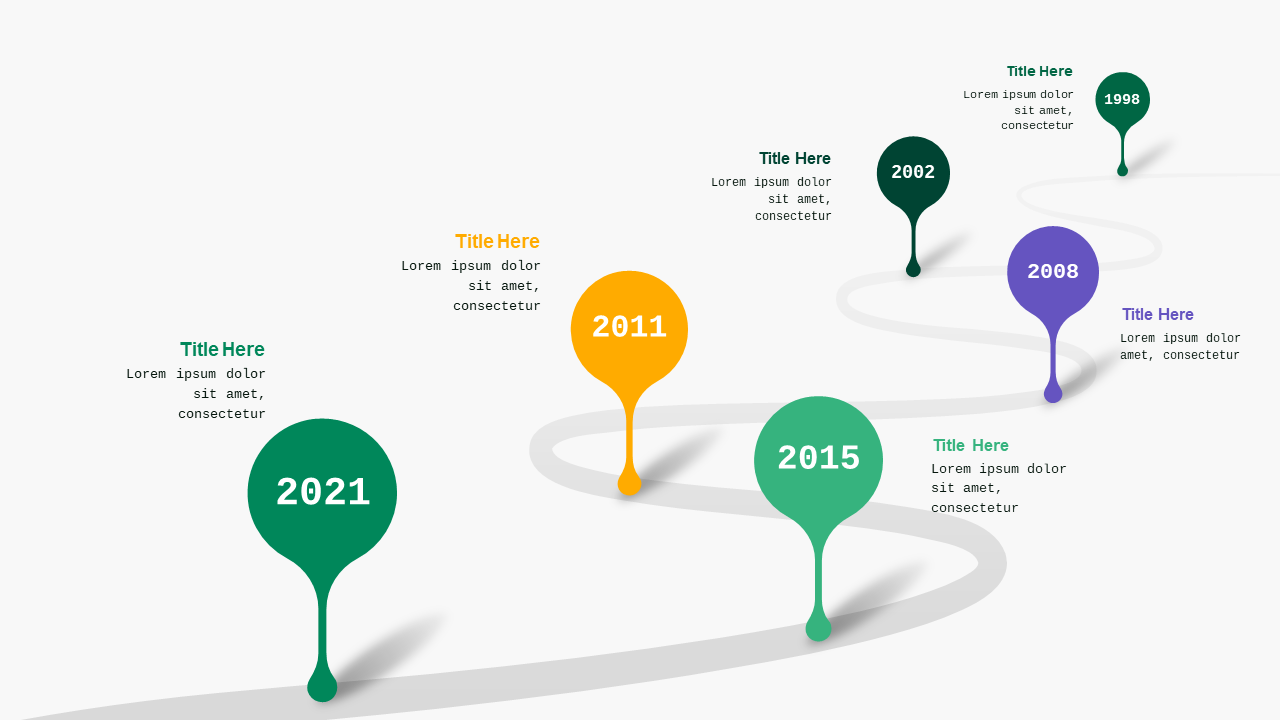
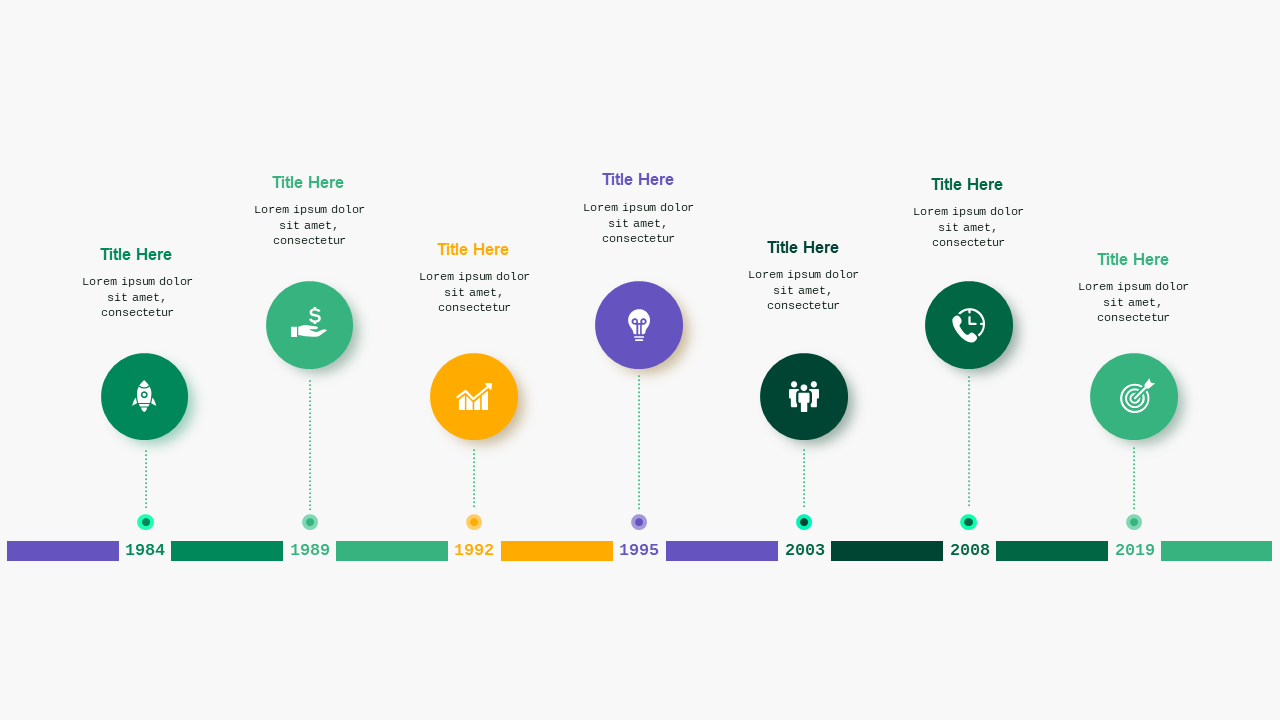
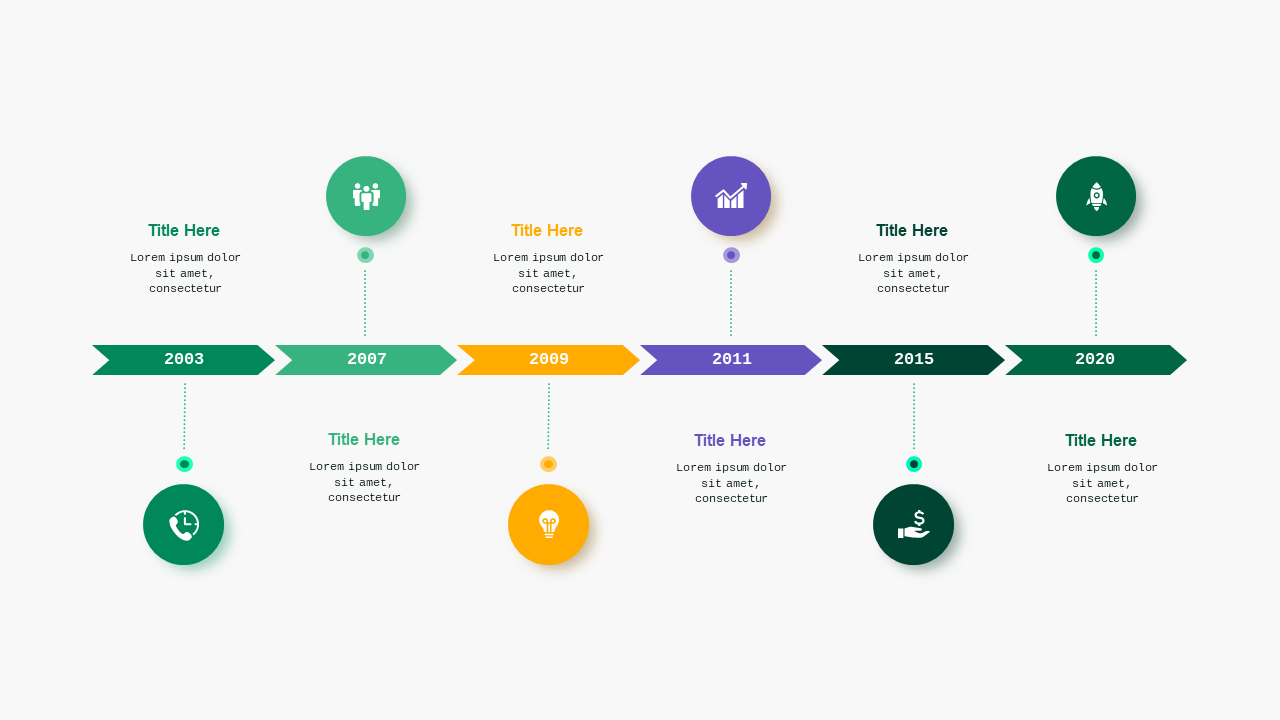
This professional template includes 7 thoughtfully designed slides, all featuring a default green color palette that communicates reliability and growth. You’ll find various layouts for timelines, including horizontal and vertical charts, making it easy to present your project milestones and key dates. You’ll also have access to diagrammatic representations and visually appealing charts that can be customized in just a few clicks, allowing you to clearly show progress and future goals.

This template is ideal for business professionals like project managers finalizing their strategy, marketers organizing event timelines, or consultants preparing for client presentations. At just $5.99, you can instantly download this template and start editing it in PowerPoint to make it your own and deliver a polished, professional result in no time.

$5.99
One-time purchase · Instant download

🛡 7-Day Money-Back Guarantee

Theme
☀ Light 🌙 Dark
Color Corporate Green
Format PPTX / Google Slides
Slides Light: 7 slides
Aspect Ratio 16:9 Widescreen
Last Updated Sep 3, 2026
Downloads 0+
Not sure yet?
Preview all slides (PDF)
Opens a PDF preview of all slides (7 slides) · you get an editable .pptx file (Light theme) after purchase

Frequently Asked Questions