Illustrate Workflows with Step-by-Step Process Layout

Product Description
Explaining workflows can be a real challenge, especially when you have multiple tasks to juggle. You need a way to present the stages of a project clearly to avoid confusion and ensure everyone is on the same page.
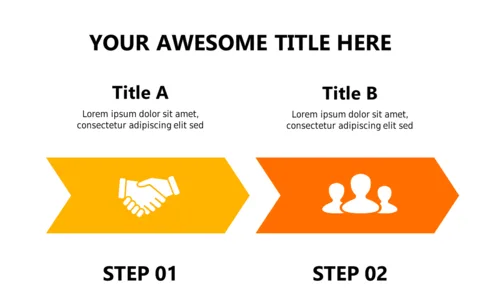
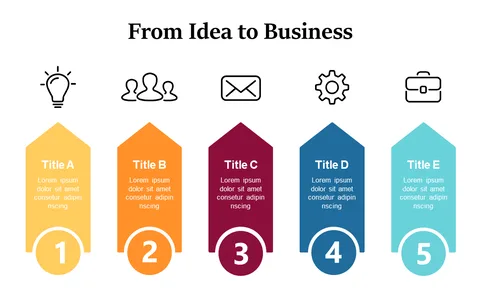
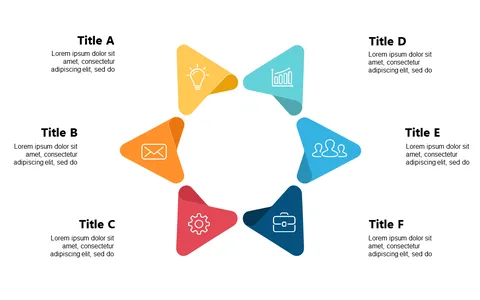
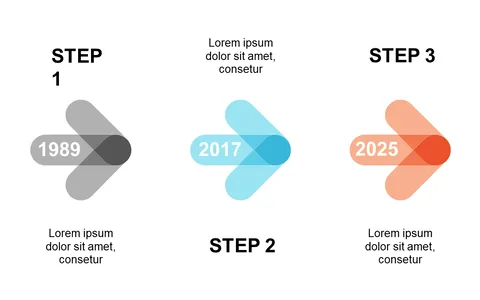
This step-by-step process layout makes that easier with its colorful segments and icons, helping your audience follow along effortlessly. Project managers or team leads in tech or marketing often find themselves needing to explain complex processes during kickoff meetings or status updates. This slide is perfect for detailing how tasks flow from one stage to another, making it a valuable asset for those looking to enhance their presentations.
For just $0.99, you can download this slide instantly, and it’s fully editable in both PowerPoint and Google Slides. Customize it to fit your presentation style in just minutes!
$0.99 – Purchase Checkout
Added to cart