Outline Tasks with Step-by-Step Triangular Arrows
Product Description
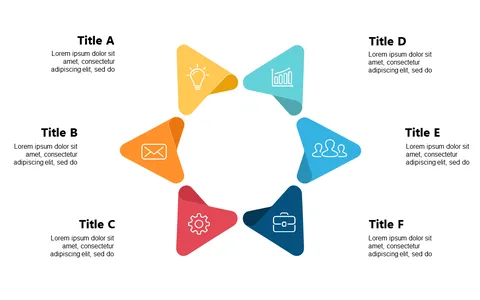
Outlining project tasks can be a daunting challenge for any project manager, particularly when clarity is crucial. When tasks are presented poorly, you risk losing your team’s focus and momentum. This slide uses triangular arrows to illustrate distinct steps, guiding your audience through the project process while keeping everything organized and easy to follow.
Perfect for project managers leading status updates or team leaders outlining action plans, this slide is effective in team briefings, project kick-offs, or any meeting focused on task management. The clear visual representation helps your team understand priorities and timelines more effectively, leading to better execution.
At just $0.99, this slide is available for instant download and is simple to edit in both PowerPoint and Google Slides.
You can customize it quickly to suit your specific project needs, ensuring that you have a professional presentation in minutes.
$0.99 – Purchase Checkout
Added to cart