✦ Slide Picker: Pick individual slides from 7,486+ designs — $0.99/slide. No subscription. Mix any category. Explore → | ✏ Edit Online After Purchase — No software needed
Home›Process Flow›Illustrate Sequential Tasks with a Step-by-Step Diagram

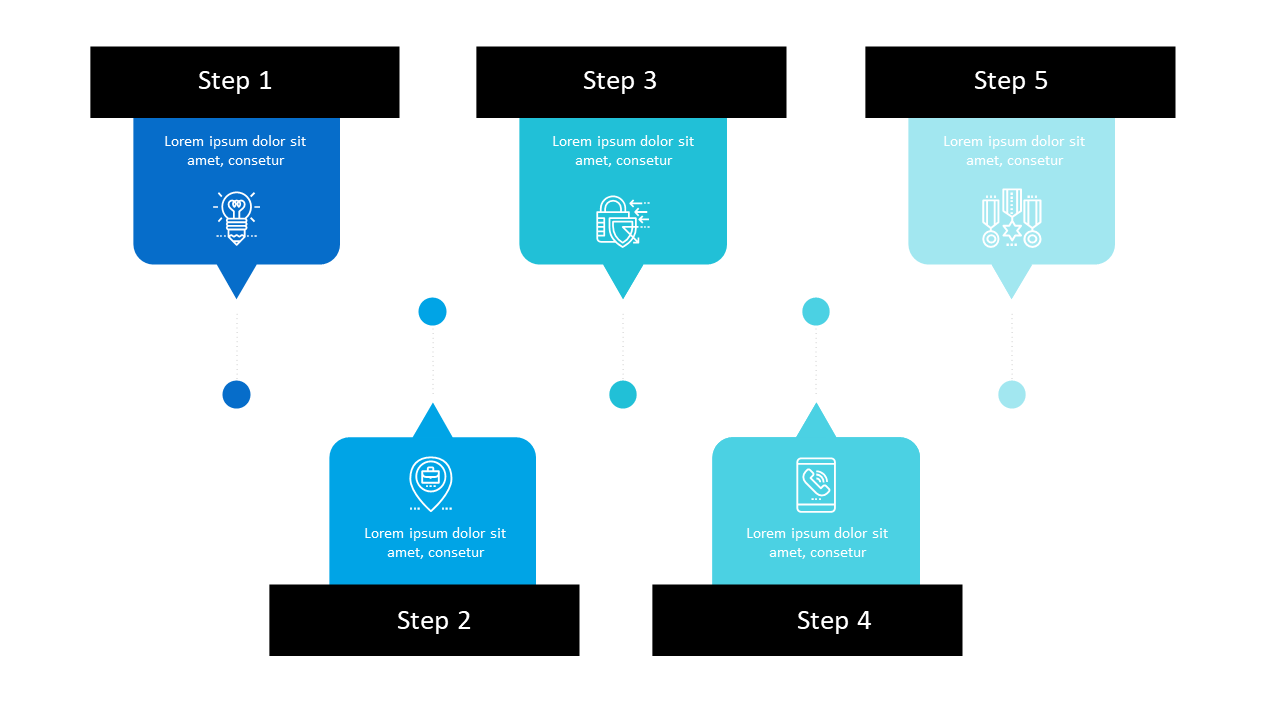
Illustrate Sequential Tasks with a Step-by-Step Diagram

✨ Slide Library 🛡 7-Day Money-Back Guarantee ✏️ Edit in Slide Editor 🔒 Available after purchase PowerPoint Google Slides

Product Description

Conveying sequential tasks in a clear and engaging way is crucial in any project execution. Miscommunication during presentations can lead to confusion, so this step-by-step diagram serves as a great solution.

It organizes complex information visually, ensuring your audience grasps the order and importance of each step involved in the process. You’ll find this slide particularly useful if you’re a project coordinator discussing action plans, a software developer explaining coding phases, or a team leader guiding members through a workflow. It fits well in status updates, strategy meetings, or training sessions, providing clarity when it matters most.

For only $0.99, you can download this slide instantly and edit it in PowerPoint or Google Slides. Customize it to fit your specific project needs and enhance your communication today.

$0.99 – Purchase Checkout

Added to cart

✅ Instant delivery ✅ Fully editable ✅ PowerPoint & Google Slides
Category:
$0.99
Per slide · No minimum · Pay only for what you pick
Checkout →
✓ $0.99/slide No minimum order
✓ Mix any category No subscription
✦ Upgrade to Full Deck
Get all 6 Process Flow slides
$3.99 one-time
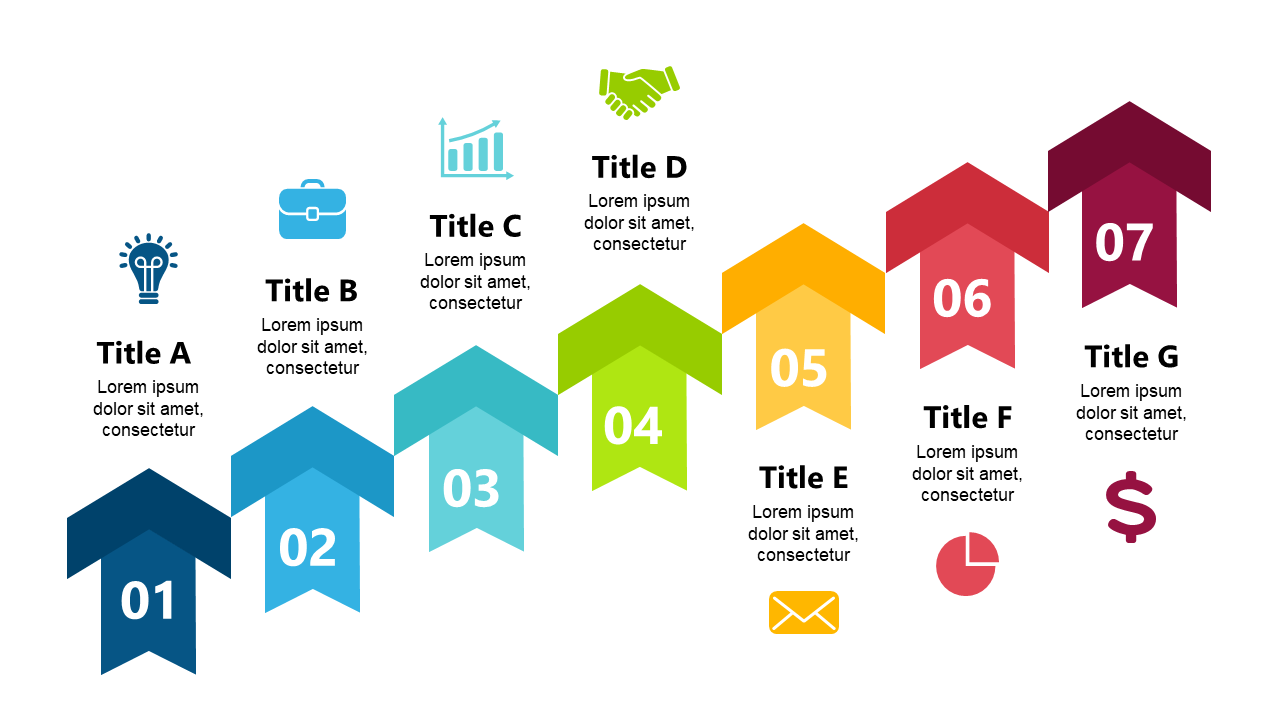
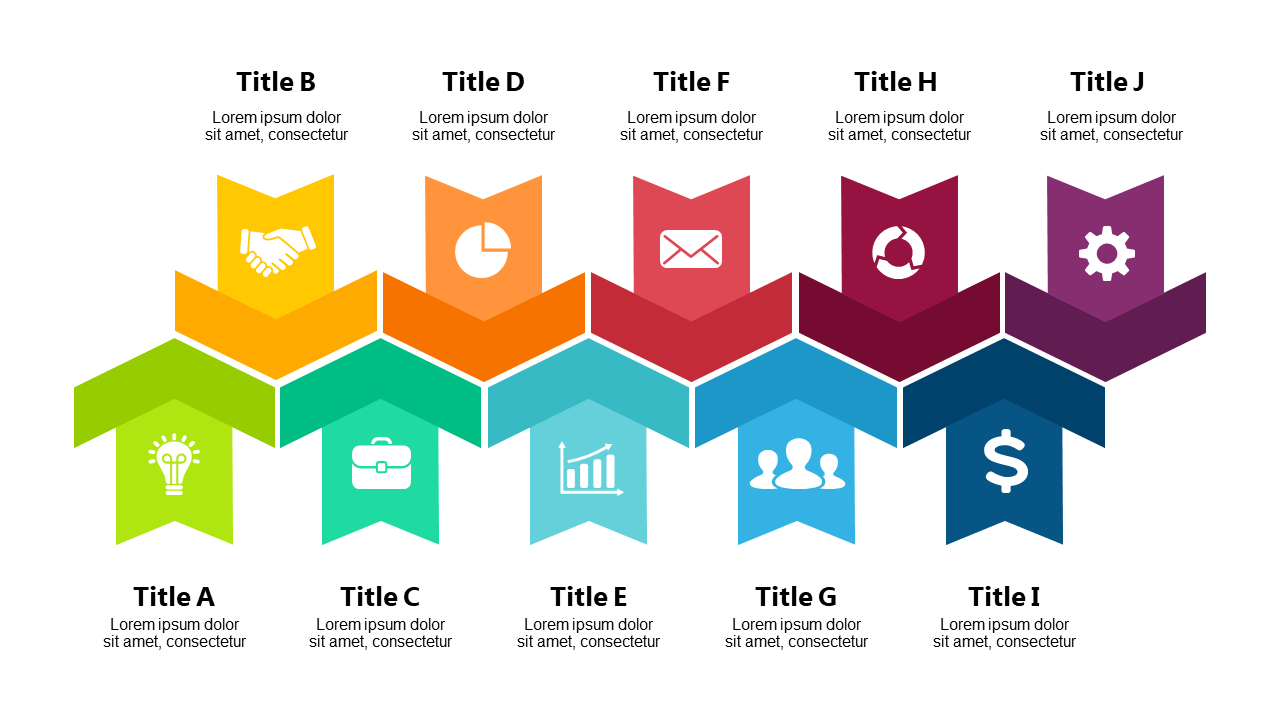
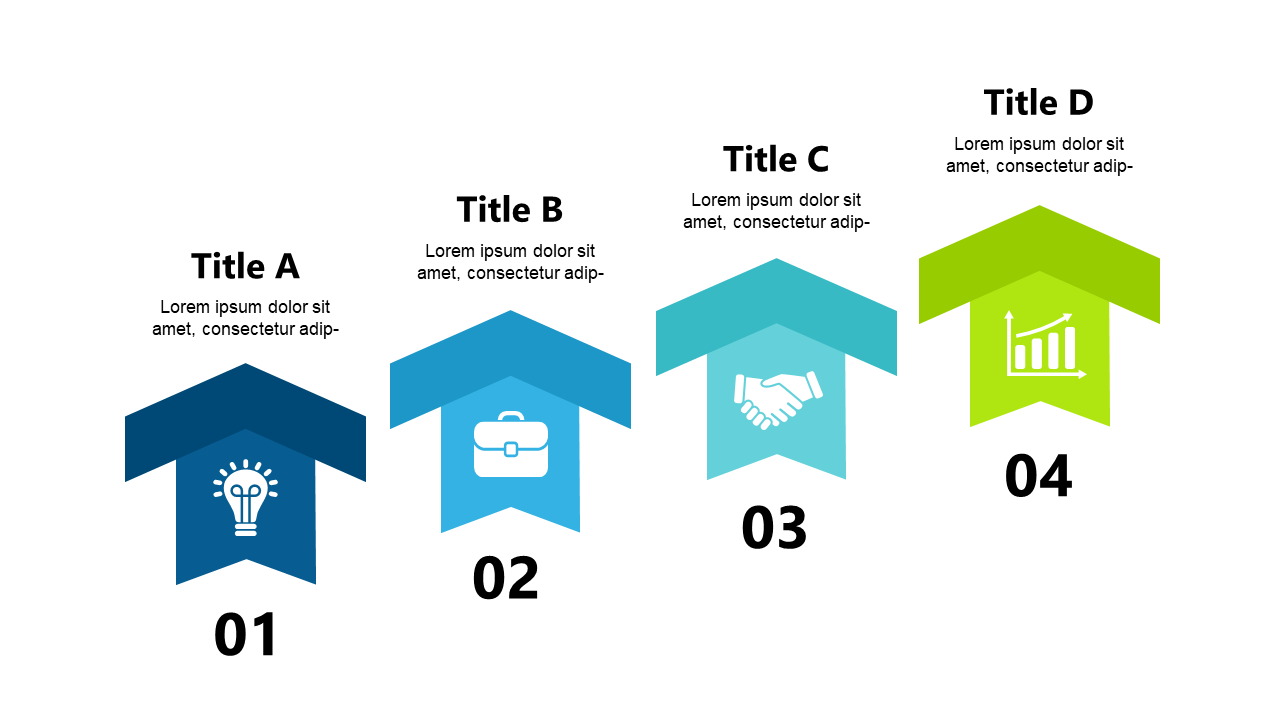
Professional Arrows & Steps PowerPoint Templates Professional Arrows & Steps PowerPoint Templates Professional Arrows & Steps PowerPoint Templates
🌗Light & Dark themes both included
✏️Edit in browser — no software needed
🔍Preview all 6 slides in PDF before buying
🛡7-Day Money-Back — zero risk
⚡Instant download — lifetime access

More Process Flow Slides

Add more from this category to your custom deck