SlideSwift
By Category
💼Business 📊Infographics □Minimal 🕐Timelines ✨Neumorphic 🗑Diagrams 🔄Flow Charts ✨Glassmorphism 🎨Creative 🌍Abstract 🔄Cycle Diagrams 💎Isometric 🖼Illustrations 📱Social Media 🗺MapsBy Slide Type
🚀Pitch Deck 📌Roadmap 🔍SWOT Analysis 📅Timeline 📈Gantt Chart 🏢Org Chart 📋Funnel ⚖Comparison 📄Case Study 📋Agenda ⭐Icons & Lists 👏Thank You
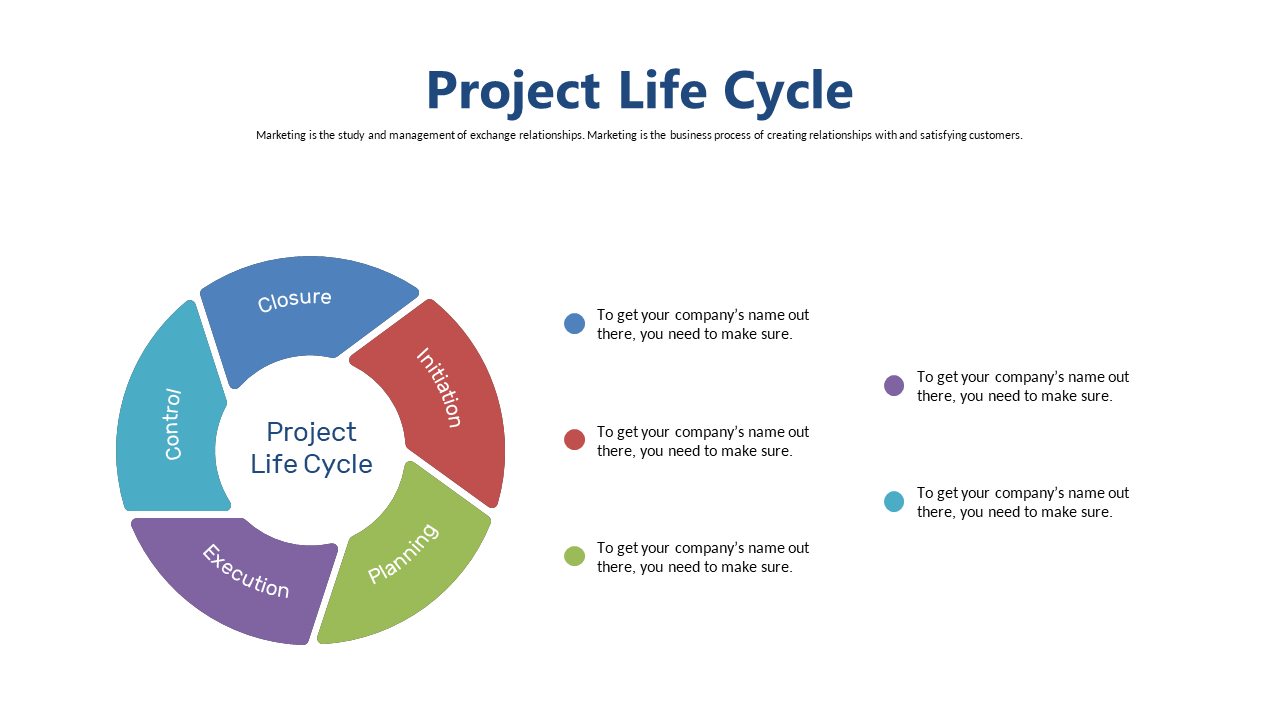
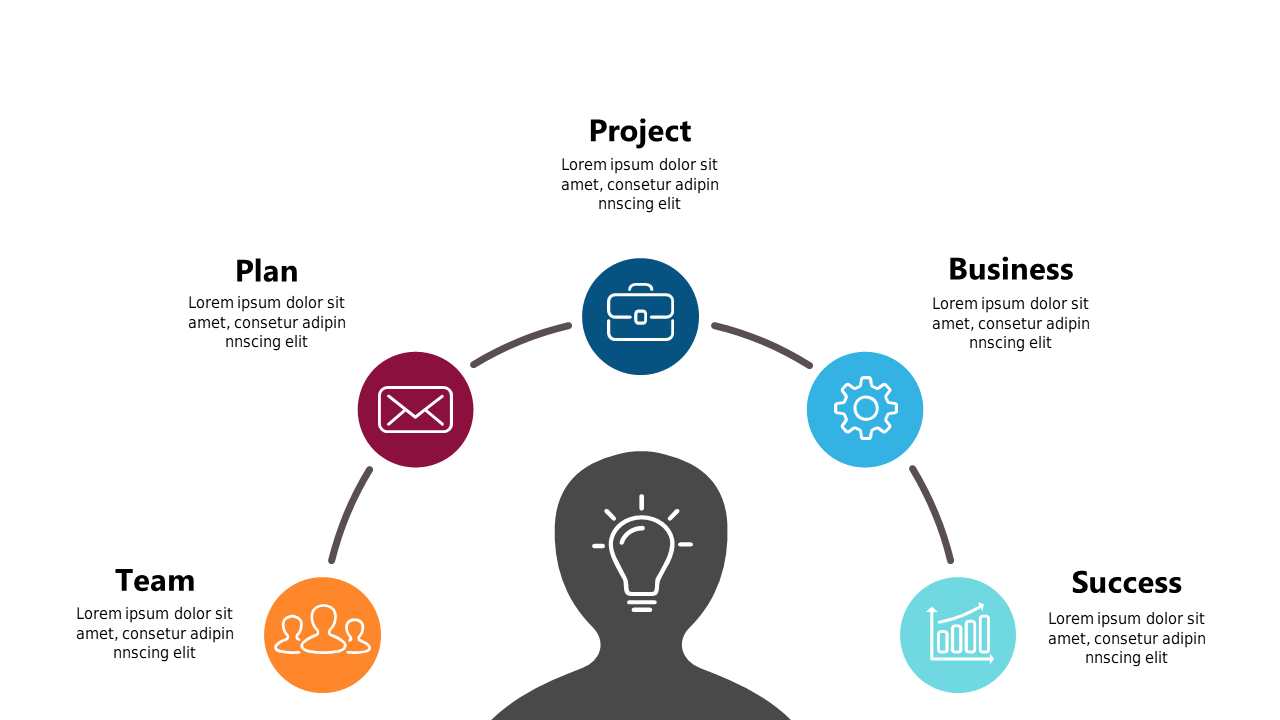
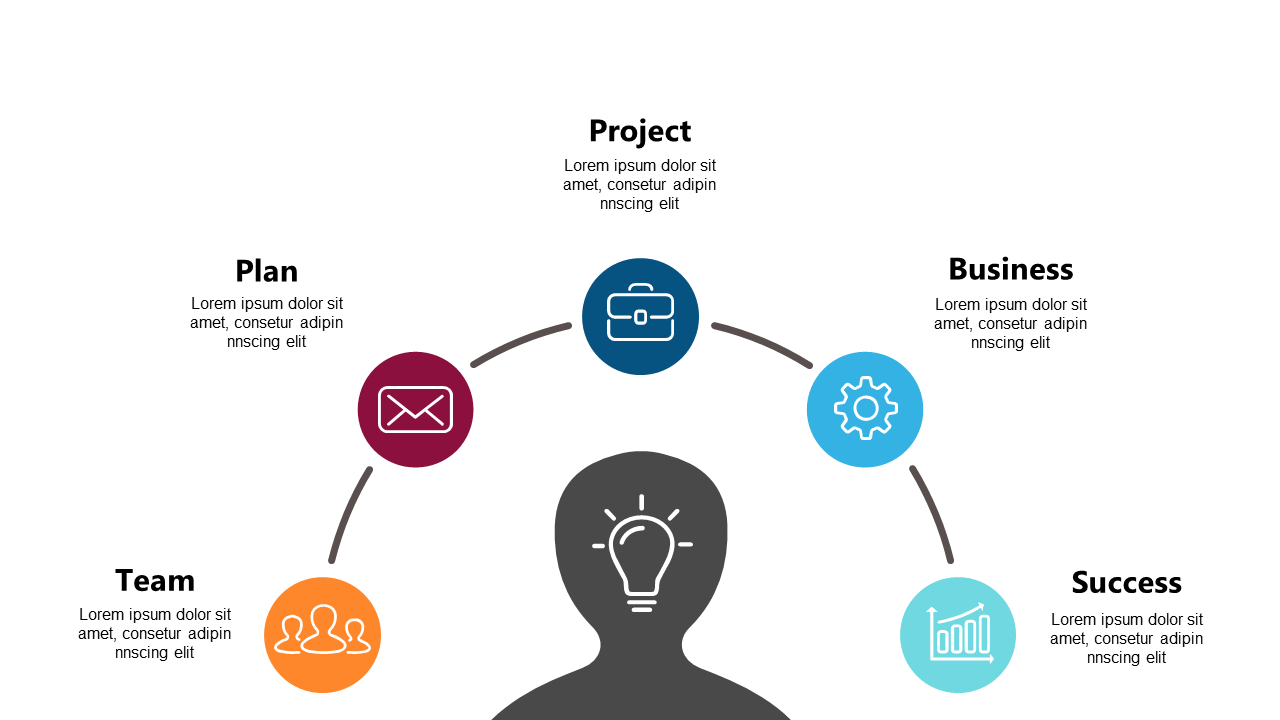
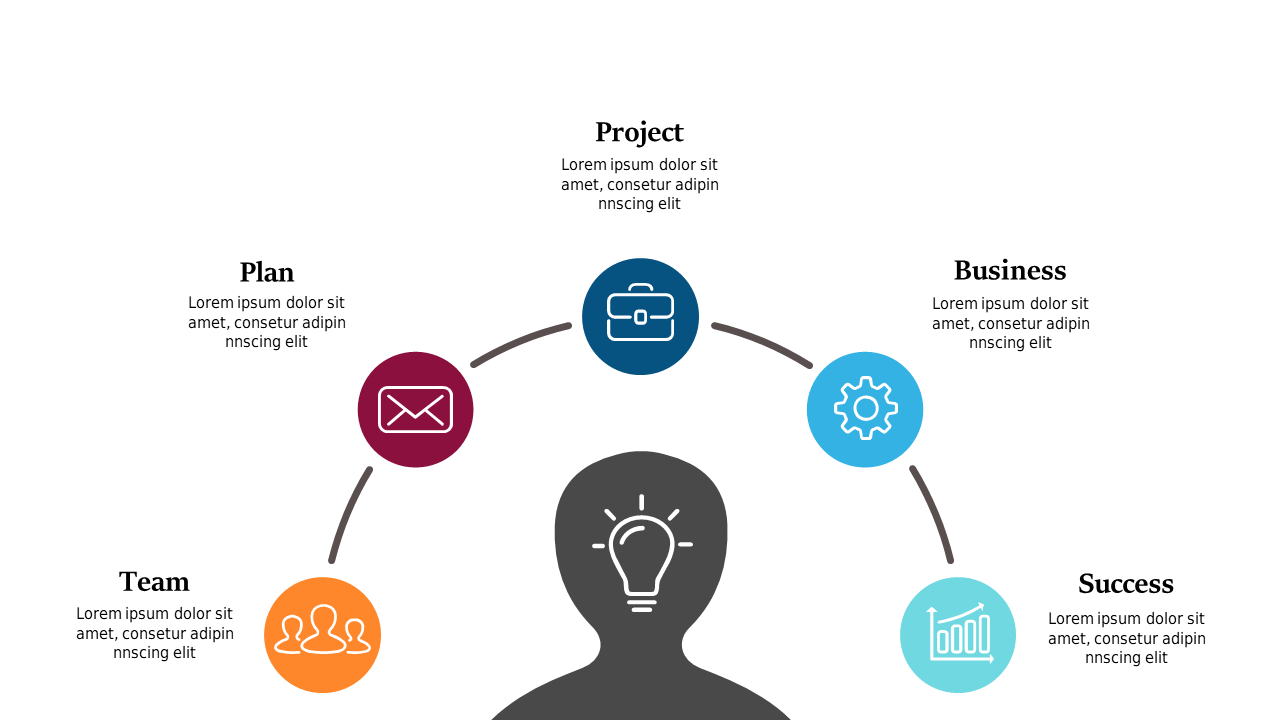
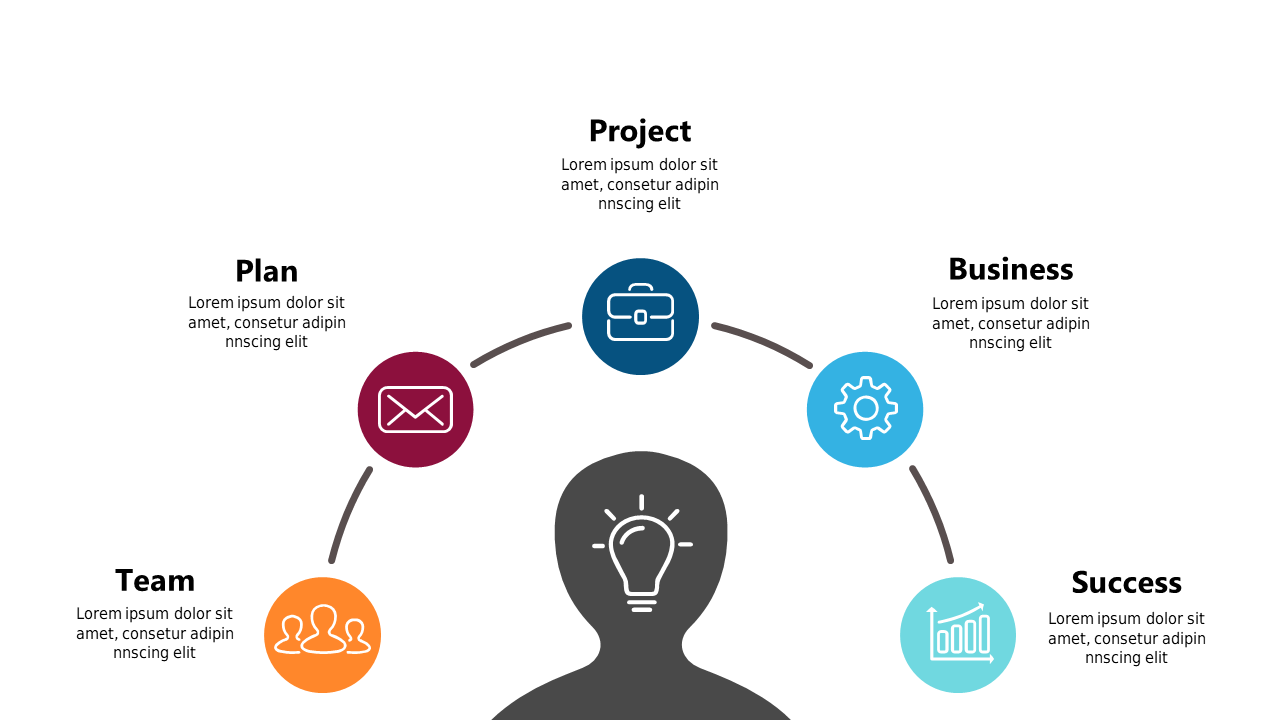
Navigating the complexities of project management can be challenging, especially when trying to convey the various stages of a project clearly. This editable circular diagram simplifies that task, illustrating key phases like Control, Execution, Planning, and Closure in a visually appealing format. This slide allows you to seamlessly integrate essential information into your PowerPoint presentation. As an operations manager, you can use this diagram to present an overview of your project life cycle during team meetings, ensuring everyone is aligned on objectives and timelines. Team leads can leverage this diagram to break down project phases for their teams, making it easier to communicate responsibilities and expectations. For project managers, this circular diagram serves as an effective tool to provide stakeholders with a concise view of project progress and activities. Plus, the slide is fully customizable, so you can adjust colors and text to fit your branding or specific project needs. $0.99 — add this single slide to any deck from the SlideSwift Slide Library. No subscription needed. Mix slides from any category to build your perfect deck.
Add more from this category to your custom deck