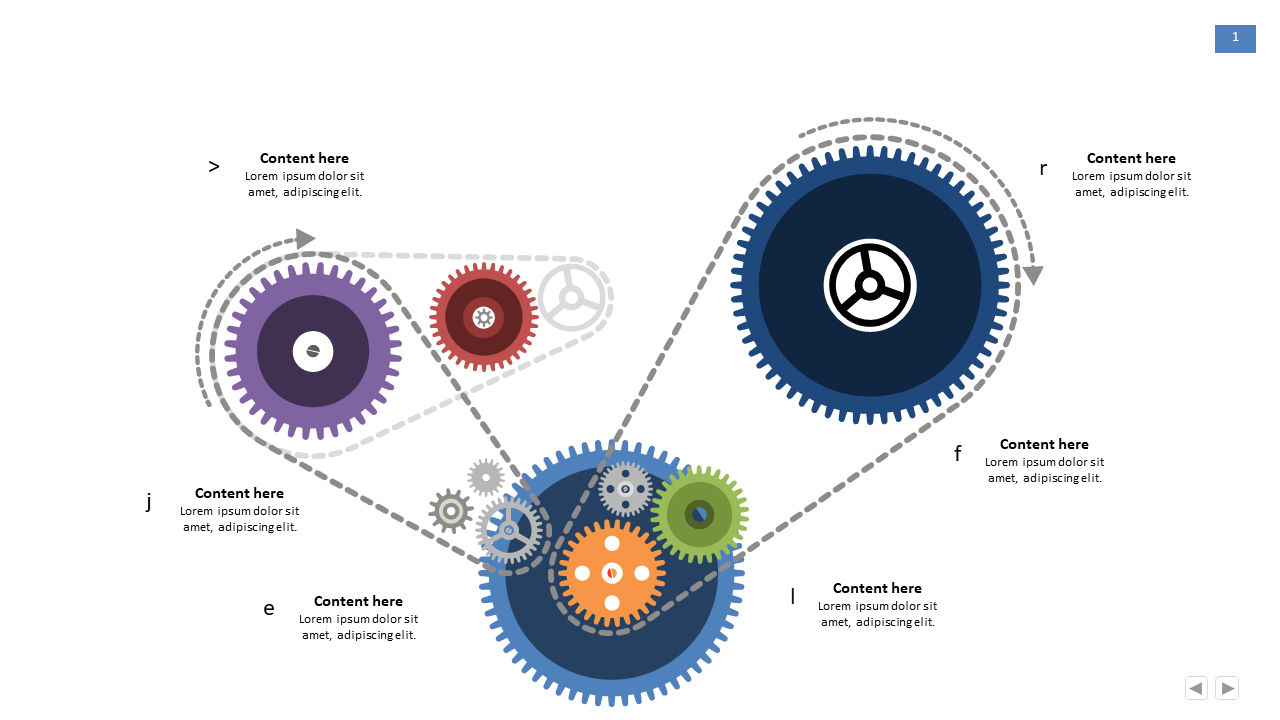
Illustrate Complex Workflows with Multi-Gear Layout
Product Description
Managing complex workflows often leads to confusion, especially when you need to explain multi-step processes to your team. The multi-gear layout is your solution for visually representing these intricate workflows in a straightforward and engaging manner, breaking down each segment for clear understanding.
This slide is ideal for project managers in tech companies presenting development cycles or operations managers explaining supply chain processes. You might also find it useful in team meetings where clarity in communication is crucial, like during sprint reviews or training sessions for new hires.
For just $0.99, you can instantly download this slide and start editing it in PowerPoint or Google Slides. With simple customization options, you’ll be ready to present in no time.
$0.99 – Purchase Checkout
Added to cart