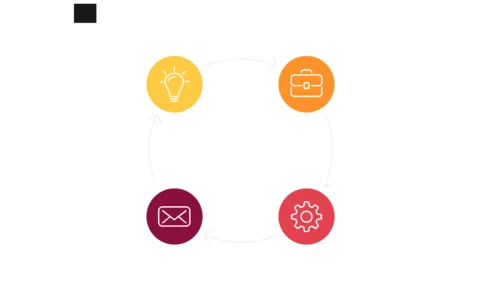
Visualize Workflows with Circular Process Layout

Product Description
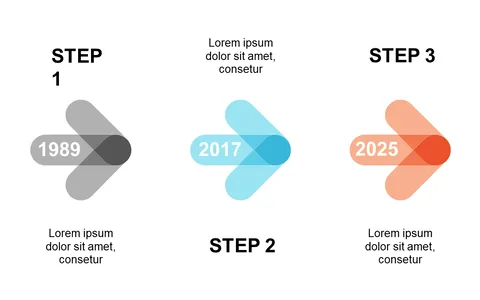
Navigating complex workflows can feel overwhelming, especially when you’re trying to keep your team aligned on tasks and responsibilities. This circular process layout effectively breaks down each phase of a project, allowing your audience to visualize the workflow without getting lost in the details.
You’ll find this layout particularly useful if you’re a project manager outlining a new initiative, a team leader discussing deliverables, or an operations manager refining processes. It’s perfect for meetings where clarity is essential, like kick-off sessions or progress updates, helping everyone stay on the same page.
For just $0.99, you can download this slide instantly and edit it easily in PowerPoint or Google Slides. It’s designed for quick customization, so you can tailor it to reflect your specific workflows in minutes.
$0.99 – Purchase Checkout
Added to cart