SlideSwift
By Category
💼Business 📊Infographics □Minimal 🕐Timelines ✨Neumorphic 🗑Diagrams 🔄Flow Charts ✨Glassmorphism 🎨Creative 🌍Abstract 🔄Cycle Diagrams 💎Isometric 🖼Illustrations 📱Social Media 🗺MapsBy Slide Type
🚀Pitch Deck 📌Roadmap 🔍SWOT Analysis 📅Timeline 📈Gantt Chart 🏢Org Chart 📋Funnel ⚖Comparison 📄Case Study 📋Agenda ⭐Icons & Lists 👏Thank You
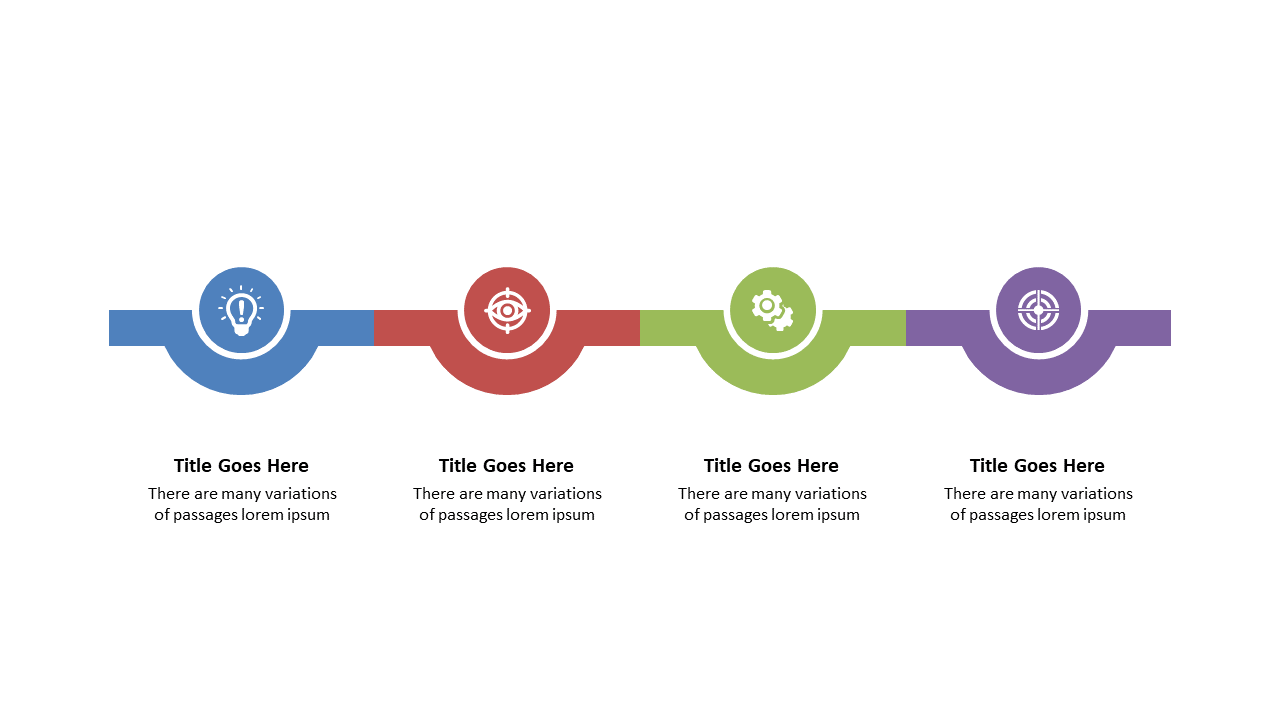
In today’s fast-paced environment, presenting complex ideas simply is essential. The hexagonal icons layout with descriptive text sections provides a visually striking way to organize information. Imagine integrating this slide into your next PowerPoint presentation to clearly convey your strategy or project plan. Visually, you’ll see an array of hexagonal icons that draw the eye and pair seamlessly with tailored text sections to explain each concept. For an operations manager, this layout can simplify the presentation of process improvements or workflow changes, making it easier for stakeholders to grasp key points. A business analyst can utilize this slide to break down data insights into digestible pieces, allowing for a more engaging discussion. An architect might present design concepts, using the hexagonal icons to represent different elements of a project. Customizing this slide is straightforward; simply edit the icons and text to align with your specific content. $0.99 — add this single slide to any deck from the SlideSwift Slide Library. No subscription needed. Mix slides from any category to build your perfect deck.
Add more from this category to your custom deck