SlideSwift
By Category
💼Business 📊Infographics □Minimal 🕐Timelines ✨Neumorphic 🗑Diagrams 🔄Flow Charts ✨Glassmorphism 🎨Creative 🌍Abstract 🔄Cycle Diagrams 💎Isometric 🖼Illustrations 📱Social Media 🗺MapsBy Slide Type
🚀Pitch Deck 📌Roadmap 🔍SWOT Analysis 📅Timeline 📈Gantt Chart 🏢Org Chart 📋Funnel ⚖Comparison 📄Case Study 📋Agenda ⭐Icons & Lists 👏Thank You
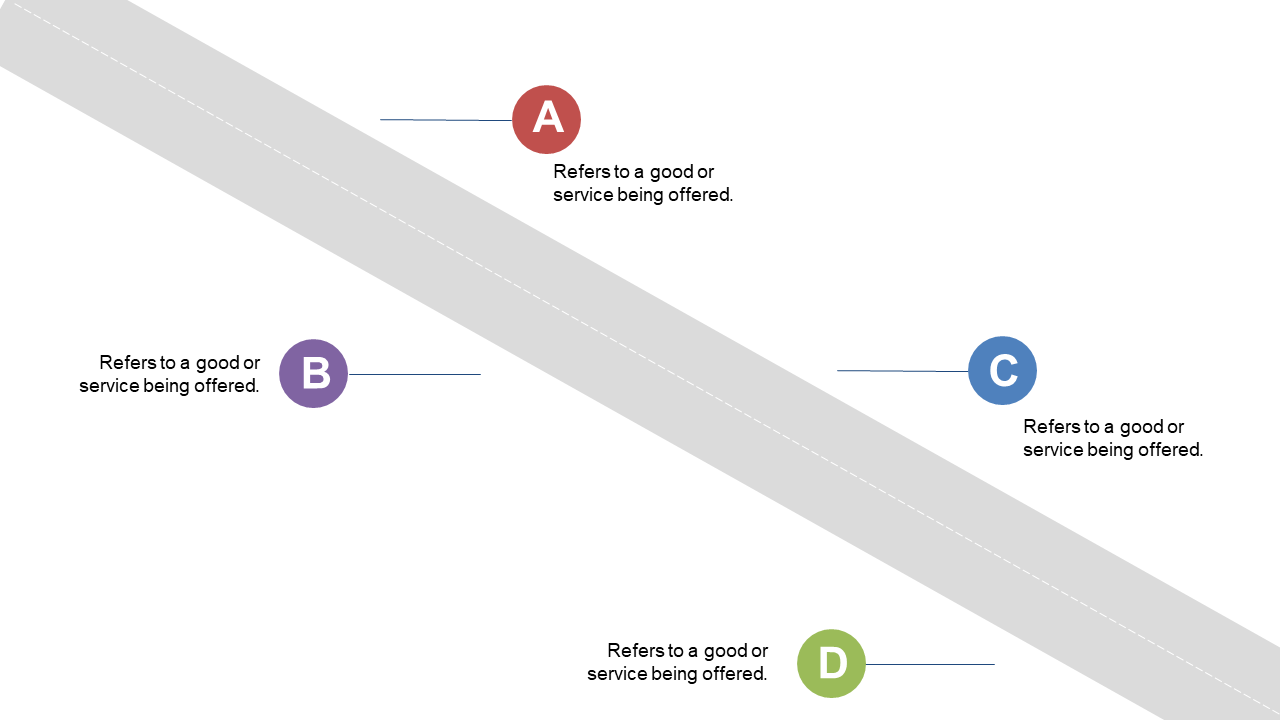
When you’re tasked with presenting a complex process, you need a clear way to communicate the flow. The diagonal steps layout offers a visually appealing arrangement that allows your audience to easily follow each stage. With labeled steps flowing diagonally, this slide can highlight the sequential nature of your process, making it simple for anyone to grasp. For project managers, this slide is perfect for mapping out project phases while keeping stakeholders engaged. Business analysts will find it useful for illustrating data processes, showcasing each step in a way that makes data-driven decisions easier to communicate. Team leads can effectively demonstrate workflow improvements, ensuring that team members understand their roles in the process. The layout can also be customized to match your brand colors and adjust labels as needed. $0.99 — add this single slide to any deck from the SlideSwift Slide Library. No subscription needed. Mix slides from any category to build your perfect deck.
Add more from this category to your custom deck